
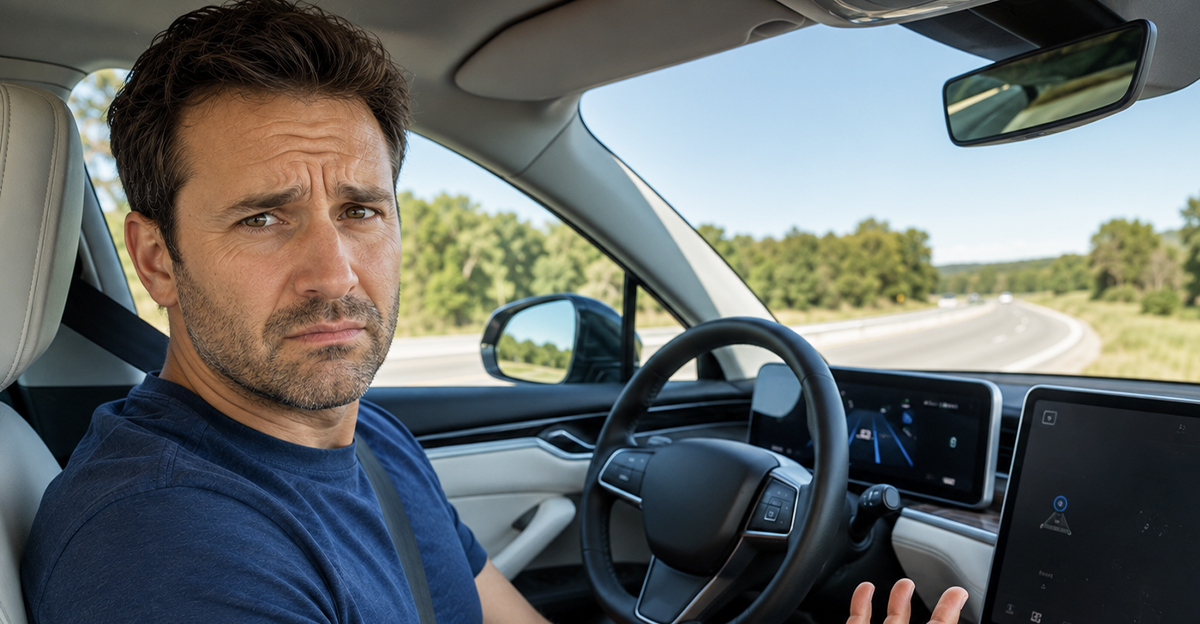
The Commercial Showed Freedom, The Dashboard Showed “Unavailable”
The advertisement made hands-free driving look simple: enter the highway, press a button, and let the vehicle handle the tedious part of the trip. Then the system refused to activate on roads that seemed perfectly suitable. The feature may still be working exactly as designed, but the gap between marketing language and everyday operation can leave buyers feeling as though an important limitation was buried.
“Hands-Free” Doesn’t Mean Self-Driving
Most hands-free systems sold on consumer vehicles are still partial driving automation, commonly described as Level 2 assistance. They may control steering, acceleration, and braking at the same time, but the human driver remains responsible for watching the road and taking over immediately. Ford explicitly describes BlueCruise as driver assistance rather than full self-driving technology.

The Driver Is Still In Charge
Even when the steering wheel appears to be doing the work, the system hasn’t become the legal or practical driver. You still have to monitor traffic, road conditions, construction, emergency vehicles, and anything the technology may misunderstand. Hands-free refers to hand position, not freedom from responsibility.

Many Systems Depend On Approved Roads
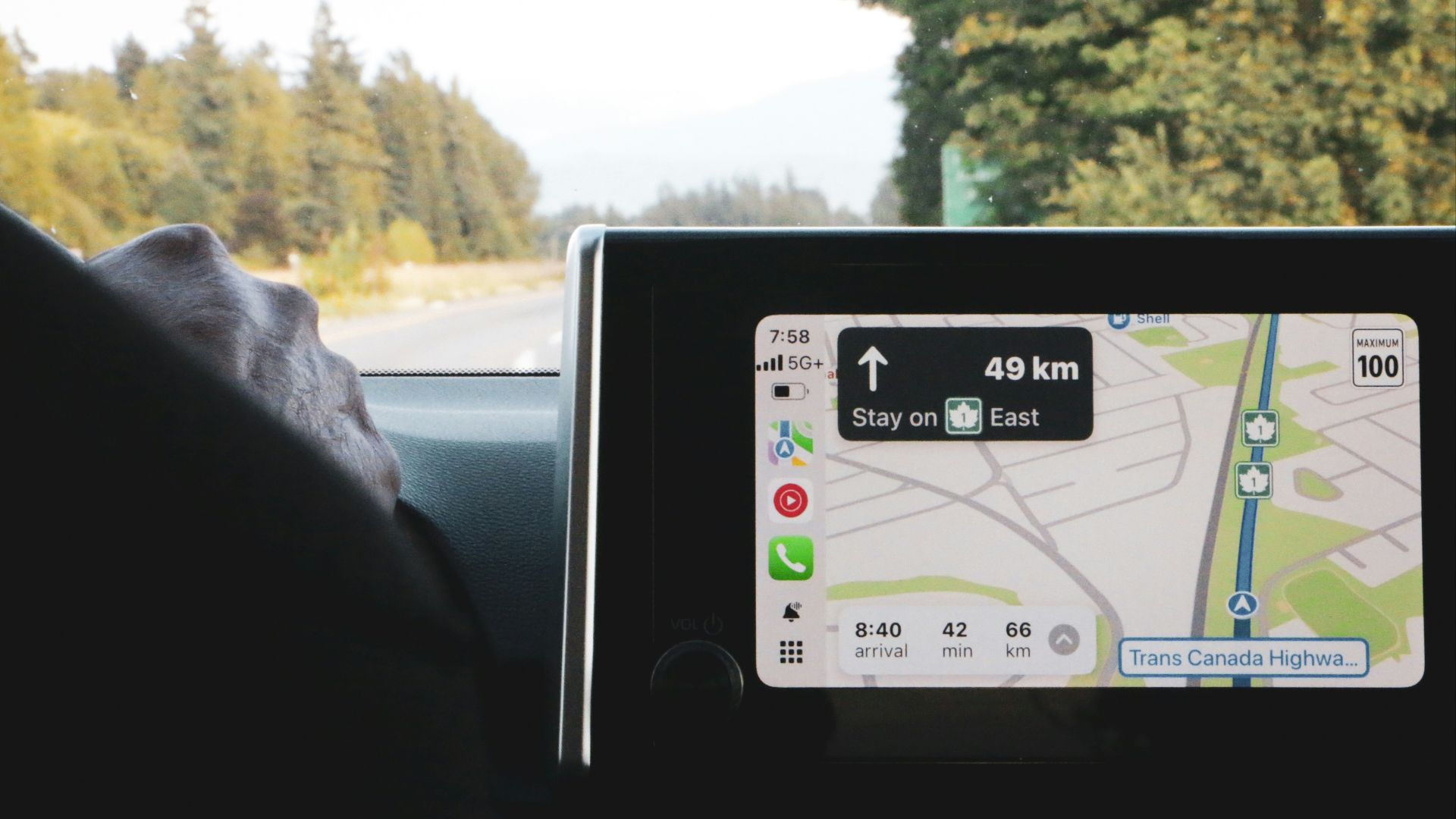
Some hands-free features work only on roads that the manufacturer has mapped, tested, and approved. Ford calls its compatible sections Hands-Free Blue Zones, while General Motors describes Super Cruise roads as compatible roads. The vehicle checks its location before deciding whether hands-free operation is available.
 Dithira Hettiarachchi, Unsplash
Detailed Maps Provide More Than Directions
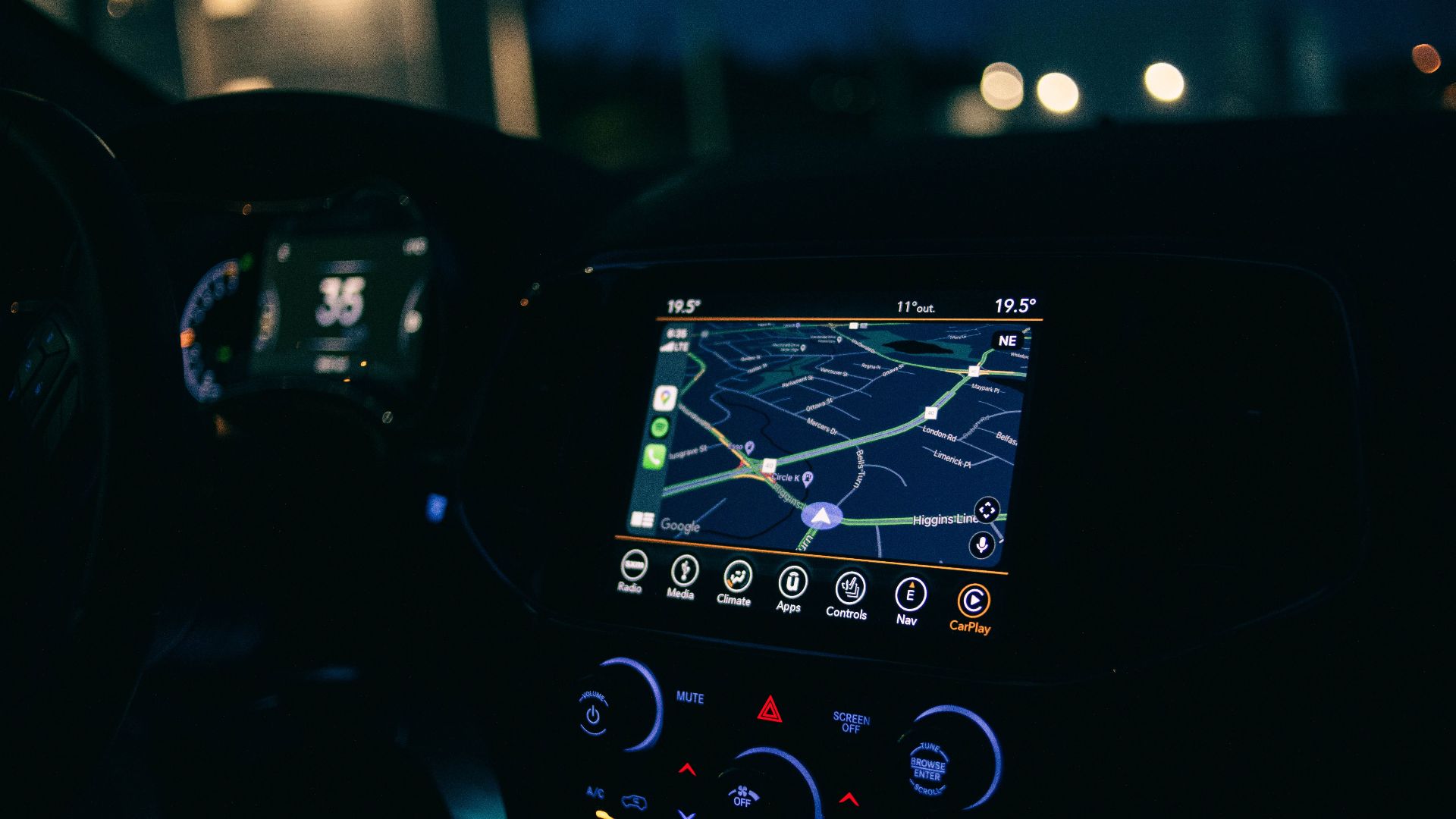
These systems may use high-definition map information about lane geometry, curves, road boundaries, interchanges, and other features. The map works alongside cameras, radar, GPS, and onboard software. If the road isn’t in the approved database, the manufacturer may not allow hands-free steering even when ordinary navigation knows the route.
A Highway Can Look Suitable But Still Be Excluded
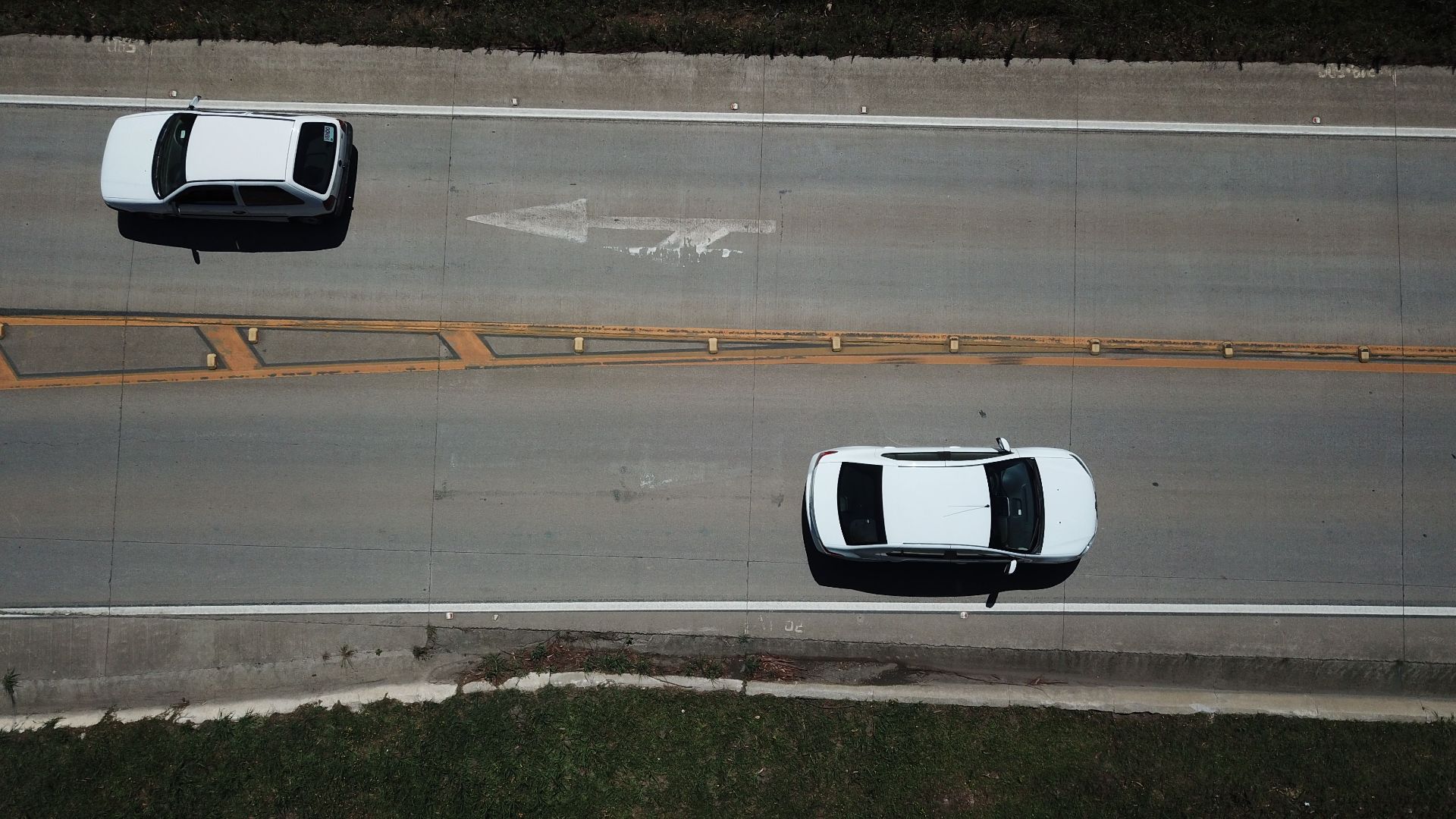
Two divided highways may look almost identical to the driver, yet only one supports hands-free operation. The excluded road may not have been mapped, recently verified, or approved for that vehicle’s software version. It may also contain intersections, unusual lane patterns, or other conditions that make reliable operation harder.
 Wellington Vieira dos Santos, Pexels
Controlled-Access Roads Are Easier To Predict
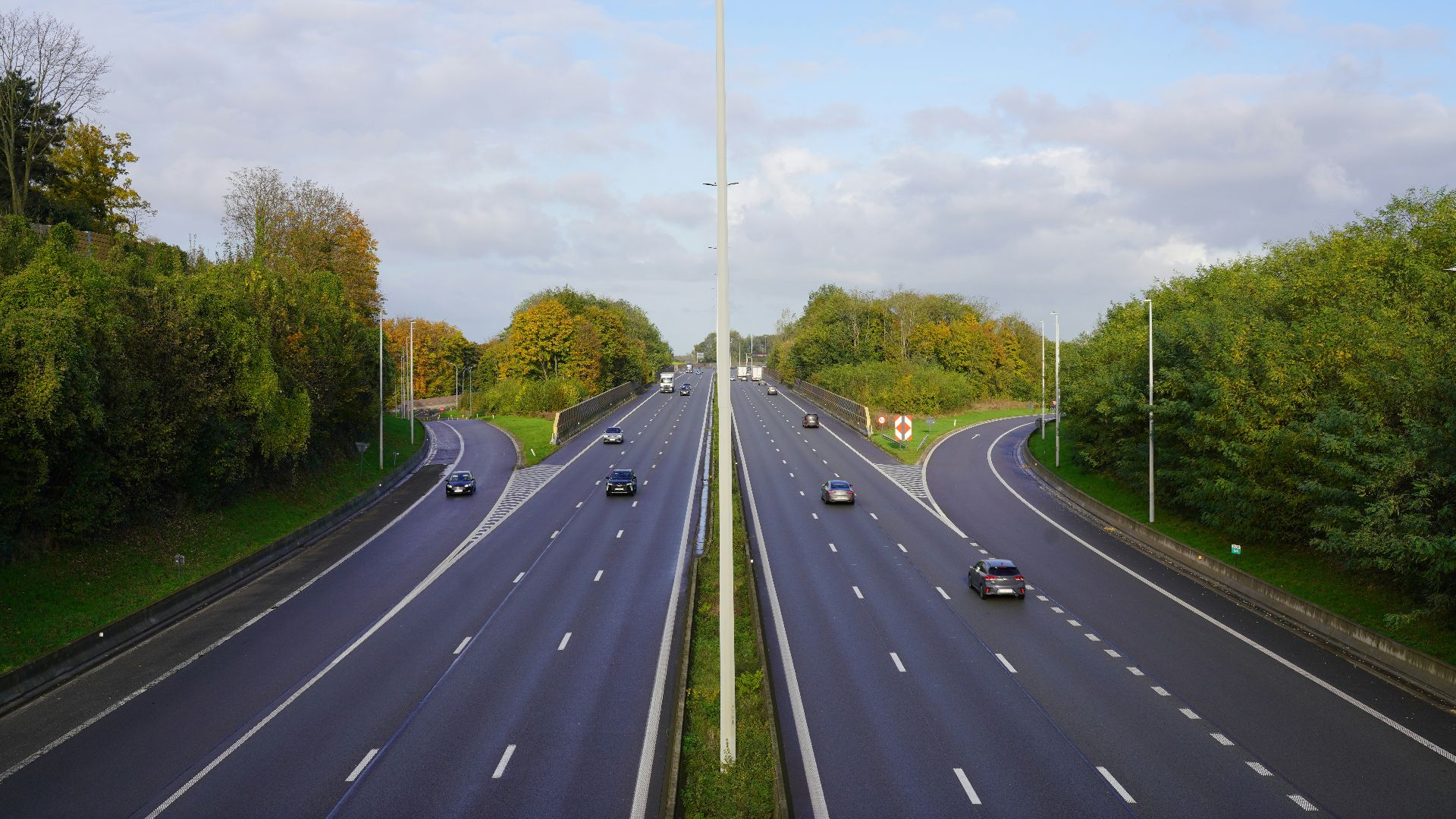
Limited-access highways generally have fewer pedestrians, driveways, cyclists, stop signs, and vehicles crossing the travel lane. Traffic usually moves in the same direction, and entrances are concentrated at interchanges. That simpler environment gives a partial automation system fewer unexpected situations to manage.
Surface Streets Are Far More Complicated
City roads can include parked cars, turning traffic, delivery vehicles, construction, pedestrians, bicycles, and signals that change quickly. Even excellent lane-centering technology may not be designed to interpret all those situations. Restricting hands-free use can therefore be an intentional safety boundary rather than a missing feature.

Visible Lane Markings Still Matter
Mapped-road approval doesn’t guarantee the system will remain active. Faded paint, temporary construction lines, snow, standing water, glare, or debris can prevent the forward camera from identifying the lane. General Motors lists visible lane markings among the conditions required for Super Cruise operation.

Weather Can Make An Approved Road Unusable
Heavy rain, snow, fog, spray, or direct sunlight may obstruct cameras and reduce the reliability of other sensors. A compatible road can therefore become temporarily incompatible with the current conditions. Some manufacturer guidance specifically warns against using hands-free assistance in poor weather or limited visibility.

Construction Zones Create Too Much Uncertainty
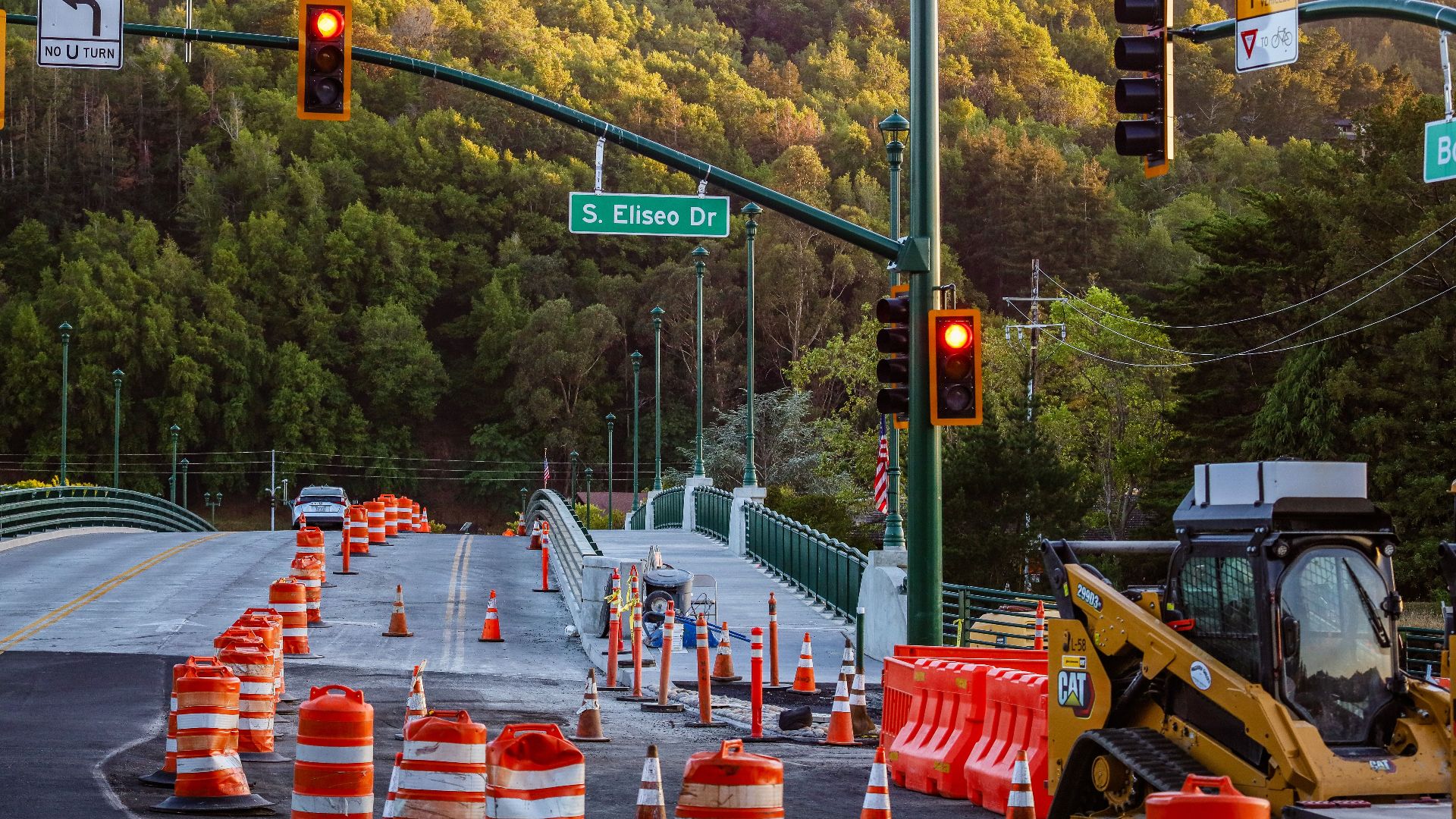
Temporary barriers, shifted lanes, workers, uneven pavement, and conflicting road markings can confuse automated steering systems. The digital map may describe the normal road rather than the temporary layout. Drivers should expect the feature to disengage or avoid activating it in construction areas.
Sharp Curves Can Exceed The System’s Limits
A road can be mapped while still containing a curve the vehicle decides it shouldn’t negotiate hands-free. Speed, lane width, visibility, and curve geometry all affect that judgment. The driver may receive a takeover warning before the bend even though the system worked normally on the preceding section.

Tunnels Can Interrupt Important Signals
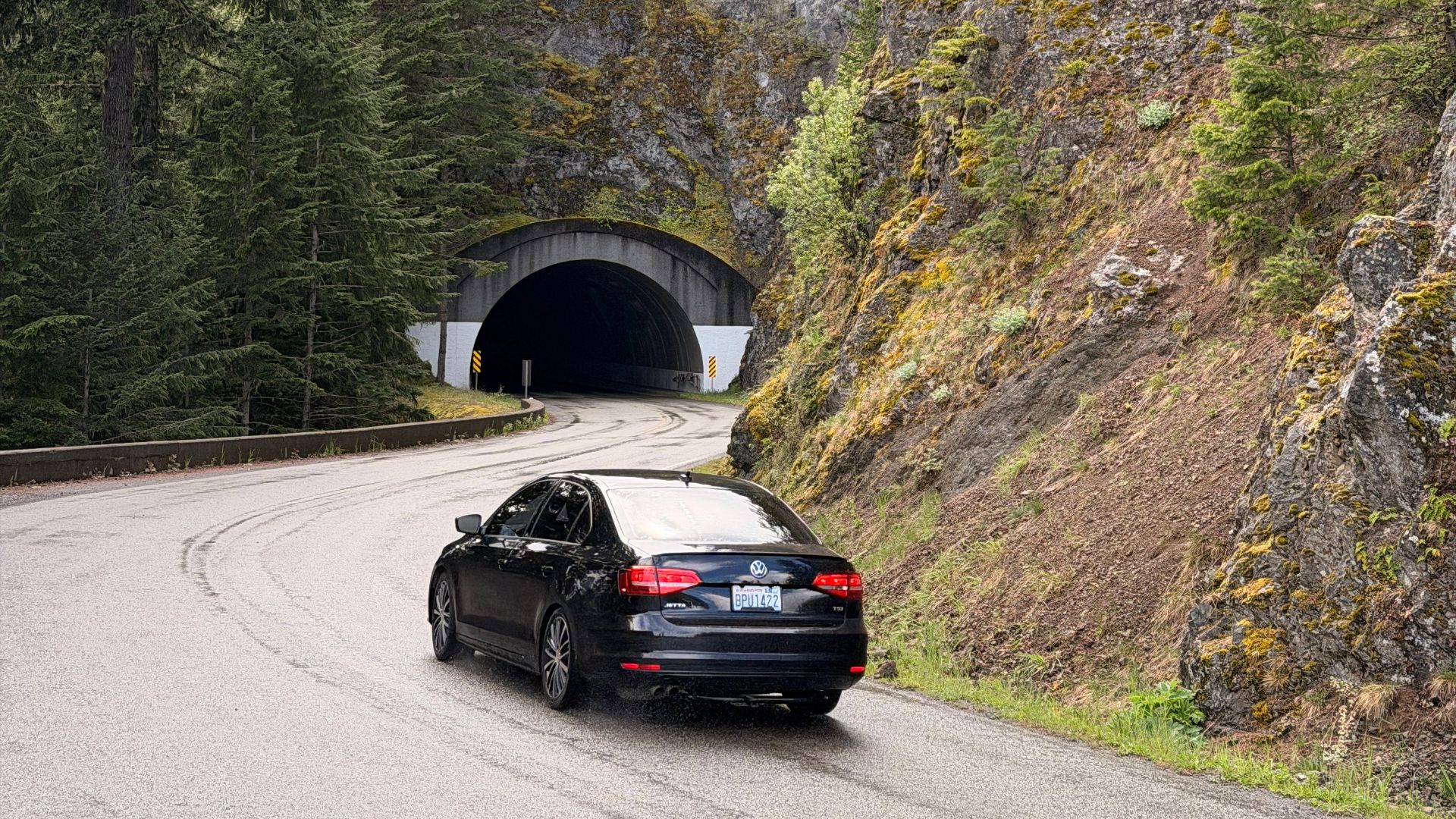
Tunnels may interfere with GPS reception and change lighting conditions abruptly. Cameras can also struggle during the transition from bright daylight to a darker tunnel. Depending on the system and road, hands-free operation may become unavailable until the vehicle returns to conditions it can verify.
Intersections Often End Hands-Free Operation
Some approved routes include sections where traffic signals, stop signs, or cross traffic appear. The system may return control before those areas because it isn’t designed to negotiate them hands-free. General Motors advises against relying on Super Cruise when approaching intersections controlled by traffic devices.
 https://kaboompics.com/, Pexels
The Road Database Keeps Changing
Manufacturers continue adding compatible mileage through map updates and system development. A road that doesn’t support the feature today may be added later, while temporary changes can also affect availability. Owners should check the current manufacturer map rather than assuming the original sales brochure remains accurate forever.
Software Versions Can Change Capability
Two vehicles with the same hardware may behave differently if one has newer software or a different subscription package. Updates can add roads, improve lane changes, or refine how the vehicle handles curves. They can also alter the conditions under which hands-free operation is permitted.
A Subscription May Be Required
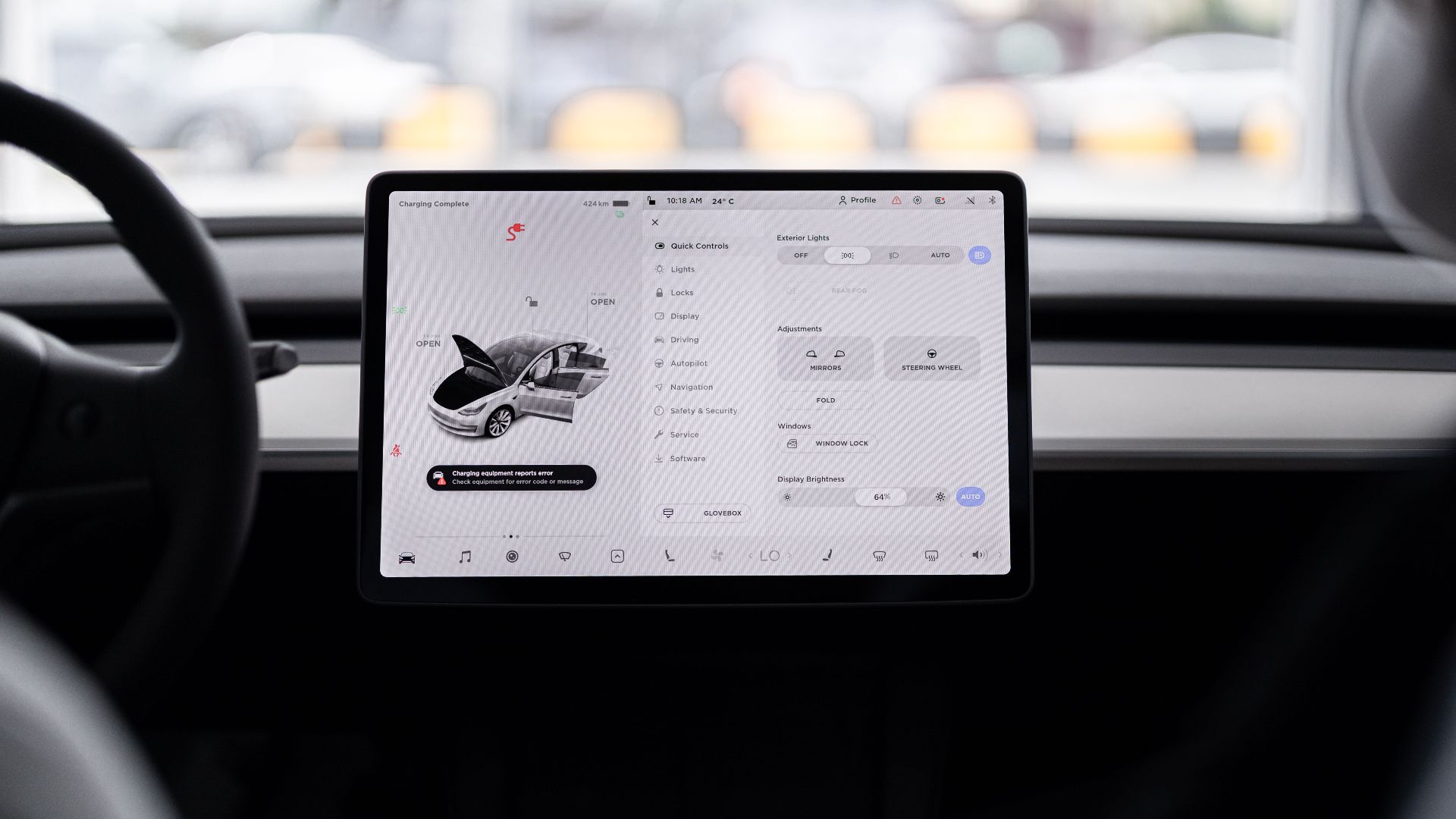
Some vehicles include the hardware but require an active trial, subscription, or connected-services plan for continued hands-free use. Ford currently offers multiple BlueCruise purchase and subscription options, for example. Buyers should separate the cost of installing the equipment from the cost of keeping the service active.
Advertising Usually Highlights The Best Scenario
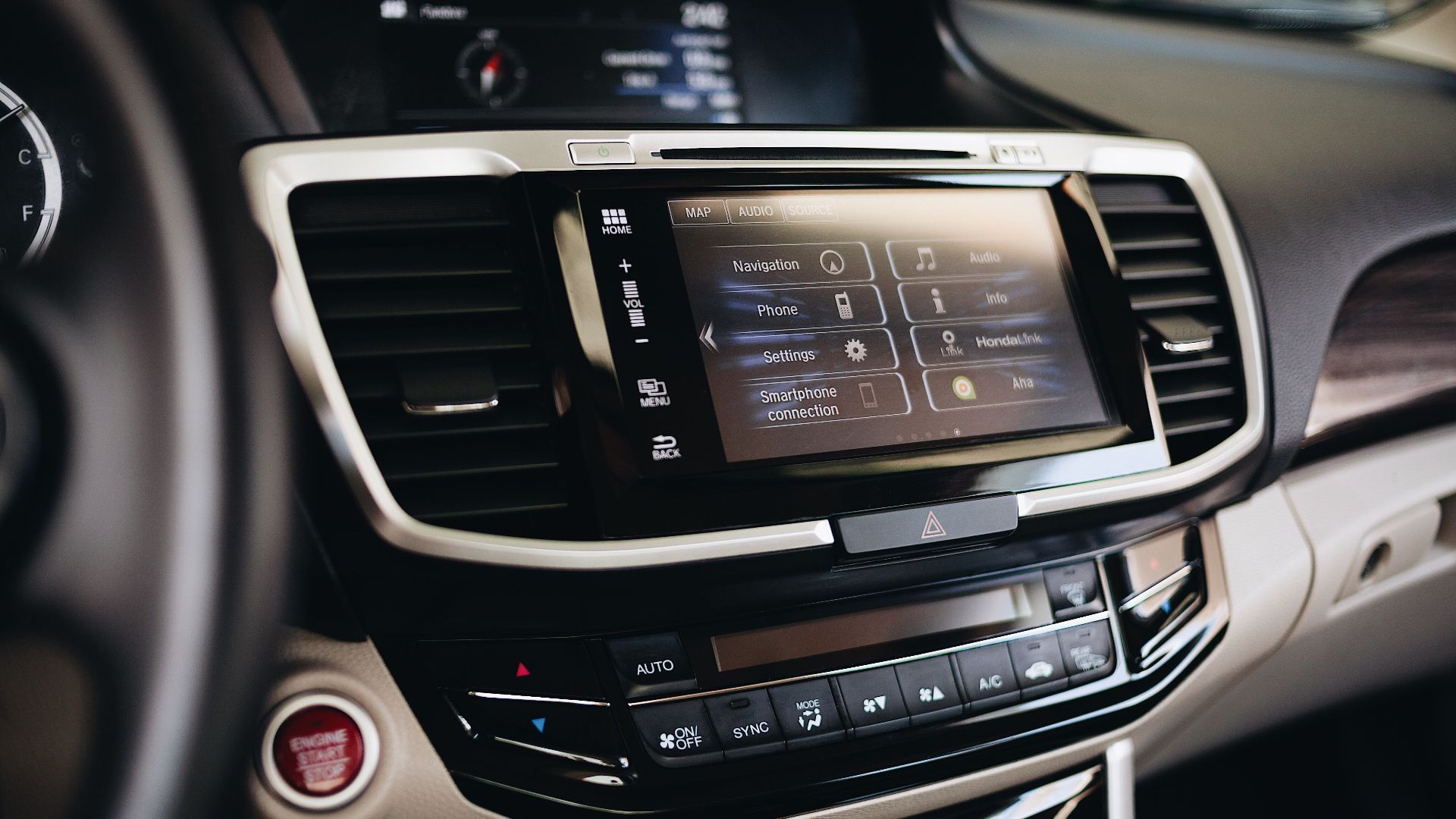
Commercials naturally show the feature working on the roads and in the conditions where it performs best. The compatible-road language may appear in a disclaimer, product page, or owner’s manual rather than the central message. That may satisfy disclosure requirements while still leaving shoppers with an overly broad impression.

The System Names Can Add Confusion
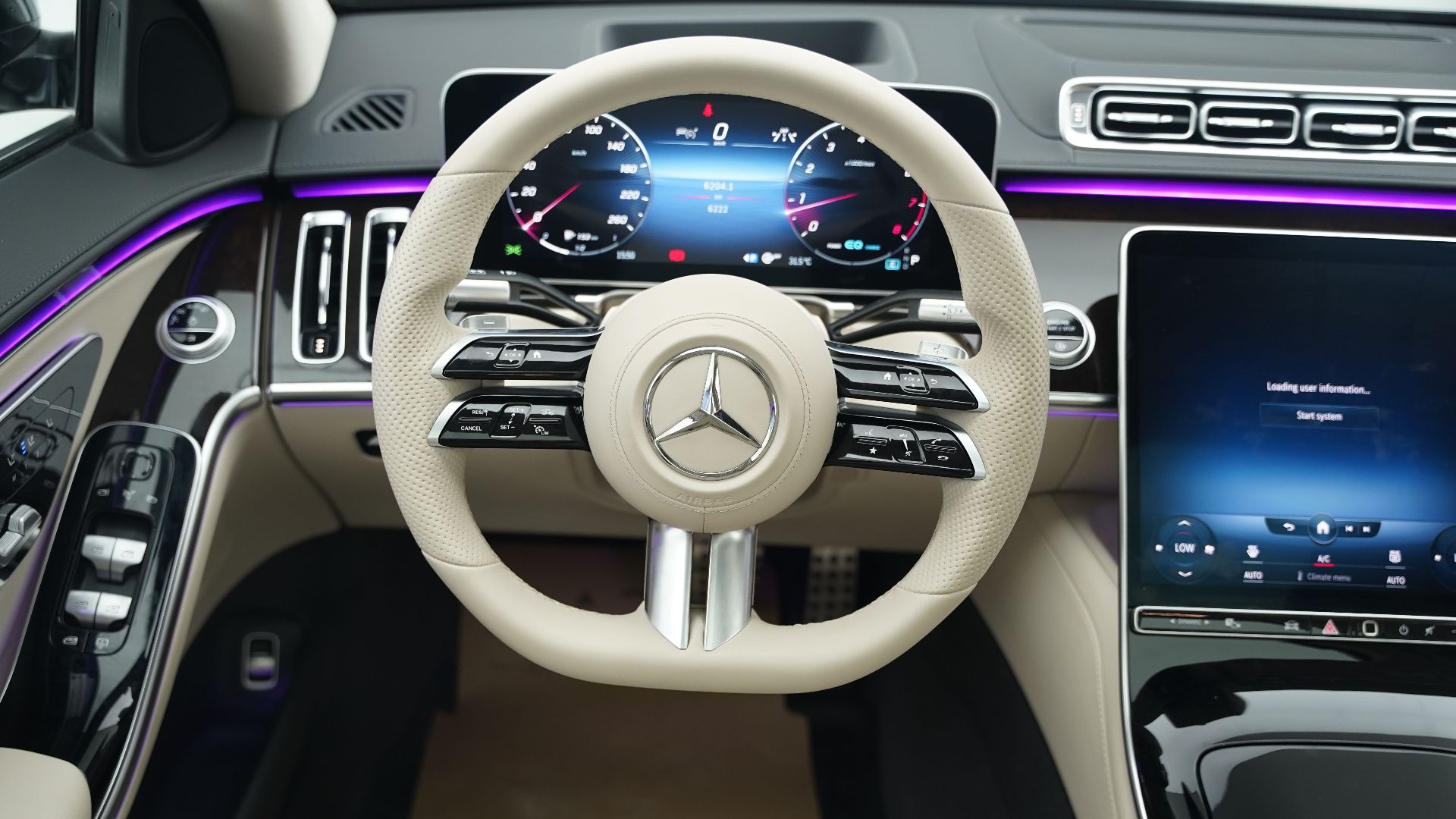
Terms such as “Autopilot,” “Pilot Assist,” “Highway Driving Assist,” and “Super Cruise” can sound more capable than the underlying technology really is. Consumer Reports evaluates these products as active driving assistance systems, emphasizing not only performance but also how clearly they communicate their limits.
Check The Compatibility Map Before Buying
A demonstration on the highway near the dealership may not reflect the roads you use every day. Before purchasing, open the manufacturer’s current coverage map and check your commute, regular road trips, and nearby highways. A system with impressive national coverage may offer little value if your actual routes remain unsupported.

Take A Realistic Test Drive
Ask to test the feature on several roads you commonly travel, not just one dealership-selected stretch. Pay attention to how often it activates, where it disengages, and how much warning it gives before returning control. The quality of those transitions may matter more than the length of the compatible-road list.

Learn Every Dashboard Signal
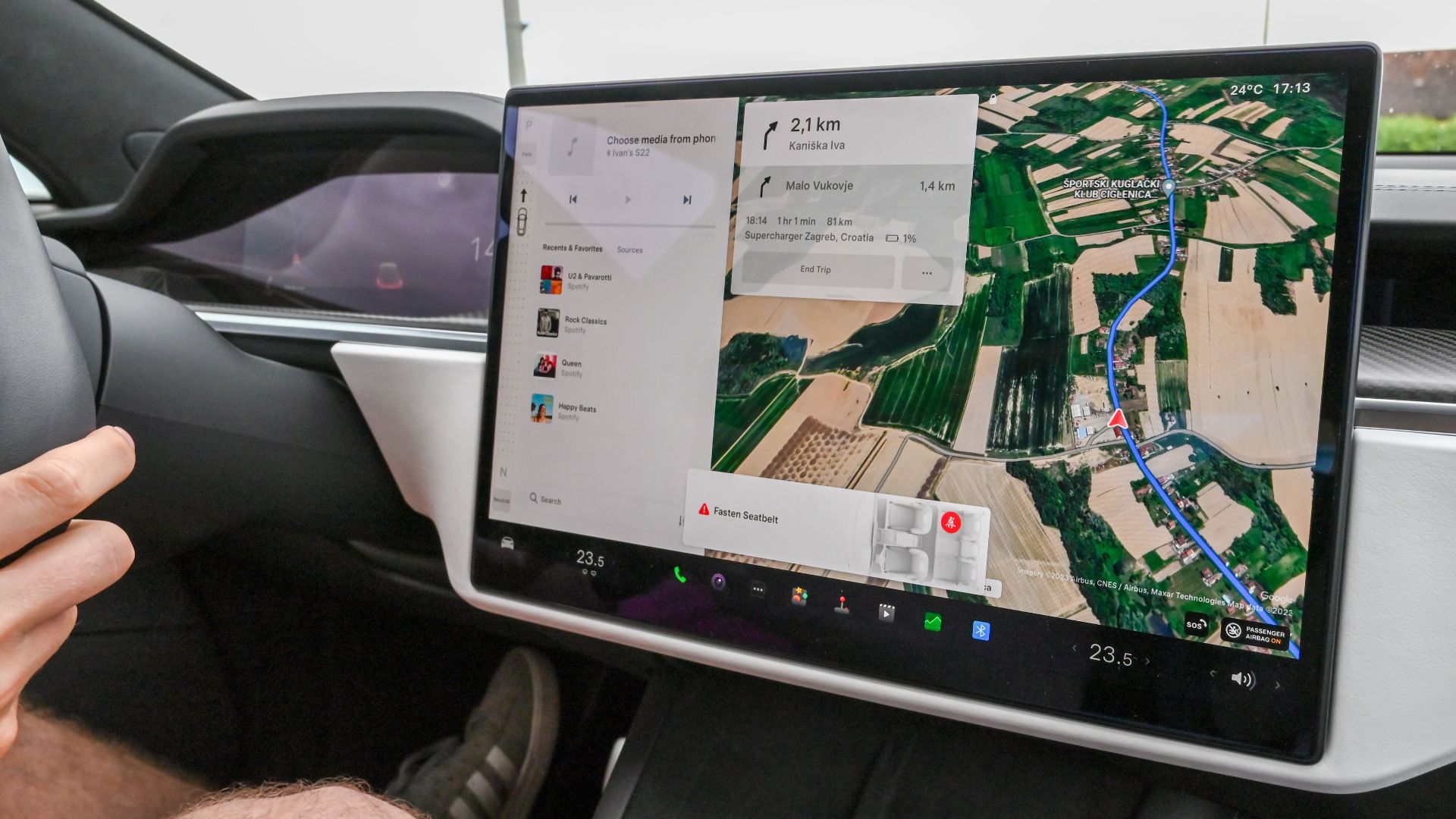
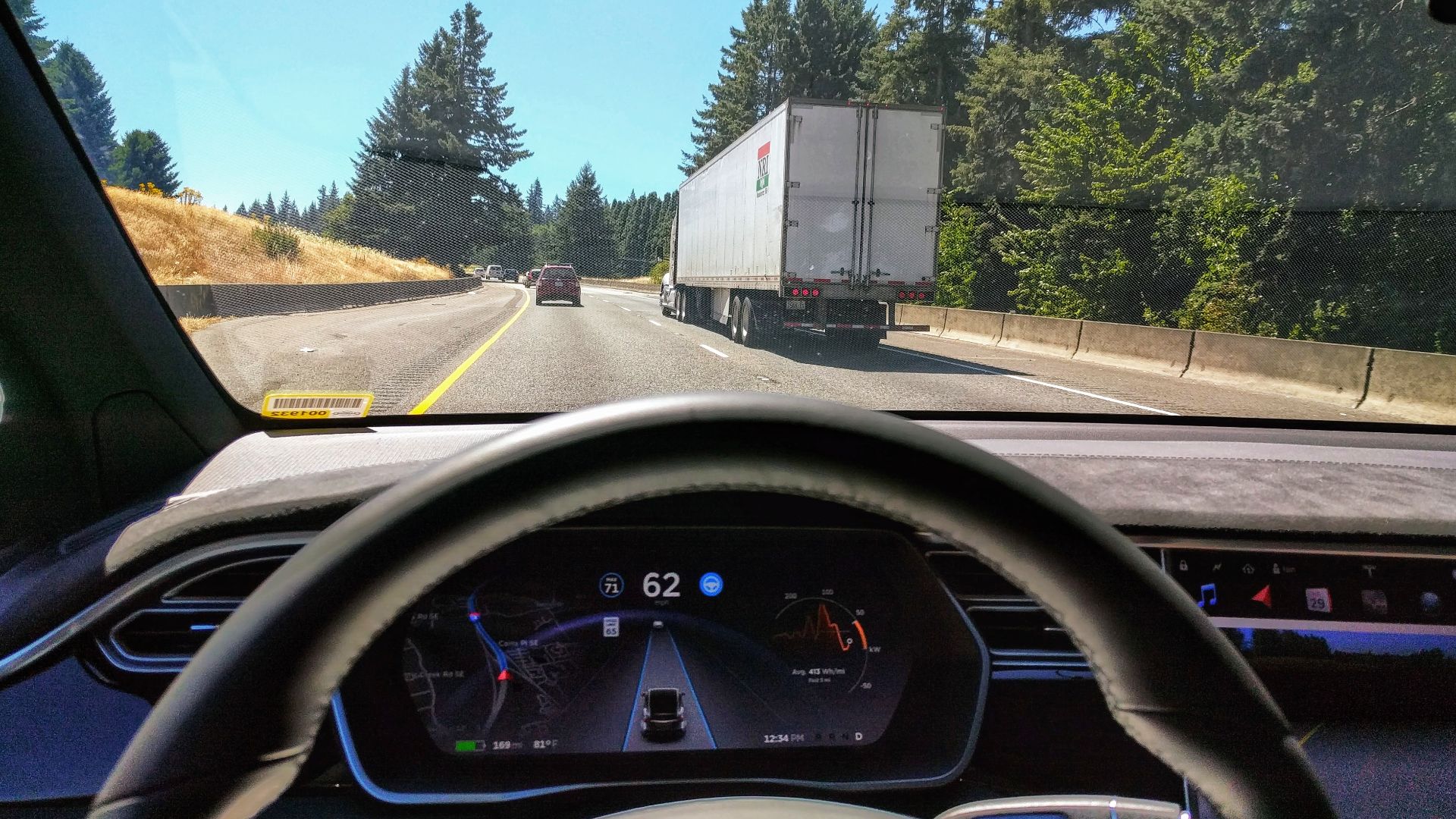
Hands-free systems use instrument-cluster colors, steering-wheel lights, tones, and messages to indicate whether they are available, active, or preparing to disengage. Learn those signals before relying on the feature during a long trip. A driver who mistakes “available” for “engaged” could release the wheel before the vehicle is actually steering.
 Ian Maddox , Wikimedia Commons
Keep The Driver Camera Clear
Many systems use an inward-facing camera to confirm that the driver is looking at the road. Sunglasses, hats, poor seating position, objects near the steering column, or a dirty camera lens may interfere with monitoring. If the system can’t verify attention, it may issue warnings or disable hands-free operation.
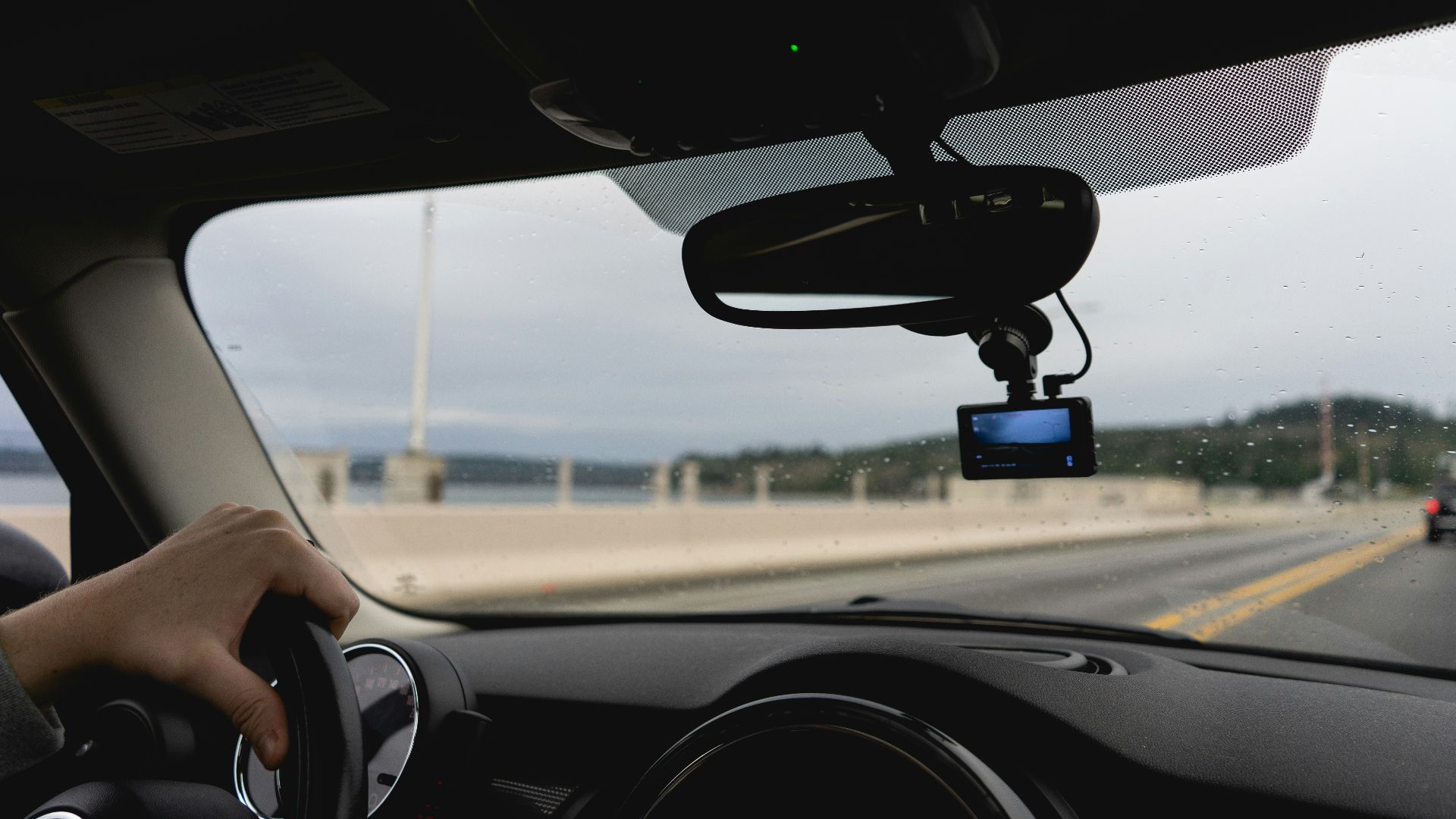
Take Over Before The Vehicle Demands It
Don’t wait until the final warning when approaching confusing traffic, bad weather, narrow lanes, or road work. Place your hands on the wheel and assume control early. Smooth, voluntary takeovers are safer and less stressful than reacting after the system suddenly reaches its limit.

Never Test Whether It Will Save You
Don’t deliberately look away, use a phone, climb out of position, or ignore warnings to see what the system will do. IIHS research has found that drivers may become more likely to multitask as they grow comfortable with partial automation. Strong monitoring helps, but it can’t make deliberate misuse safe.
 https://kaboompics.com/, Pexels
The Limitation Is Part Of The Safety Design
Hands-free systems work on selected roads because manufacturers need conditions the vehicle can map, sense, and predict with enough confidence. The problem isn’t necessarily that the technology is defective. It’s that advertising can make a restricted highway assistant sound like a far more universal driving system. The safest approach is to check coverage before buying, understand every disengagement signal, stay ready to steer, and treat hands-free driving as occasional assistance rather than permission to stop driving.

You May Also Like: