
Why Your Steering Wheel May Have A Mind Of Its Own
You're driving down a familiar road when the steering wheel suddenly nudges you toward the center of the lane, even though you're exactly where you want to be. If your car's lane-centering system seems to argue with you on poorly marked roads, you're definitely not alone. The good news is that these systems are designed with safety in mind, but the answer to whether you can remove them is more complicated than a simple yes or no.

Lane-centering isn't the same as lane-departure warning
Many drivers lump all lane-related features together, but they're actually different technologies. Lane-departure warning simply alerts you when you're drifting, while lane-keeping assist and lane-centering systems actively apply steering input. The National Highway Traffic Safety Administration (NHTSA) defines lane centering as a system that continuously helps keep the vehicle in the middle of its lane, while reminding drivers they remain fully responsible for controlling the car.
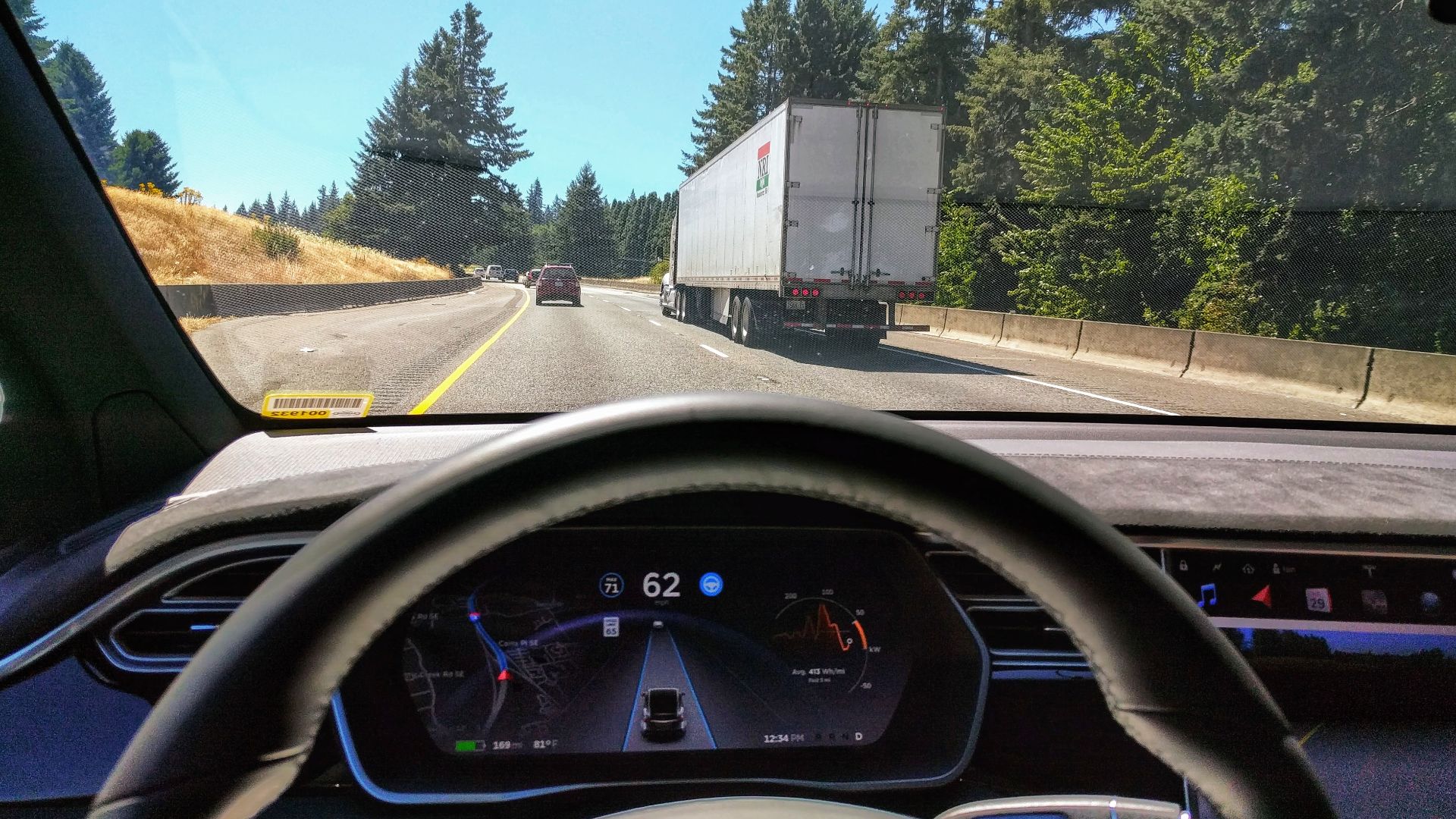 Ian Maddox , Wikimedia Commons
Poor road markings can confuse these systems
Lane-centering systems depend heavily on cameras that detect painted lane lines. When markings are faded, covered by snow, interrupted by construction, or poorly maintained, the vehicle may struggle to determine where the lane actually is. In those situations, the steering assistance may feel inconsistent or disengage altogether.

The steering "fight" isn't uncommon
If your steering wheel seems to tug unexpectedly on back roads or construction zones, you're not necessarily imagining it. Manufacturers acknowledge that inconsistent lane markings can cause unwanted corrections, which is why many owner's manuals specifically warn that assistance may not work properly under those conditions.

You can always override the steering
Even when lane-centering is active, you remain in control. These systems are intentionally designed so the driver can apply steering force and override the assistance whenever necessary. NHTSA emphasizes that driver-assistance features are exactly that—assistance—not replacements for attentive driving.

Most systems allow temporary deactivation
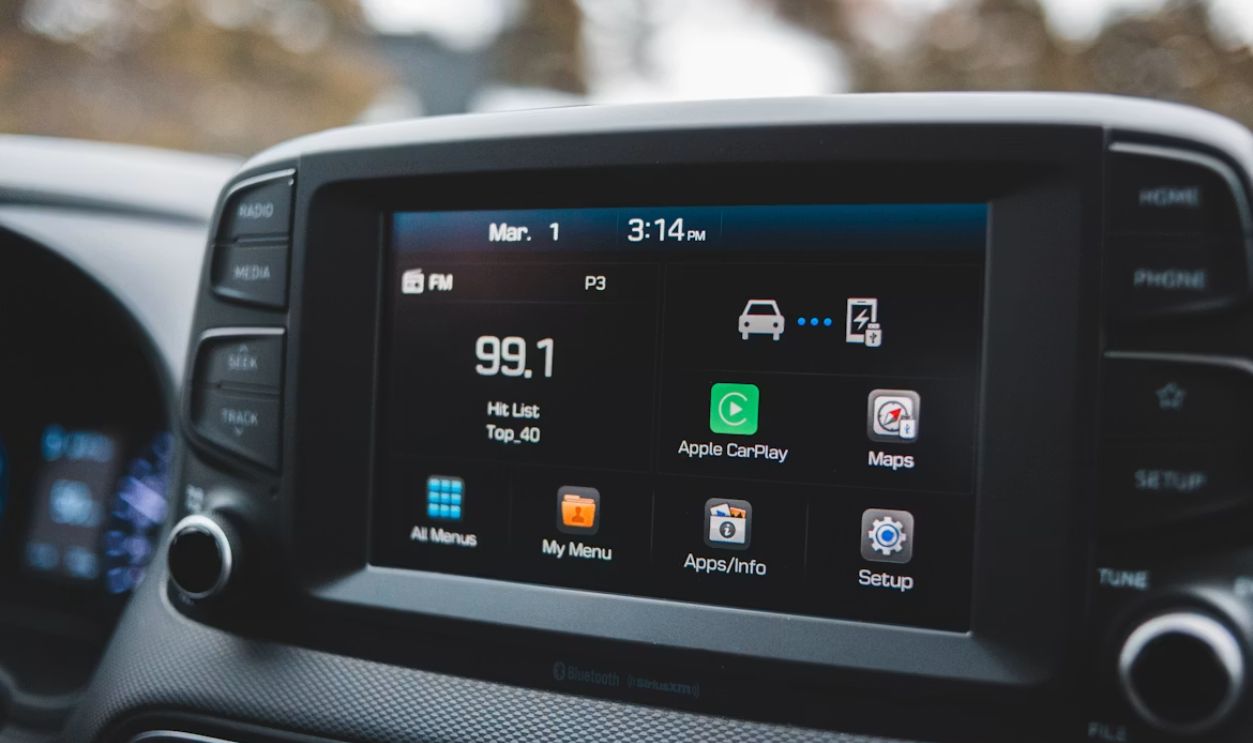
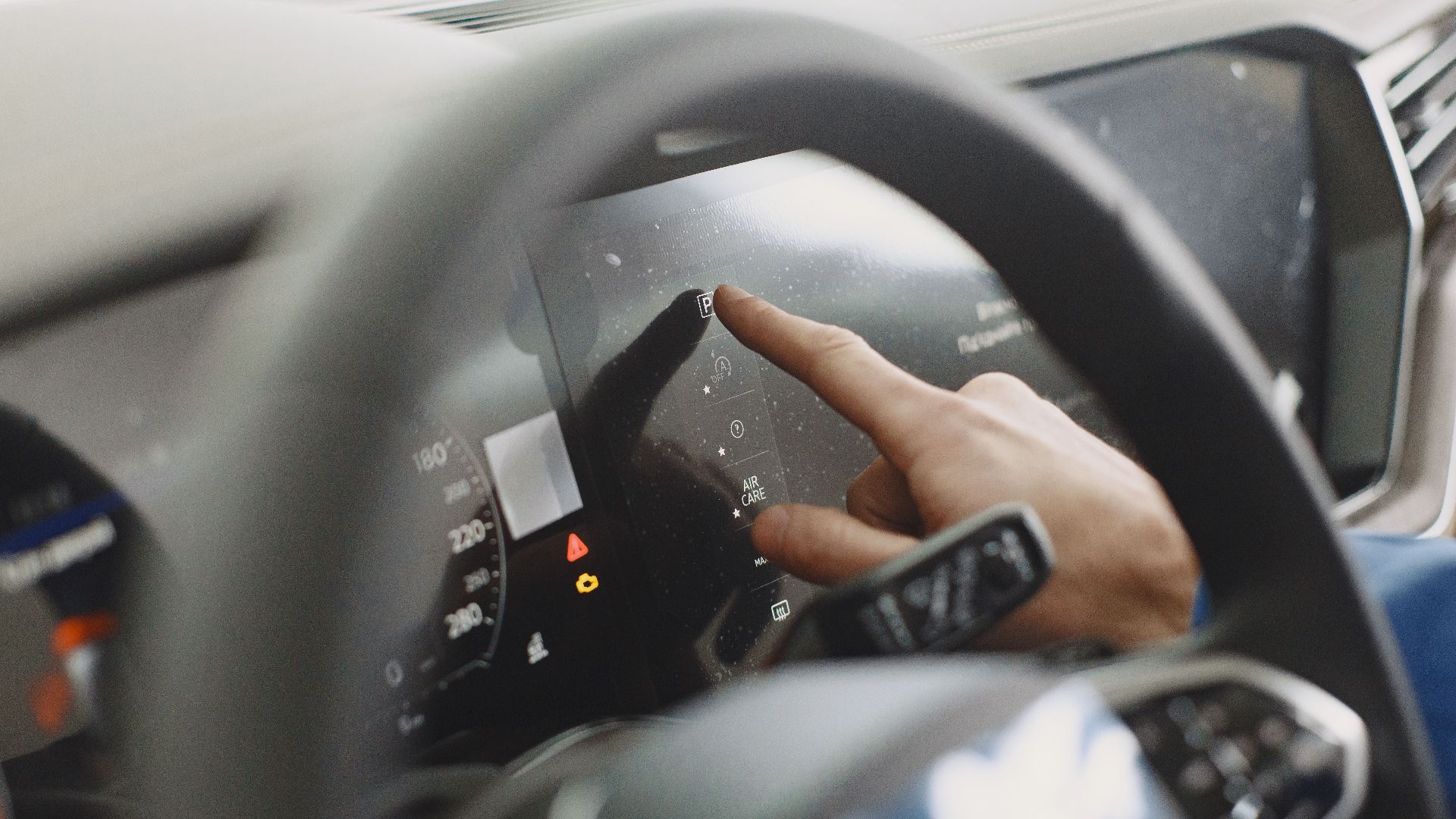
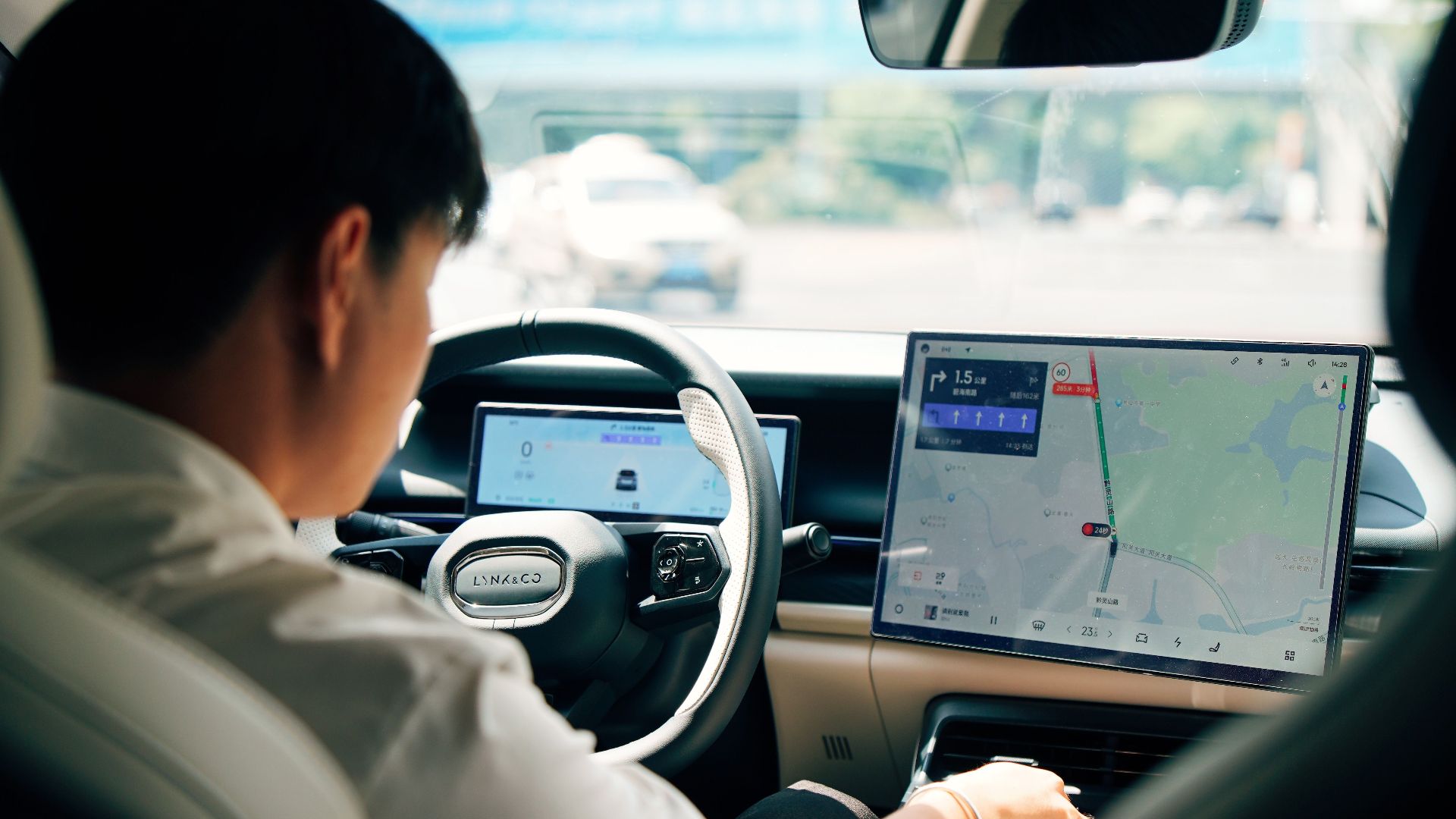
Many vehicles let you switch lane-centering or lane-keeping assistance off through the infotainment menu or with a steering-wheel button. Some vehicles remember your preference, while others automatically reactivate the feature every time you restart the car. The exact behavior varies by manufacturer and model year.
Permanently uninstalling the system is another story
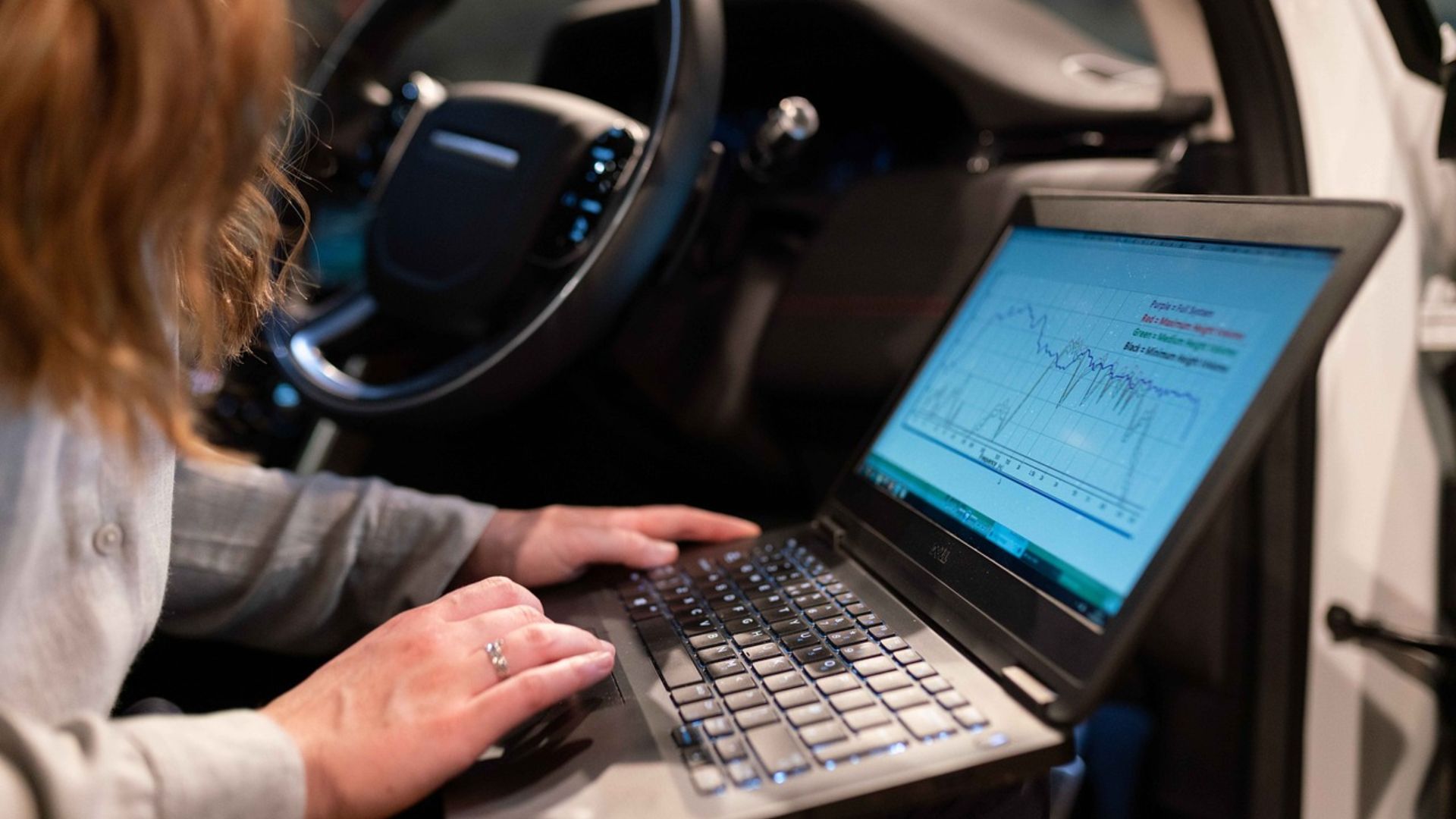
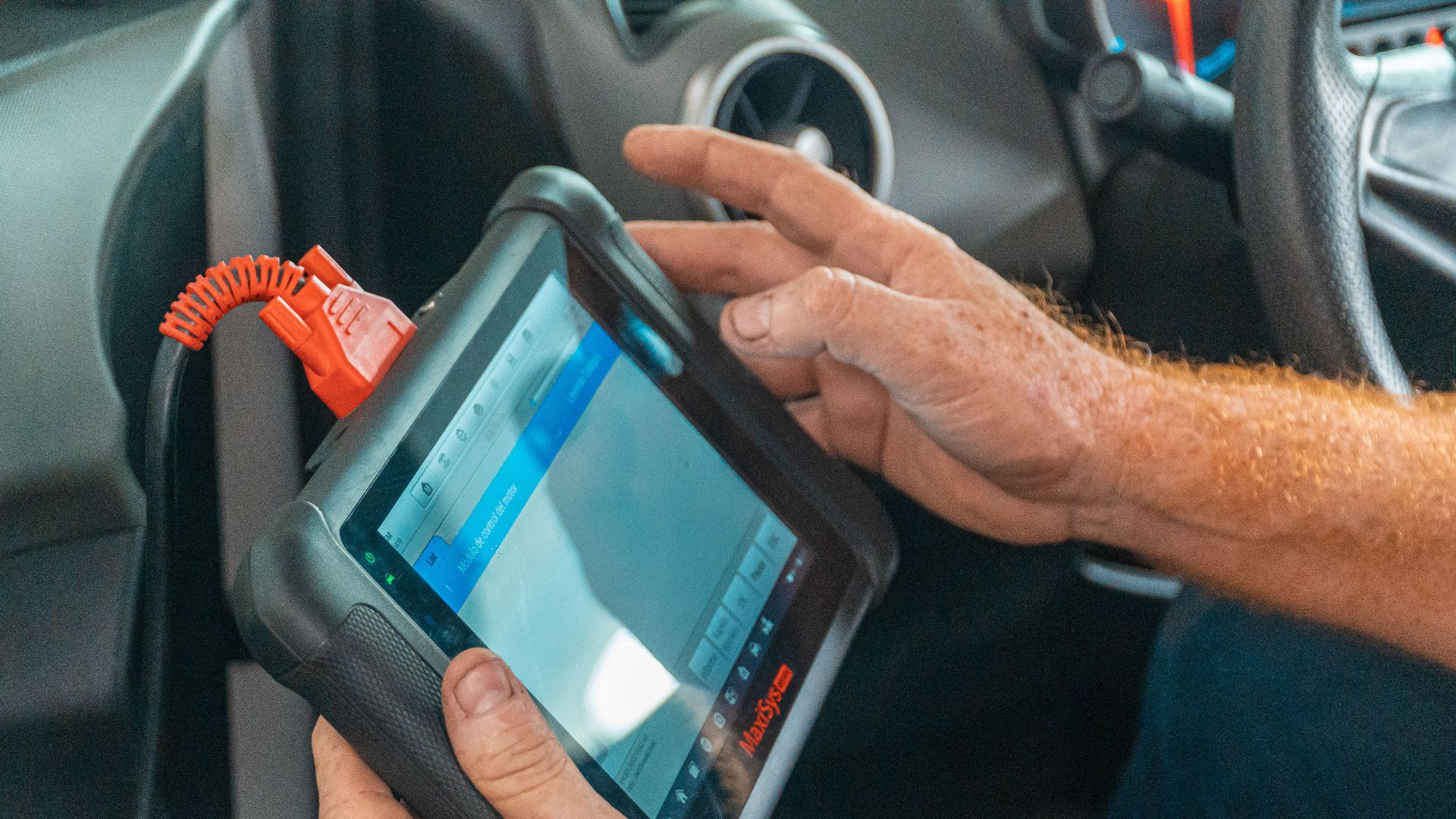
Completely removing the hardware or software is rarely offered by manufacturers. These systems are integrated into steering, camera, and safety-control modules that interact with other driver-assistance features. Removing them could affect vehicle diagnostics, warranty coverage, or the operation of other safety technologies.
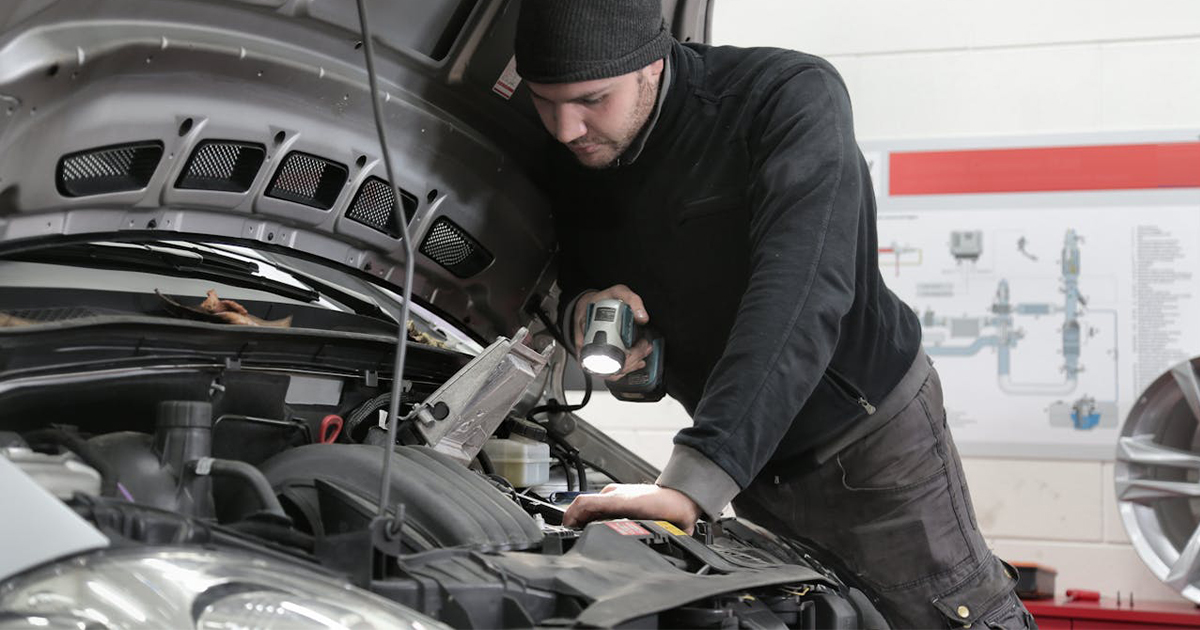
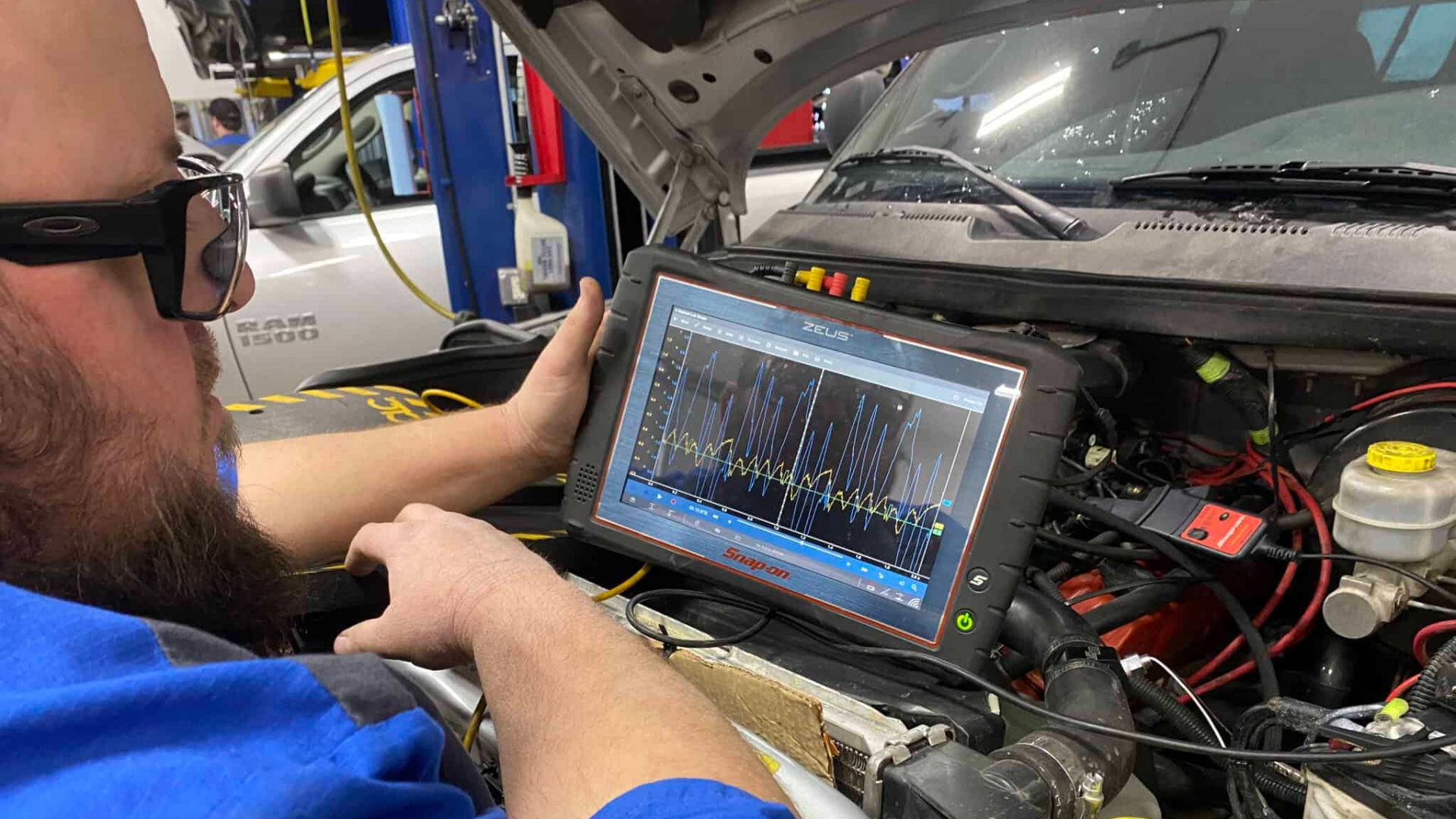 Modern Auto Service: Advanced Vehicle Diagnostics in Fruitland, ID, Wikimedia Commons
Dealers usually won't remove factory safety equipment
If you ask a dealership to uninstall lane-centering, the answer will almost always be no. Dealers generally follow manufacturer repair procedures and are not authorized to remove federally certified safety systems simply because a customer dislikes how they behave. They may, however, help adjust settings if the vehicle allows it.

Some cars offer different sensitivity settings
Instead of simply turning the feature on or off, many vehicles let drivers choose how aggressively steering assistance intervenes. Depending on the model, you may be able to reduce steering strength, switch to warning-only operation, or customize when the system activates. Those settings are described in the owner's manual.

Calibration problems can make things worse
If your windshield has been replaced, your vehicle has been involved in a collision, or steering components have been repaired, the forward-facing camera may require recalibration. A misaligned camera can reduce the accuracy of lane detection and should be inspected if the system suddenly starts behaving differently.
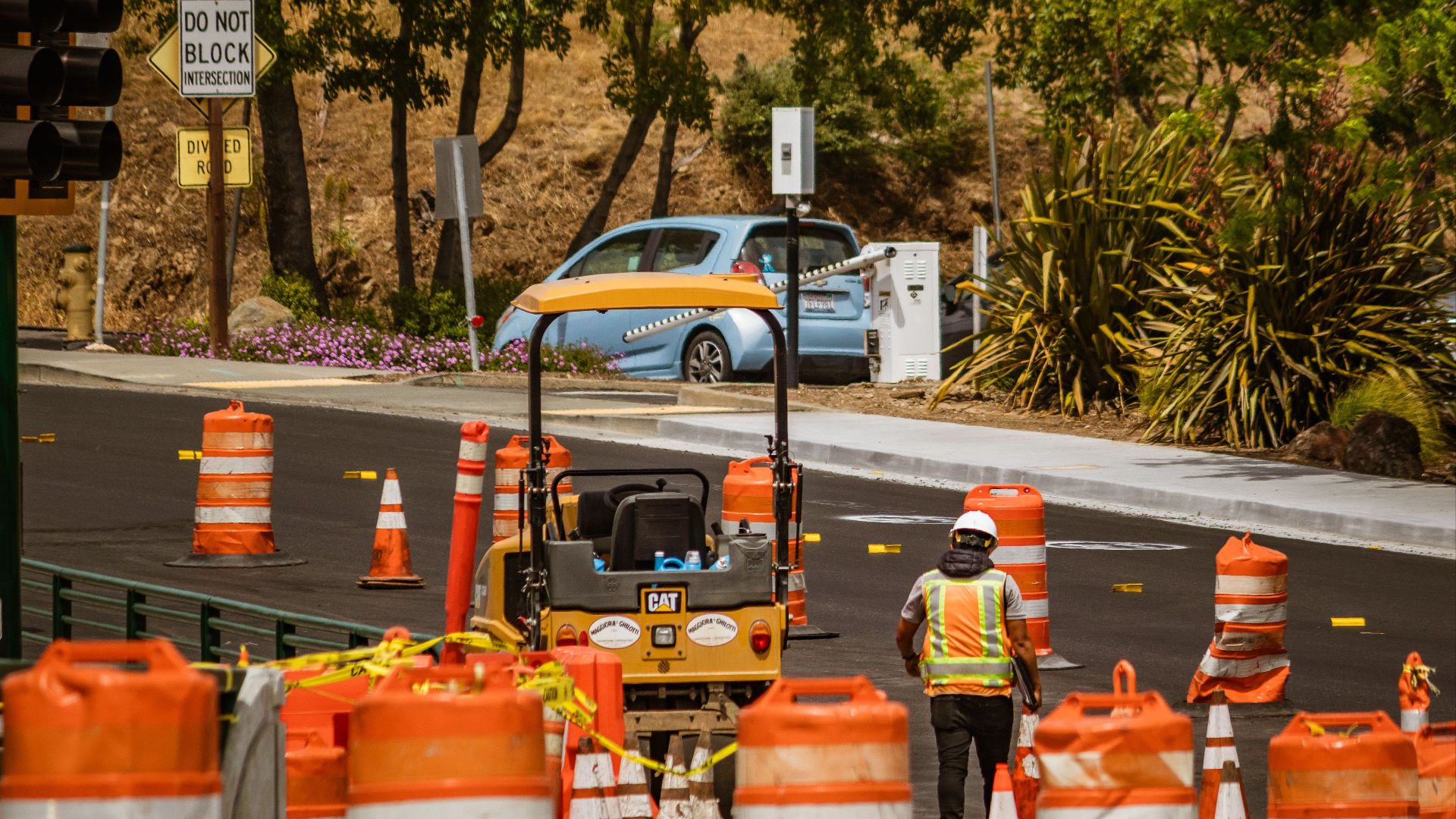
Construction zones are especially challenging
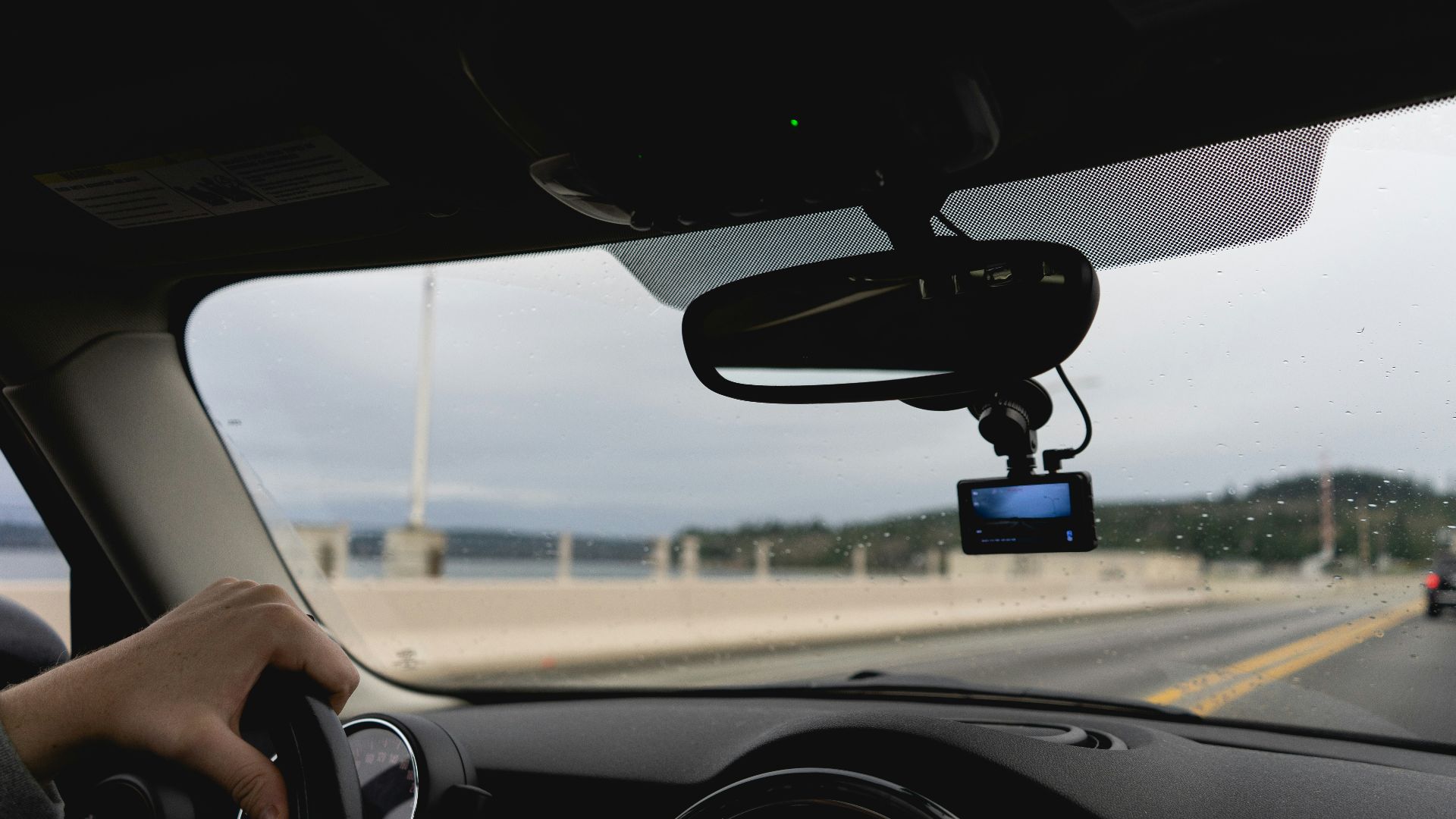
Temporary paint lines, cones, patches of old striping, and shifting traffic patterns can confuse camera-based systems. Manufacturers often advise drivers to be prepared to take full control in work zones because lane-assistance performance may be reduced.
Weather also affects performance
Heavy rain, fog, snow, glare, and dirt on the windshield can interfere with the camera's ability to detect lane markings. Even if the system remains active, its performance may be reduced when visibility deteriorates. That's one reason driver attention remains essential.

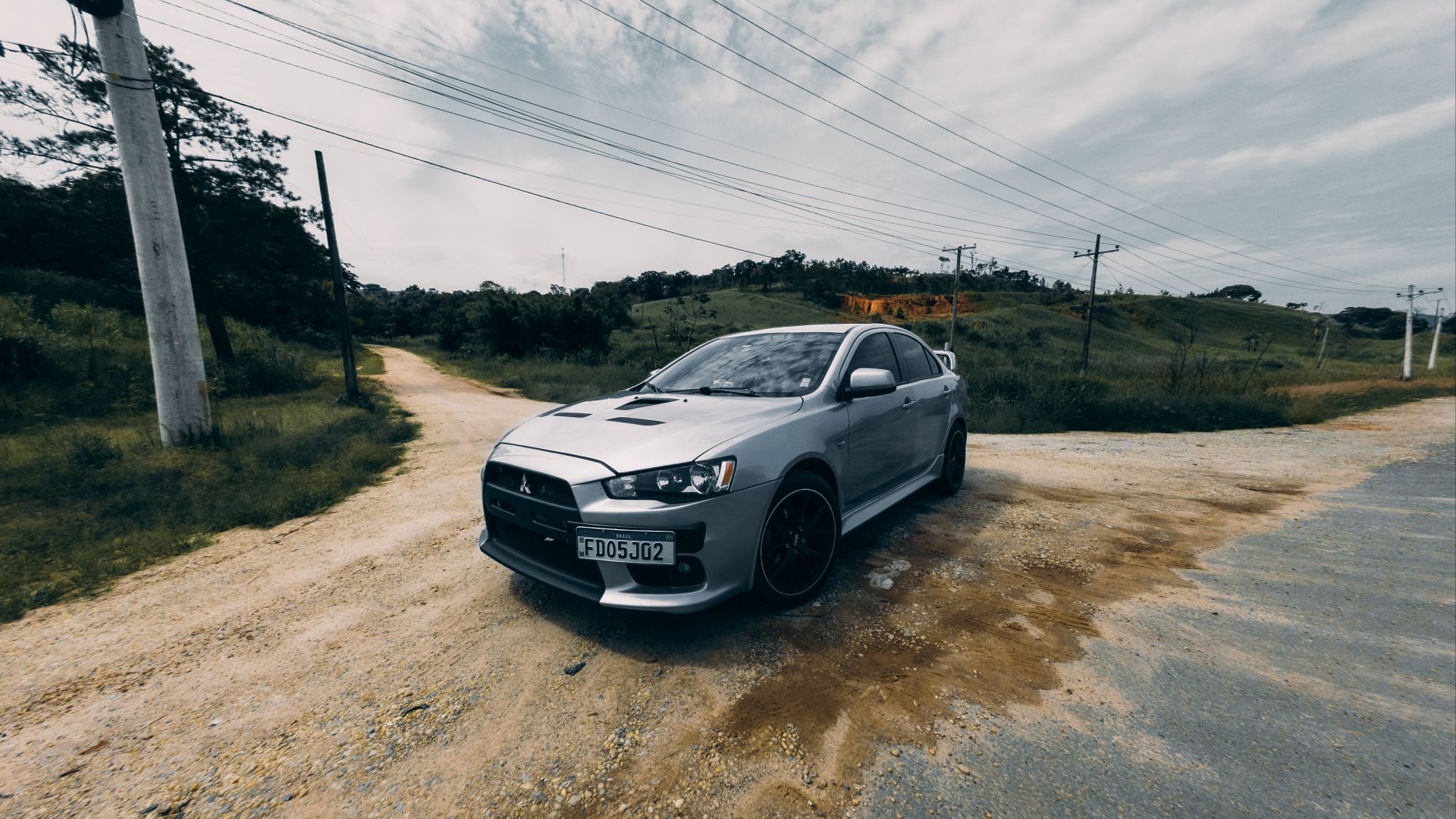
Rural roads can expose system limitations
Many rural roads have faded paint, narrow shoulders, or missing center lines. Research evaluating production lane-keeping systems found they perform less reliably when lane markings are faint or pavement contrast is poor, highlighting the importance of road quality as well as vehicle technology.
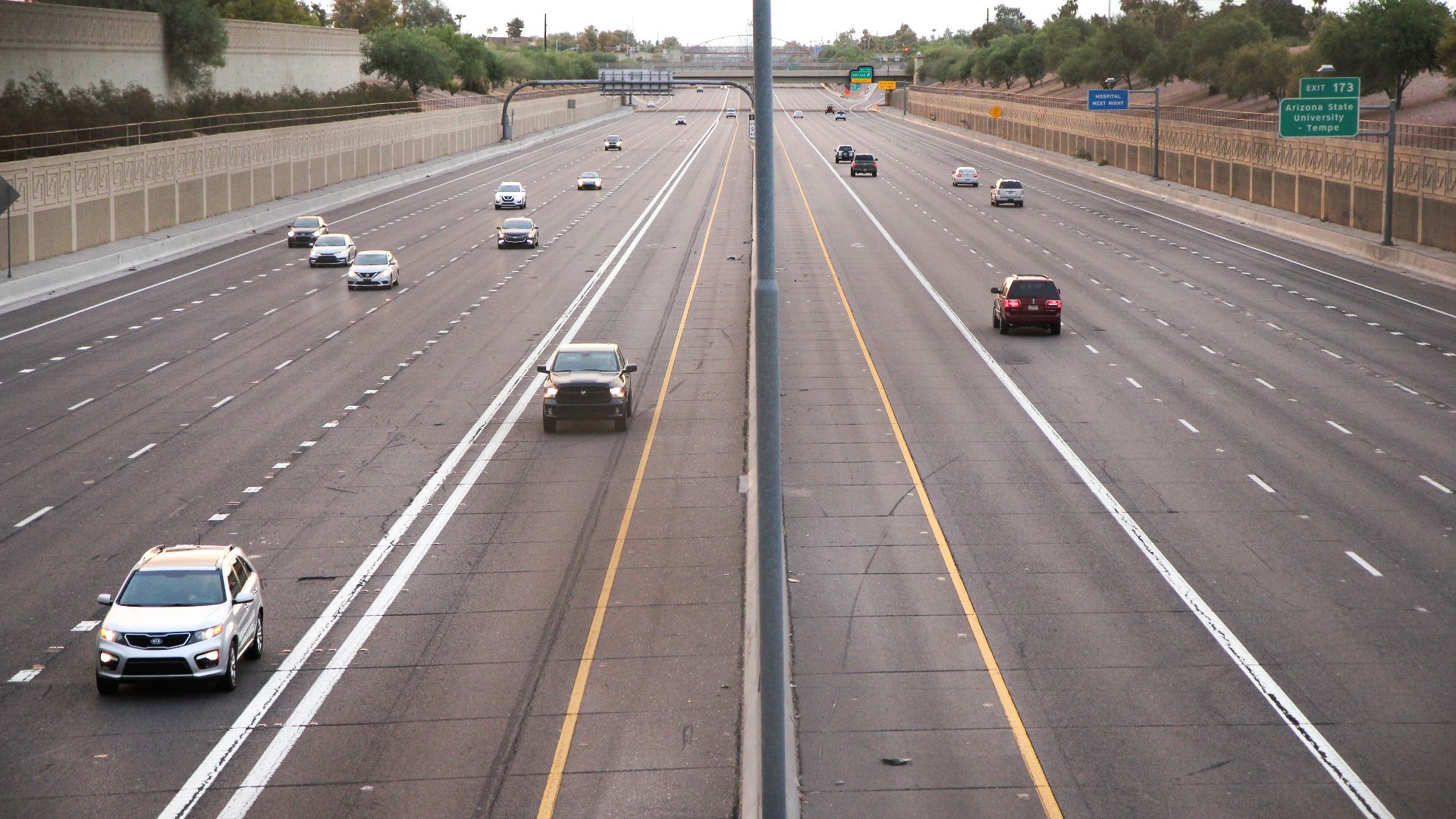
Lane-centering works best on well-marked highways
These systems were primarily developed for clearly marked roads where lane boundaries remain visible and predictable. On interstate highways with fresh pavement markings, they generally perform much better than on winding secondary roads with inconsistent striping.
Software updates may improve performance
Automakers periodically release software updates that refine camera recognition, steering behavior, or system reliability. While updates cannot overcome missing lane markings, they can improve how the vehicle interprets road conditions and reduce unnecessary interventions.
Disabling one feature doesn't always disable everything
Some vehicles separate lane-departure warning, lane-keeping assist, lane-centering, adaptive cruise control, and highway driving assist into individual settings. Turning off one feature doesn't necessarily disable the others, so it's worth reviewing the available menu options.
New regulations influence how these systems behave
In some markets, regulations require certain driver-assistance features to default back on each time the vehicle is started. Those rules are intended to maximize safety adoption, although they can frustrate drivers who prefer to disable the systems manually.
Aftermarket modifications aren't recommended
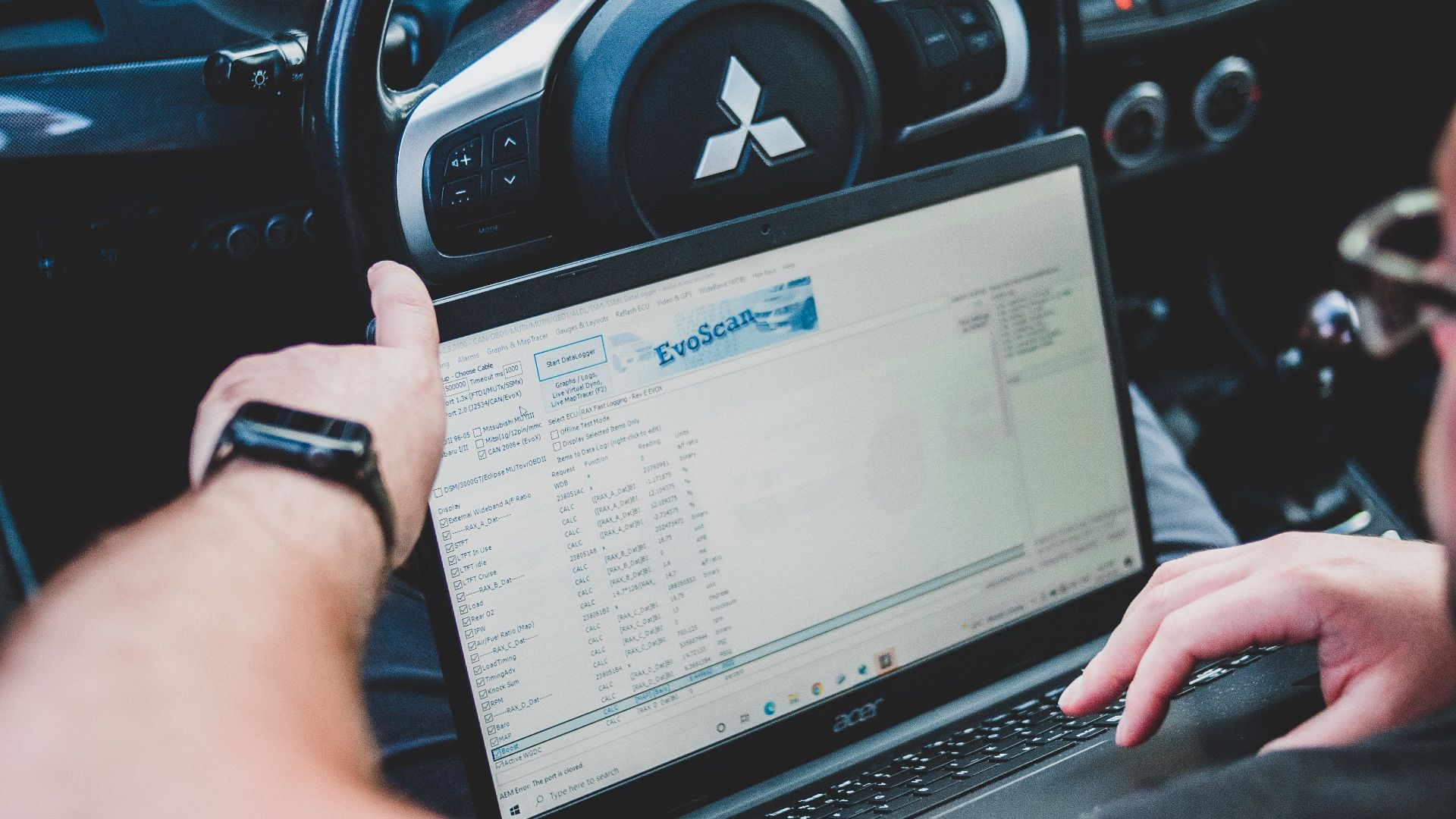
Some companies advertise coding services or hardware modifications that promise to permanently disable driver-assistance features. Because these changes alter factory software or electronics, they can create compatibility issues and may affect warranty coverage or future software updates. Manufacturers generally recommend against unauthorized modifications.
 Jose Ricardo Barraza Morachis, Pexels
Read your owner's manual carefully
Every manufacturer implements lane-centering differently. Your manual explains the speeds where the feature operates, the road conditions it expects, how to temporarily disable it, and when the system automatically disengages. Those details often answer questions that seem mysterious during everyday driving.

If the behavior suddenly changes, have it inspected
If your vehicle previously tracked lanes smoothly but now jerks the steering wheel, loses lane detection, or behaves unpredictably, schedule a service appointment. Camera alignment, damaged sensors, dirty lenses, or software faults may be responsible rather than normal system limitations.
The safest solution may simply be selective use
Many experienced drivers activate lane-centering during long highway trips but switch it off on narrow rural roads or areas with poor markings. Using the technology where it performs best often provides the greatest comfort without creating unnecessary frustration. That approach also aligns with manufacturers' guidance that drivers should always be ready to take over.

So, can you get it uninstalled?
For most vehicles, the practical answer is no. While you can often disable lane-centering temporarily or adjust its settings, permanently removing a factory-installed system is generally not something dealerships offer because it's integrated into the vehicle's broader safety architecture. If the feature is causing problems, your best first steps are checking the settings, ensuring the system is properly calibrated, confirming your software is current, and discussing your concerns with the manufacturer or dealer.

You May Also Like:
Keep Your Car In Mint Condition With These Simple Tips And Tricks