

The Maps Didn’t Vanish With The Subscription
When a navigation subscription expires, it can seem like a feature you already paid for has suddenly been taken away. But depending on the system, the screen may still be capable of doing more than the expiration notice suggests.
Some Built-In Systems Still Navigate Offline
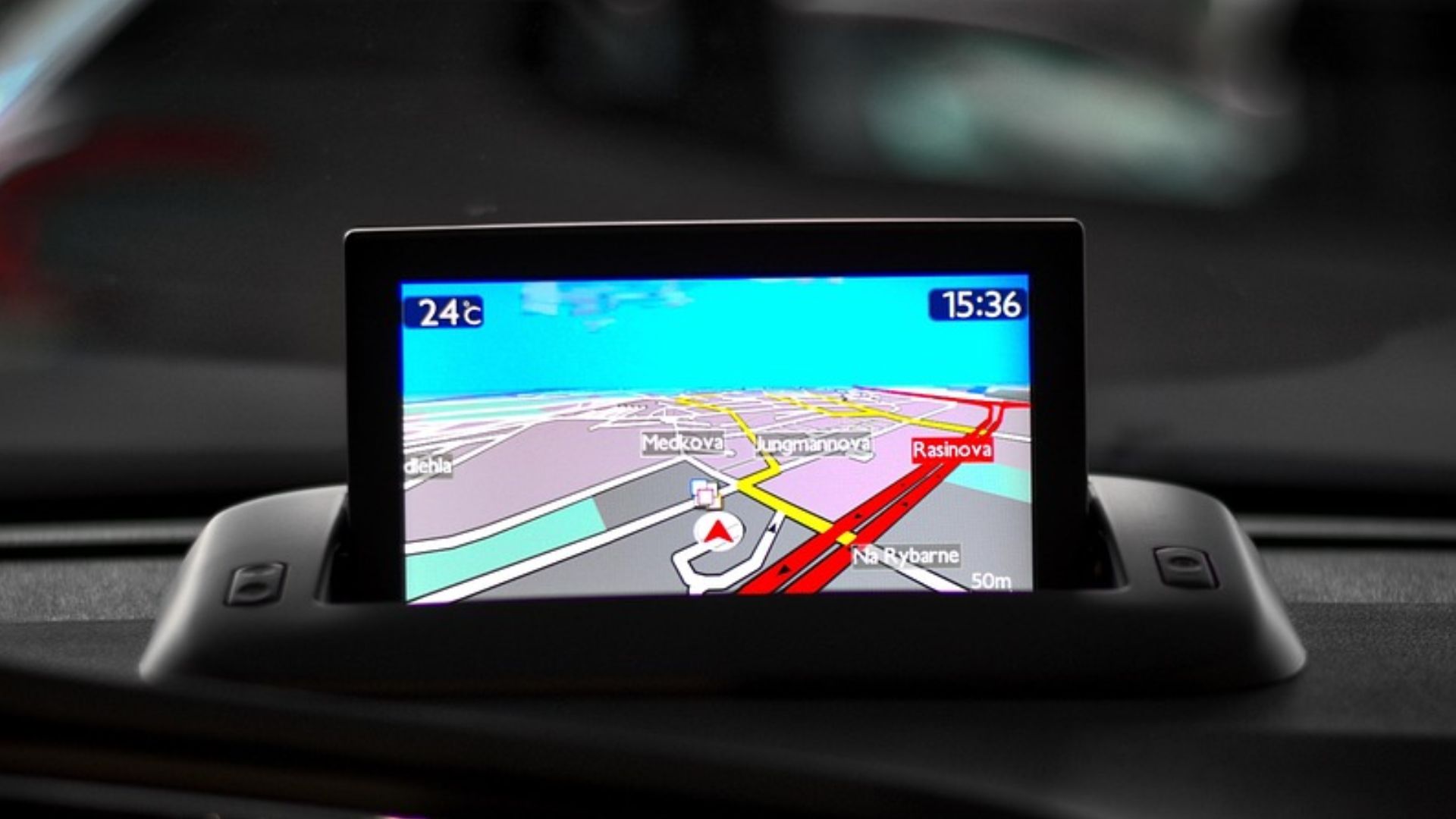
Certain cars contain a permanent map database stored inside the infotainment system. Ford's Connected Built-In Navigation, for example, can revert to embedded offline navigation when its connected plan expires. Turn-by-turn directions continue working, but live traffic, weather, and automatic map updates disappear. In a system like that, you may already have perfectly usable navigation without renewing anything.
Other Systems Become Little More Than A Moving Map
Not every built-in screen contains a complete permanent navigation database. Ford's separate Connected Navigation system relies much more heavily on cloud services and cached mapping. When that plan expires, Ford says the vehicle can revert to a basic moving map without destination routing or turn-by-turn instructions. Two dashboards that look almost identical can therefore behave very differently after the subscription ends.
Some Cars Make Navigation Itself A Subscription
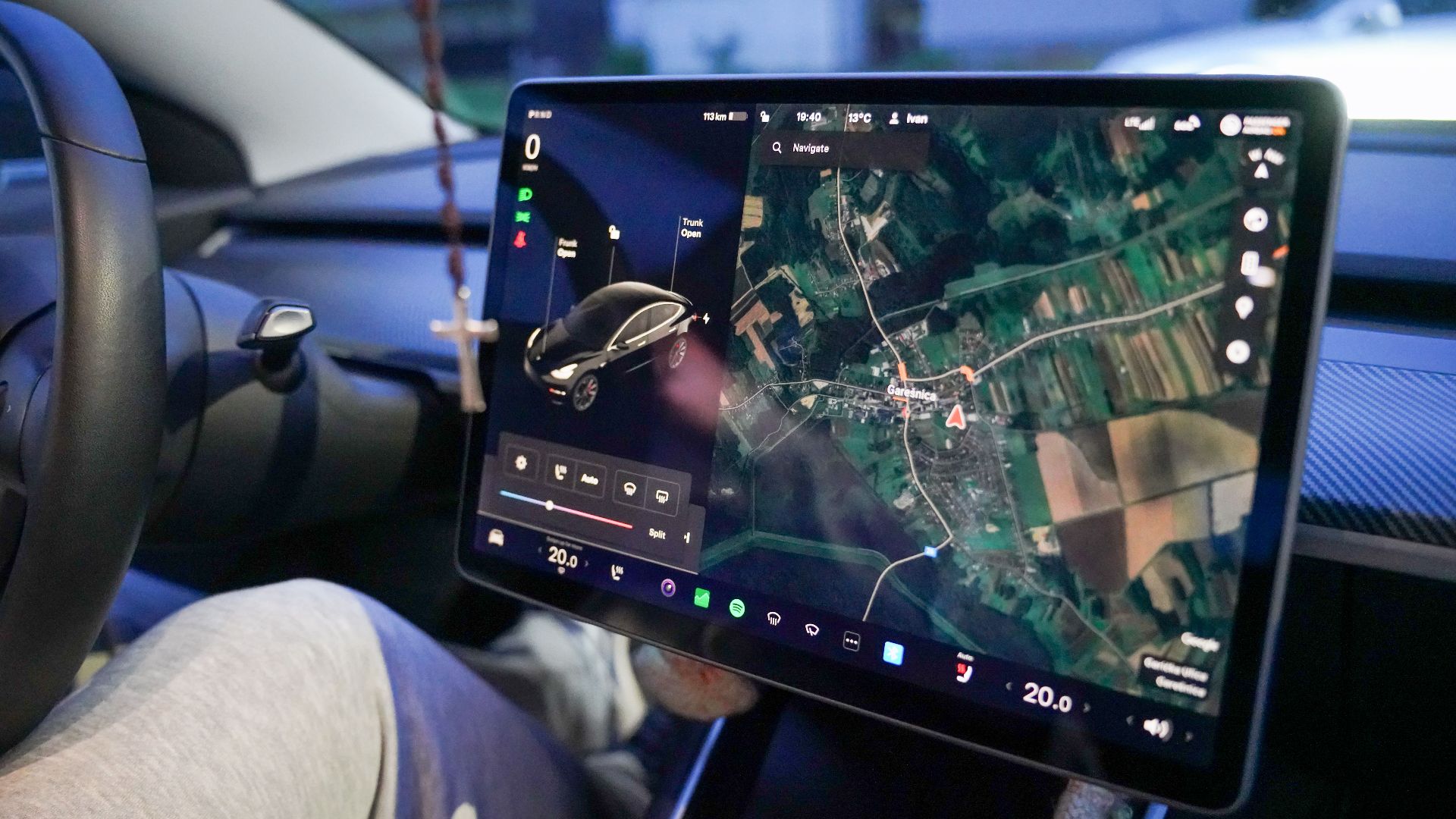
Toyota provides another example. On select newer models, Drive Connect includes Cloud Navigation, Intelligent Assistant, and Destination Assist, and Toyota says an active trial or paid subscription is required for those features. If your car belongs to this newer generation, the hardware being physically installed doesn't necessarily mean the manufacturer licensed cloud navigation for unlimited use.
 Dinkun Chen, Wikimedia Commons
Check For A Separate Offline Navigation Mode
Dig through the navigation settings before assuming everything useful has disappeared. Some systems automatically switch to embedded maps when connectivity is unavailable, while others have a specific offline mode. Try entering a known street address with the car disconnected from Wi-Fi and cellular data. You may discover that basic route guidance remains even though connected features no longer do.

Your Old Maps May Still Work
If the vehicle retains local maps, they don't suddenly become useless when updates stop. Roads that existed when the last update was installed should generally remain available. The obvious problem is that newer subdivisions, highway changes, businesses, addresses, and road closures may be missing. For familiar areas, an older map can still be useful even if you wouldn't want to rely on it blindly during a complicated road trip.

Manual Map Updates May Be Available
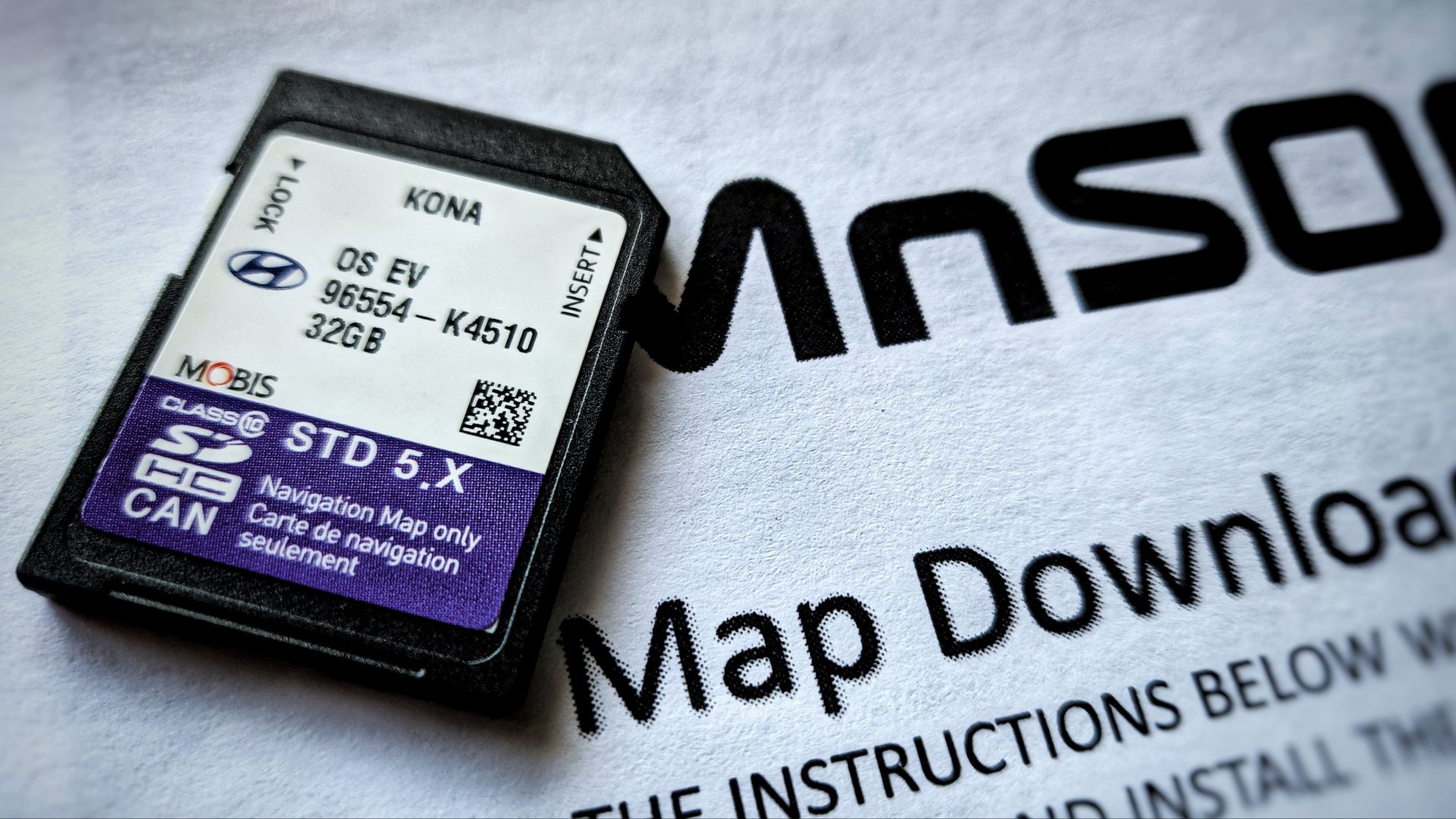
Some manufacturers still let owners download map and infotainment updates themselves. Hyundai, for example, operates an official Navigation Updater that allows supported U.S. vehicles to download software and map files to a USB drive or SD card and install them in the car. Before paying for a connected subscription, check whether your model qualifies for a manual update route.
 Dennis Sylvester Hurd, Wikimedia Commons
Connected Features And Map Files Aren't Always The Same Thing
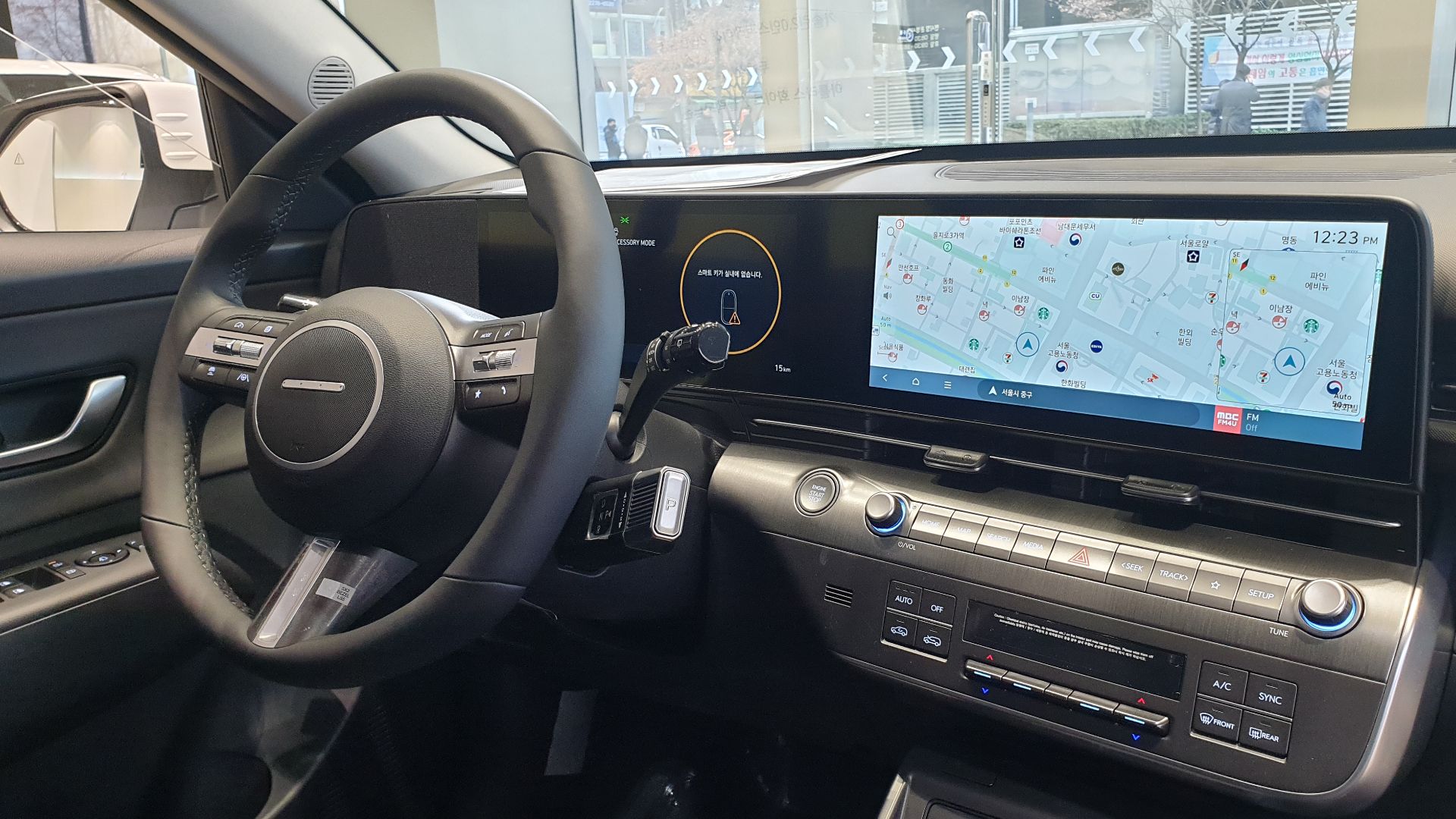
This distinction can save money. Hyundai notes that certain connected features, such as online routing and weather information, require an active Bluelink subscription, while supported vehicles can still receive map and software updates through its official updater. You may therefore be able to keep the underlying map reasonably current without paying for every connected service layered on top of it.
 Damian B Oh, Wikimedia Commons
Older Cars May Use SD Cards Or DVDs
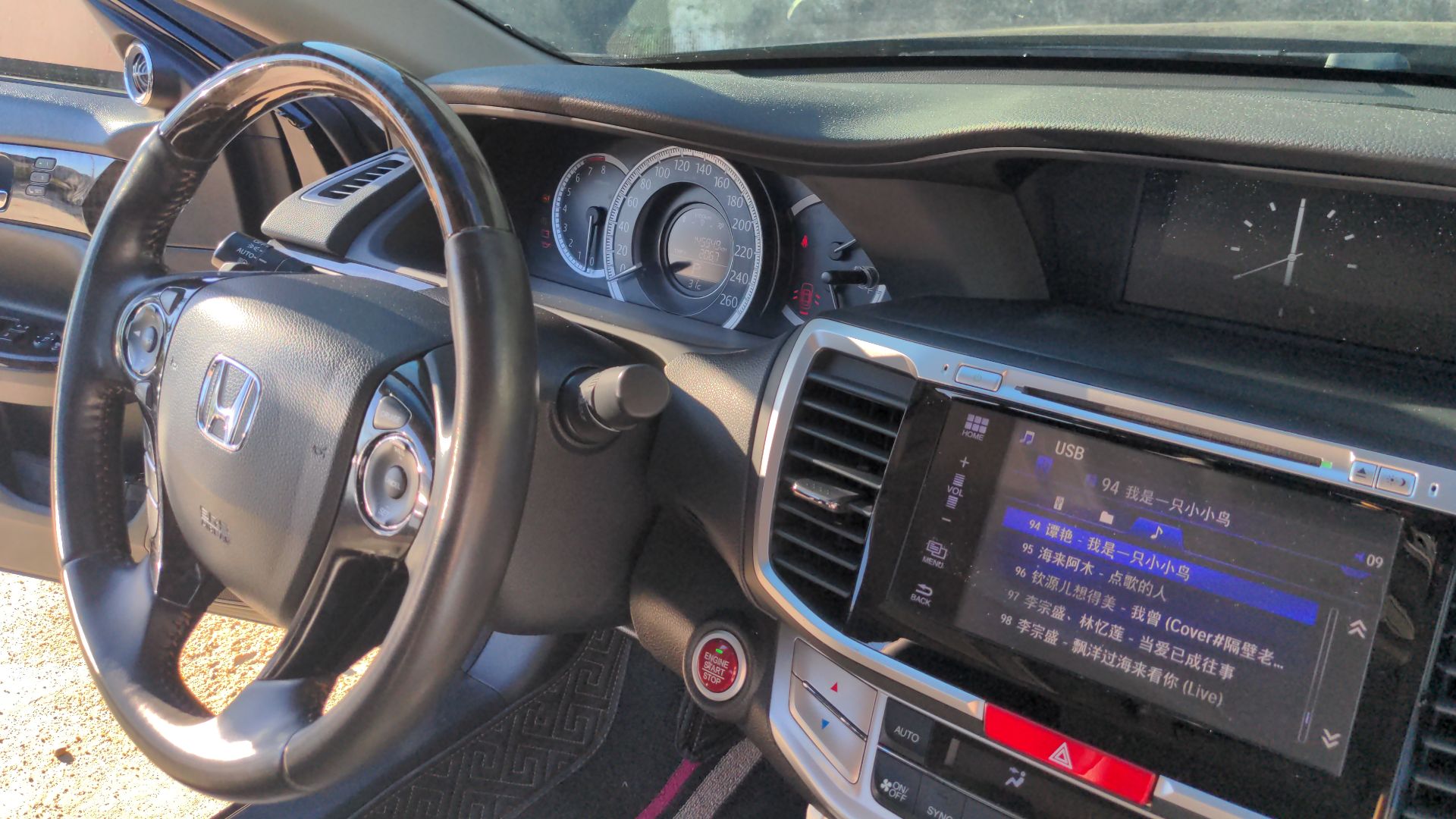
Built-in navigation existed long before over-the-air subscriptions. Older systems may store their maps on an SD card, DVD, hard drive, or other removable media. Honda, for example, has used purchasable navigation updates for older systems. If your vehicle falls into this category, the solution may be a one-time map update rather than another monthly subscription.
Check The Manufacturer's Official Update Site
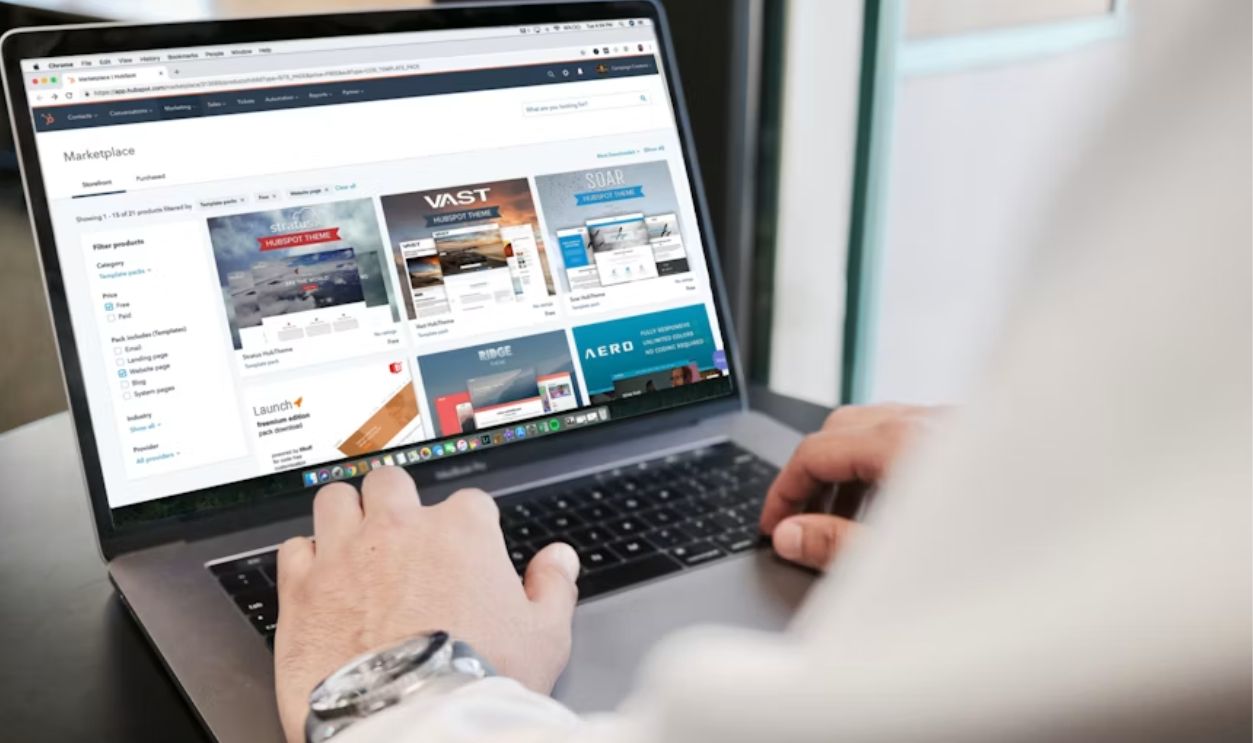
Search using your VIN, model year, infotainment version, or navigation system type. Don't assume the dealership is the only source. Some manufacturers publish downloadable updates directly, while others sell map media through authorized suppliers. You may discover that the dealer's recommendation to renew a connected-services package isn't the only way to update the maps.
Apple CarPlay May Make The Subscription Irrelevant
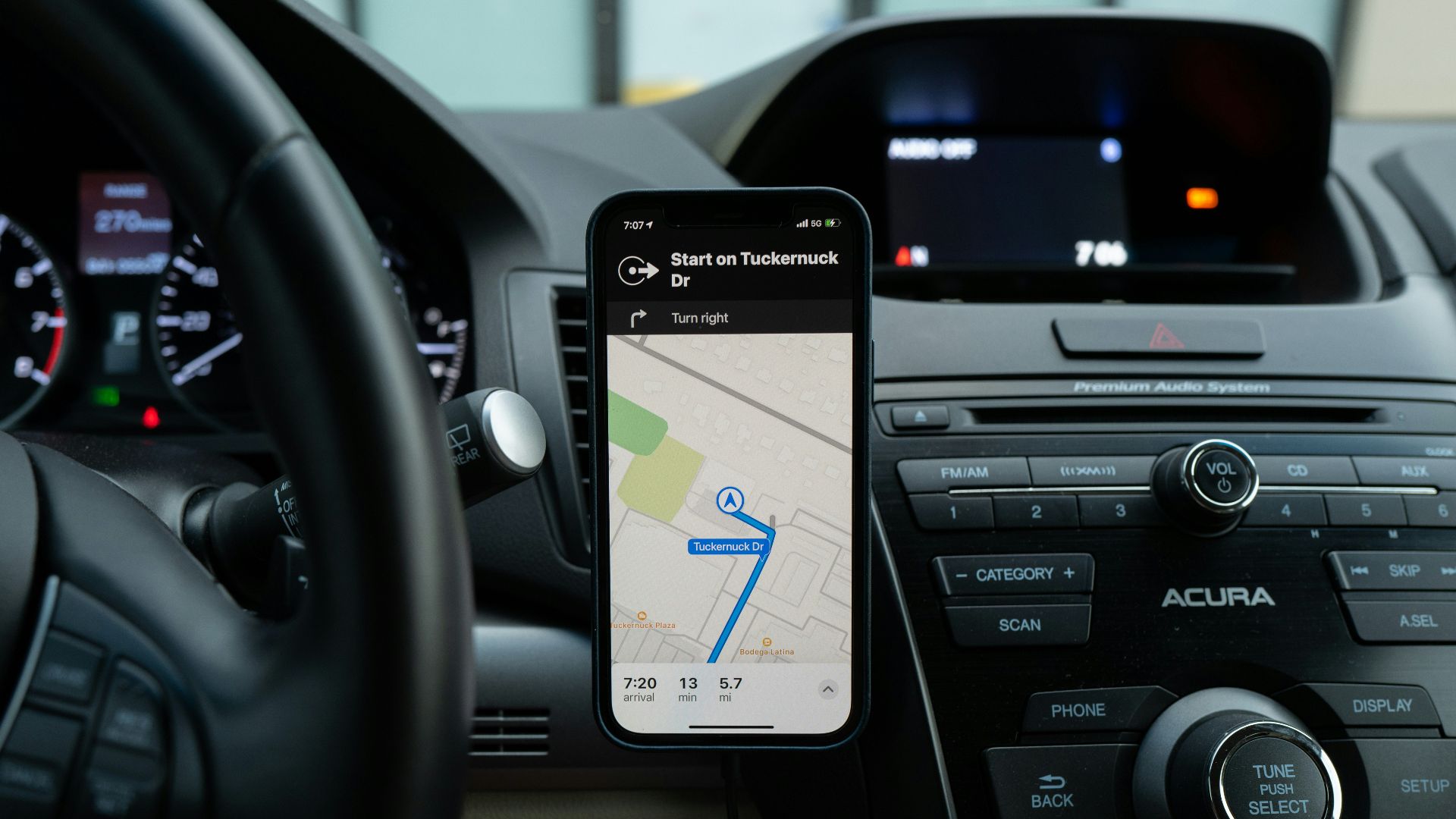
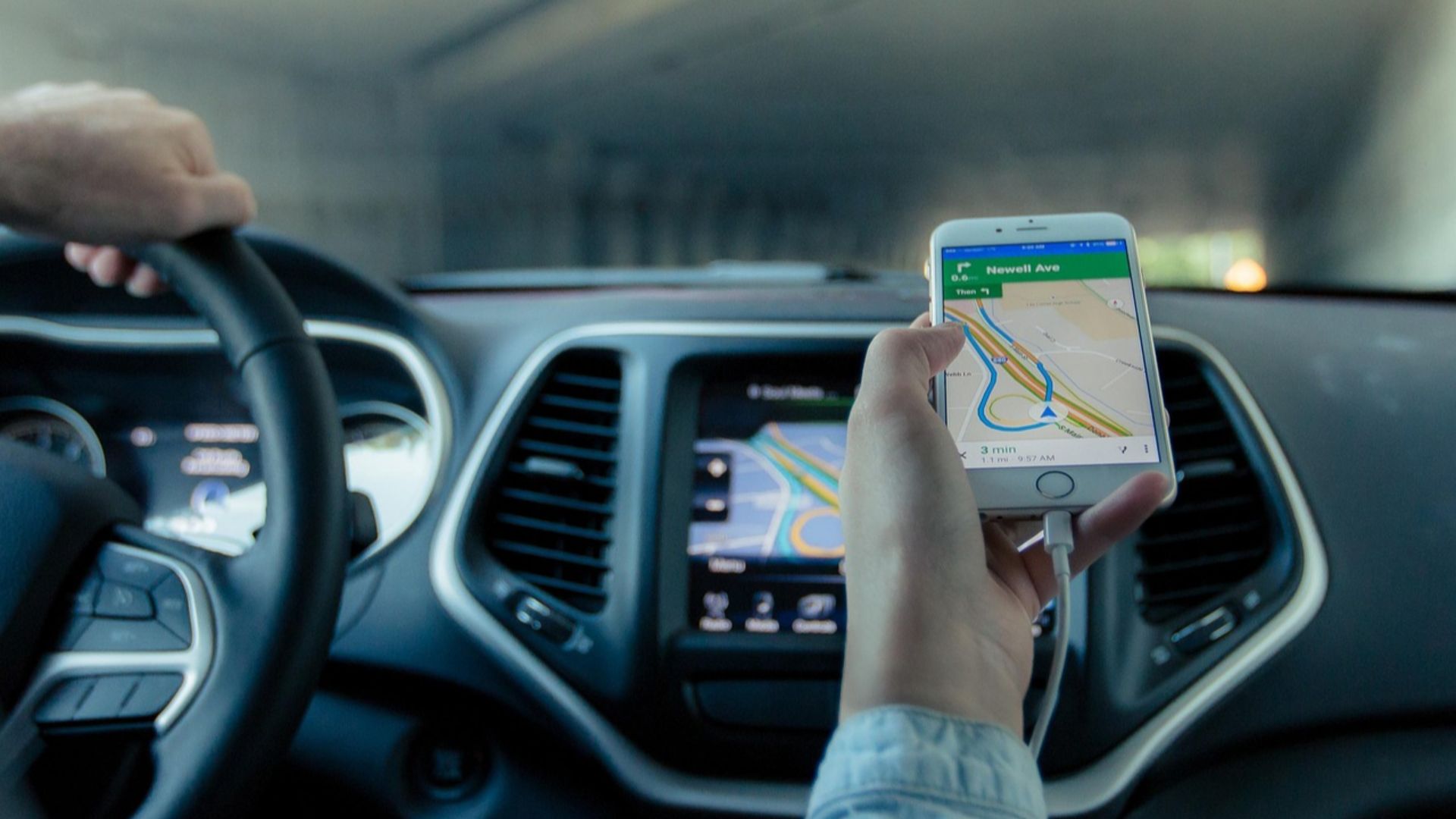
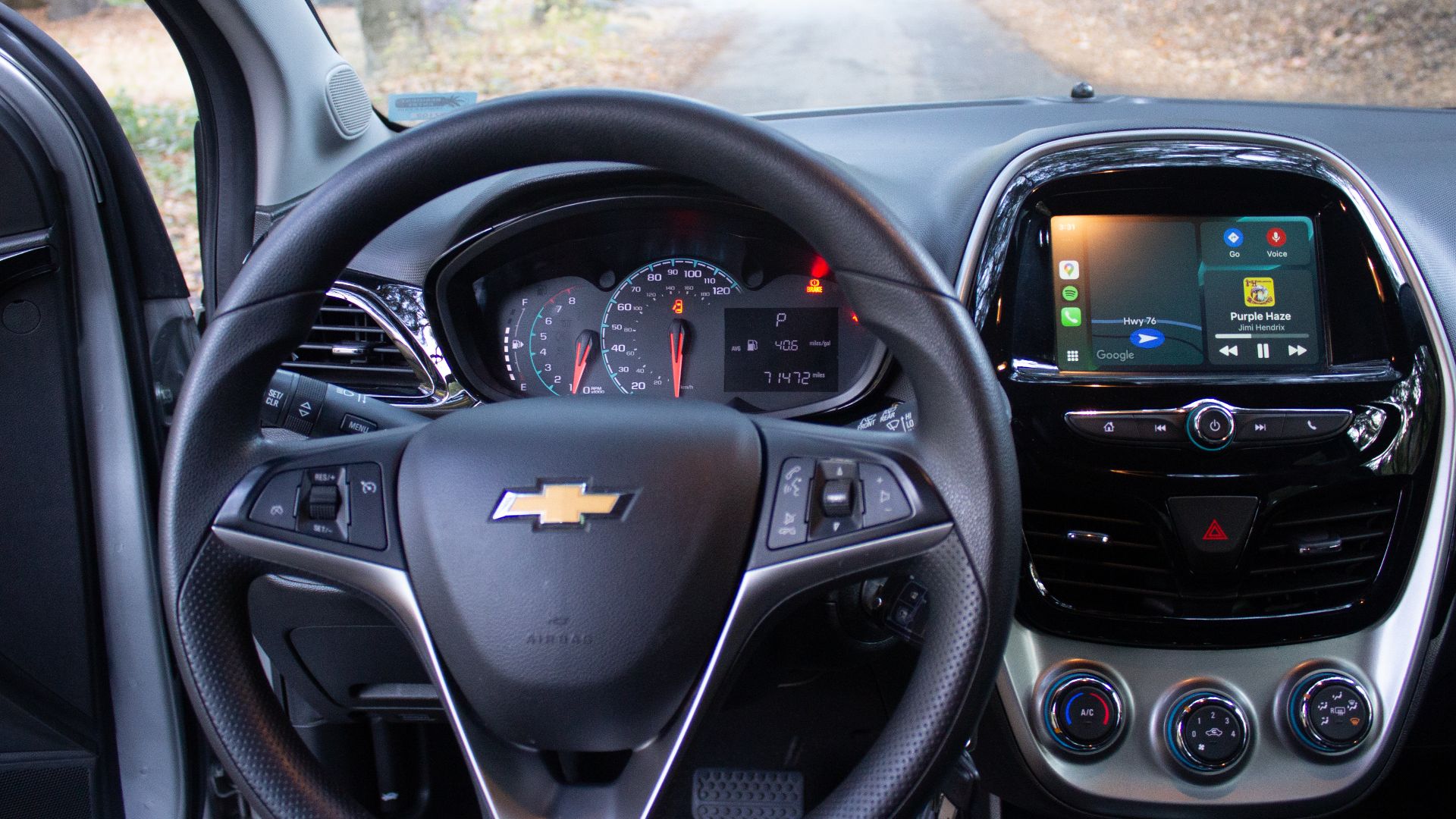
If the car supports Apple CarPlay, your iPhone can provide turn-by-turn navigation directly on the vehicle's existing display. Apple Maps offers directions, traffic conditions, estimated arrival times, and voice control through Siri. Compatible third-party navigation apps can also appear in CarPlay. You still use the car's screen and controls, but the phone supplies the navigation instead of the manufacturer's subscription service.
Android Auto Can Do The Same Thing
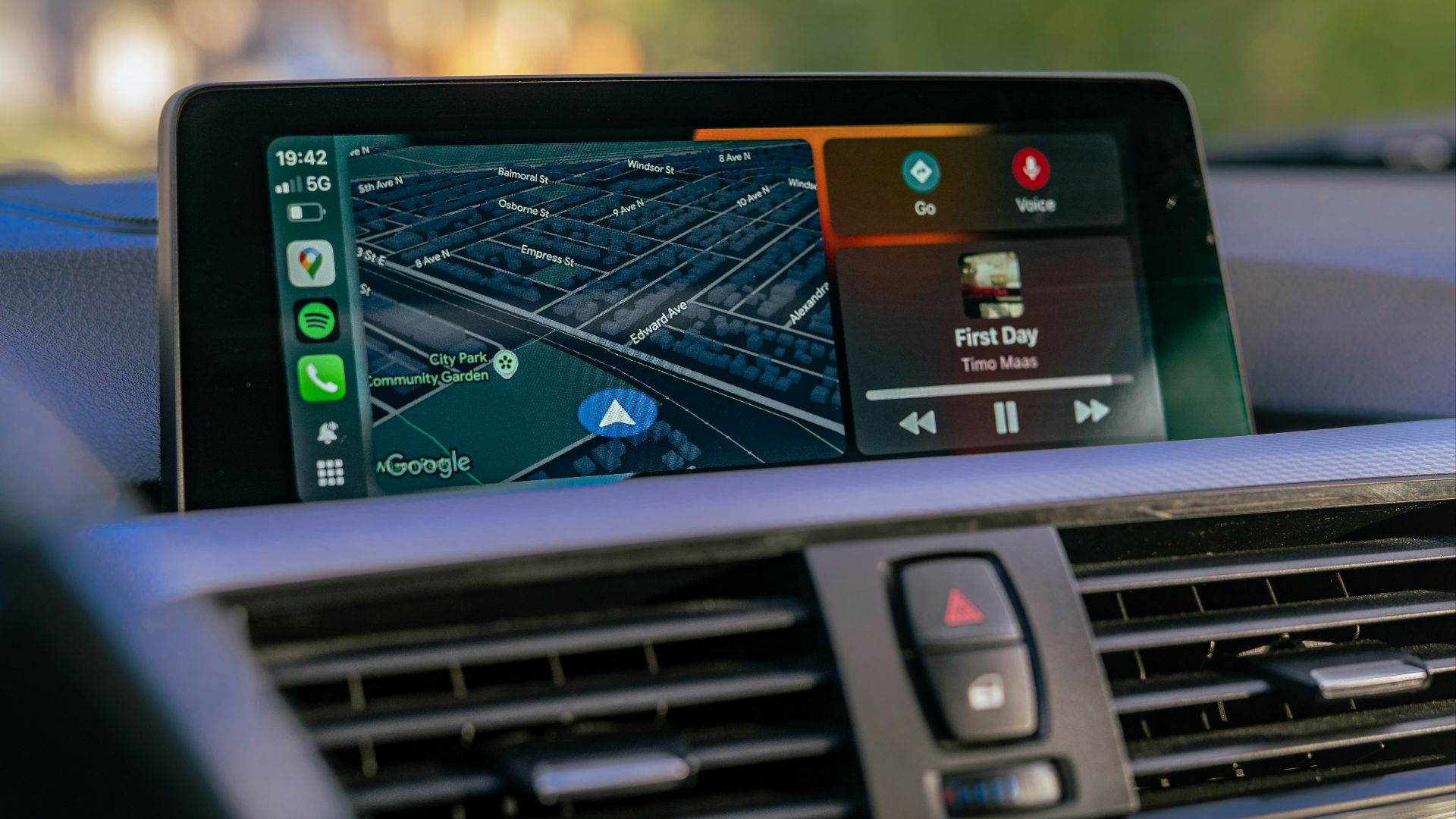
Android Auto can display Google Maps, Waze, and other compatible navigation tools on supported infotainment systems. Google Maps can provide destination searches, traffic information, and directions while using the phone's data connection. If your vehicle already supports Android Auto, this can be the simplest alternative to paying annually just to keep factory navigation current.
Smartphone Navigation Has One Big Advantage
Phone-based mapping apps are updated continuously rather than waiting for an annual vehicle map release. New businesses, road closures, traffic incidents, and route changes can appear much more quickly. That doesn't mean the factory system is useless, but for ordinary navigation, a modern phone app can sometimes provide better information than an older built-in database even when the factory subscription is still active.
 Priscilla Du Preez 🇨🇦, Unsplash
But Your Phone Needs Data For Many Features
CarPlay and Android Auto aren't magic replacements for cellular service. Apple notes that Maps generally needs an internet connection for directions, and Android Auto similarly depends on the phone and its data connection for many features. If you routinely drive through remote areas, download offline maps in advance where your chosen app supports them.
Built-In Navigation Still Has Some Advantages
Factory systems can remain useful in places with poor cellular reception, especially when they contain complete offline maps. They may also integrate with the instrument cluster, head-up display, steering-wheel controls, vehicle range calculations, or other systems more deeply than a phone app. Whether those conveniences justify a subscription depends on the car and how you drive it.
EV Owners Should Check For Charging Integration
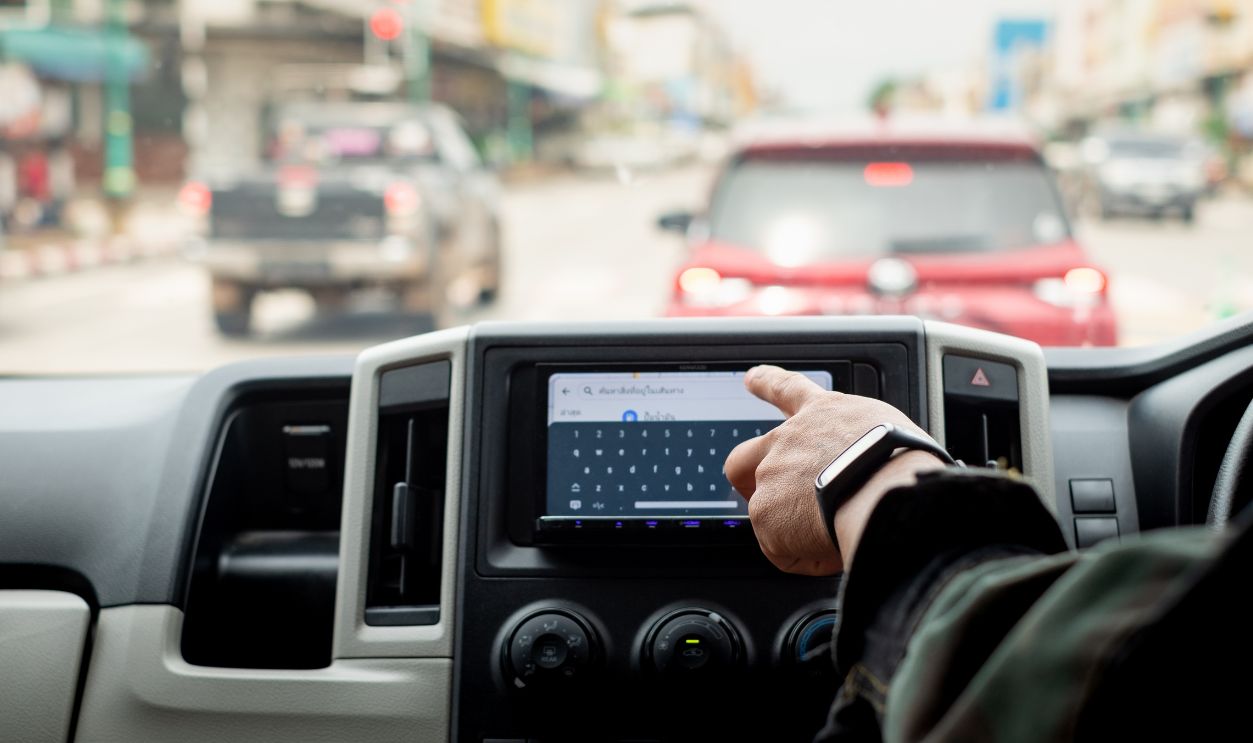
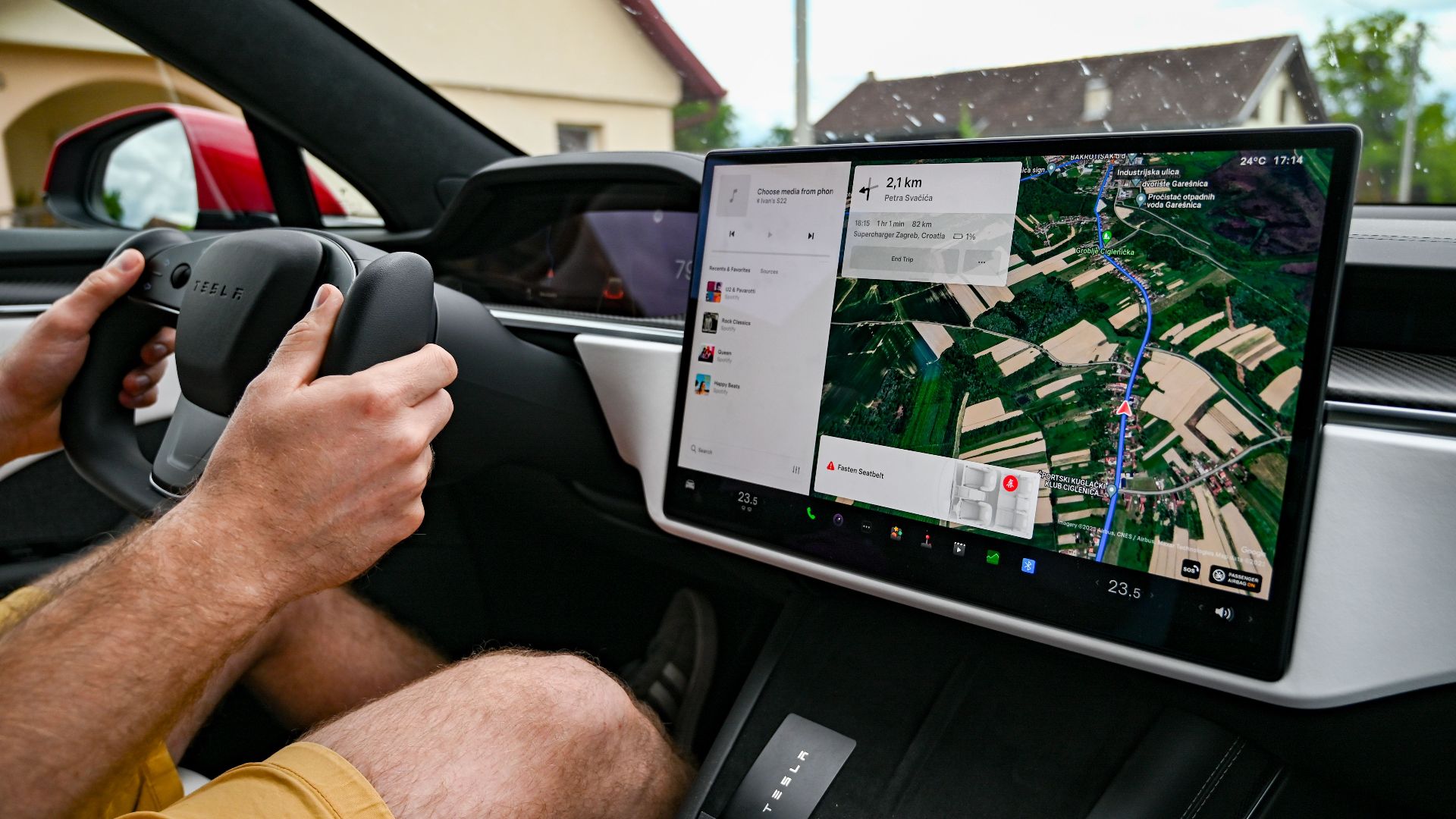
This is one area where replacing factory navigation with a phone isn't always equivalent. Some electric vehicles use their built-in navigation to calculate range, automatically add charging stops, and precondition the battery before arriving at a fast charger. Ford, for example, incorporates EV Smart Routing and battery preconditioning into certain connected navigation systems. Losing that integration may matter more than losing ordinary turn-by-turn directions.

Test Whether Preconditioning Still Works Another Way
If you drive an EV, check the owner's manual before abandoning the factory navigation. Some cars can initiate battery preconditioning manually, through the vehicle app, or under other conditions. Others tie it closely to entering a fast-charging destination in the native navigation system. A phone app can find the charger perfectly while still failing to trigger the vehicle behavior that makes the charging stop faster.
Your Subscription May Include More Than Navigation
Before deciding the price is unreasonable, look at everything bundled into the plan. A connected package may include remote start, vehicle status, live traffic, voice assistance, streaming, roadside functions, or other services along with navigation. Conversely, you may discover that you're being asked to buy several features you never use merely to regain one navigation function.

Check Whether A Cheaper Navigation-Only Plan Exists
Manufacturers frequently restructure connected-service packages, and the options available when the car was new may not be identical several years later. Ford, for example, currently offers Connected Navigation separately on some vehicles while bundling it into a broader Connectivity Package on others. Check your current owner portal rather than assuming the dealer's first quoted package is the only choice.

Try CarPlay Or Android Auto Before Spending Anything
Connect your phone and take a familiar drive. See whether directions appear on the center screen, whether steering-wheel controls work, whether voice commands are convenient, and whether you miss anything about the factory system. You may find that you prefer smartphone navigation enough that paying to restore the original system no longer makes sense.
A Phone Mount Is Still A Perfectly Valid Backup
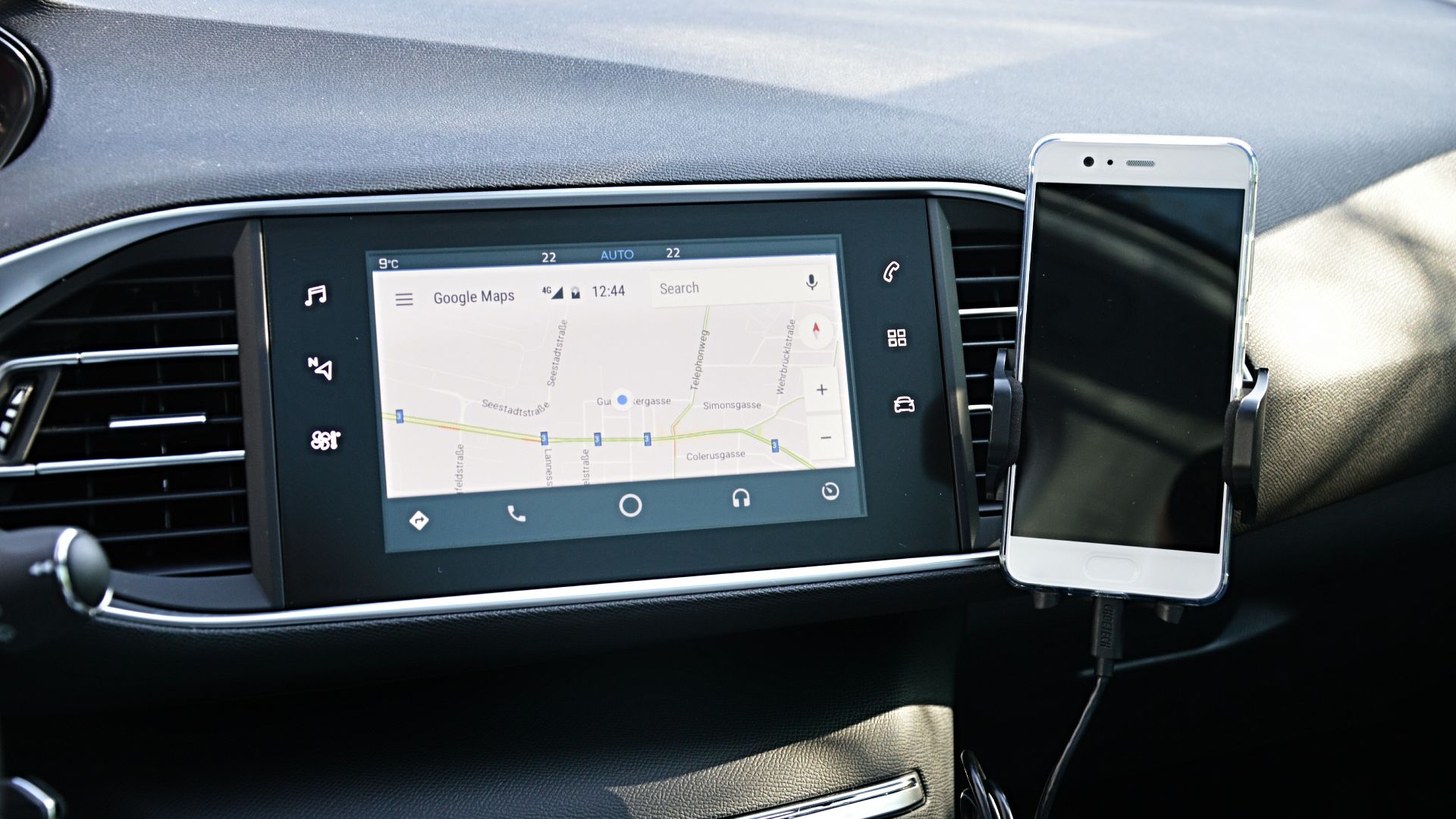
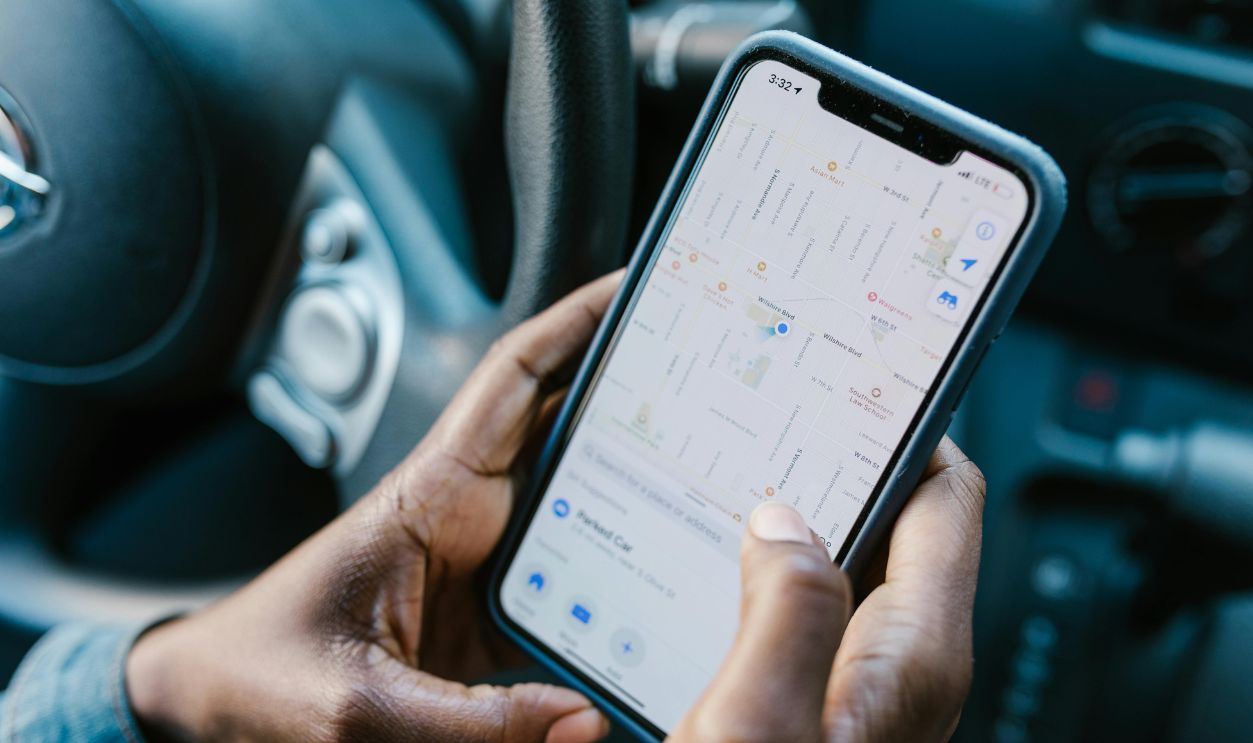
If the car predates CarPlay and Android Auto, a secure dashboard or vent mount can still turn your smartphone into a capable navigation system. You lose the large integrated display, but you gain current maps and familiar apps. For someone who only needs directions a few times a month, that may be easier to justify than renewing a connected-car subscription indefinitely.

Don't Download Unofficial Navigation Files Randomly
Forums and file-sharing sites sometimes offer copied map databases, hacked activation codes, or unofficial firmware intended to bypass subscription restrictions. That can create copyright and licensing issues, but it can also damage the infotainment system if the file is incompatible or corrupted. Hyundai specifically warns owners to use its official Navigation Updater because unofficial software can cause update failures and serious system problems.
Don't Assume A Dealer Software Update Restores Paid Services
A dealership may be able to install newer infotainment firmware or maps, but that doesn't necessarily bypass a cloud-service subscription. Software version, map database, and connected-service entitlement can be separate things. Ask precisely what a proposed update changes before paying the dealer, particularly if the navigation screen currently says that activation or subscription is required.
Decide Which Features You Actually Miss
Maybe you don't care about restaurant ratings, weather overlays, or cloud voice searches. Perhaps all you want is reliable turn-by-turn guidance twice a month. In that case, CarPlay, Android Auto, offline embedded maps, or even a mounted phone may solve the problem for essentially no additional vehicle subscription cost. Paying makes more sense when the factory system provides vehicle-specific integration you genuinely use.
The Hardware Can Be Yours Without Every Service Being Free Forever
A navigation screen remaining physically installed doesn't necessarily mean every service behind it was sold as a lifetime feature. Some cars retain offline routing after a subscription ends, some lose only connected extras, and others rely on paid cloud navigation for most routing functions. Check exactly which system your vehicle has, look for official manual map updates, and test smartphone integration before renewing. You may not be able to unlock every factory feature for free, but there's a good chance you can still get where you're going without adding another monthly bill.

You May Also Like: