This Deserves Attention.
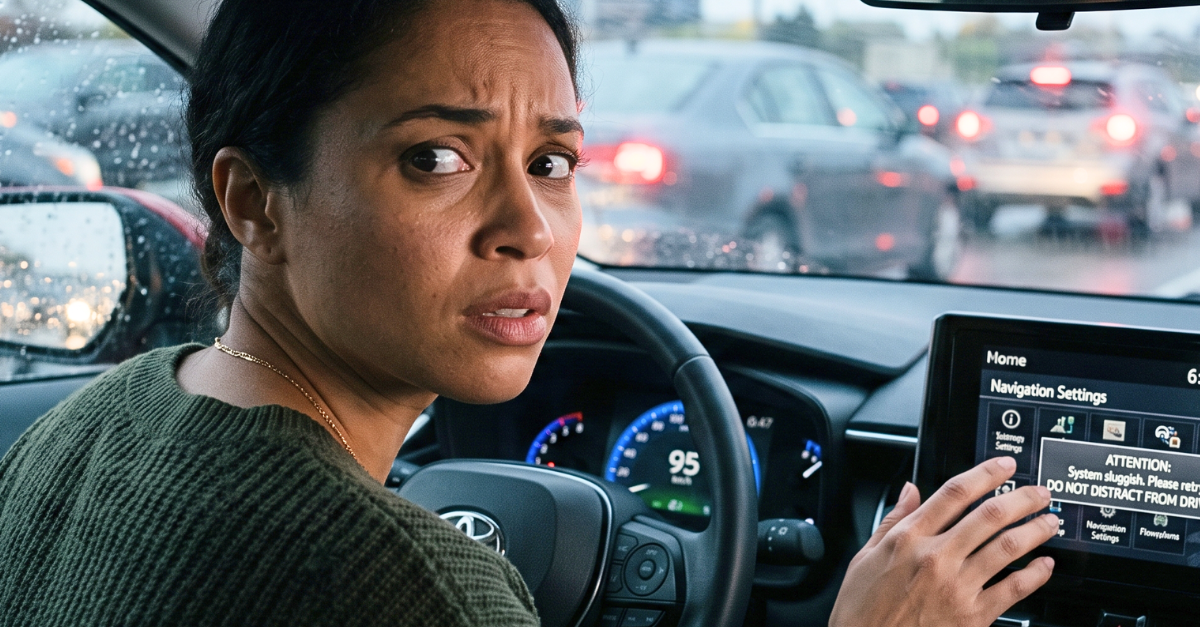
A factory-installed touchscreen can be legal, attractive, and convenient while still demanding too much of a driver’s eyes and concentration. The real issue is not whether the screen came standard, but whether essential tasks can be completed quickly without losing awareness of the road.
Standard Equipment Is Not A Safety Guarantee
A feature’s presence in a new vehicle does not prove that every function is safe to operate while moving. AAA Foundation research specifically warns that factory installation does not mean an automaker has demonstrated safe use under all driving conditions. Drivers still have to decide when an interaction is too demanding to attempt.
Distraction Includes Factory Controls
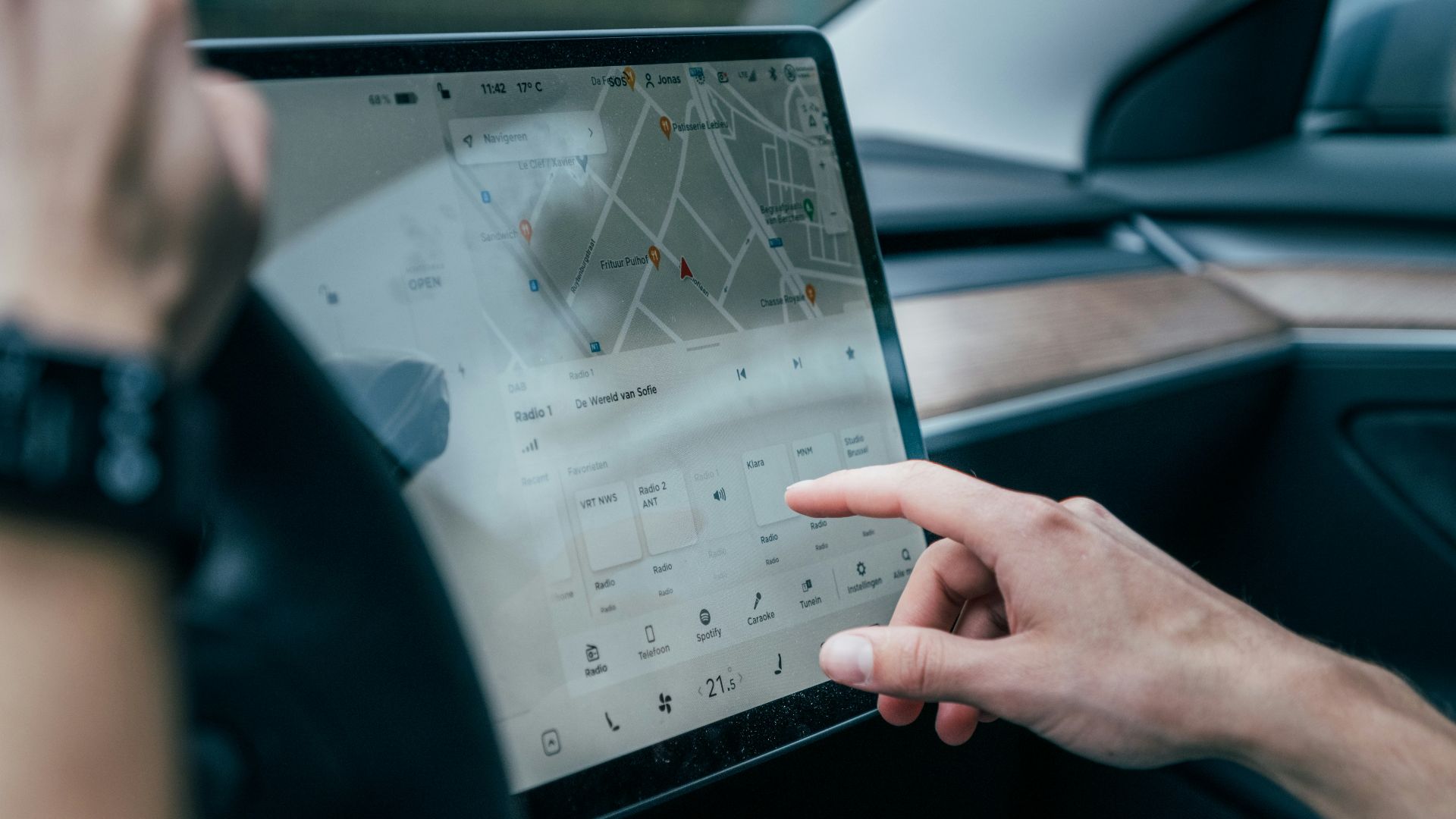
Distracted driving is not limited to texting or holding a phone. NHTSA includes adjusting stereos, entertainment systems, navigation equipment, and vehicle controls among activities that can divert attention from driving. A climate-control menu can therefore create a genuine distraction even though it is built into the dashboard.
Your Eyes Are The Main Concern
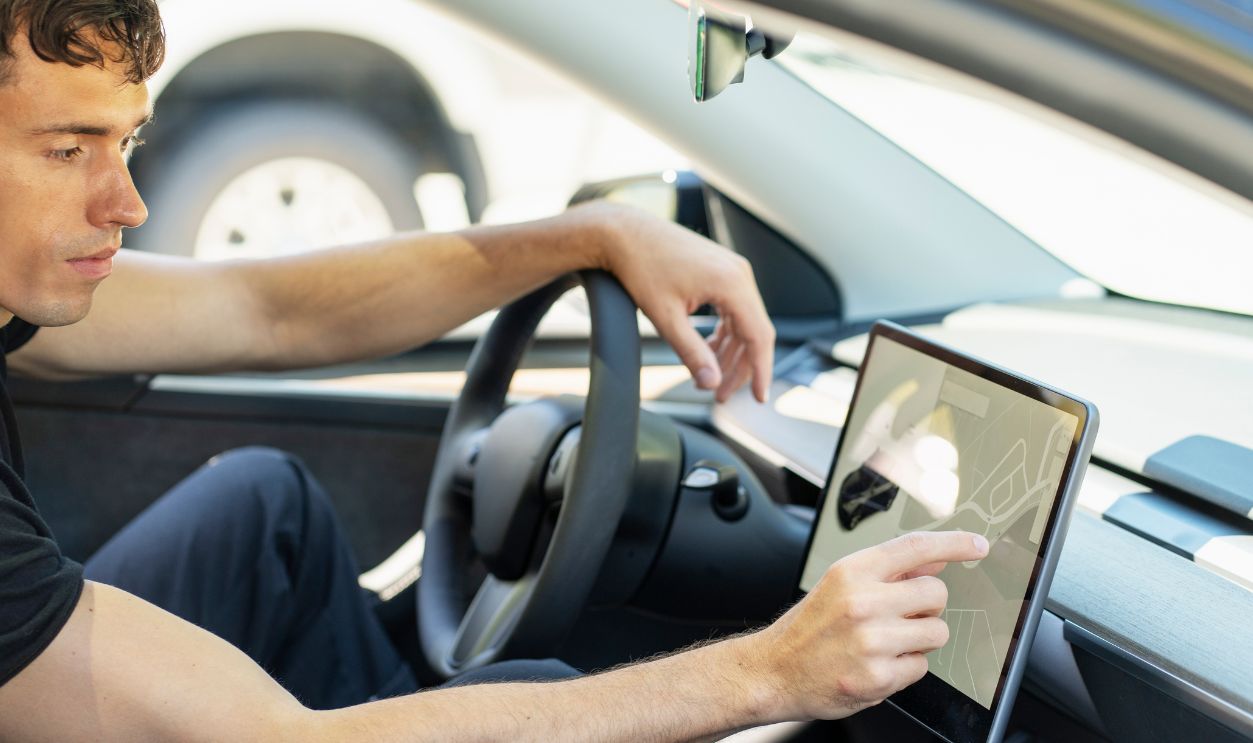
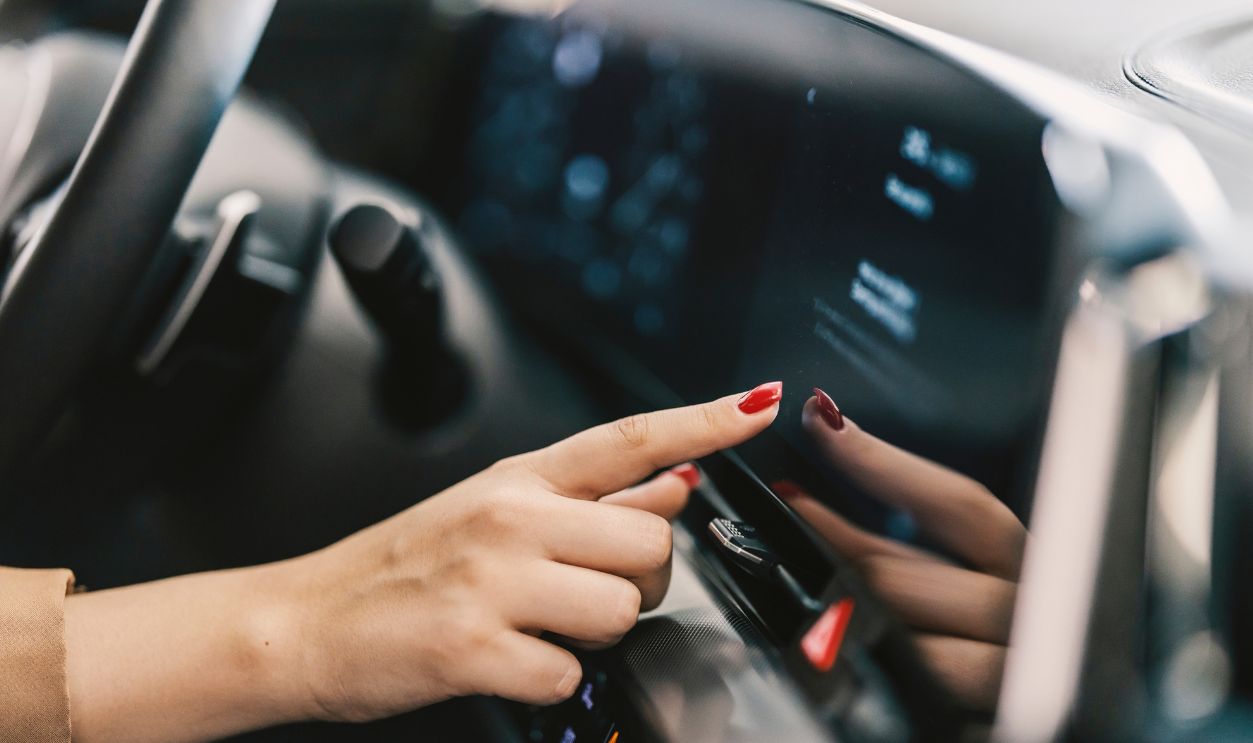
A touchscreen usually provides little tactile guidance, so drivers often need to look at it before touching the correct area. They may then glance again to confirm that the command registered. Those repeated checks remove visual attention from traffic, pedestrians, signals, and changing road conditions.
Two Seconds Is Already Significant
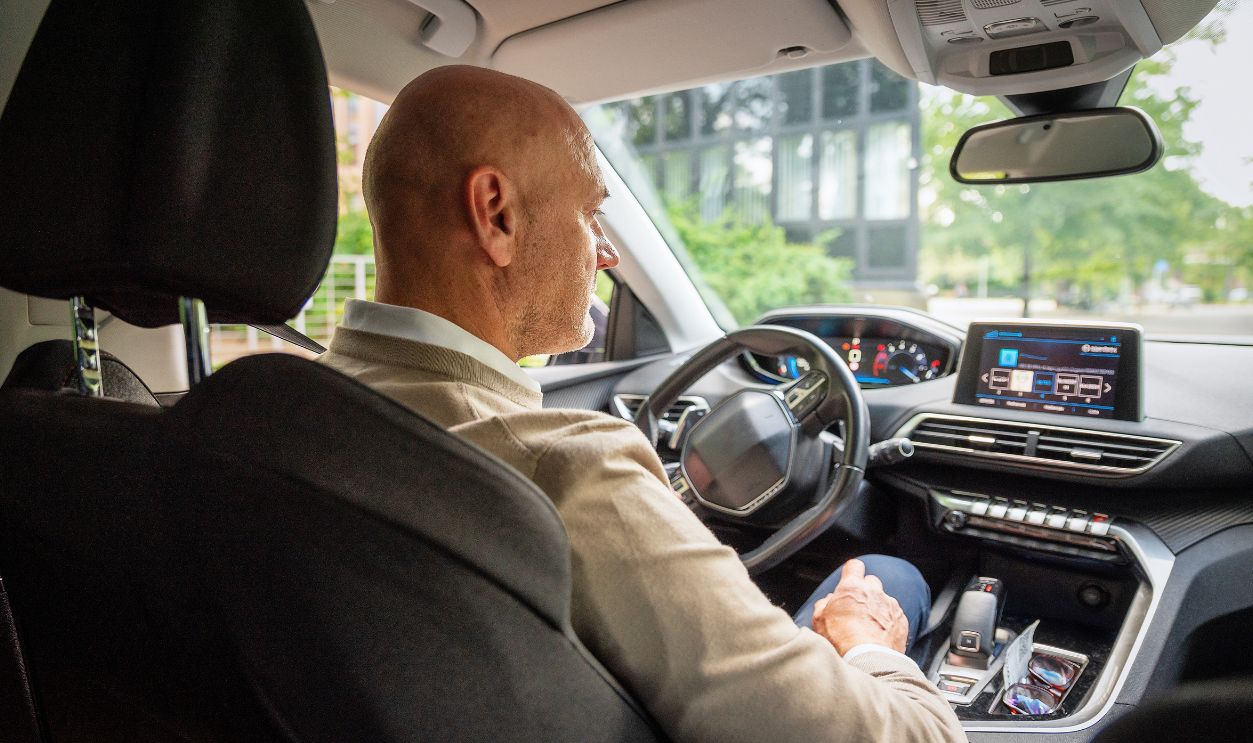
NHTSA materials report increased crash risk when attention is diverted from driving for more than two seconds at a time. Its interface guidelines recommend that individual glances away from the road remain at two seconds or less. A deeply buried setting can easily exceed that limit if the driver must search through several menus.
Several Short Glances Still Add Up
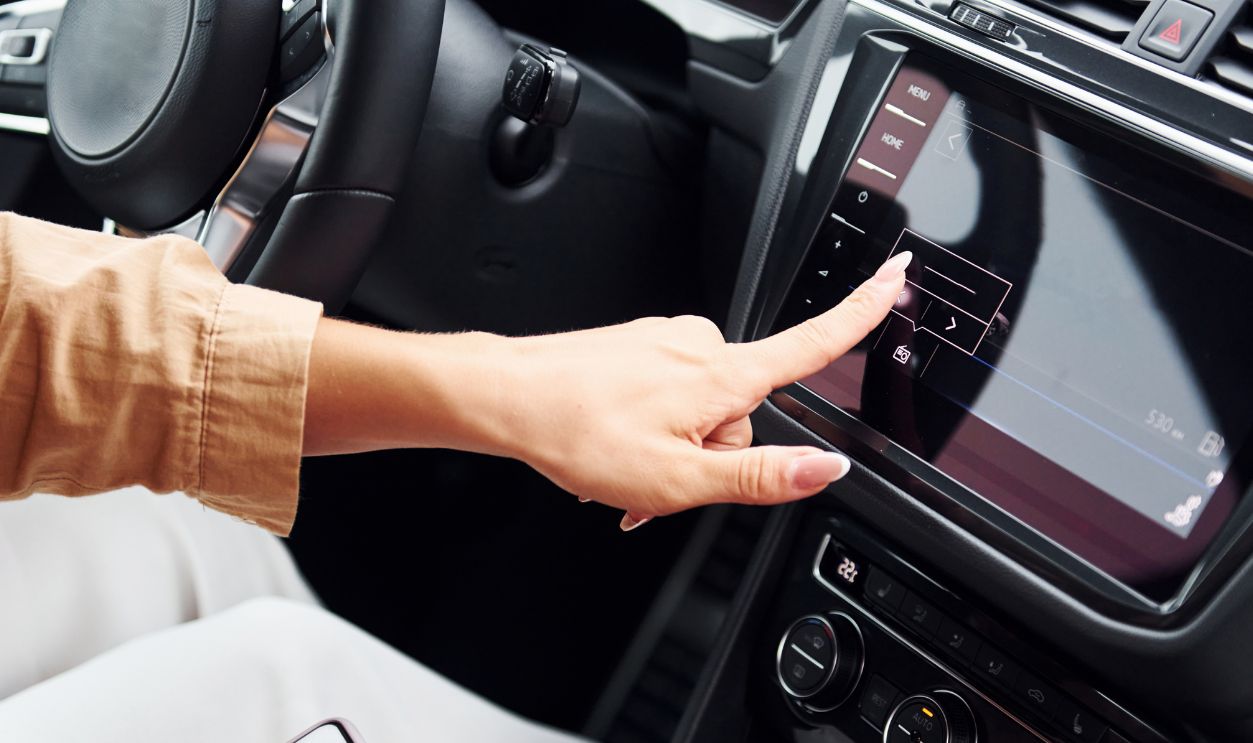
A task does not become harmless merely because the driver looks back at the road between taps. NHTSA’s voluntary guidelines recommend no more than 12 seconds of total eyes-off-road time for a task performed while driving. Opening a menu, finding a submenu, moving a slider, and confirming the result can consume that allowance surprisingly quickly.
Touch Requires More Precision
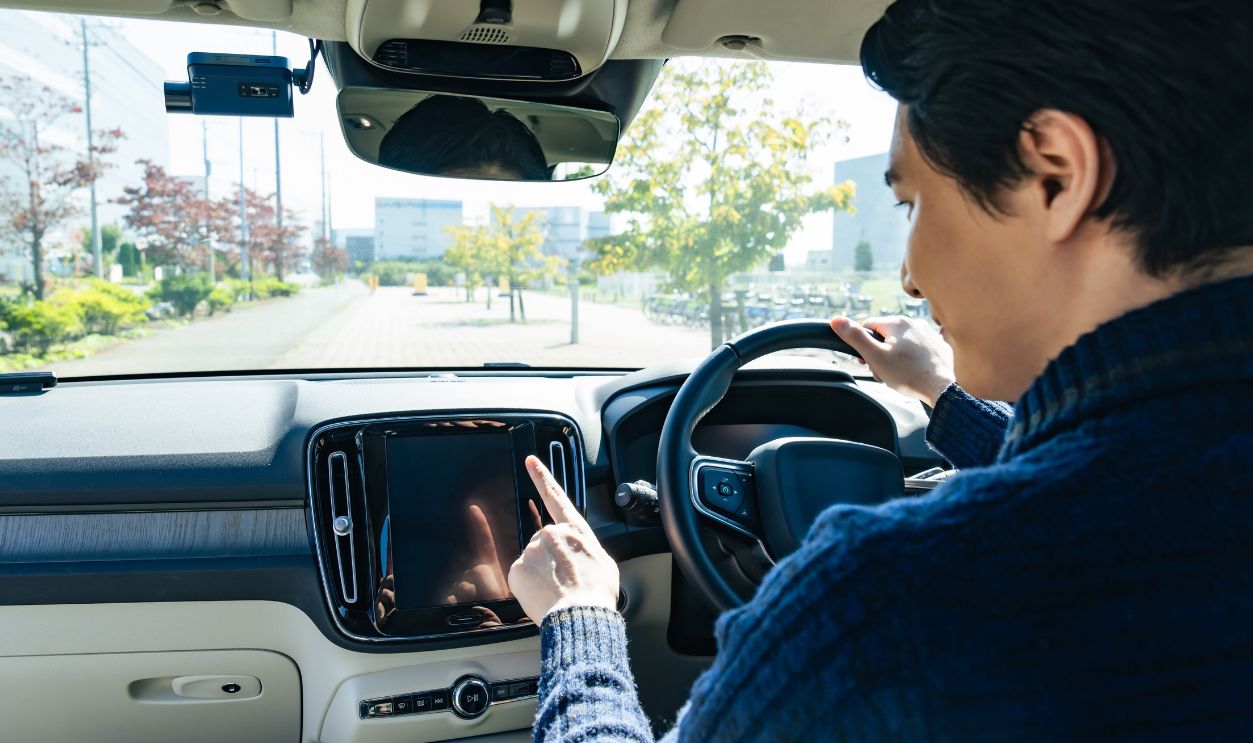
A physical knob can often be located and adjusted through touch alone. A flat display usually requires the driver to aim at a particular icon or slider without the benefit of a fixed mechanical shape. Road vibration, gloves, small targets, and a moving cabin can make that precision more difficult.
 Carolina Jaramillo, Shutterstock
Missing The Target Extends The Task
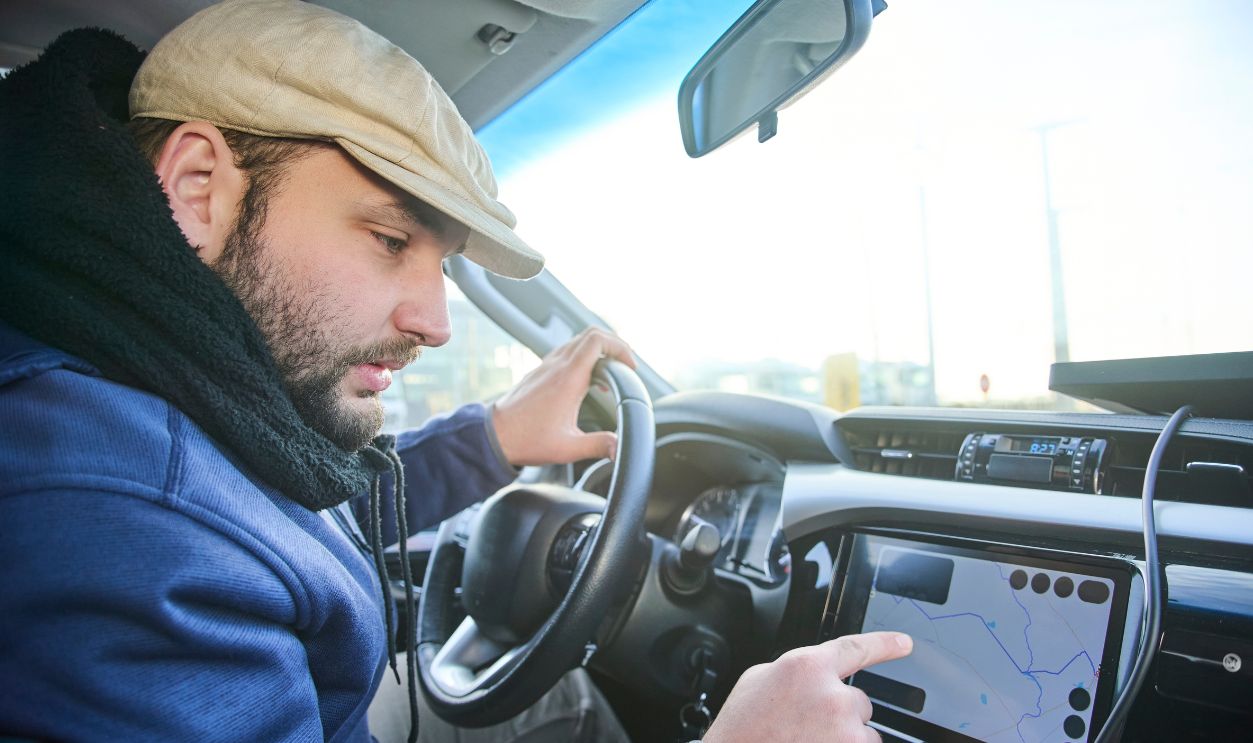
A driver who taps the wrong icon must recognize the mistake and correct it. That adds another glance, another hand movement, and another decision. Interfaces with small buttons, similar-looking symbols, or tightly packed controls make those errors more likely.
Menu Depth Creates Extra Work
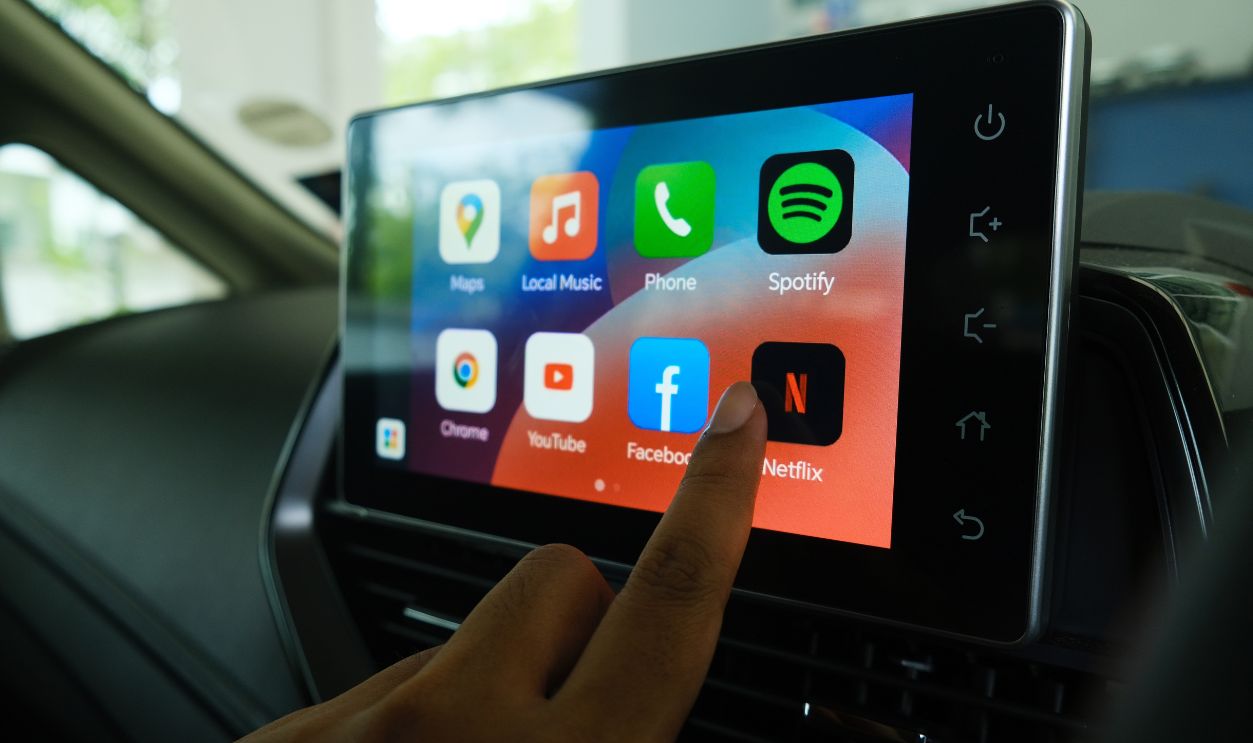
Placing a function two or three screens deep increases the number of steps required to reach it. NHTSA’s guidance says tasks should be interruptible and controlled at the driver’s pace, but interruption does not remove the attention already spent navigating the system. Frequently used controls are safer when they remain immediately accessible.
Climate Controls Deserve Special Treatment
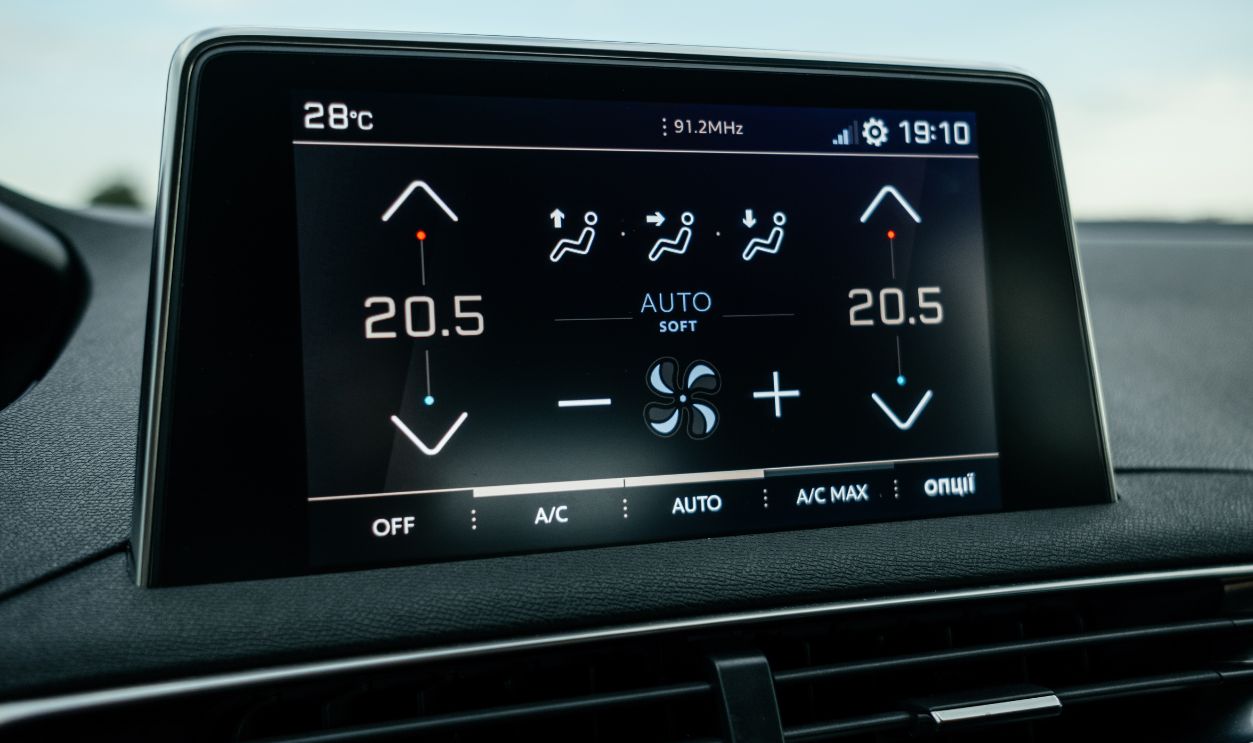
Temperature, fan speed, and windshield defogging may need adjustment while the vehicle is moving. Burying those functions inside a touchscreen forces the driver to interact with the display during situations when visibility or comfort may already be deteriorating. Dedicated controls can make those adjustments quicker and easier to identify by touch.
Defrosting Can Become Time Sensitive
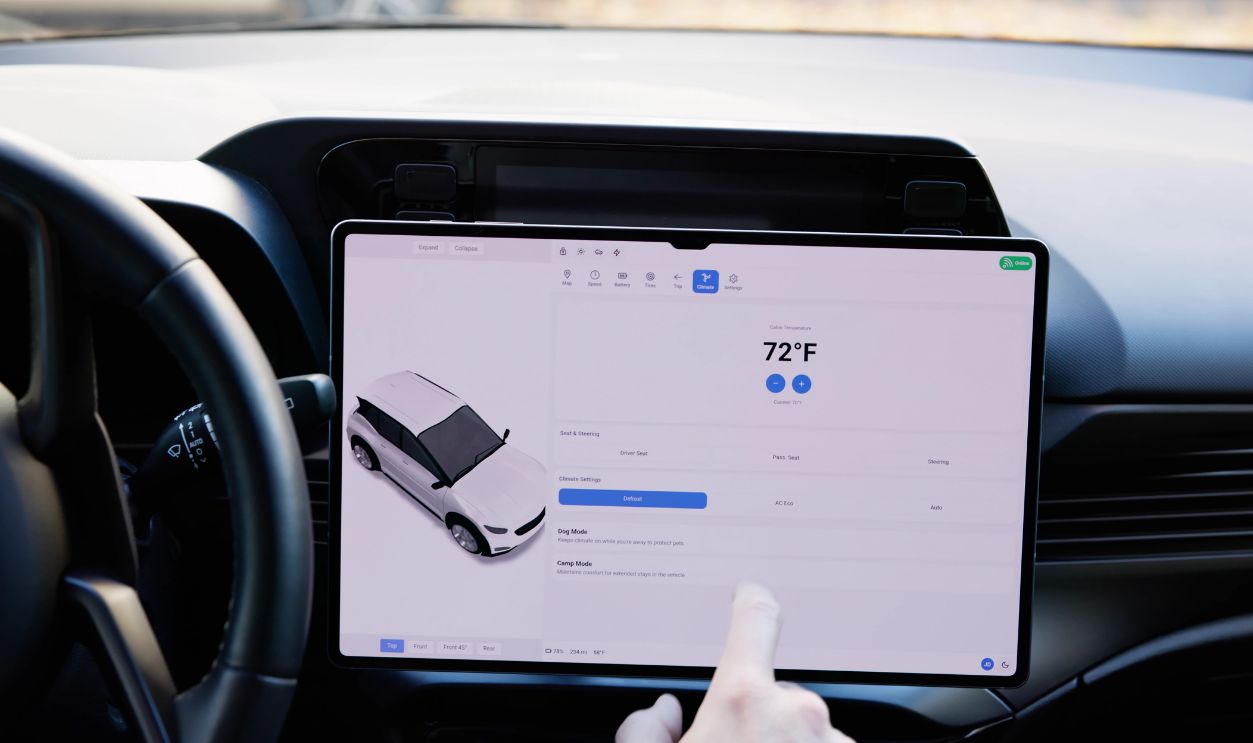
A fogging windshield may require prompt action. The driver should not have to explore an unfamiliar menu while outward visibility is decreasing. Learning the defroster location before driving and using voice control when reliable can reduce the urgency of the interaction.
Physical Controls Have An Advantage
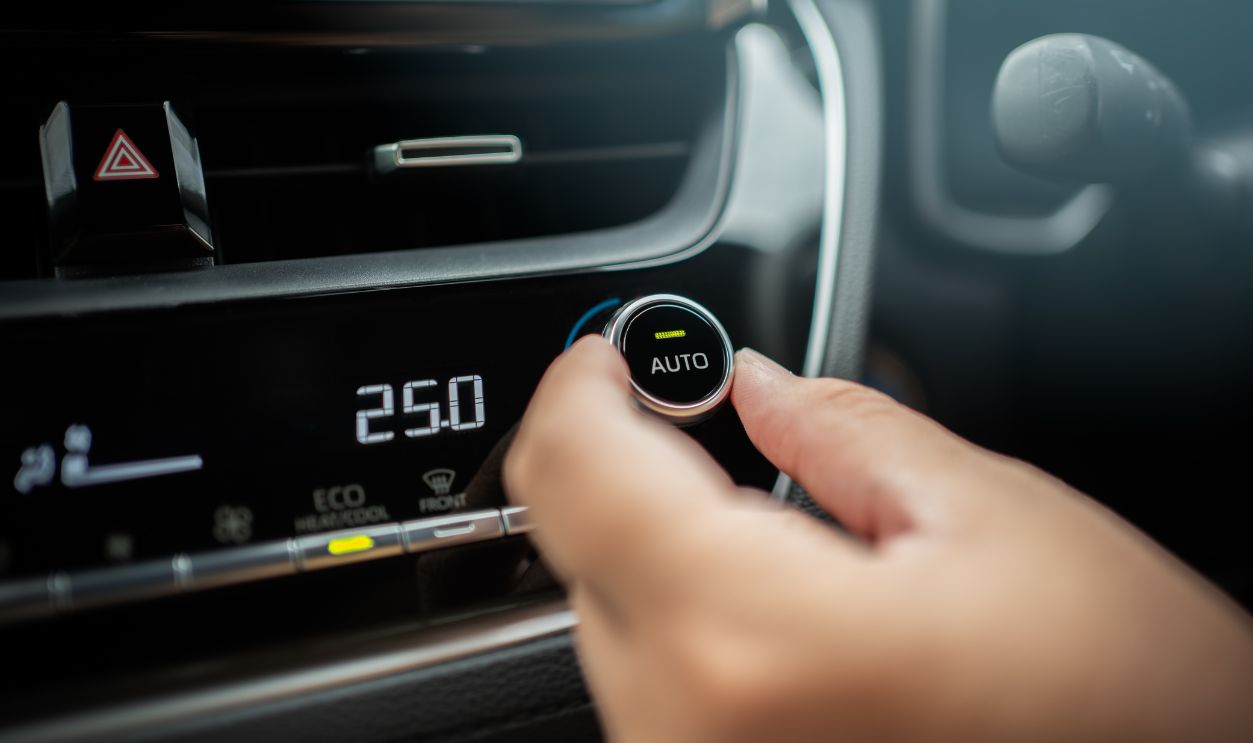
Buttons, switches, and rotary knobs provide shape, resistance, position, and movement that a driver can learn. Those tactile cues can reduce the need to verify every input visually. Euro NCAP’s current protocol recognizes this advantage by requiring direct physical input for certain important driving functions.
Screens Are Not Always Worse
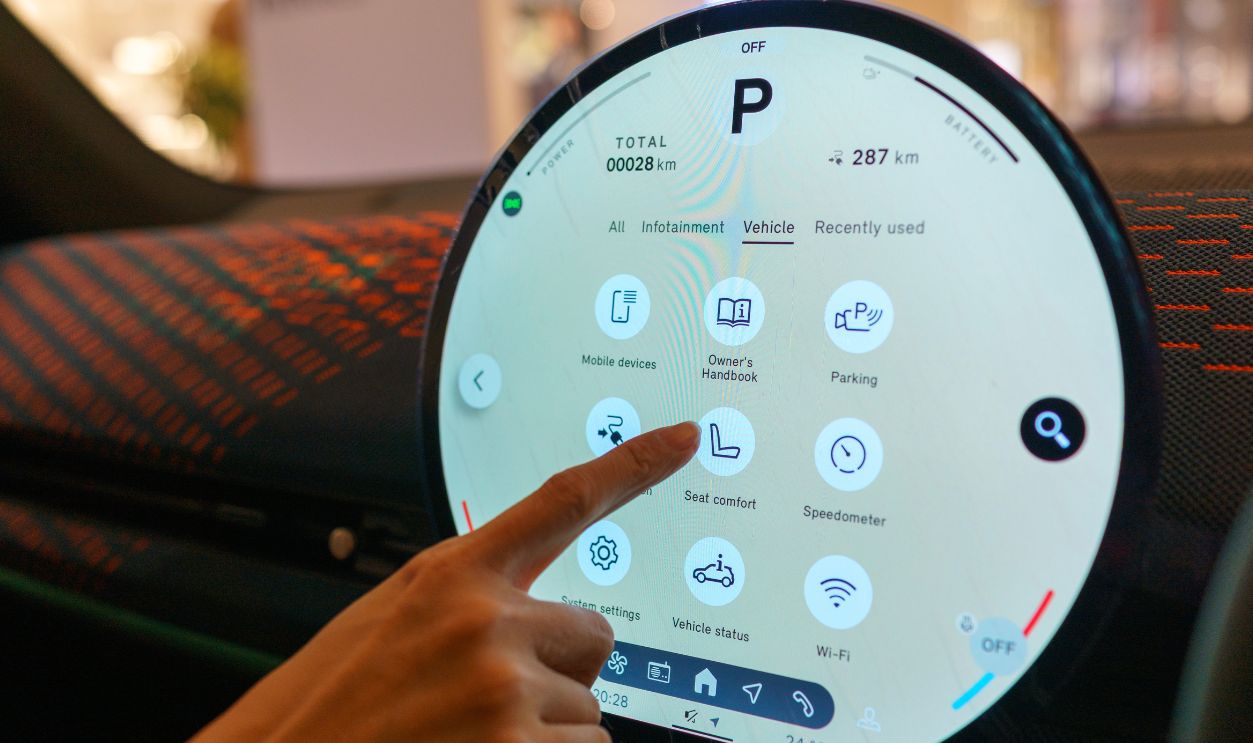
A well-designed touchscreen can present large, clearly labeled controls in a logical layout. It may also consolidate navigation, camera views, and settings more effectively than a dashboard crowded with dozens of similar buttons. The safety problem comes from visual demand and complexity rather than the mere existence of a display.
Simple Tasks Can Work Well
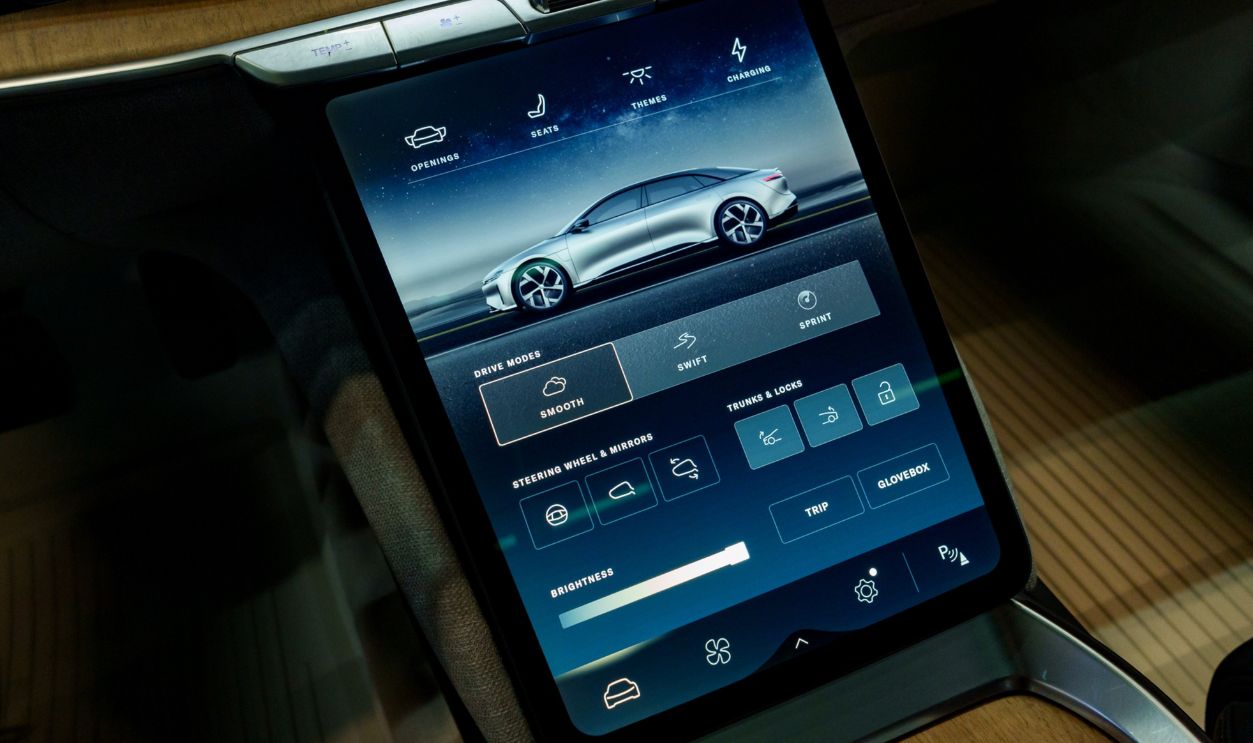
A large on-screen button for accepting a navigation route may require little time or thought. The same screen becomes more demanding when it displays long lists, small sliders, scrolling menus, or several nearly identical icons. Interface quality varies substantially between vehicles.
Navigation Is Especially Demanding
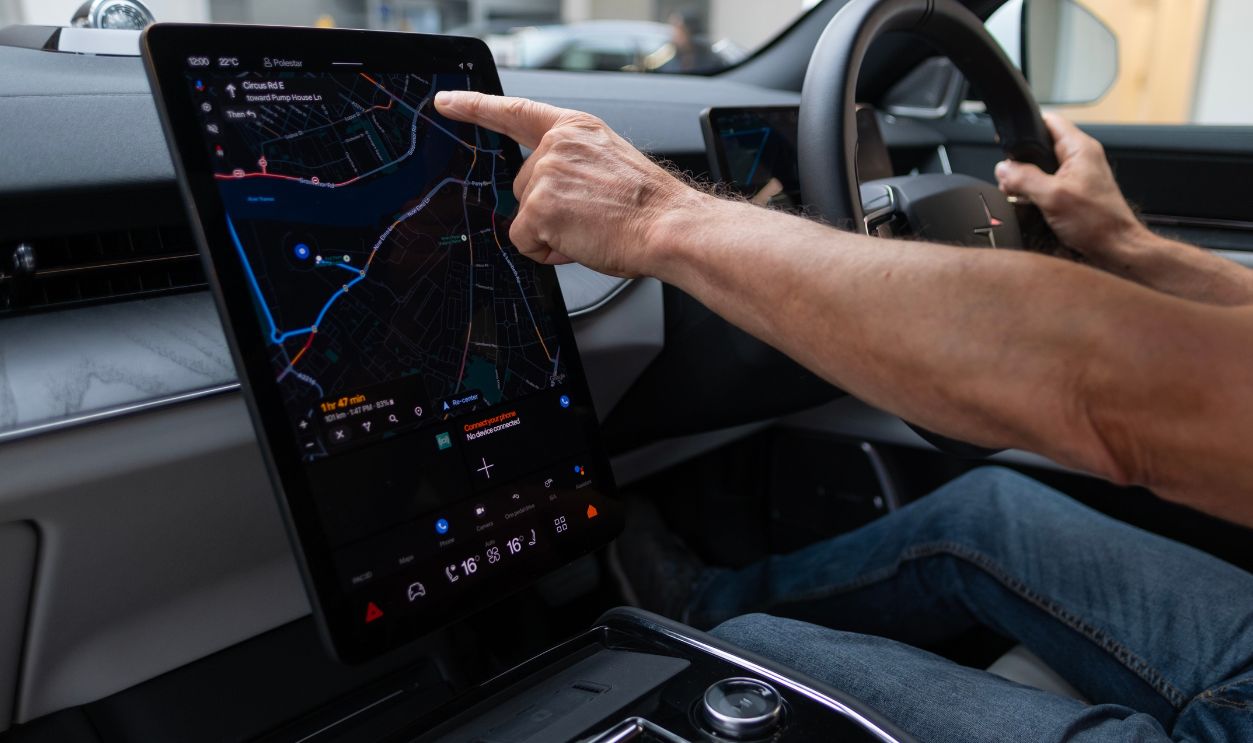
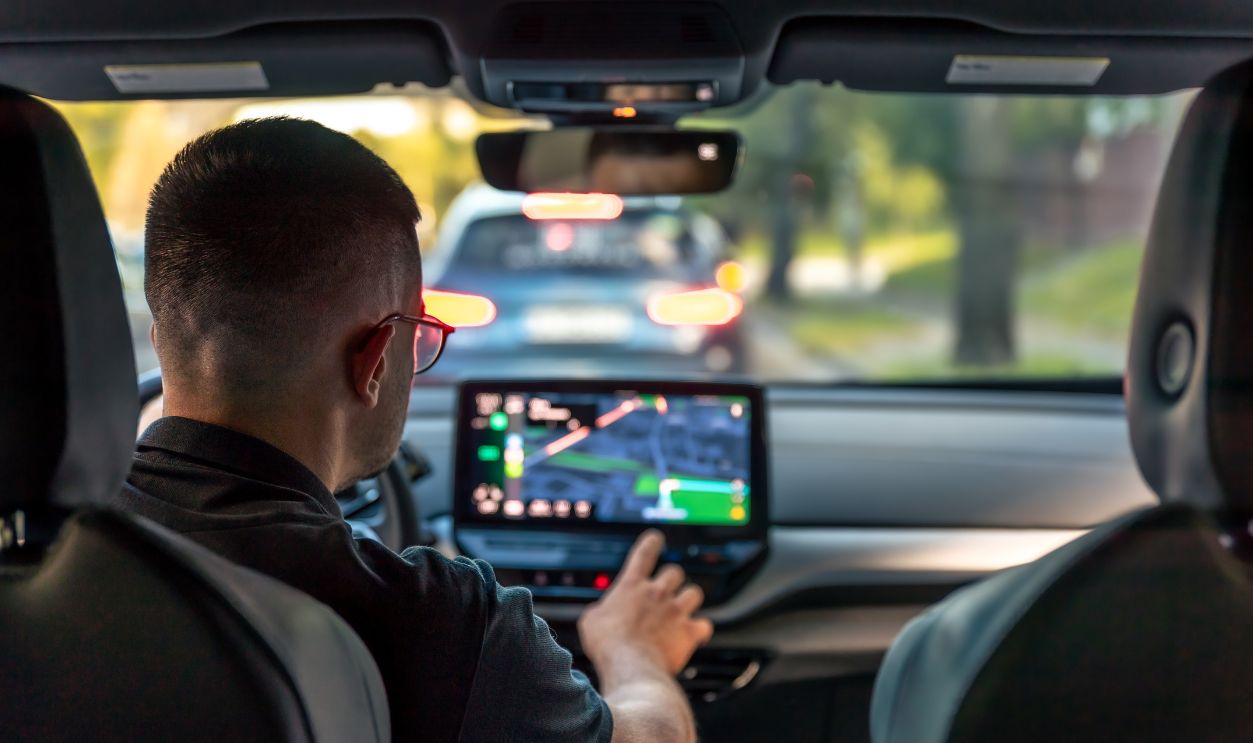
AAA Foundation testing found navigation programming to be the most demanding category among the infotainment tasks it studied. Entering a destination requires visual search, decision-making, and multiple interactions. Drivers should program routes before departure or stop somewhere safe before changing a complex destination.
Audio Adjustments Can Also Distract
Changing a radio station sounds harmless, but the task becomes more complicated when it requires opening an audio page, selecting a source, scrolling through a list, and closing a pop-up. NHTSA uses ordinary manual radio tuning as a baseline for evaluating secondary-task demand. A modern interface should not make routine audio control substantially harder than that familiar task.
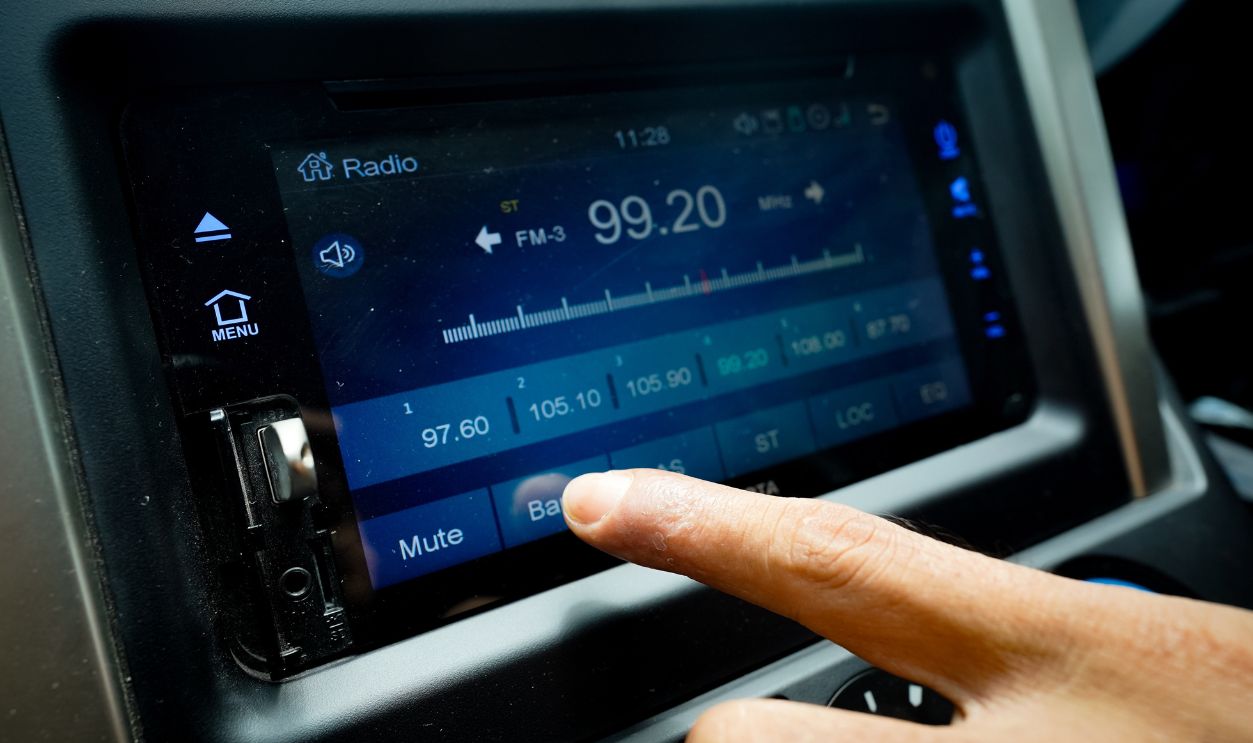
Voice Control Helps With Some Tasks
A good voice system can reduce the need to look down and tap the screen. Research involving production vehicles found that voice interfaces reduced visual demand during certain calling tasks. This makes voice control useful for simple requests such as changing temperature, selecting music, or navigating to a saved destination.
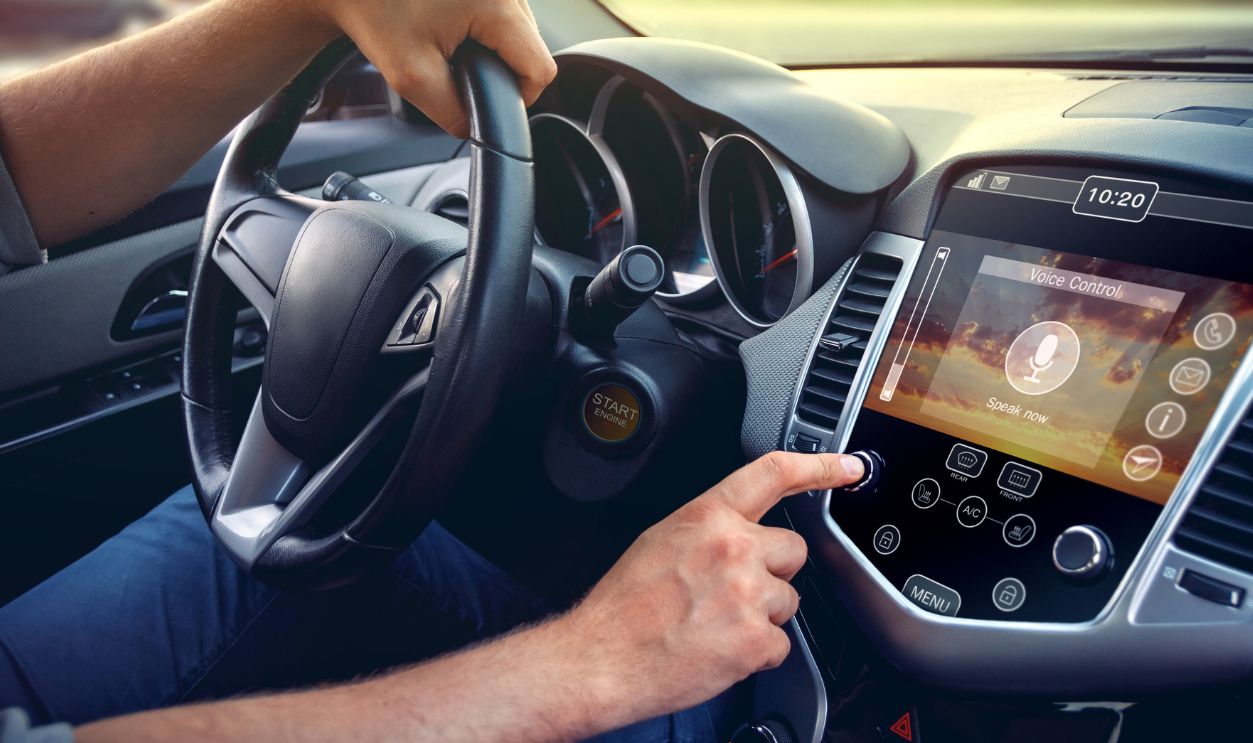
Voice Is Not Distraction Free
Drivers must still formulate commands, listen for responses, notice errors, and sometimes confirm a selection visually. Research has found that voice interfaces can reduce visual demand without eliminating cognitive or visual workload. A slow or inaccurate assistant may keep the driver mentally occupied longer than a simple physical control.
Familiarity Improves Speed, Not Safety
Learning the menus can shorten interaction time and reduce wrong taps. AAA Foundation research found that practice did not eliminate the interference associated with infotainment tasks. Knowing where a control is located does not prevent your eyes and attention from leaving the road.
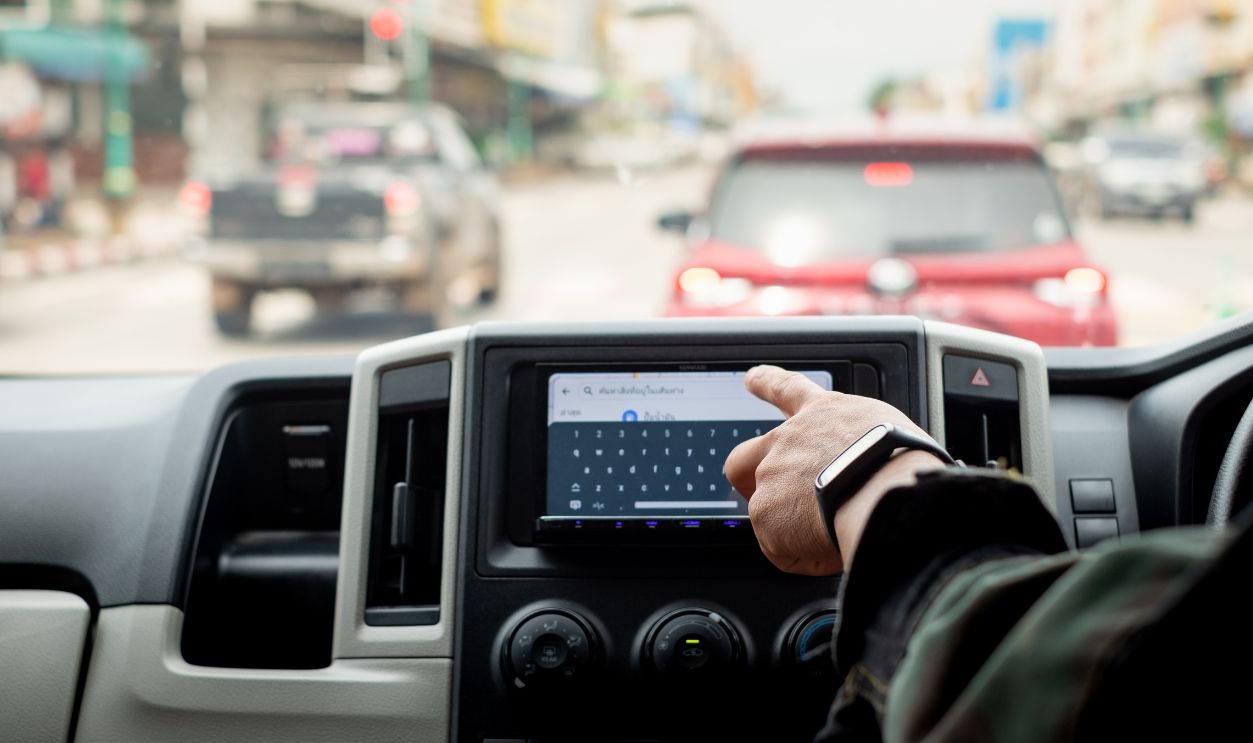
Driver Monitoring Is Only A Backstop
Some vehicles watch the driver’s gaze and provide an alert when attention moves away from the road. NHTSA continues to research how these systems detect and respond to distraction. A warning system can identify a problem, but it does not make a complicated touchscreen task safe to perform.
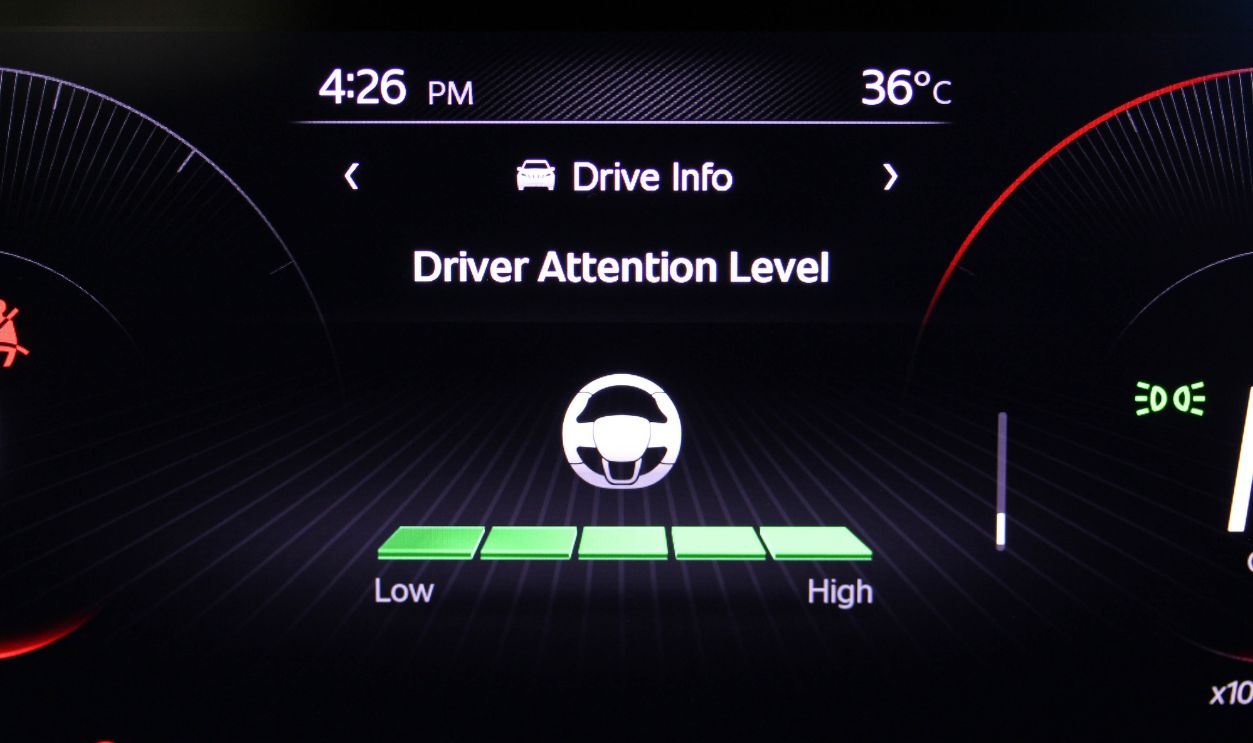
Automation Does Not Grant Screen Time
Adaptive cruise control and lane-centering systems do not turn the vehicle into a self-driving car. The driver remains responsible for observing traffic and responding when assistance reaches its limits. Combining a demanding screen task with partial automation can leave the driver poorly prepared to retake control.
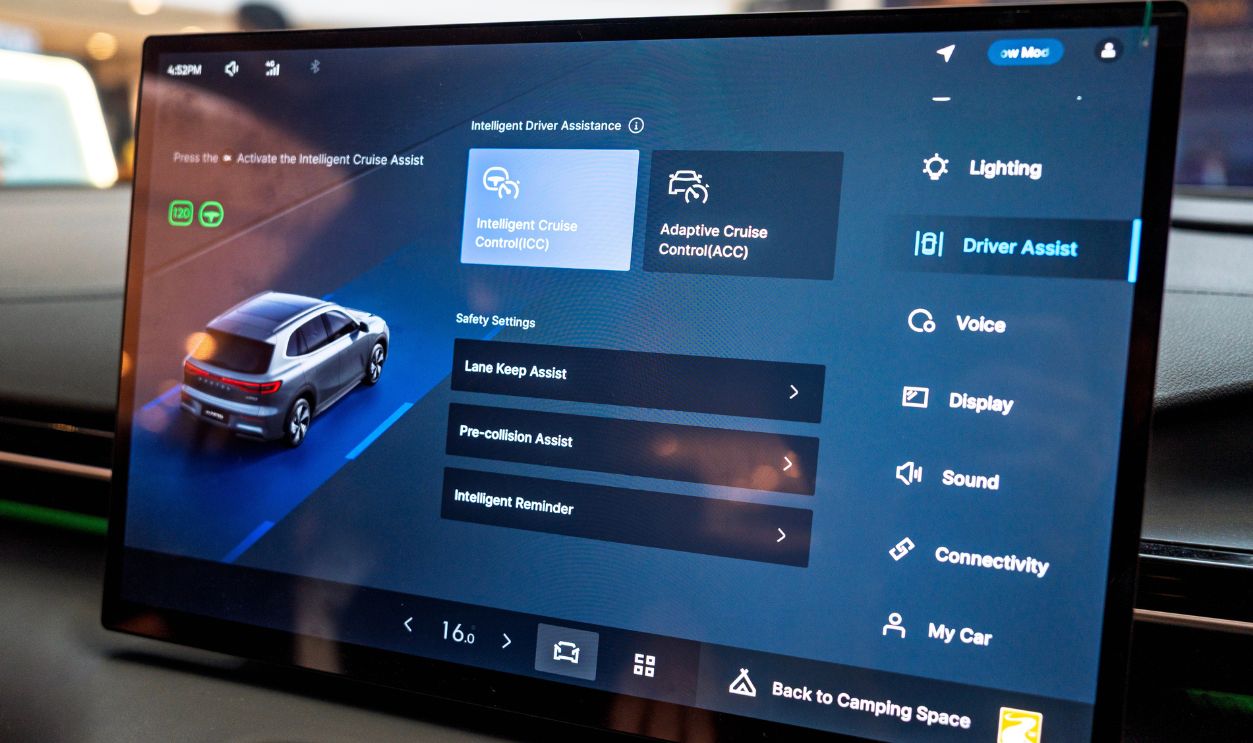
Safety Assessors Are Responding
Euro NCAP’s 2026 assessment protocols evaluate how drivers operate important vehicle functions. The organization recently criticized a vehicle whose climate and driving settings relied heavily on a central touchscreen, lowering its score for general controls. That shift reflects growing recognition that interface design belongs in the safety conversation.
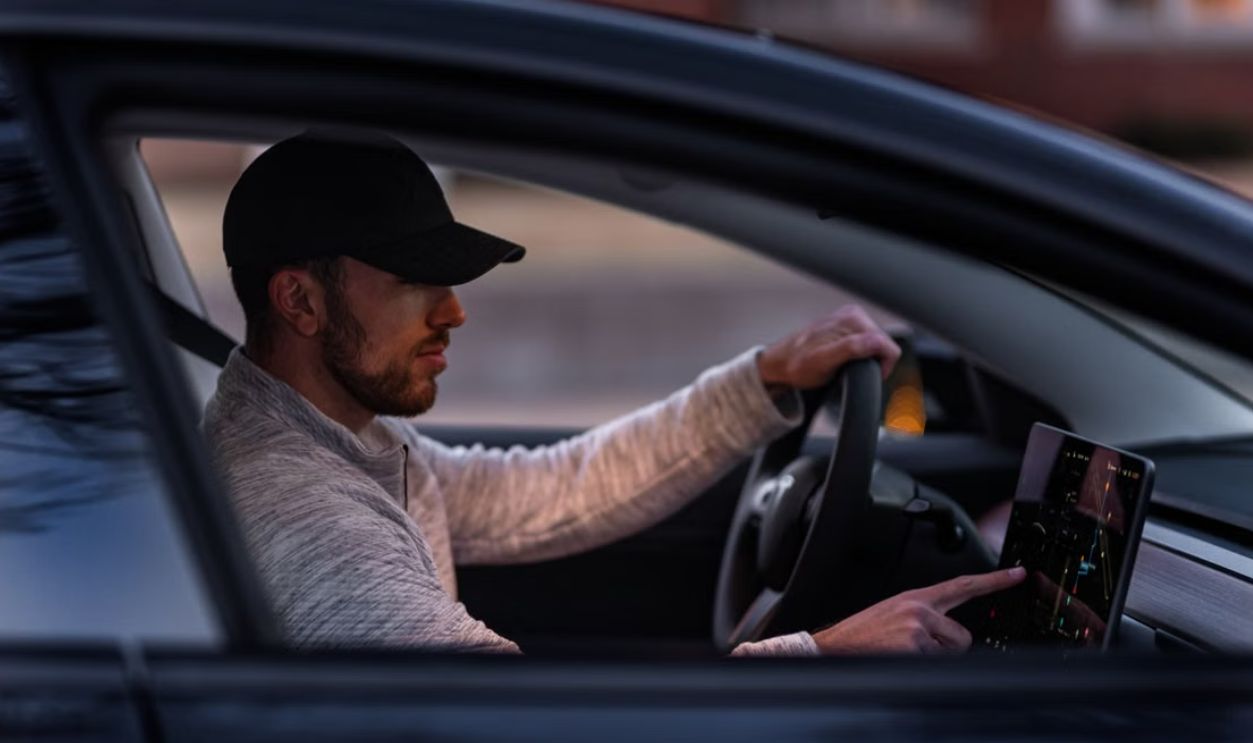
Federal Guidance Remains Voluntary
NHTSA issued nonbinding design guidelines intended to discourage excessively distracting factory-installed electronic systems. The guidance recommends short glances, limited total task time, easy-to-read displays, and lockouts for inherently distracting activities. Because the recommendations are voluntary, a standard touchscreen can still feel more demanding than the agency’s preferred design principles.
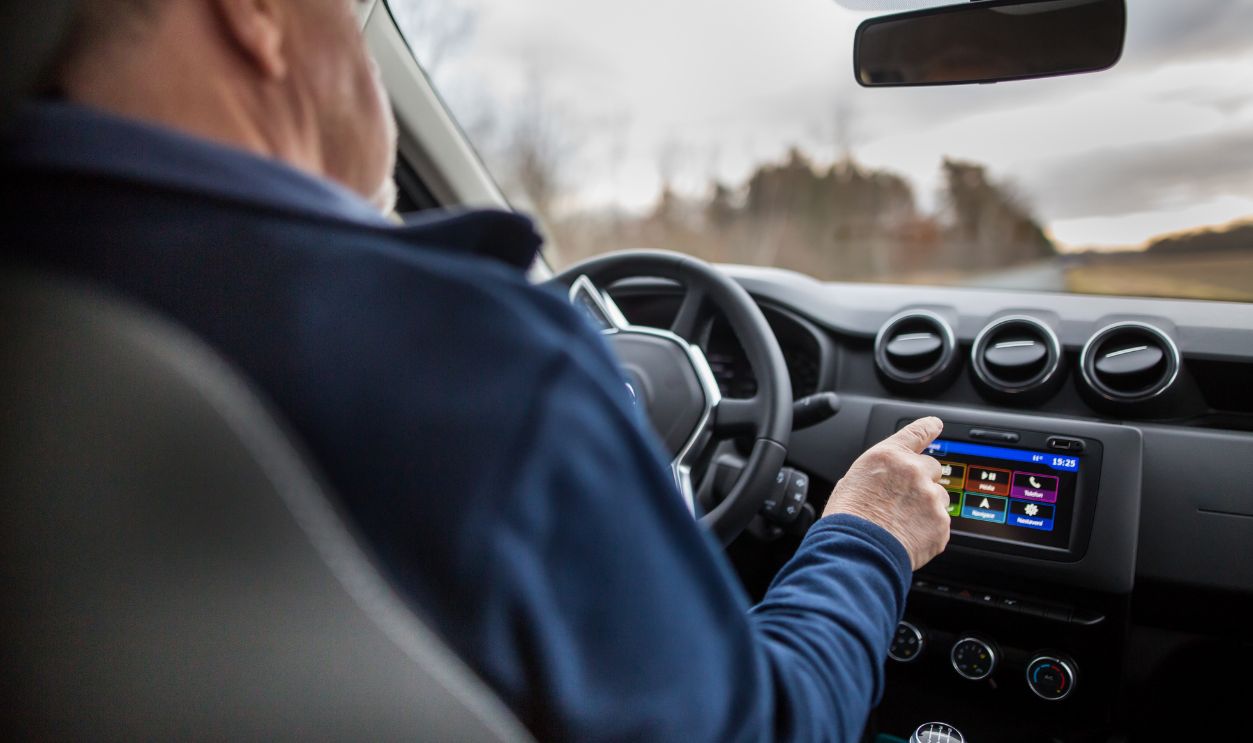
State Laws May Not Answer The Question
Most distracted-driving laws focus on phones and handheld electronic devices. The legal treatment of a built-in vehicle screen varies by jurisdiction and by how broadly a law defines distraction or careless driving. Something can also be legal while remaining unwise to operate in heavy traffic.

Set Up The Car Before Moving
Choose a destination, pair the phone, select a playlist, and adjust major climate settings while parked. Arrange shortcuts or favorites for the functions you use most frequently. NHTSA advises drivers to make control and navigation adjustments before beginning a trip whenever possible.
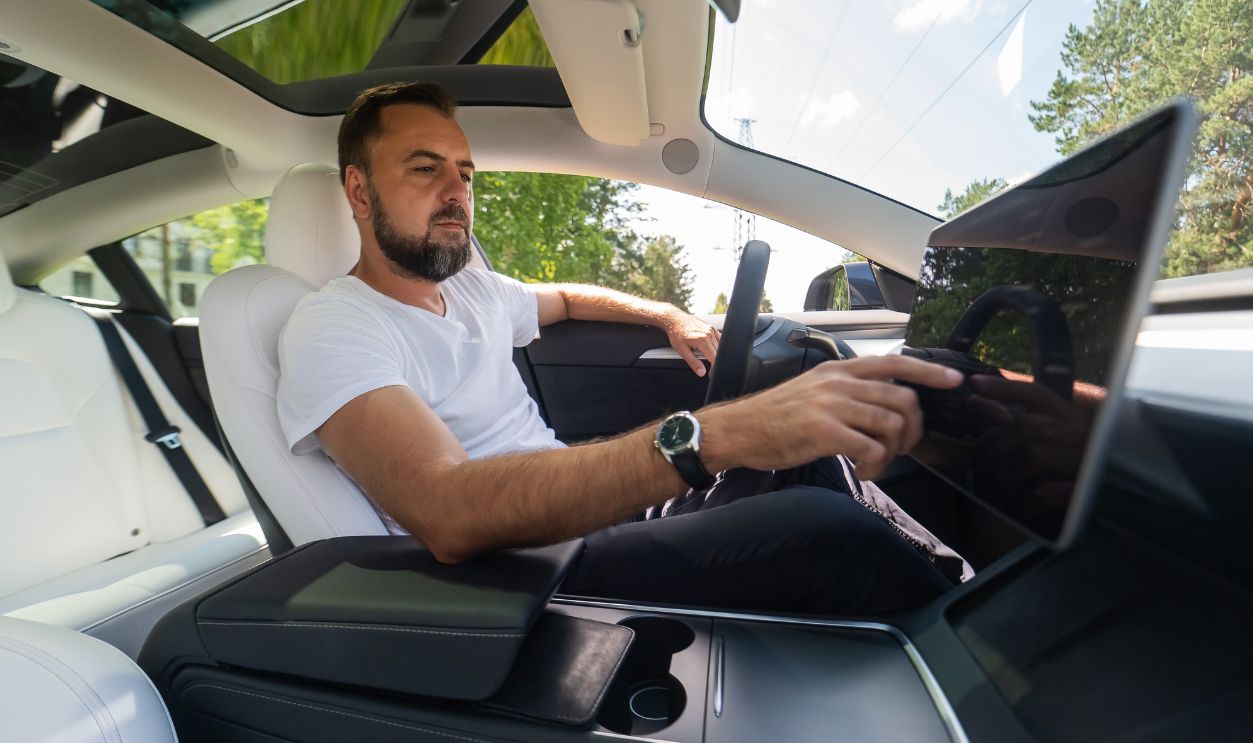
Stop When The Task Becomes Complicated
A safe pull-off is the right place for entering an unfamiliar address, changing detailed vehicle settings, or troubleshooting a frozen interface. Do not continue tapping merely because the system allows the task while moving. A factory menu does not take priority over the driving environment.
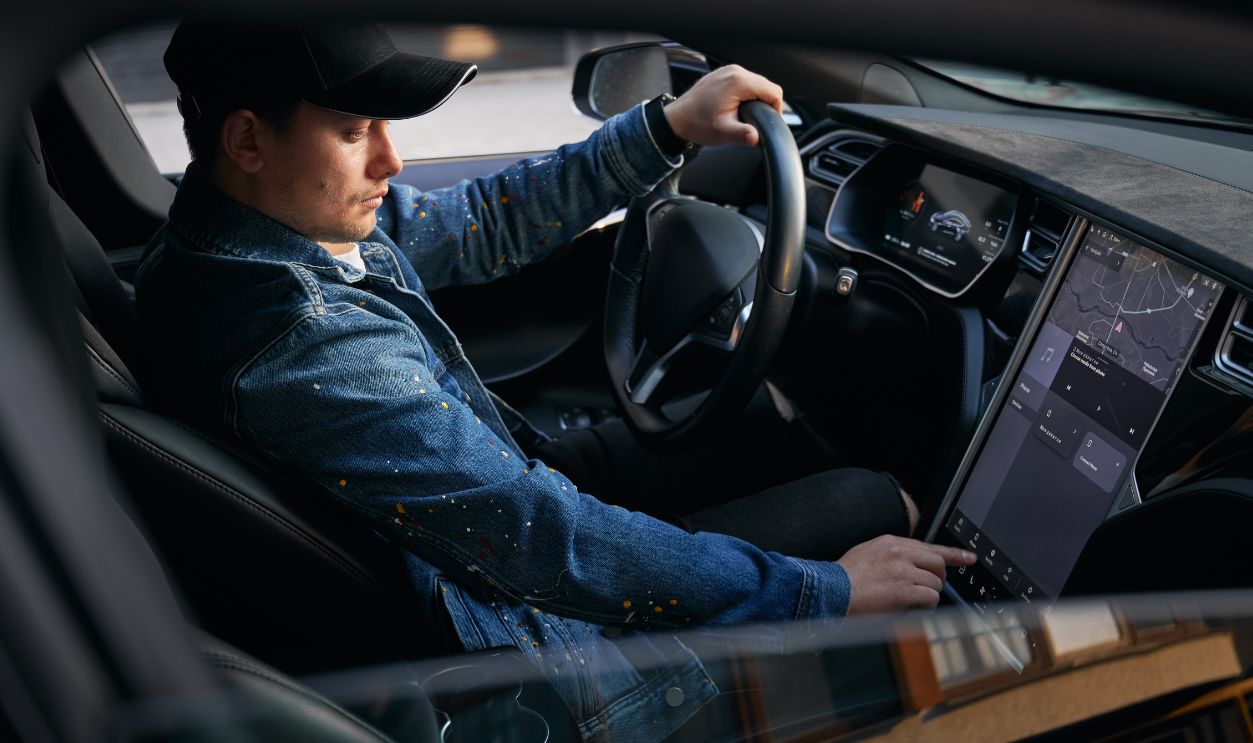
Test The Interface Before Your Next Purchase
Operate the climate controls, audio system, heated seats, defroster, cameras, and driver-assistance settings during a test drive. Pay attention to how long each task takes and whether it can be completed largely by feel. A vehicle’s interface deserves consideration alongside its crash ratings, braking performance, and outward visibility.
Your Concern Is Reasonable
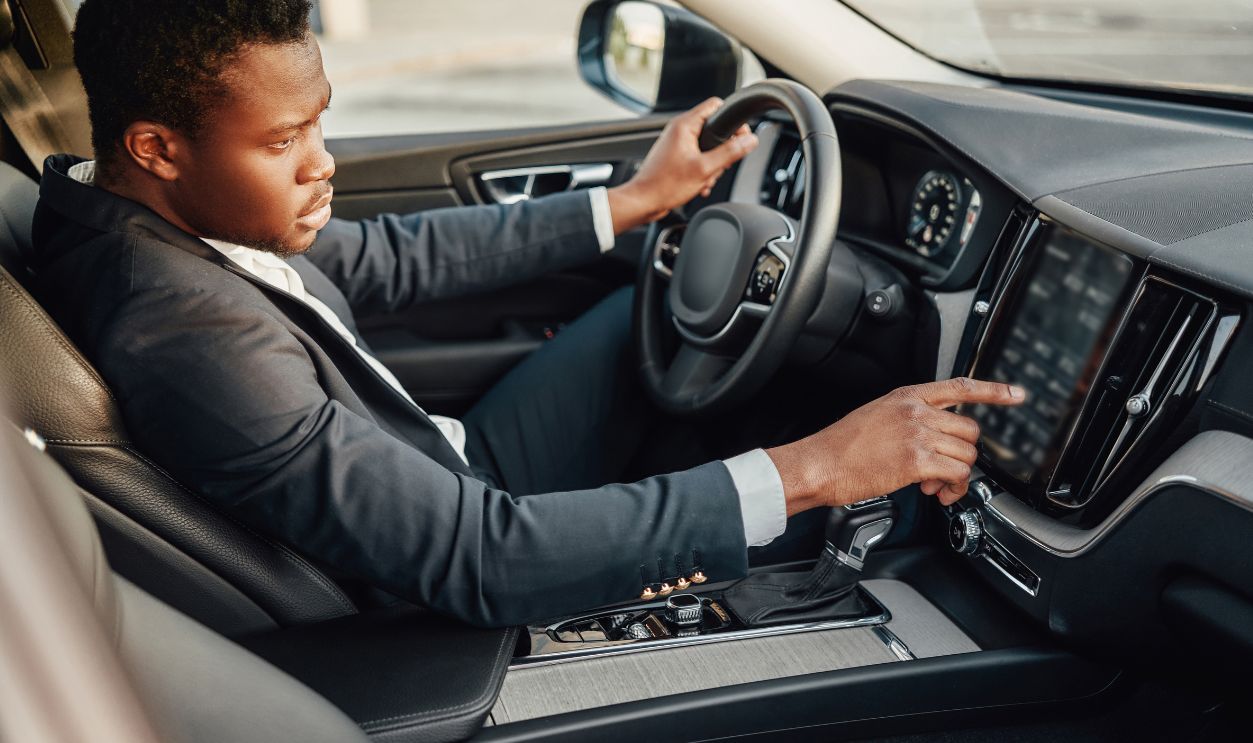
A touchscreen is a safety issue when it repeatedly pulls your eyes from the road or turns basic adjustments into lengthy tasks. That does not mean the vehicle is automatically unsafe, especially when drivers configure it carefully and postpone complex interactions. Your discomfort is still useful evidence that the interface demands more attention than you believe you can safely spare.
You May Also Like:
Can You Name These Classic 1970s Muscle Cars From Just One Clue?
The Five Most Stolen Cars In North America
Minivans That Are Actually Cool
Sources: 1, 2, 3, 4, 5, 6, 7, 8, 9, 10, 11, 12, 13, 14, 15, 16