My Phone Died, And Suddenly My Car Felt Useless
Using a smartphone as a car key can be wonderfully convenient right up until the battery reaches zero. At that point, many drivers realize they never learned what the backup plan was supposed to be.
Not All Digital Keys Work The Same Way
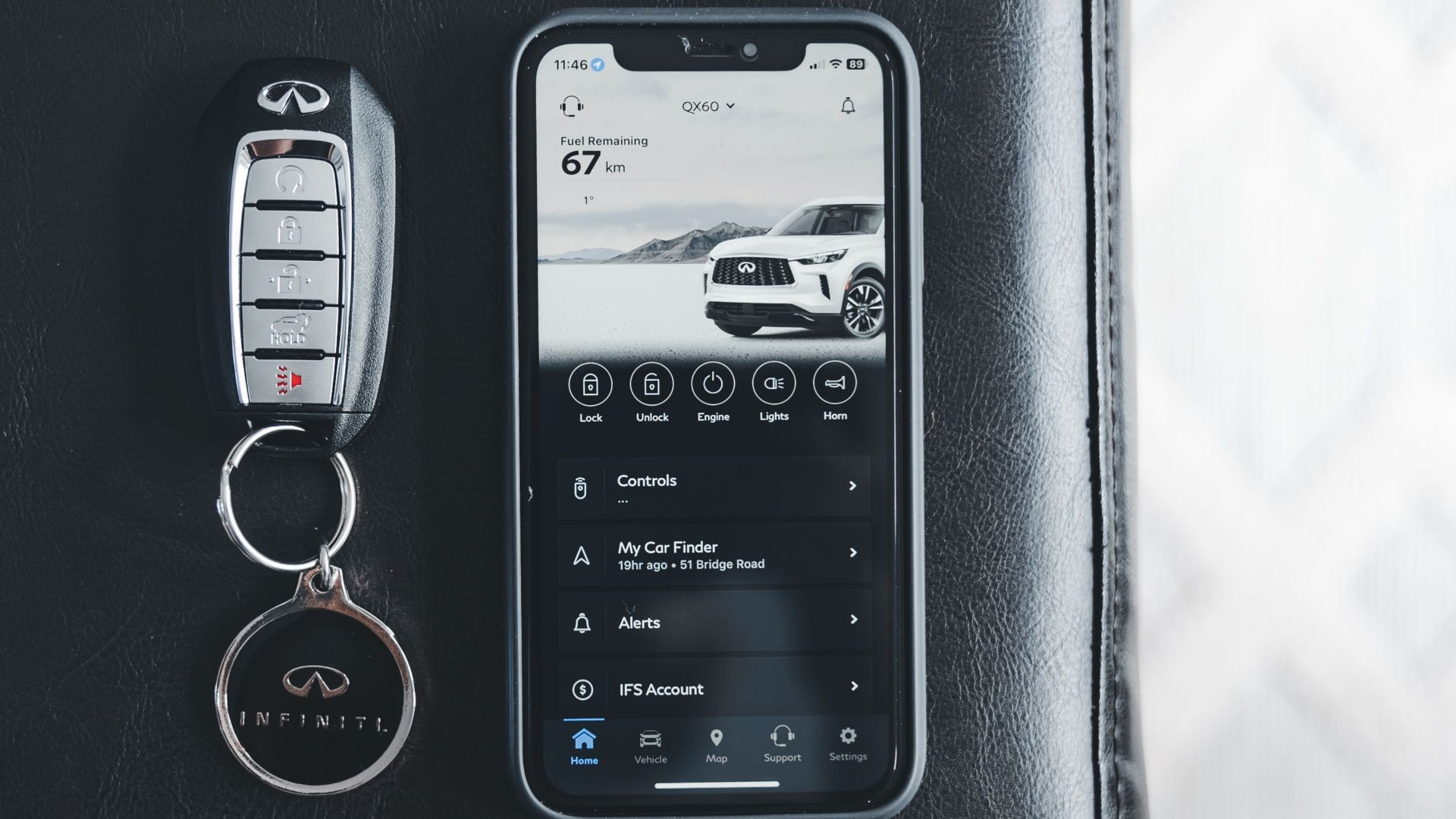
“Digital key” can describe several different systems. Some use near-field communication, which requires the phone to be held near a door handle or reader. Others use Bluetooth or ultra-wideband technology to detect the phone automatically as the driver approaches.
Some Phones Keep A Small Power Reserve
A phone that appears completely dead may retain enough reserved power to operate certain digital keys. Apple says compatible keys using Express Mode may continue working for up to five hours after an iPhone needs charging. Availability depends on the phone, vehicle, key type, and whether the proper mode was already enabled.

The Five-Hour Window Isn’t Guaranteed
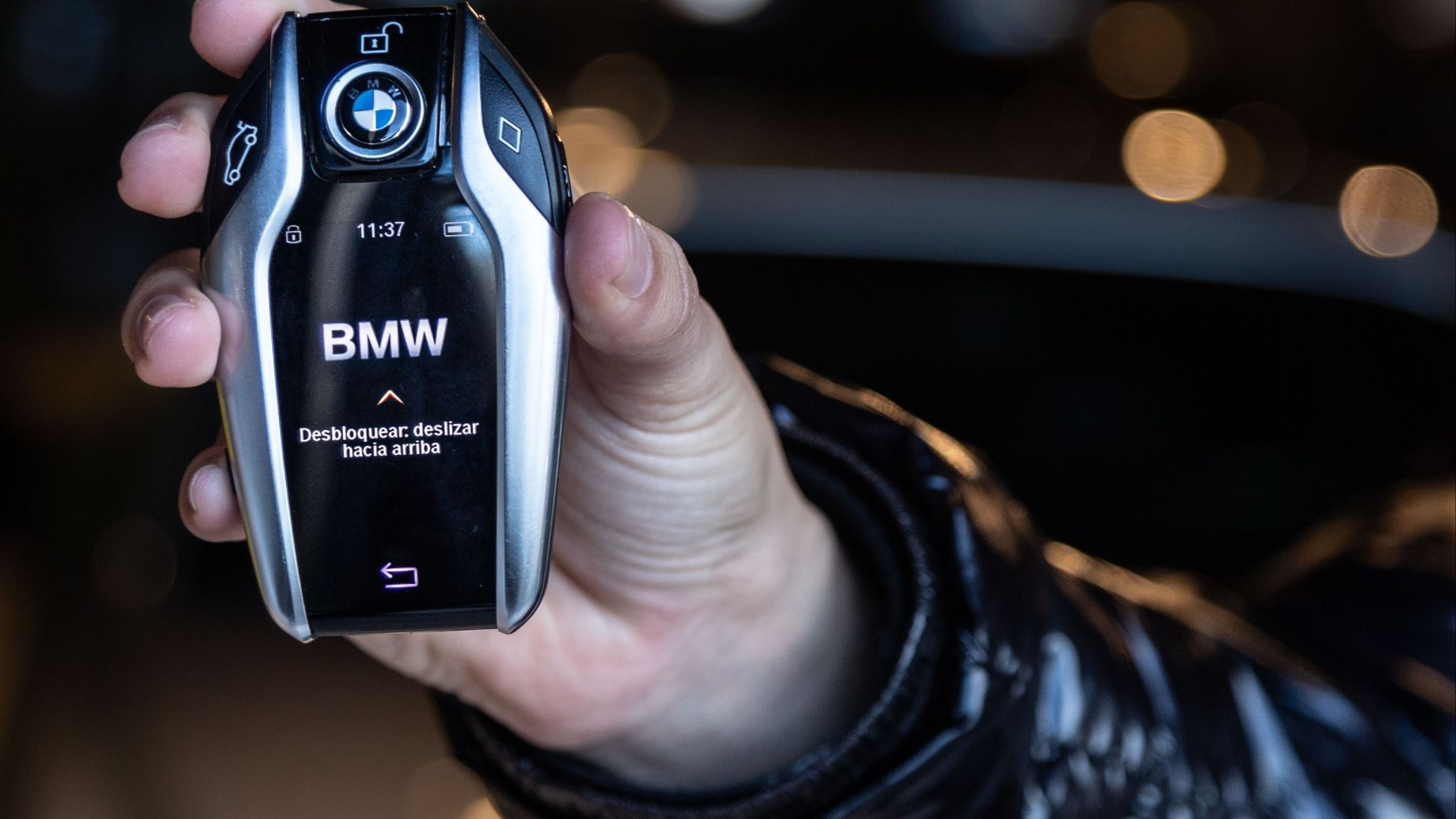
Drivers shouldn’t treat power reserve as an unlimited emergency key. It may not work on every phone or every vehicle, and the remaining time depends on why the device shut down. BMW, for example, says some compatible smartphones may operate its Digital Key for up to five hours after shutting down because of insufficient battery power when Express Mode is enabled.
Manually Turning Off The Phone Can Be Different
A phone that shuts itself down because the battery is depleted may behave differently from one the owner intentionally powered off. Certain reserve features may only operate after a low-battery shutdown. That distinction is another reason owners should test their specific setup rather than relying on a general assumption.

Try The Phone At The Door Reader
If the phone has just died, hold it against the same portion of the door handle or pillar used for normal contactless entry. It may need to be positioned precisely over the phone’s NFC antenna. A phone that can’t turn on may still communicate with the reader if sufficient reserve power remains.

Starting The Car May Require Another Reader
Unlocking the door doesn’t always mean the car will immediately start. Some vehicles require the phone to be placed in a designated tray, wireless charging pad, cupholder, or interior NFC reader before the start button will work. Apple notes that compatible vehicles may require the iPhone to be placed near the car’s key reader for starting.
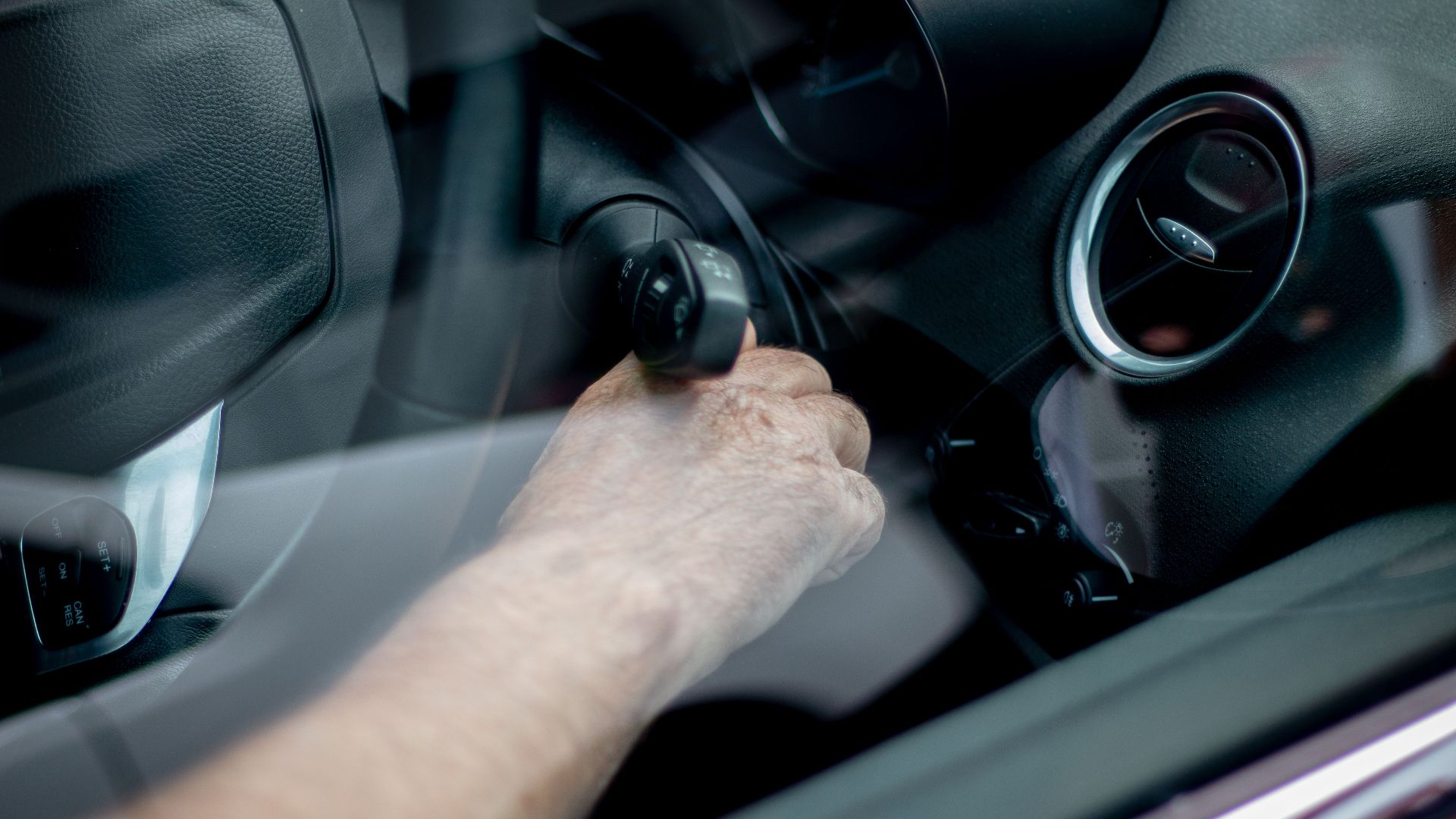
Give The Phone A Few Minutes Of Charge
A portable battery pack may solve the problem faster than anything else. After a few minutes of charging, the phone may have enough power to boot, open its wallet or vehicle app, and reconnect to the car. Carrying a charged power bank and the correct cable is one of the simplest digital-key backups.
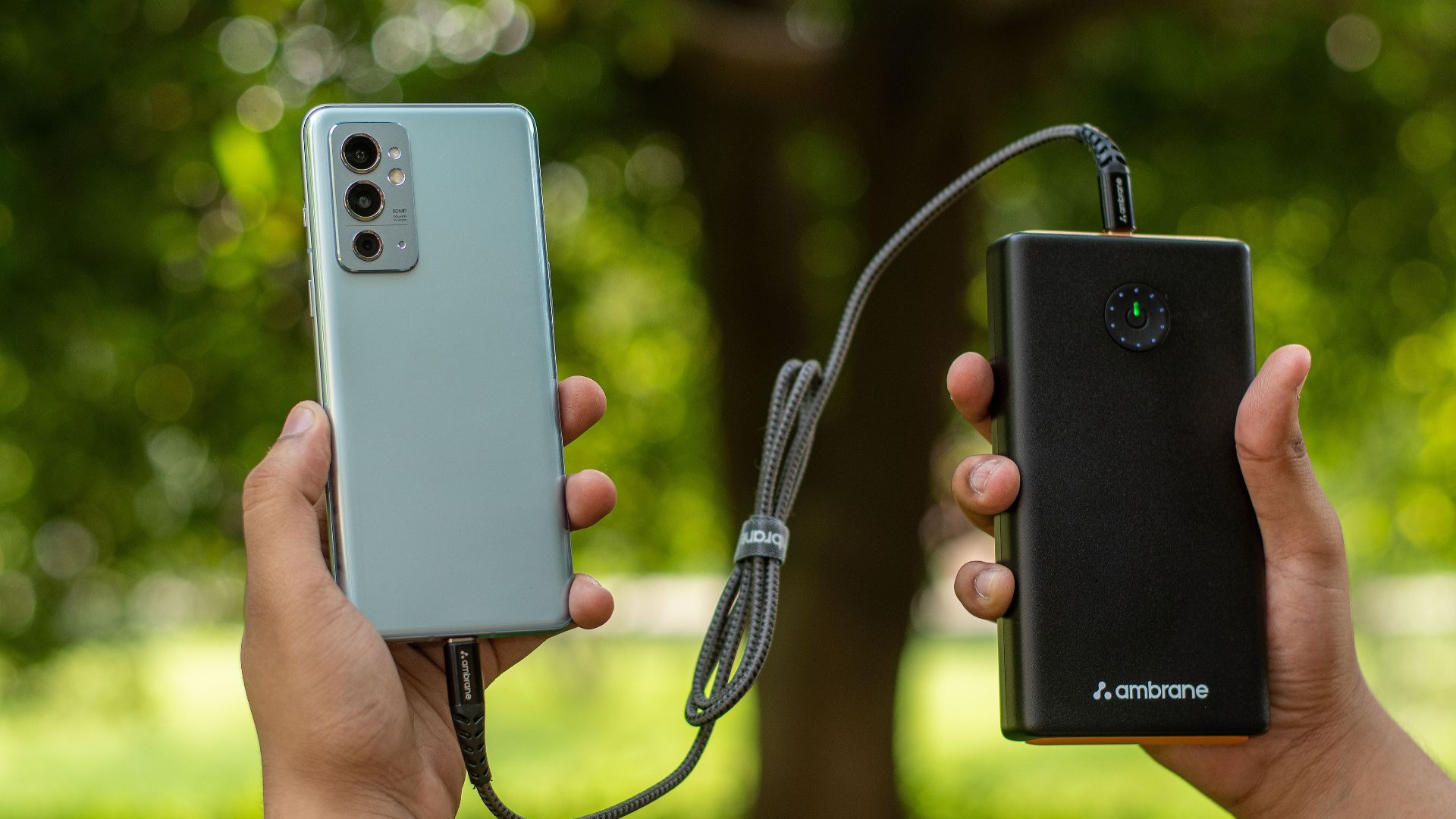
A Charging Cable Is Only Useful If Power Is Available
A cable left inside a locked car won’t help much when the phone dies outside it. Keep a second cable in a bag, coat, or travel kit instead of storing every charger in the vehicle. A compact battery pack is even more useful because it doesn’t depend on finding an outlet.
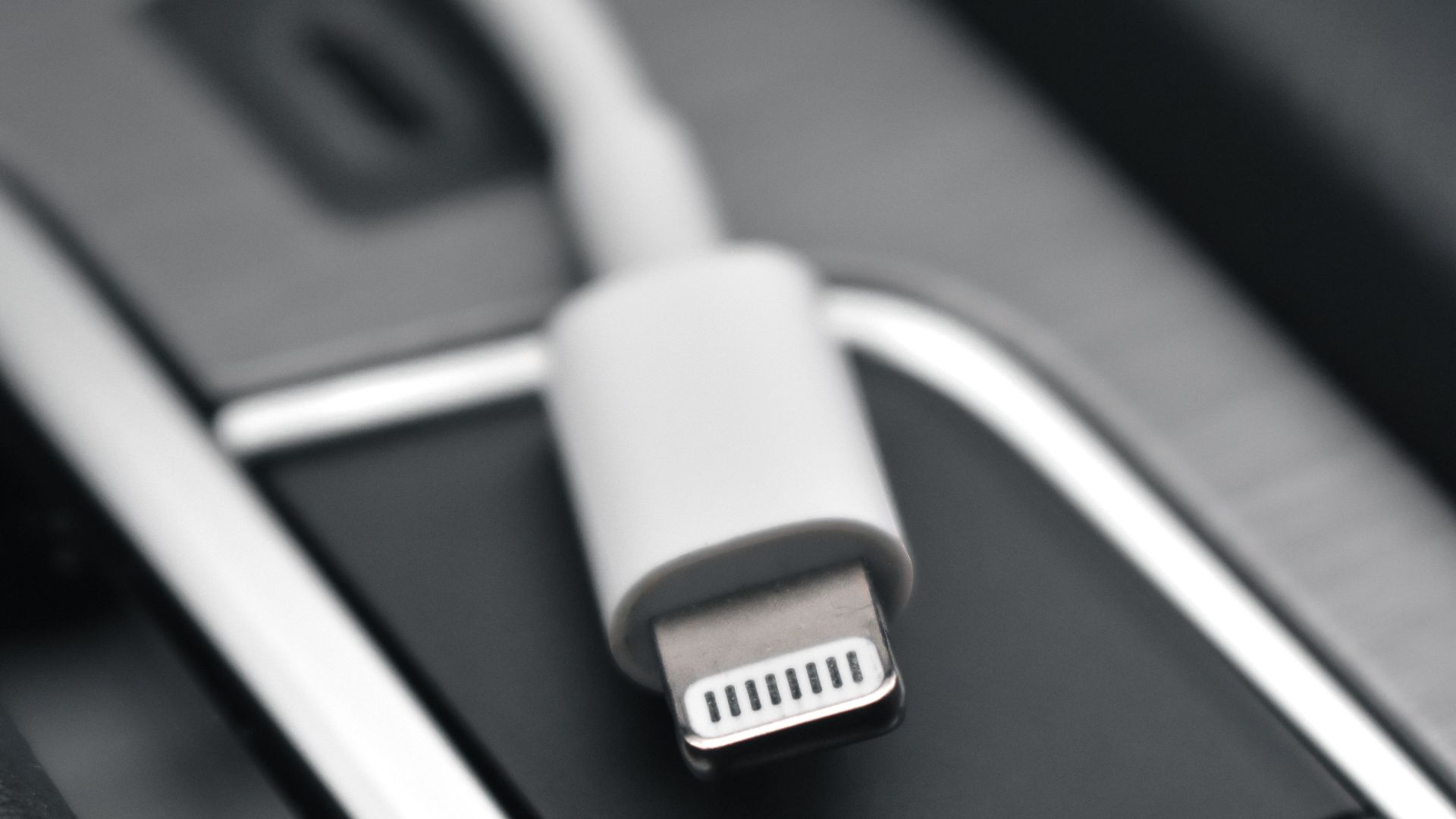
Wireless Charging Can Be A Backup Too
If another person has a phone with reverse wireless charging, it may be possible to transfer enough power to restart your device. Public charging stations, cafés, hotel desks, airports, and retail stores may also provide temporary charging options. The goal isn’t a full charge, just enough power to restore access.
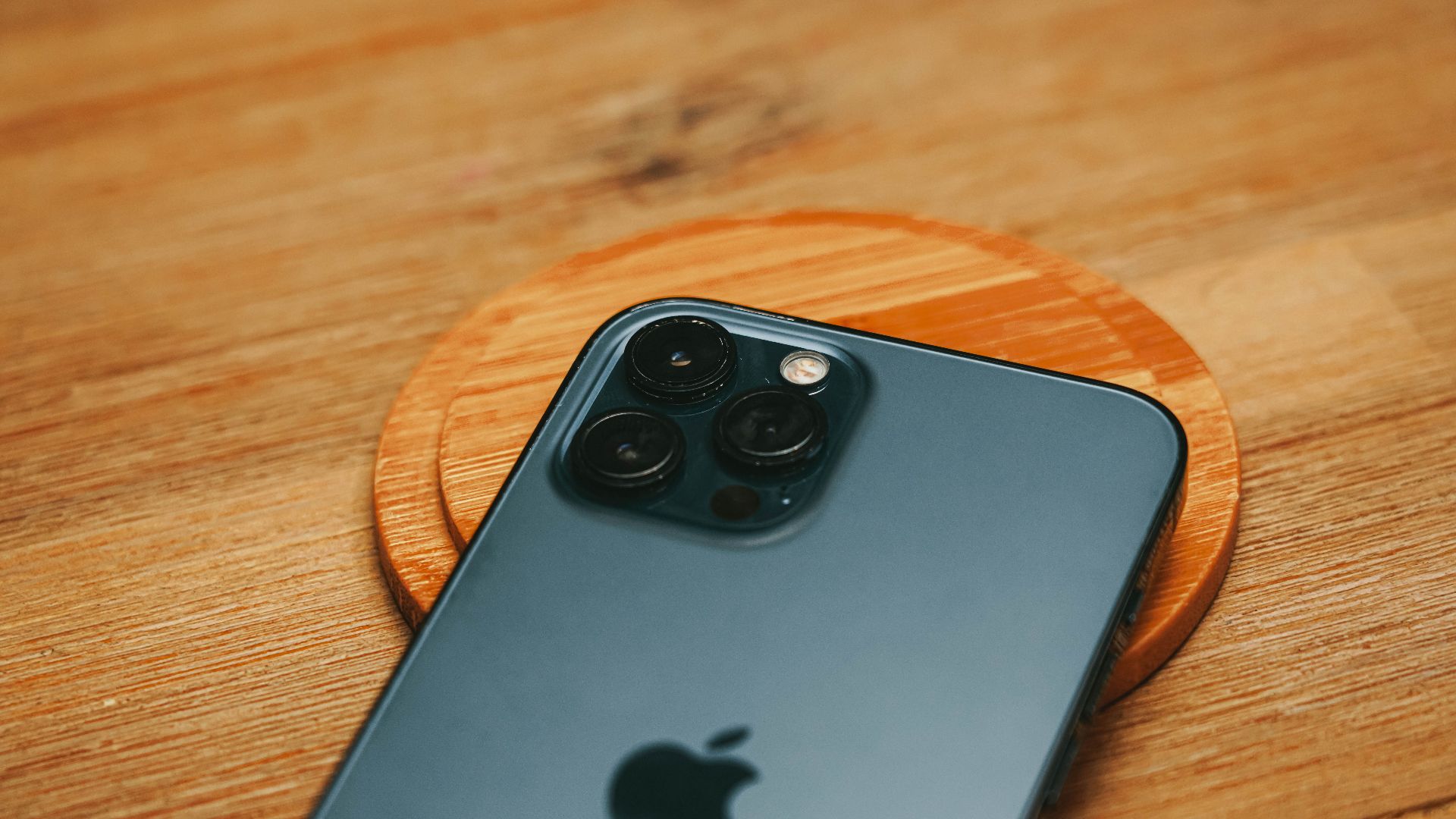
The Physical Key Fob Is Still The Best Backup
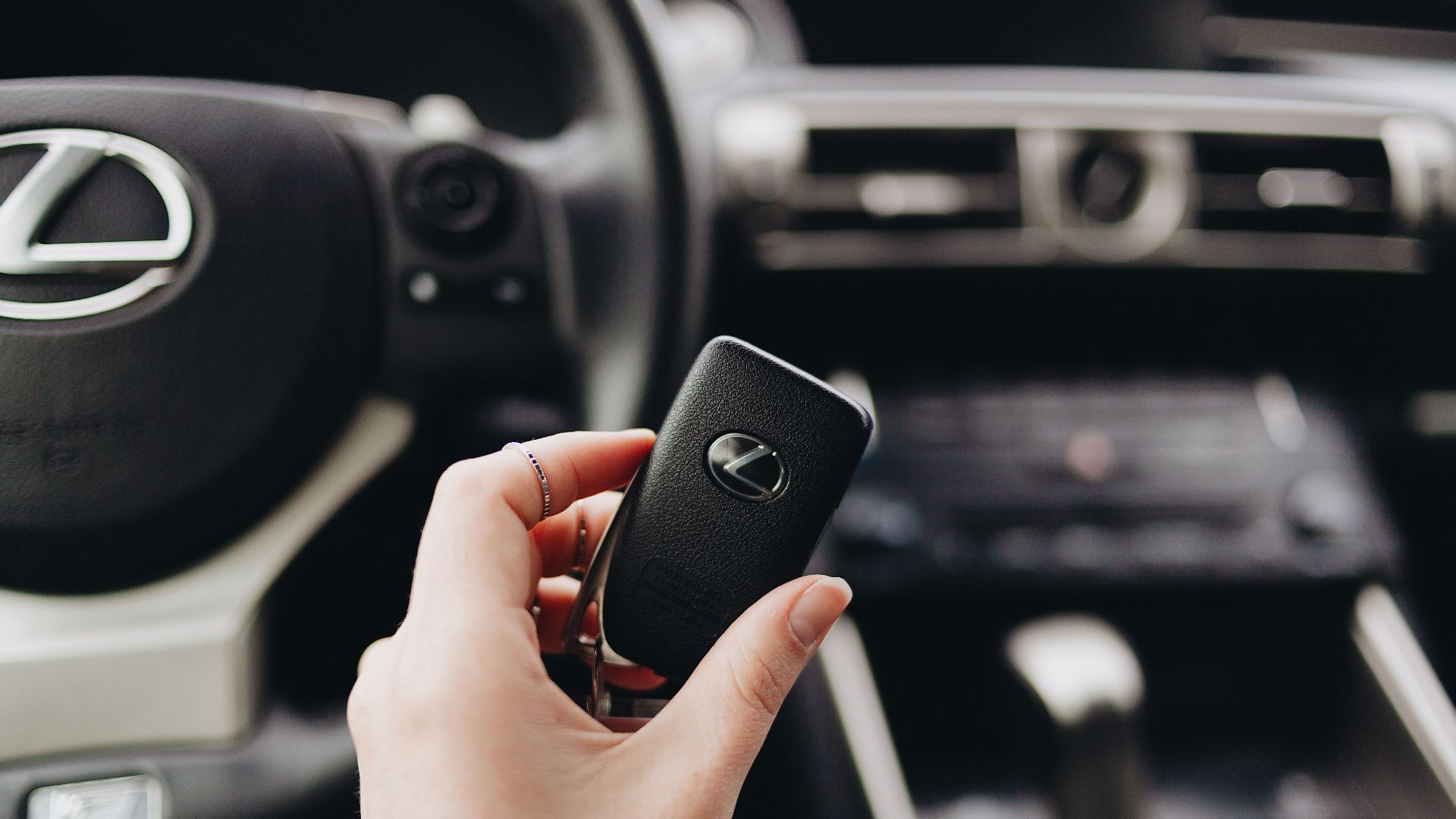
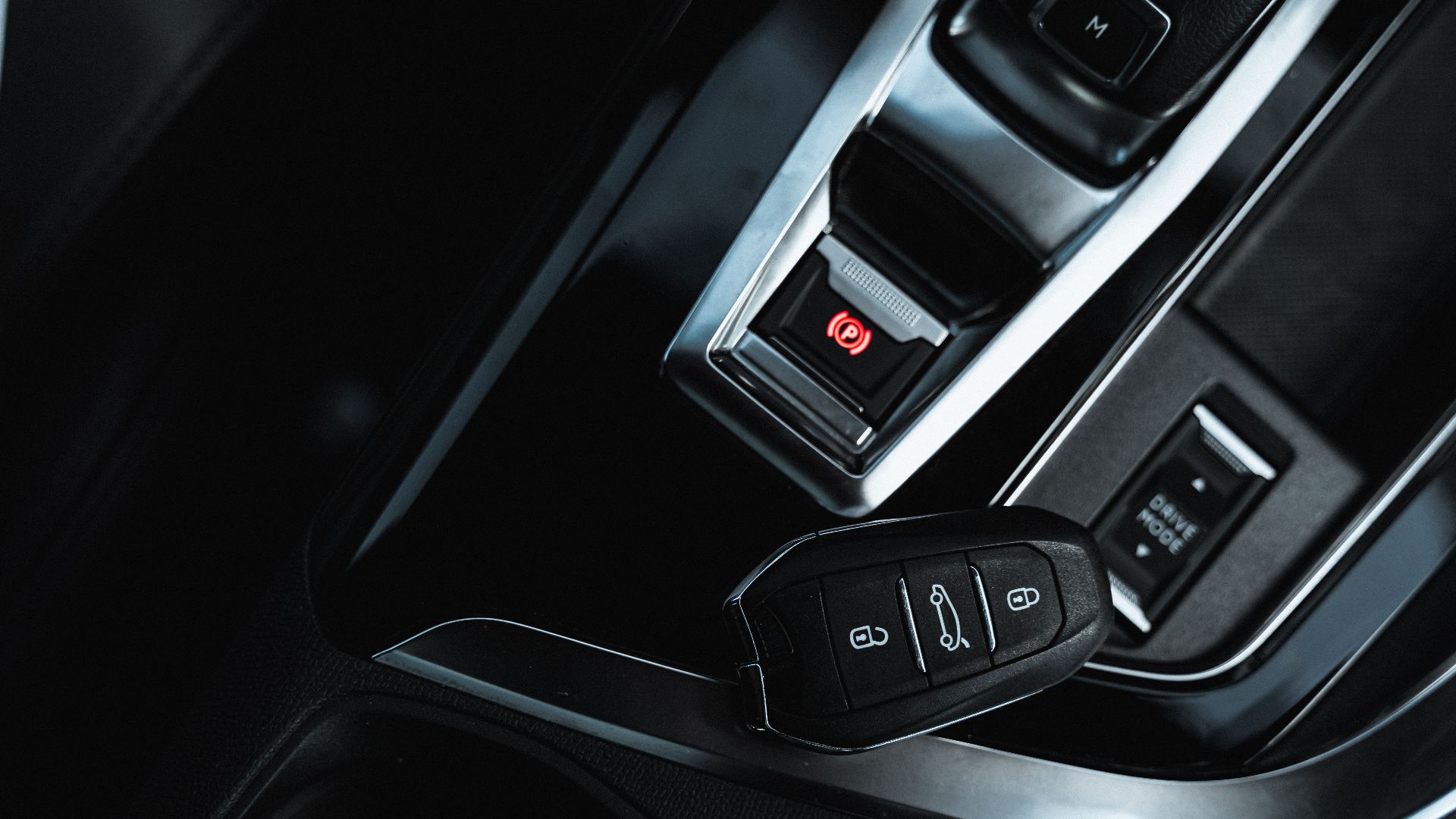
Many vehicles with phone-based entry are also supplied with a conventional key fob. It may feel unnecessary when the phone works every day, but leaving it permanently at home defeats its emergency purpose. Carrying it on longer trips or in unfamiliar areas provides the most dependable backup.
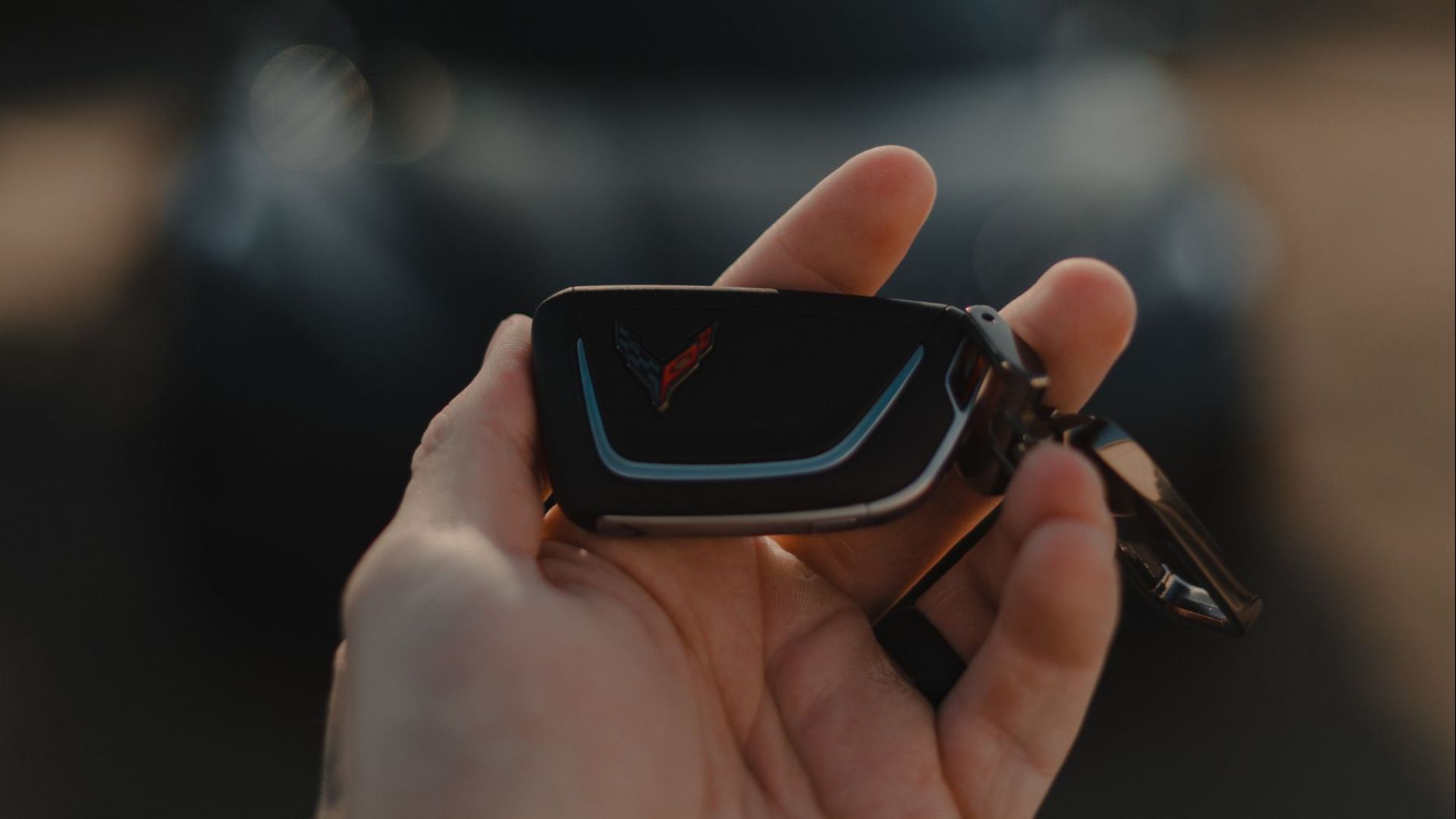
Some Vehicles Include A Key Card
Certain digital-key systems include a thin NFC card that works much like a hotel room key. BMW describes its Key Card as a supplement to the smartphone-based Digital Key and says it can be used to lock and unlock compatible vehicles. An activated card can be kept in a wallet, purse, or travel bag without adding the bulk of a traditional fob.
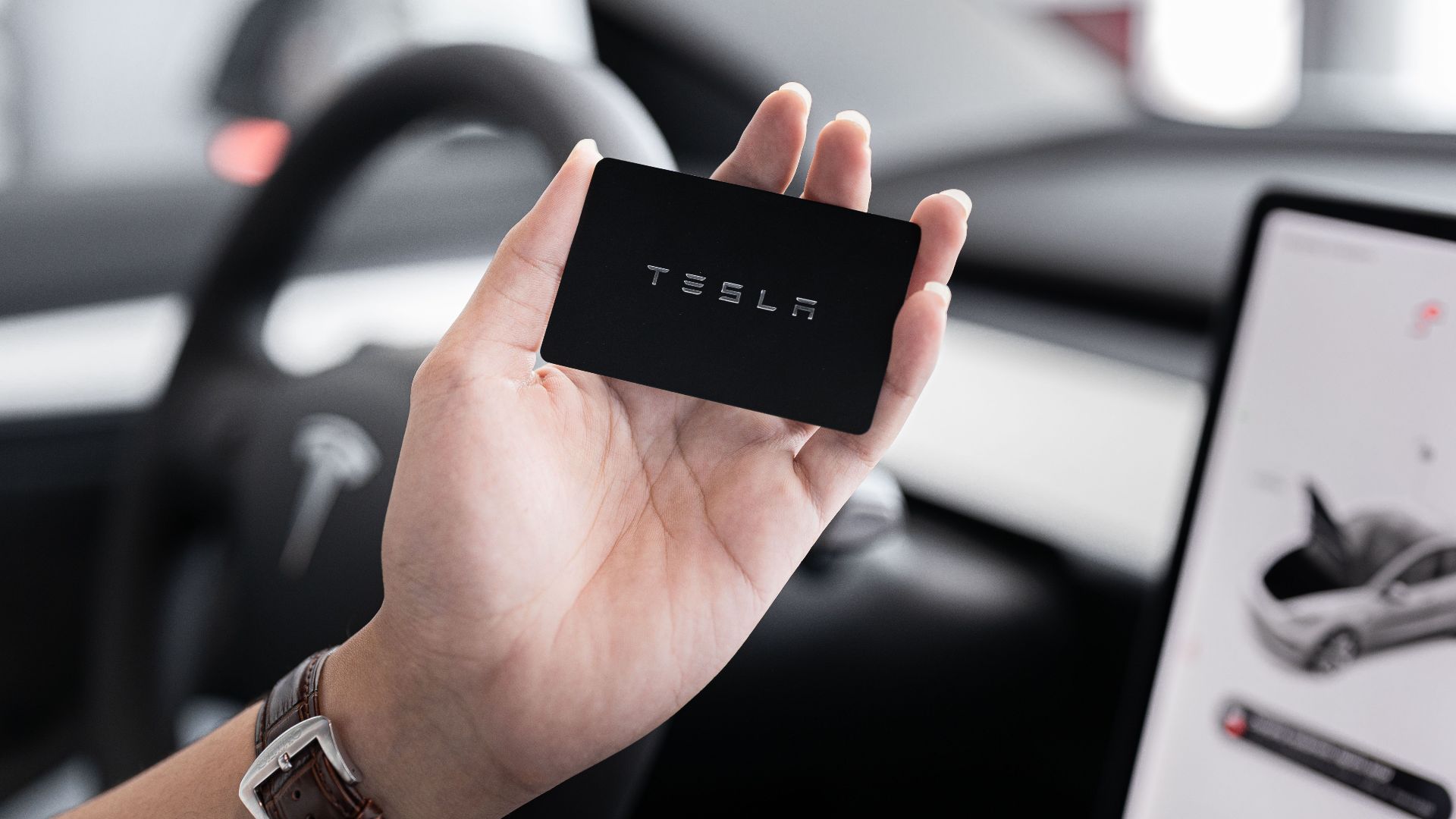
The Key Card May Need Activation First
Finding an unused card in the owner’s packet doesn’t mean it’s ready for an emergency. Some cards must be paired, activated, or enabled through the vehicle before they will unlock or start it. That setup needs to happen while the owner still has access to a working primary key.
A Backup Passcode May Start The Vehicle
Some automakers provide a backup code for phone-as-key failures. Ford offers a Backup Start Passcode on certain compatible vehicles, allowing an owner to enter the vehicle and start it when the phone is lost, broken, disconnected, or otherwise unavailable. The code must generally be created before the emergency occurs.
Door Access And Engine Start May Be Separate
A keypad code might unlock the doors but not authorize the engine to start. Conversely, a backup start code may be useless if the driver has no way to enter the locked cabin. Owners should understand both stages of the backup process before relying on a passcode.

Another Authorized Phone May Work
Many systems allow an owner to share a digital key with a spouse, partner, relative, or trusted companion. If that person is nearby and their phone still has power, their authorized key may unlock and start the car. Shared keys can be especially helpful on family trips where several people are traveling together.
A Smartwatch Could Save The Day
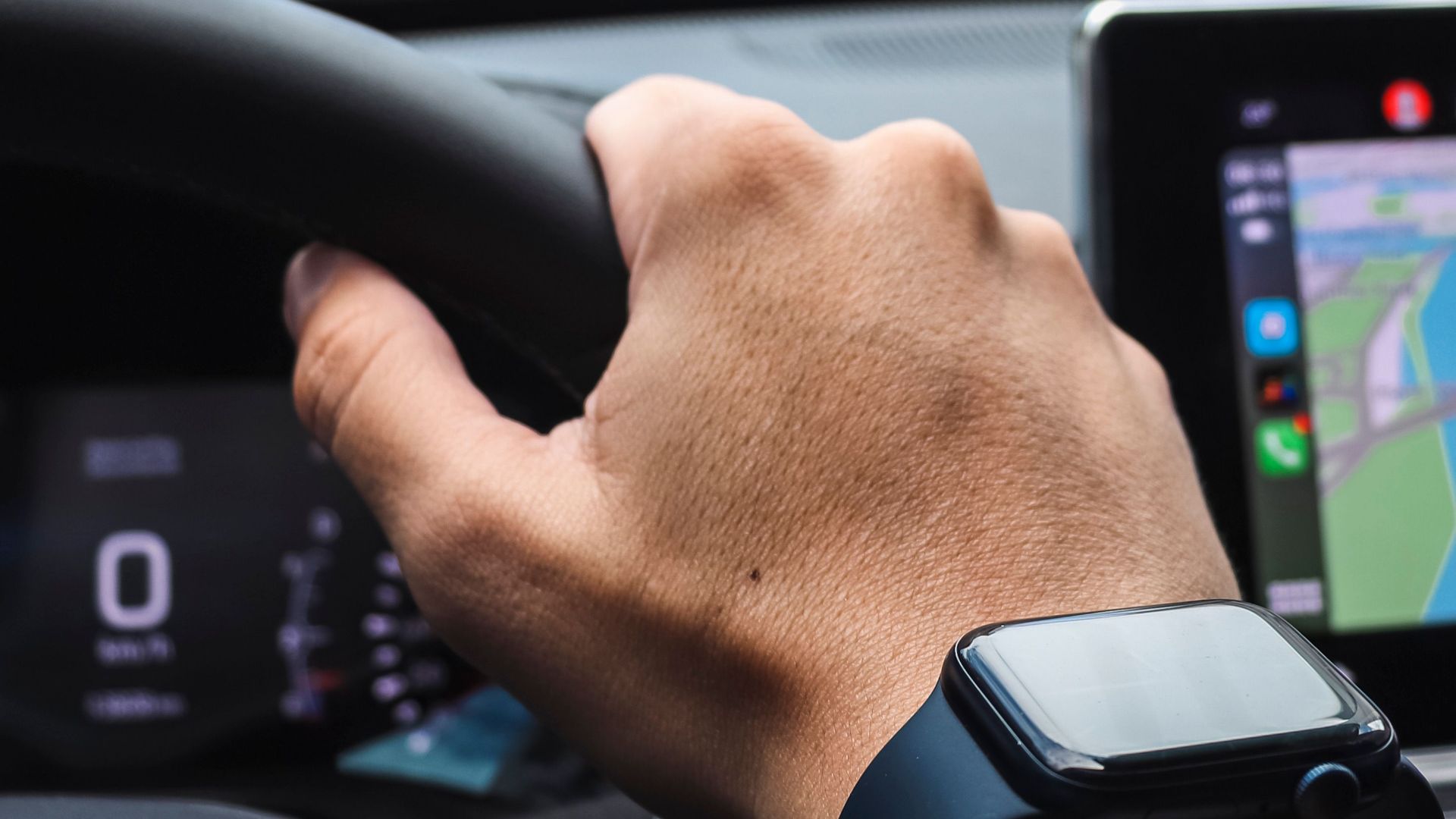
Some compatible vehicles support a car key stored on an Apple Watch or another wearable. If the phone dies but the watch still has power, it may function as an independent key. Apple allows eligible car keys to be added to both an iPhone and paired Apple Watch, although support depends on the vehicle.
Airplane Mode Doesn’t Always Disable The Key
Near-field communication may continue operating even when cellular service and Wi-Fi are off. Some passive-entry features may behave differently if Bluetooth or ultra-wideband connectivity is disabled. The exact result depends on how the manufacturer designed the system.

Look For A Hidden Mechanical Key
Many key fobs contain a removable metal key that can unlock a concealed door cylinder. The cylinder may be hidden beneath a small cover on the driver’s door handle. The owner’s manual should show how to expose it without damaging the trim.
Roadside Assistance May Be The Safest Option
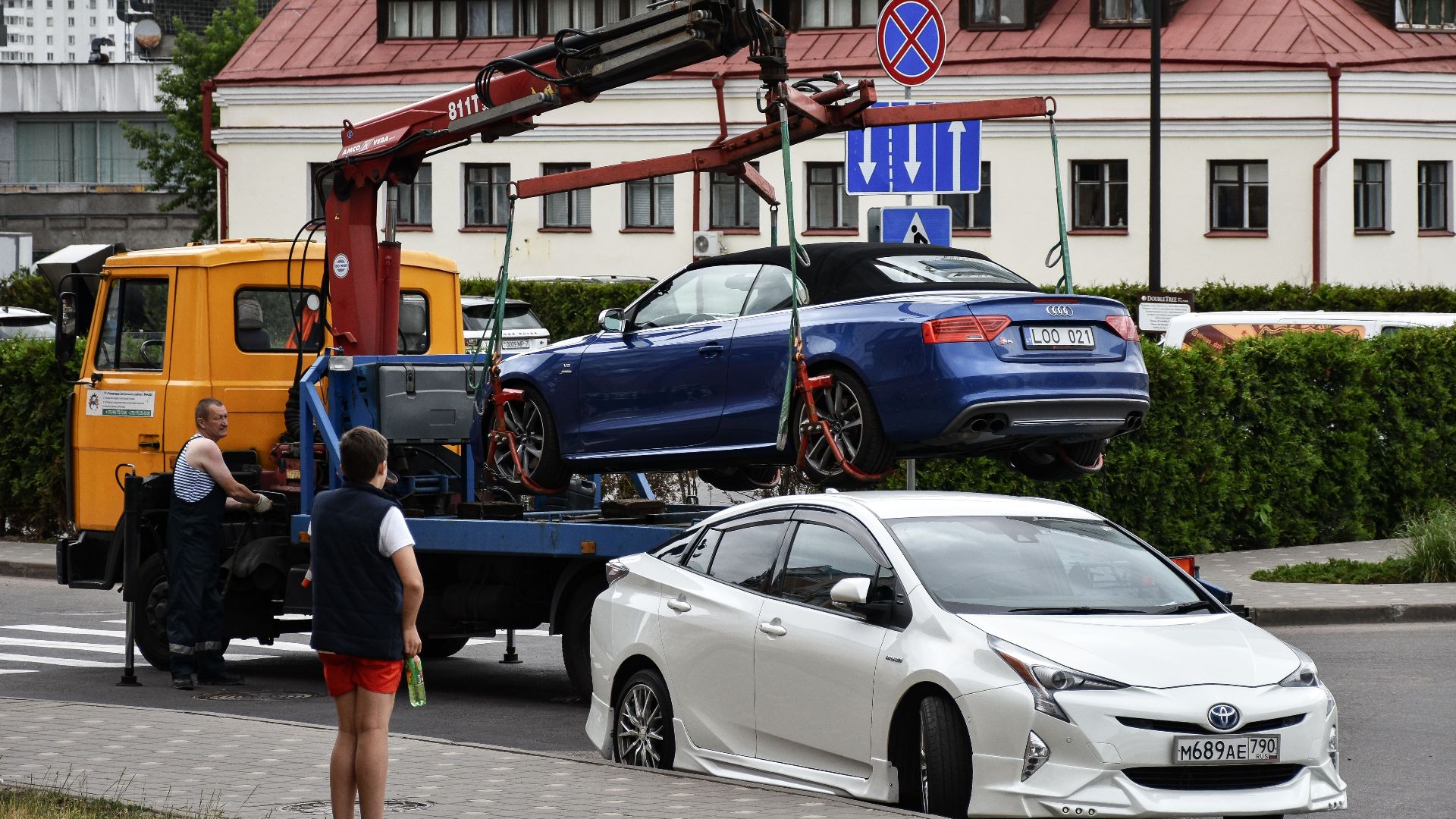
When every backup fails, roadside assistance can help unlock or tow the vehicle. The automaker, insurance company, credit card provider, roadside club, or rental program may already include this service. Avoid forcing the door or trying improvised entry methods that could damage glass, seals, locks, or electronics.
The Dealer May Be Able To Help Remotely
Manufacturer support staff can sometimes explain the vehicle’s emergency start procedure, locate the backup reader, or confirm whether a card or passcode was activated. They generally can’t bypass security without verifying ownership, but a phone call may prevent an unnecessary tow.

Don’t Store Every Backup Inside The Car
A key card, fob, charging cable, and battery pack are useless if they’re all locked in the glove compartment. At least one backup should stay on the driver’s person or in luggage that remains accessible. It’s also wise to leave a spare with a trusted person at home.
Test The Backup Before A Long Trip
Owners should deliberately switch off the phone at home and practice unlocking and starting the vehicle through the approved backup method. This reveals whether the card is activated, the passcode is remembered, or the hidden key is accessible. Testing in the driveway is much easier than learning the procedure in an unfamiliar parking lot.
Write Down The Important Instructions
A backup passcode shouldn’t be stored only in the phone that may become unavailable. Keep it in a secure password manager accessible from another device, or store it according to the manufacturer’s security guidance. Owners can also keep a brief reminder of the emergency reader’s location without recording sensitive information openly.

Digital Keys Still Offer Real Advantages
Phone-based keys can reduce pocket clutter, support temporary key sharing, and allow access through devices many people already carry. Some systems also make it easier to revoke a shared key without retrieving a physical fob. The technology isn’t inherently unreliable, but it does require a different kind of preparation.
The Backup Plan Should Have Been Set Up Earlier
When your phone died, the correct response depended on the vehicle: try the phone’s power-reserve mode, use a key card or fob, enter a backup passcode, charge the device, or call roadside assistance. The real lesson is that digital-key owners should activate and test those alternatives before leaving home. A phone can be the everyday key, but it shouldn’t be the only key capable of getting you home.
You May Also Like: