
Update Overload
Your new vehicle seems to ask for software updates almost as often as your smartphone, leaving you wondering whether every download is truly necessary. Some updates fix important safety problems, while others add features or improve performance. Understanding the difference helps you decide when updating is essential and when a little patience may be reasonable.
Software On Four Wheels
Modern vehicles contain dozens of computers controlling everything from the engine to the infotainment (information + entertainment) screen. Software now manages systems that once relied mostly on mechanical parts, making regular updates a normal part of vehicle ownership rather than an unusual event.
Why Cars Need Updates
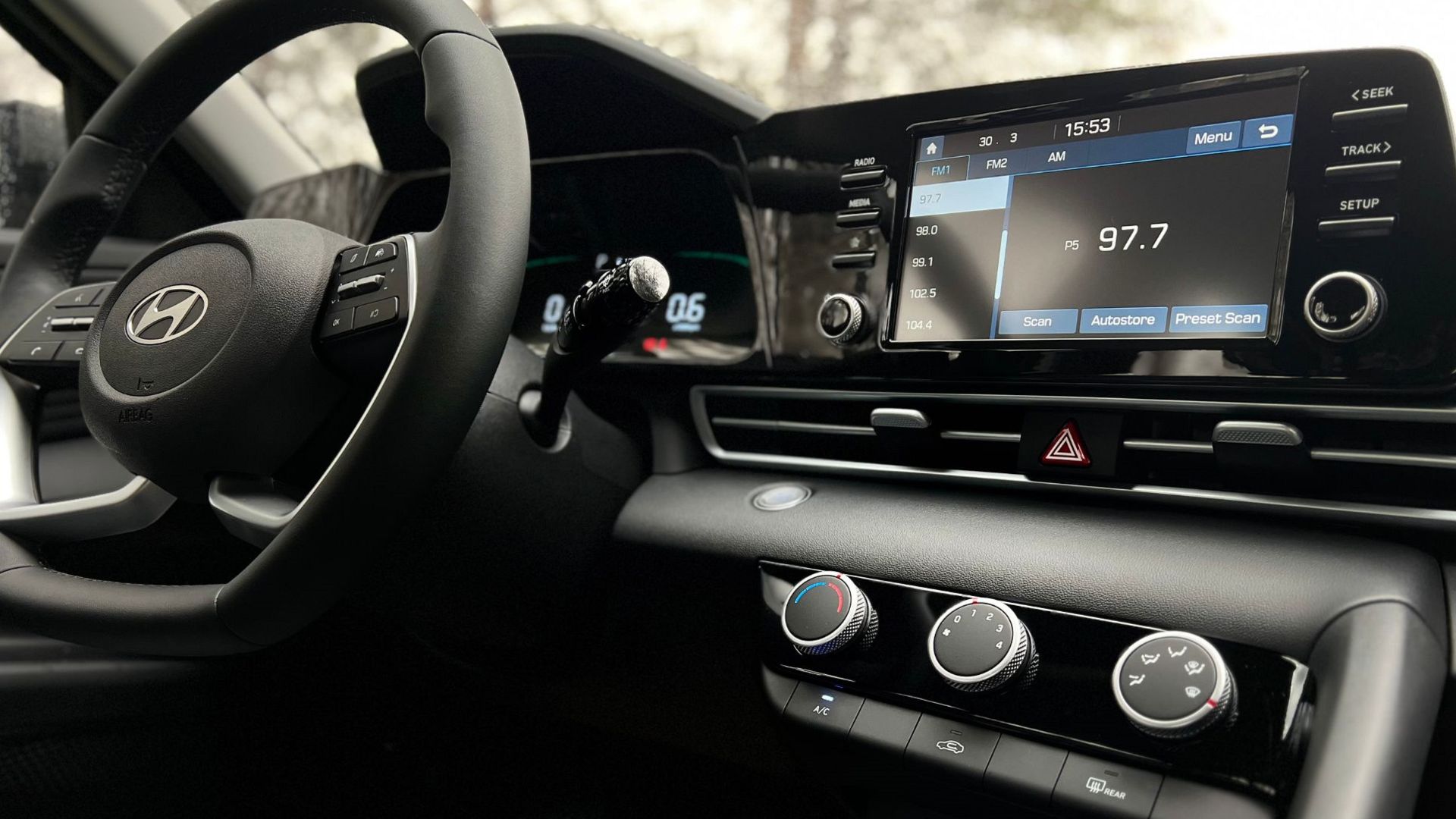
Many drivers assume updates only change navigation maps or touchscreen menus. In reality, manufacturers can update battery management, transmission programming, engine calibration, driver assistance systems, charging behavior, and countless background functions that are invisible during everyday driving.
 Ian Maddox , Wikimedia Commons
More Than Infotainment
Many newer vehicles receive updates over cellular connections or home Wi-Fi instead of requiring a dealership visit. Over the air technology lets manufacturers distribute improvements much faster than traditional service appointments, saving owners both time and inconvenience.
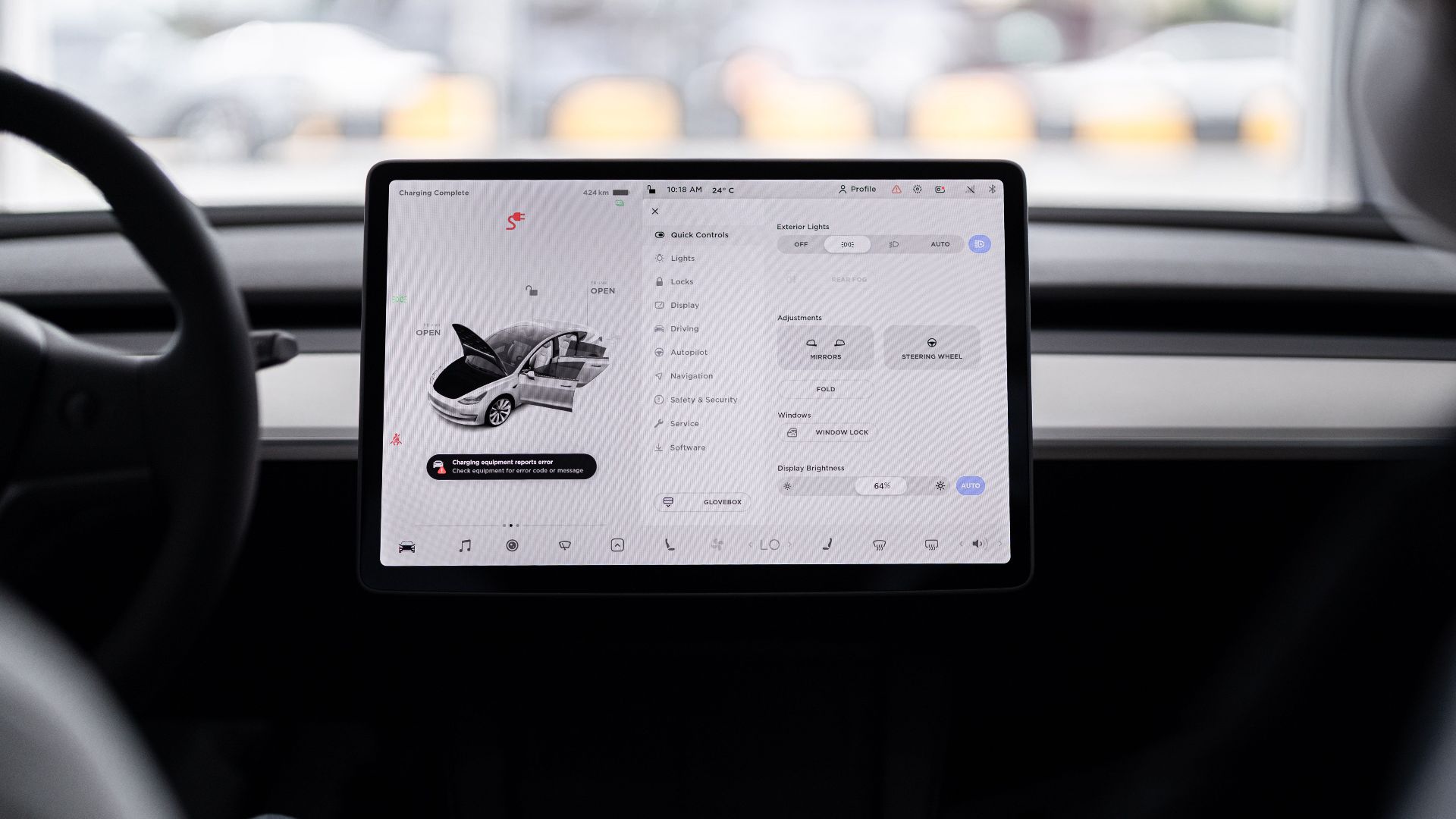
Over The Air
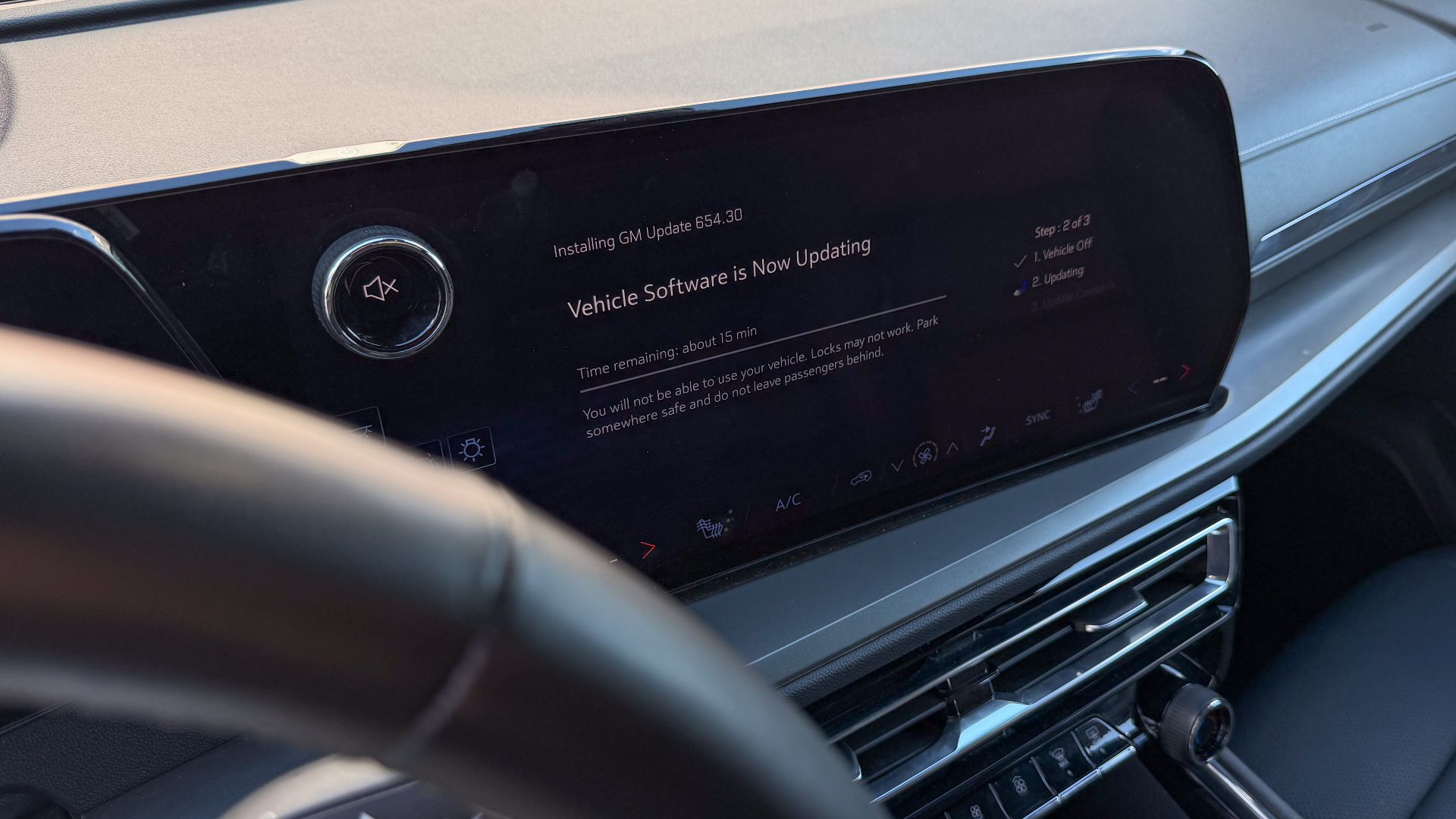
Some updates correct defects affecting braking, steering assistance, cameras, or collision avoidance systems. When an update addresses a safety issue or recall, installing it promptly is generally the smartest choice because it may reduce risks without requiring physical repairs.
 Tony Webster, Wikimedia Commons
Safety Comes First
Just like computers and phones, vehicle software occasionally contains programming errors. Updates often eliminate glitches that cause frozen screens, false warning messages, charging problems, poor Bluetooth connections, or inconsistent driver assistance behavior before they become bigger frustrations.
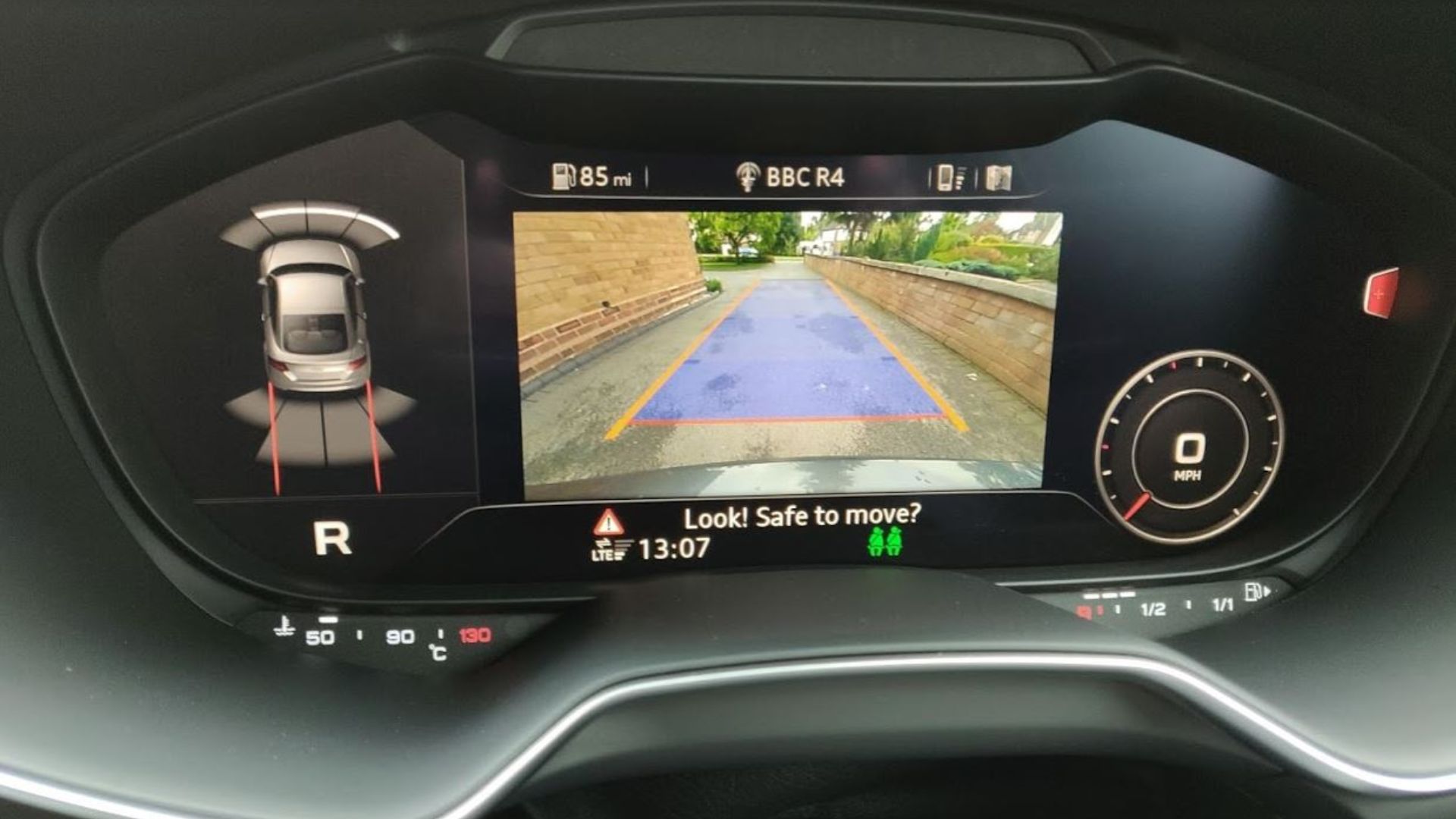
Bugs Happen
Sometimes an update gives you something entirely new instead of simply fixing problems. Improved navigation, faster touchscreen responses, expanded charging options, additional entertainment features, or refinements to driving modes can all appear without replacing a single hardware component.
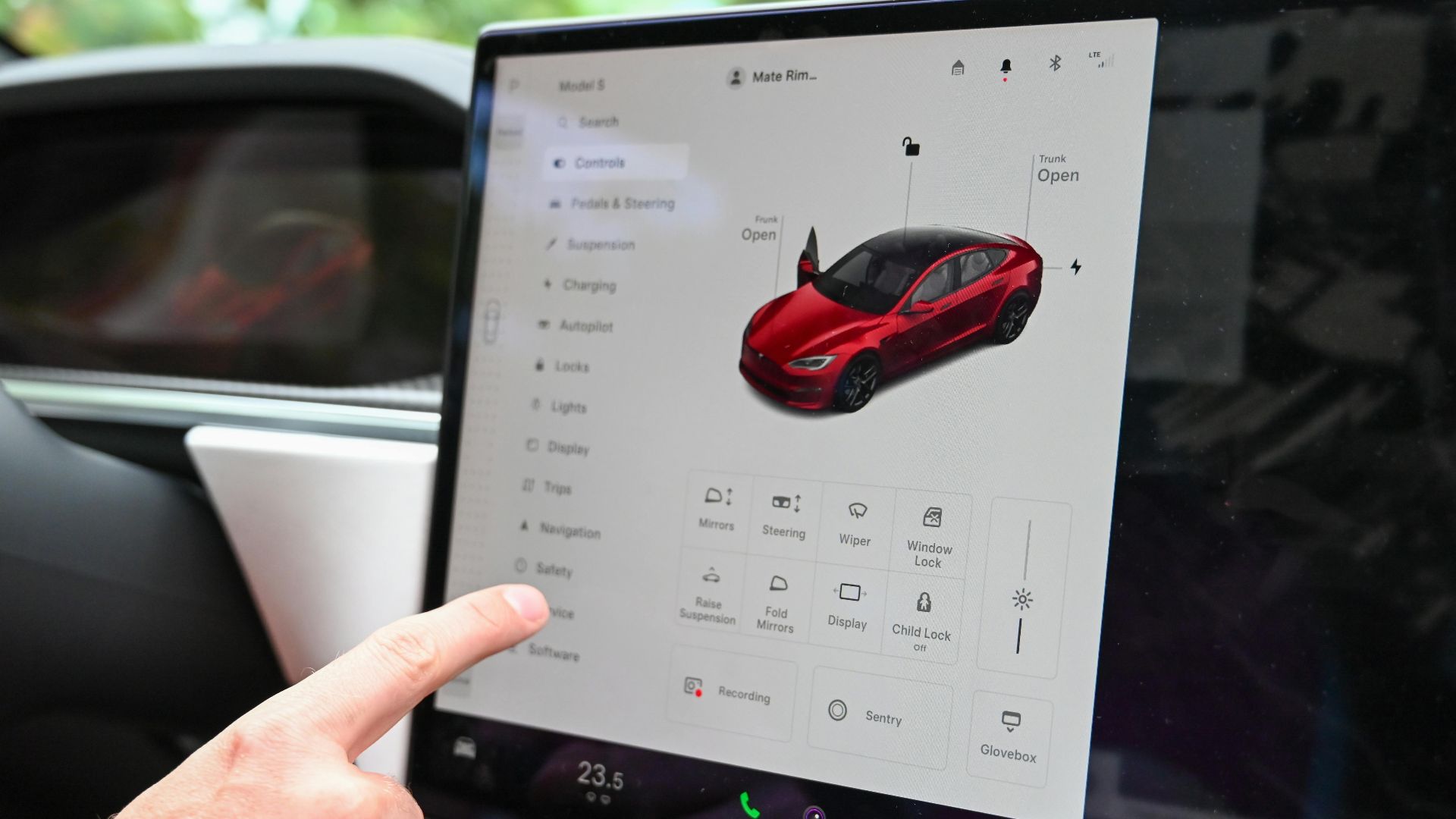
New Features Arrive
Manufacturers sometimes refine acceleration, regenerative braking, towing behavior, fuel economy calculations, or battery management through software alone. These changes may not transform the vehicle, but they can noticeably improve everyday driving without mechanical modifications.

Performance May Improve
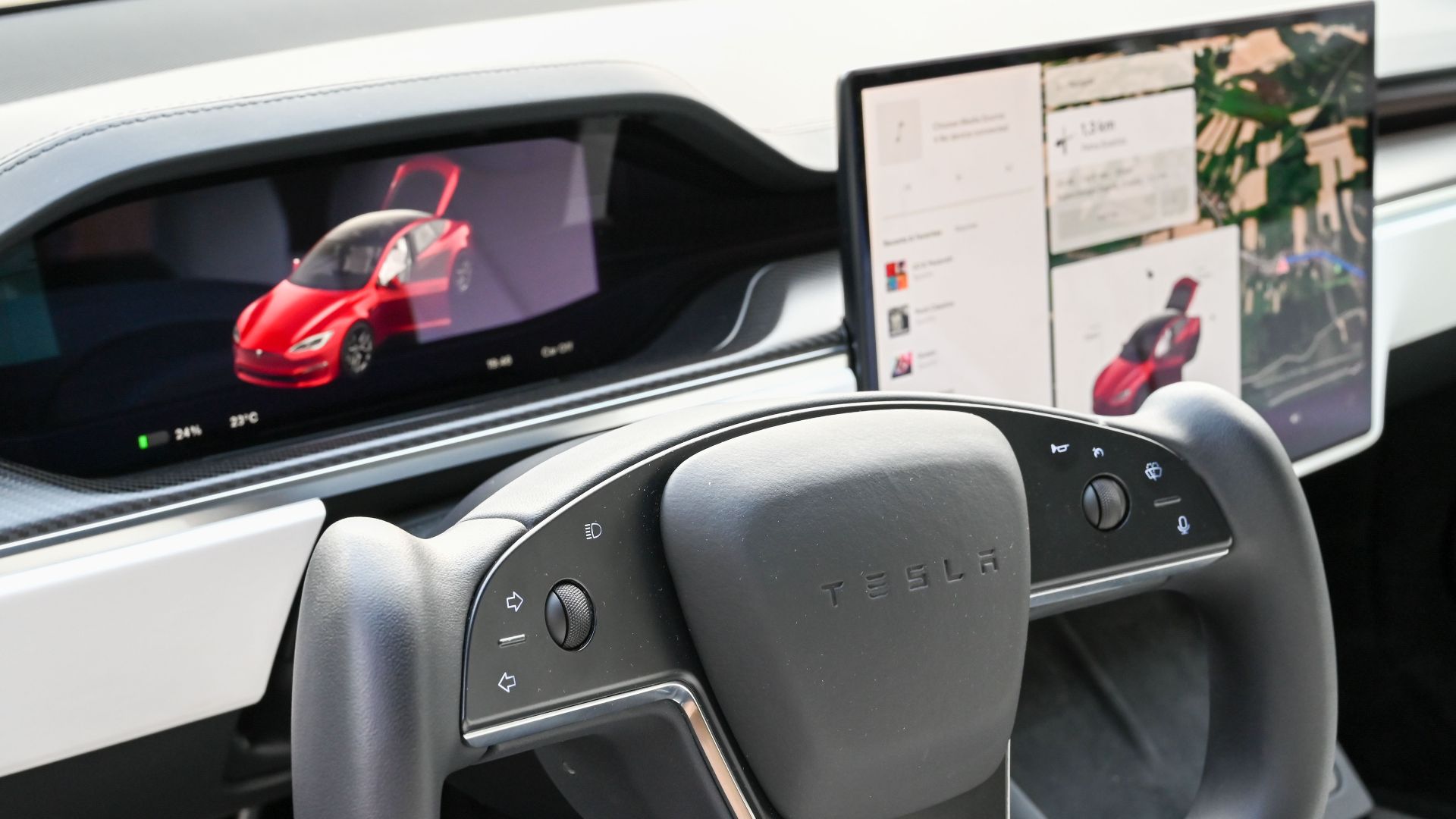
Not every software release is equally important. Some simply improve interface graphics or correct rare bugs affecting very few owners. Reading the manufacturer's release notes helps determine whether an update addresses something relevant to your particular vehicle and driving habits.
Not Every Update
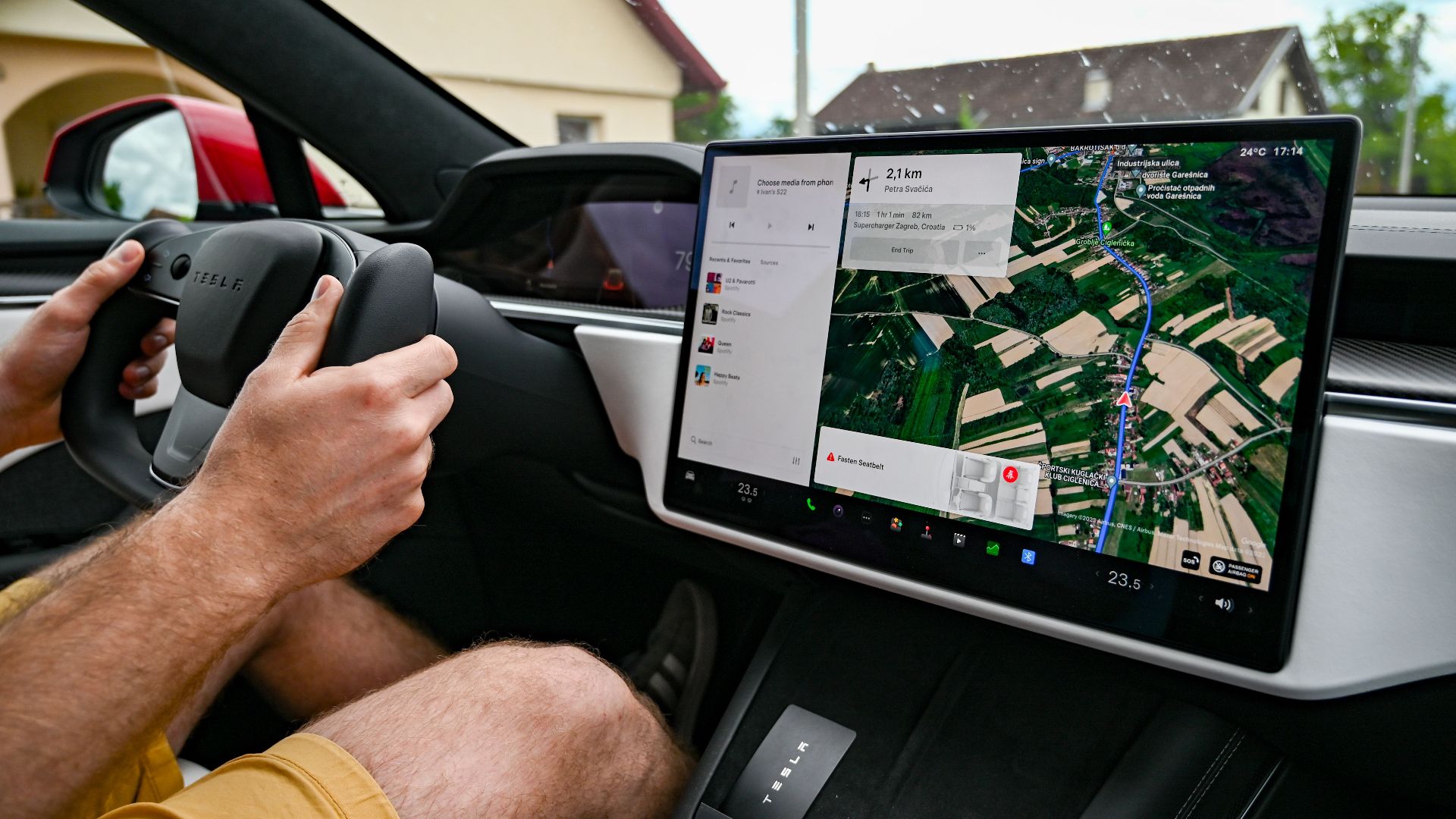
After installing updates, familiar controls may behave differently. Menu layouts, button locations, warning sounds, driver assistance settings, or charging schedules sometimes change enough that owners need several days before everything feels familiar again.
Expect Some Changes
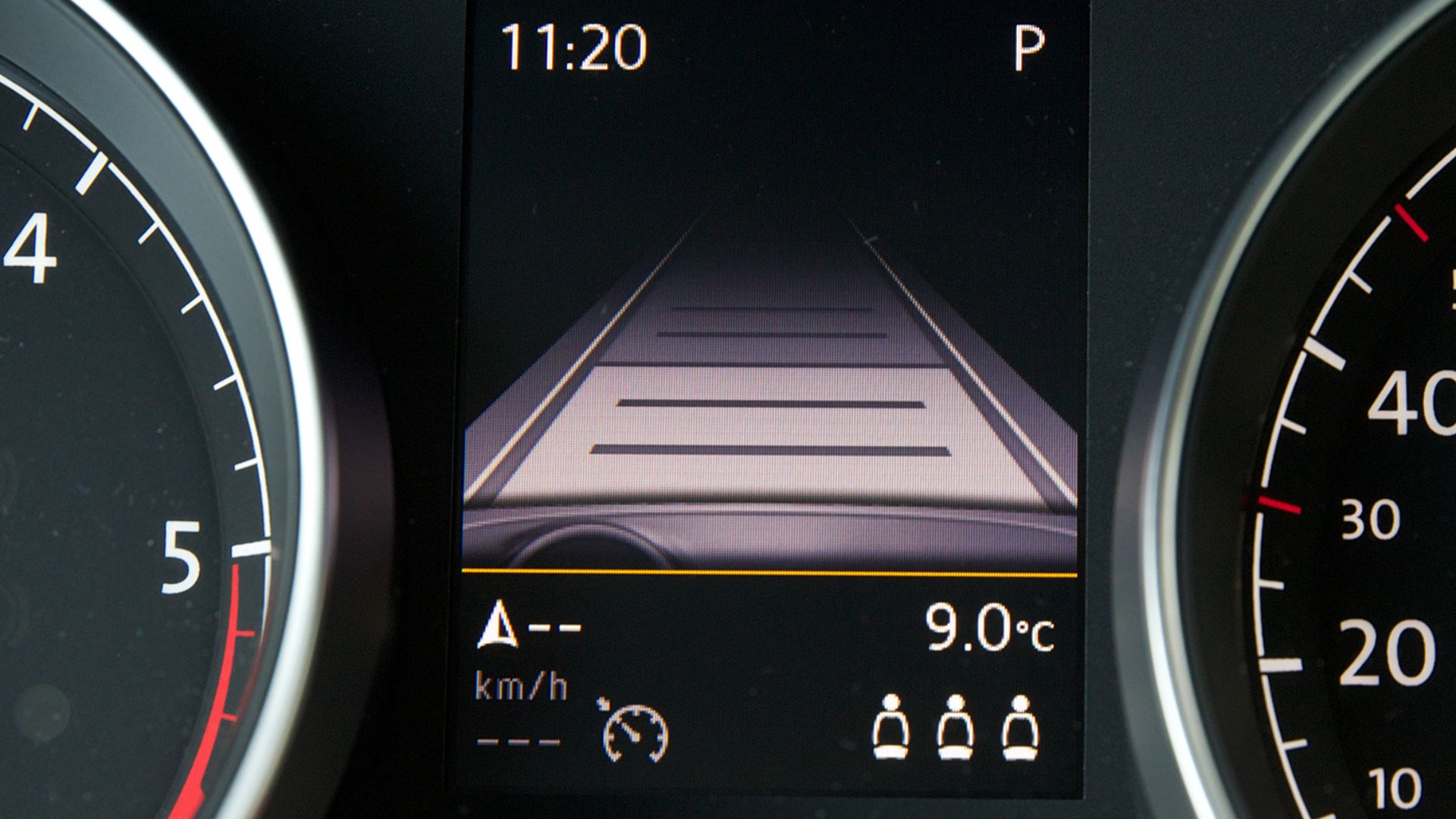
Software updates occasionally introduce new workflows that require relearning simple tasks. Something as routine as pairing a phone, adjusting climate controls, or enabling adaptive cruise control may work differently than it did before the installation.
Learning New Habits
Software updates do not replace regular maintenance. Oil changes, tire rotations, brake inspections, coolant service, filters, and mechanical repairs remain essential regardless of how frequently your vehicle downloads new programming. Software complements maintenance instead of eliminating it.

Maintenance Still Matters
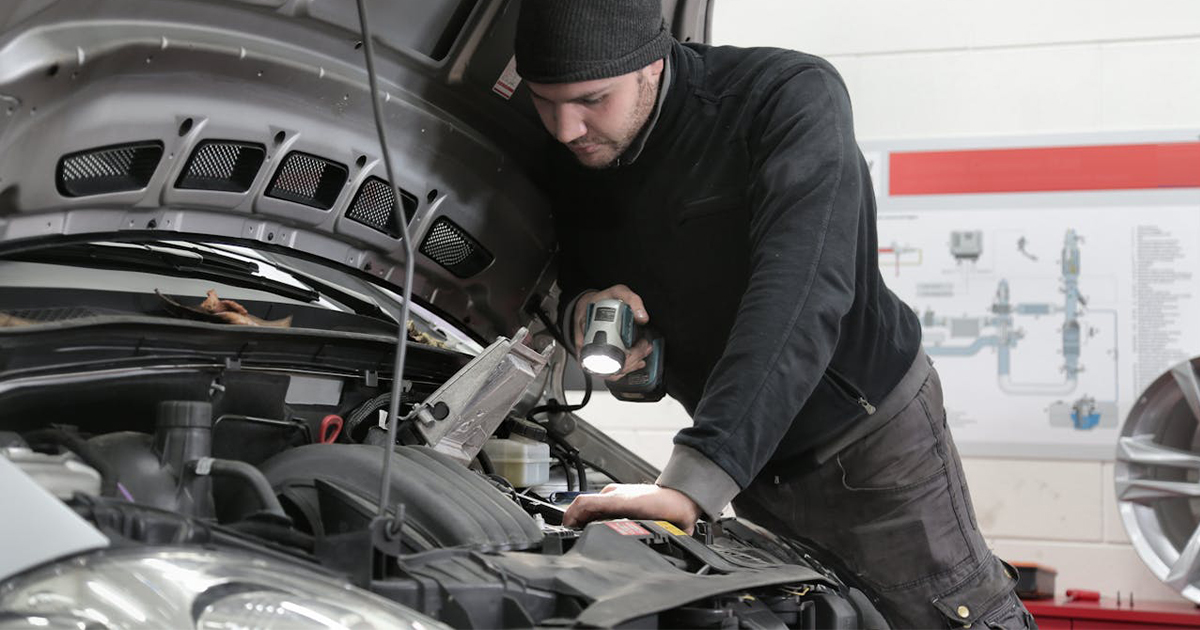
Today's technicians increasingly spend time diagnosing software issues alongside mechanical ones. Dealerships often install programming updates during routine maintenance visits, making computer expertise just as valuable as traditional wrench turning for many repair jobs.

Service Departments Changed
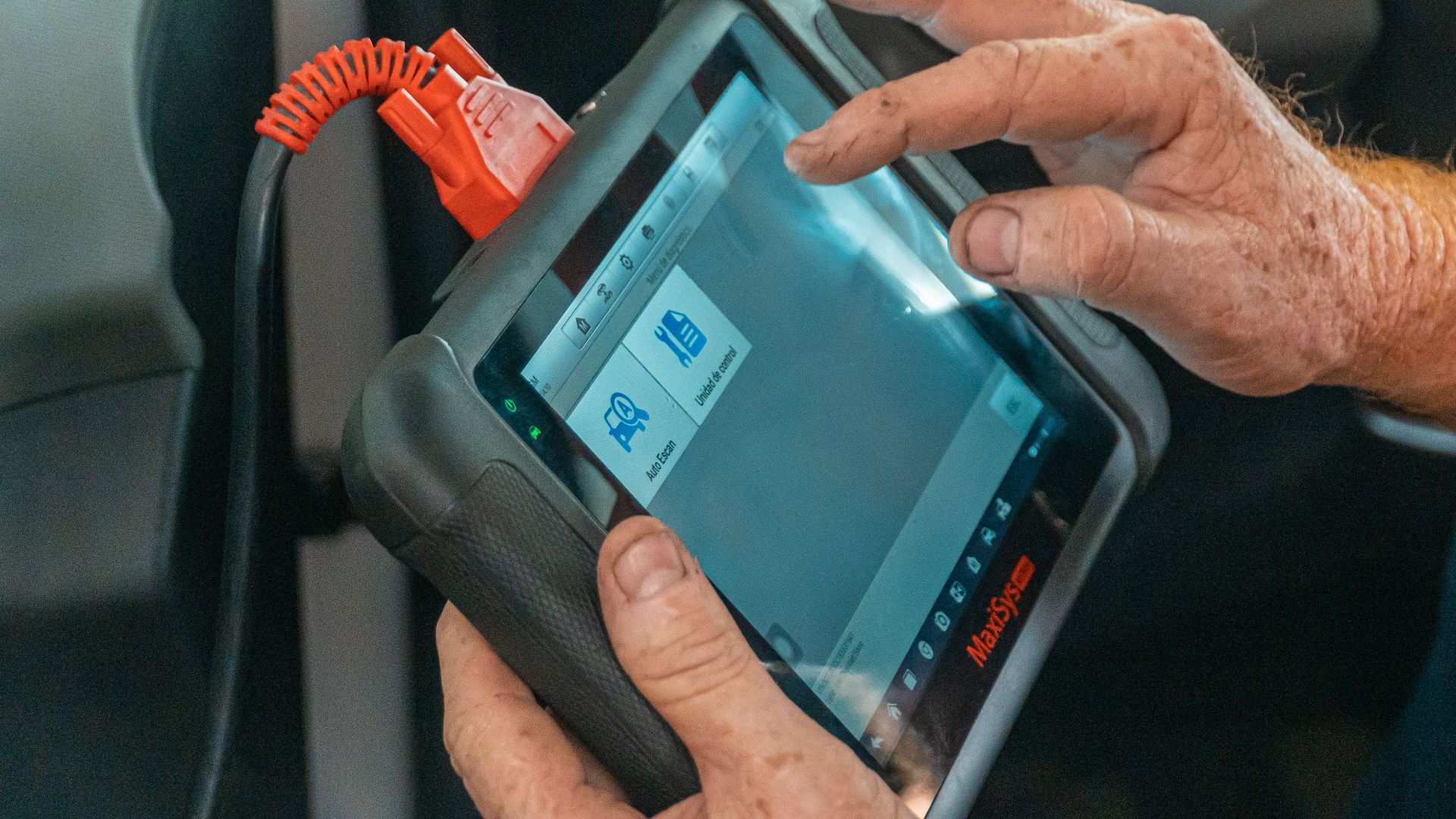
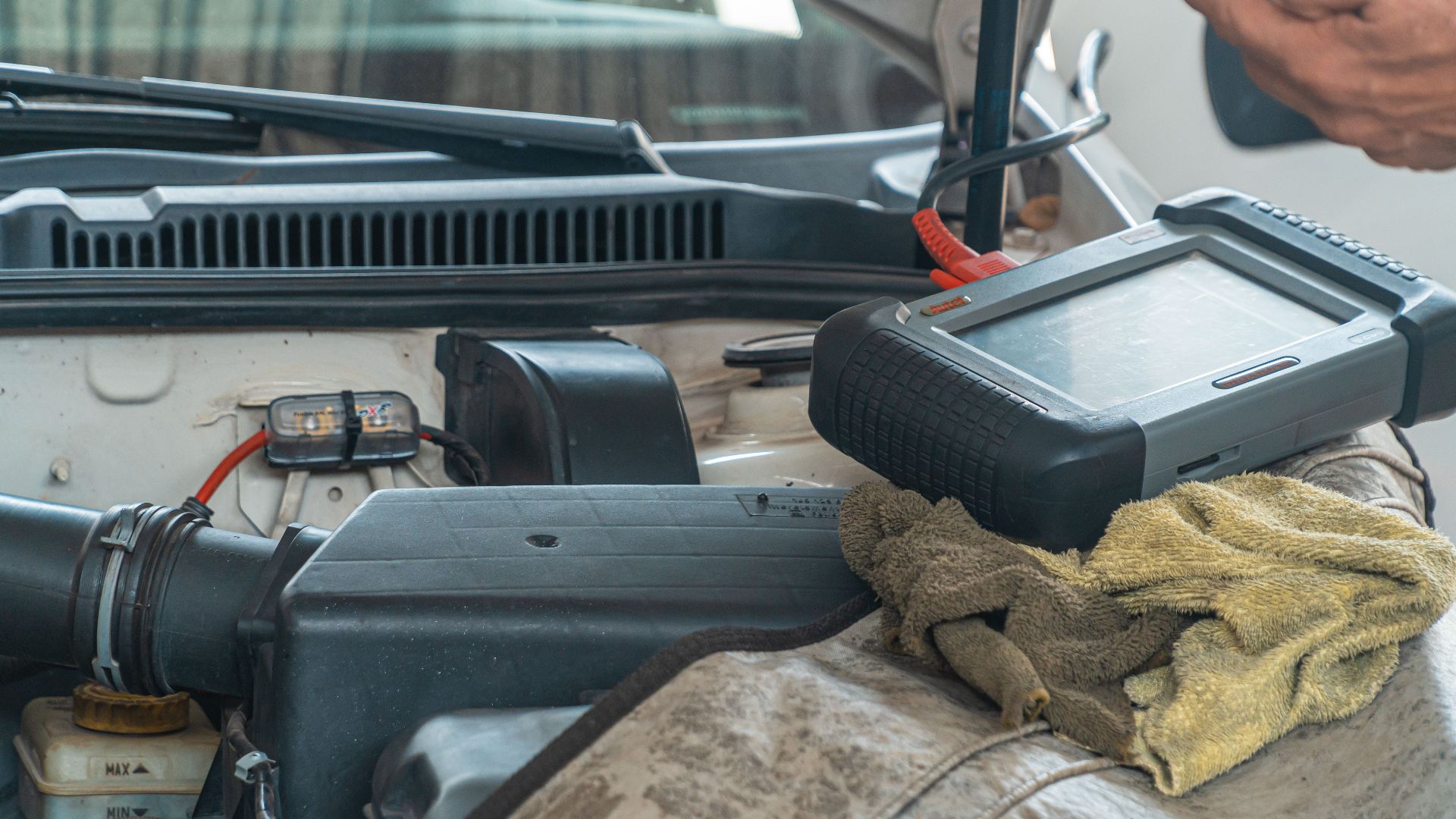
Not every vehicle supports complete over the air updating. Certain firmware changes still require specialized diagnostic equipment available only at dealerships or qualified repair facilities, especially when multiple electronic control modules must be reprogrammed together.
 Jose Ricardo Barraza Morachis, Pexels
Some Updates Need Dealers
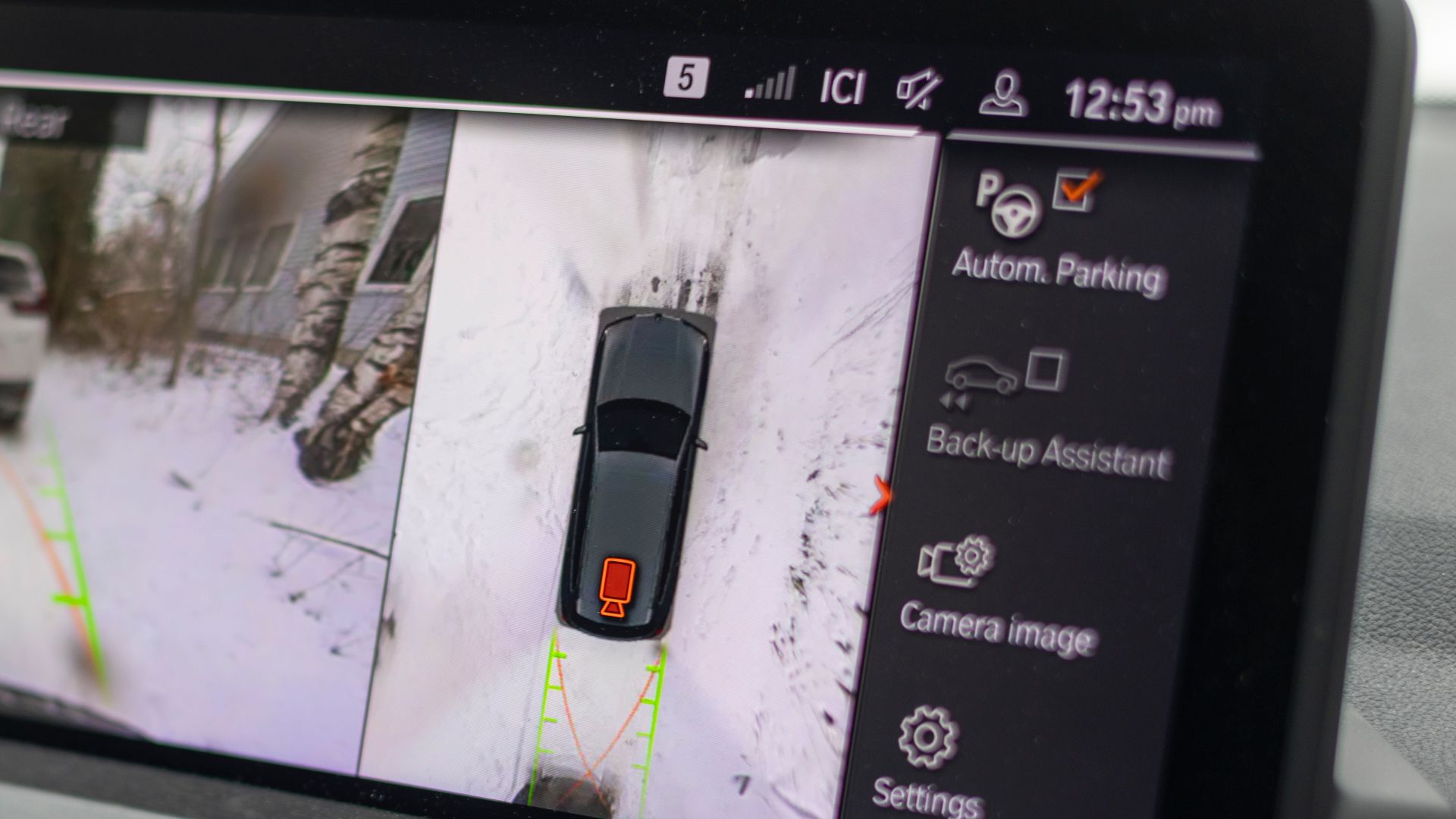
Although uncommon, software installations occasionally fail or introduce new bugs. Drivers sometimes report temporary glitches, changed settings, or unexpected behavior that requires another update or a dealership visit to resolve the issue.
Updates Can Misbehave
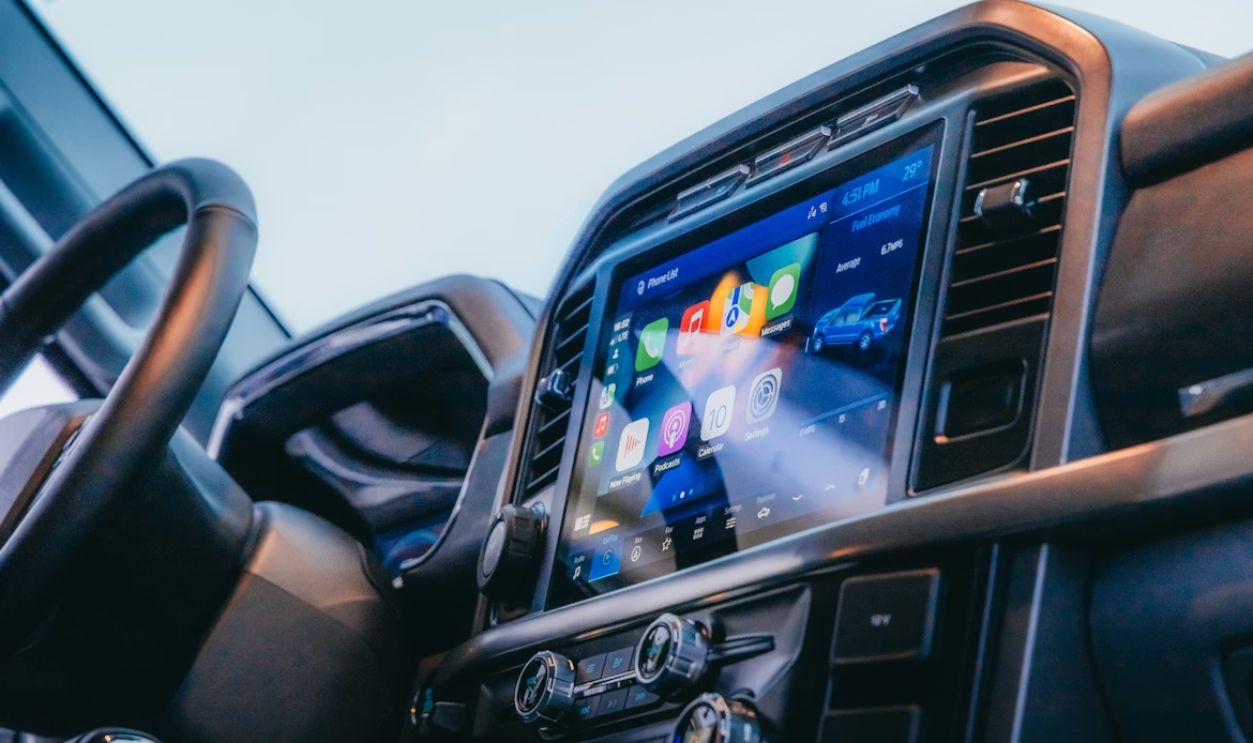
Avoid starting an update when you immediately need the vehicle. Some installations take only minutes while others require considerably longer, during which the vehicle may be unavailable or certain features temporarily disabled.
Timing Matters
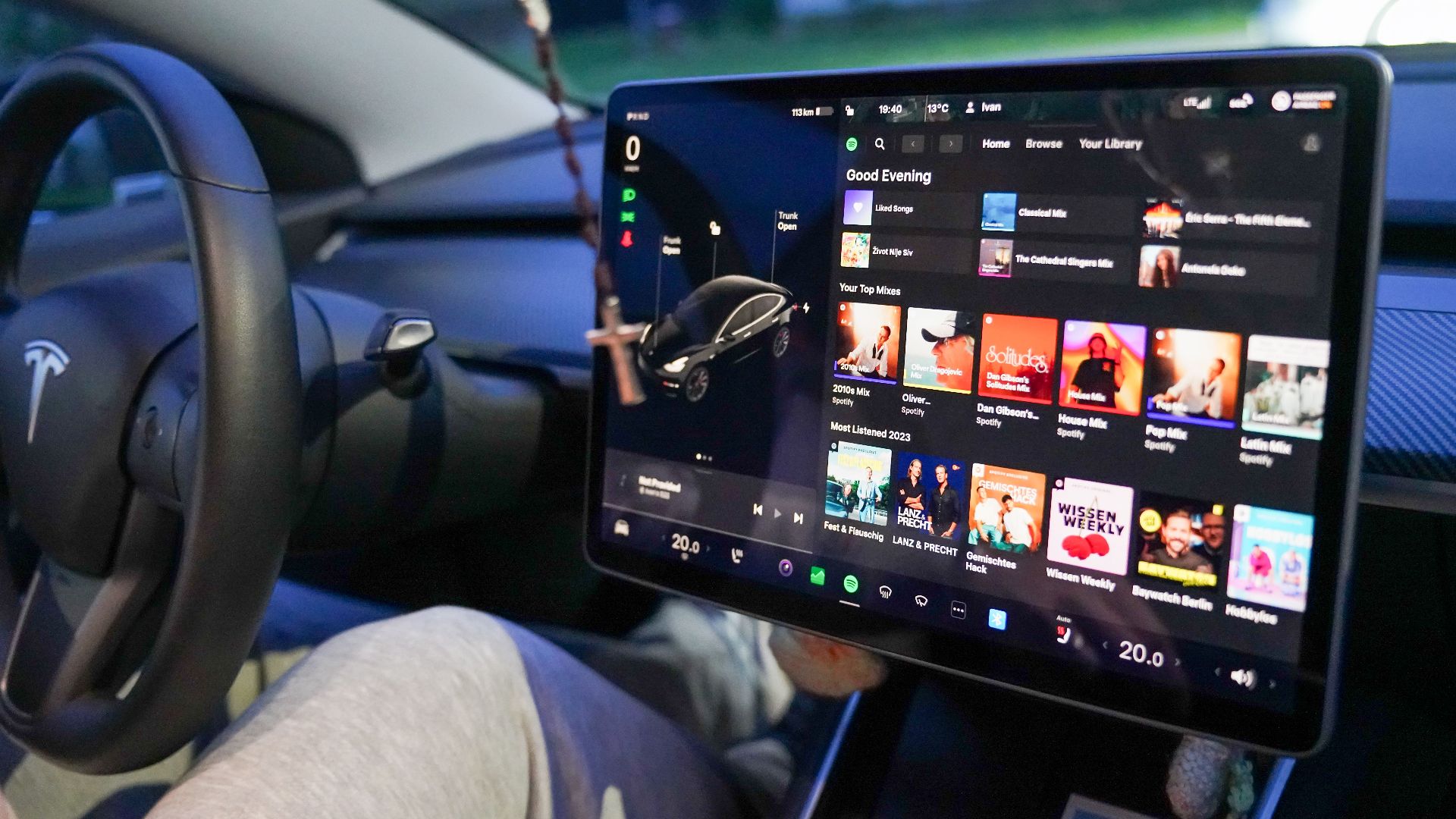
Many updates require sufficient battery charge before installation begins. Manufacturers often specify minimum battery conditions because losing electrical power during programming can interrupt the process and potentially require professional assistance.
Battery Requirements
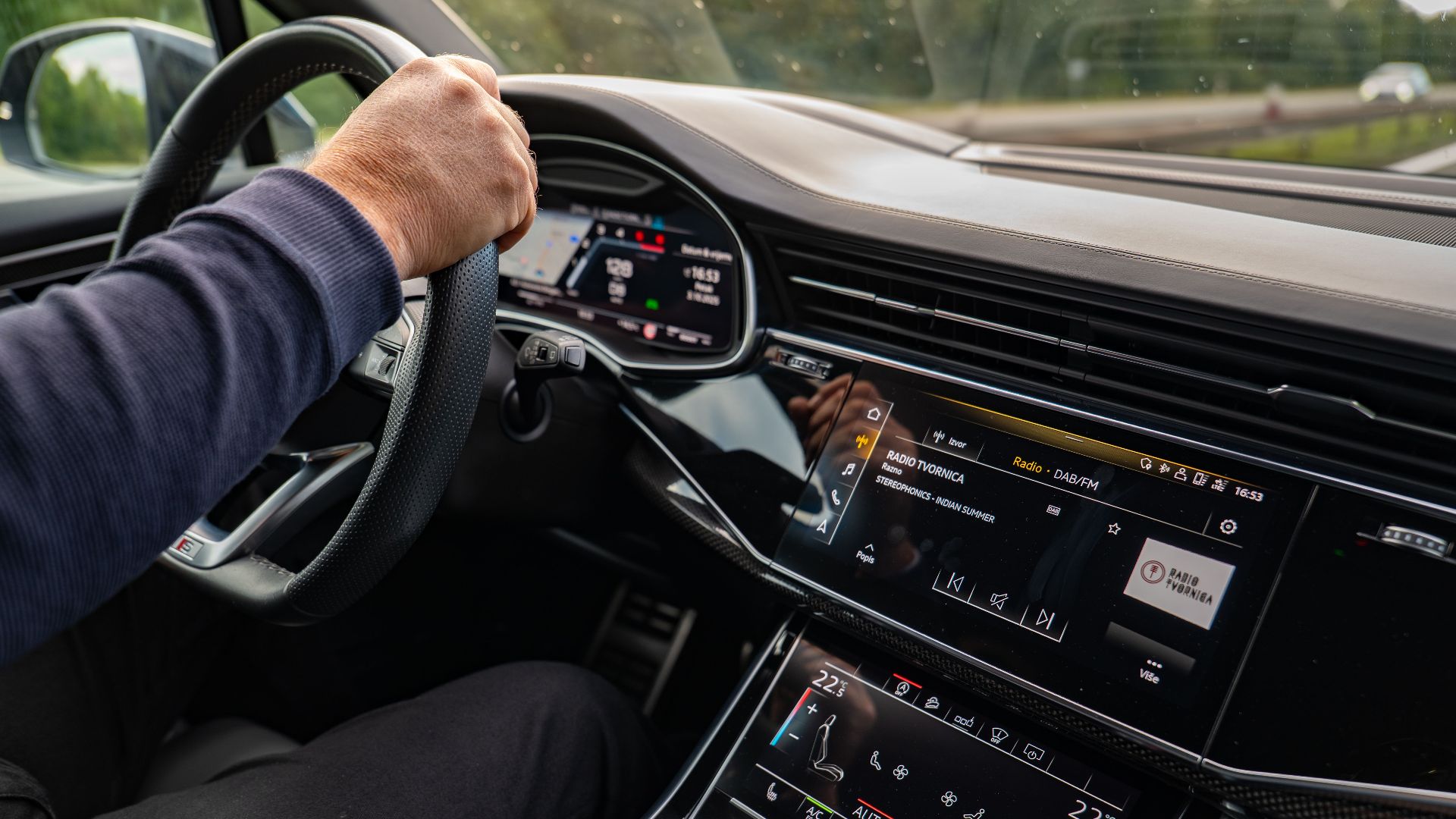
Ignoring recommended updates may occasionally have warranty implications if later failures are directly related to software that should have been installed. Always review your owner's manual and warranty documents to understand your manufacturer's specific policies.
Warranty Considerations
Connected vehicles exchange data with manufacturers to support updates and diagnostics. Drivers should review available privacy settings, understand connected services agreements, and decide which optional data sharing features they are comfortable enabling.
 Jose Ricardo Barraza Morachis, Pexels
Privacy Questions
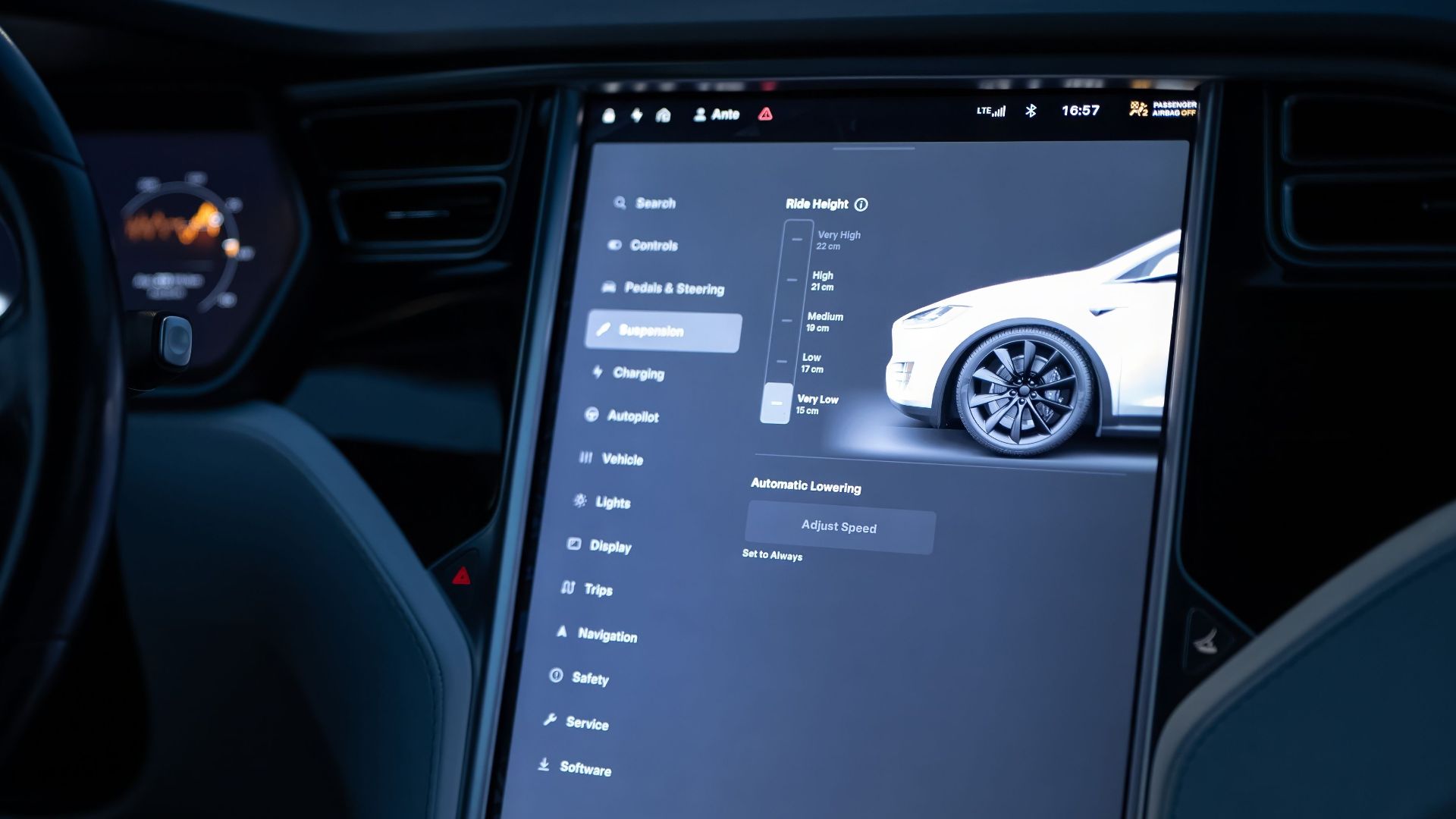
Instead of immediately pressing Install, spend a minute reviewing the update description. Knowing whether it fixes a safety issue, improves reliability, or simply changes cosmetic features helps set realistic expectations and prevents unnecessary surprises afterward.
Read Before Installing
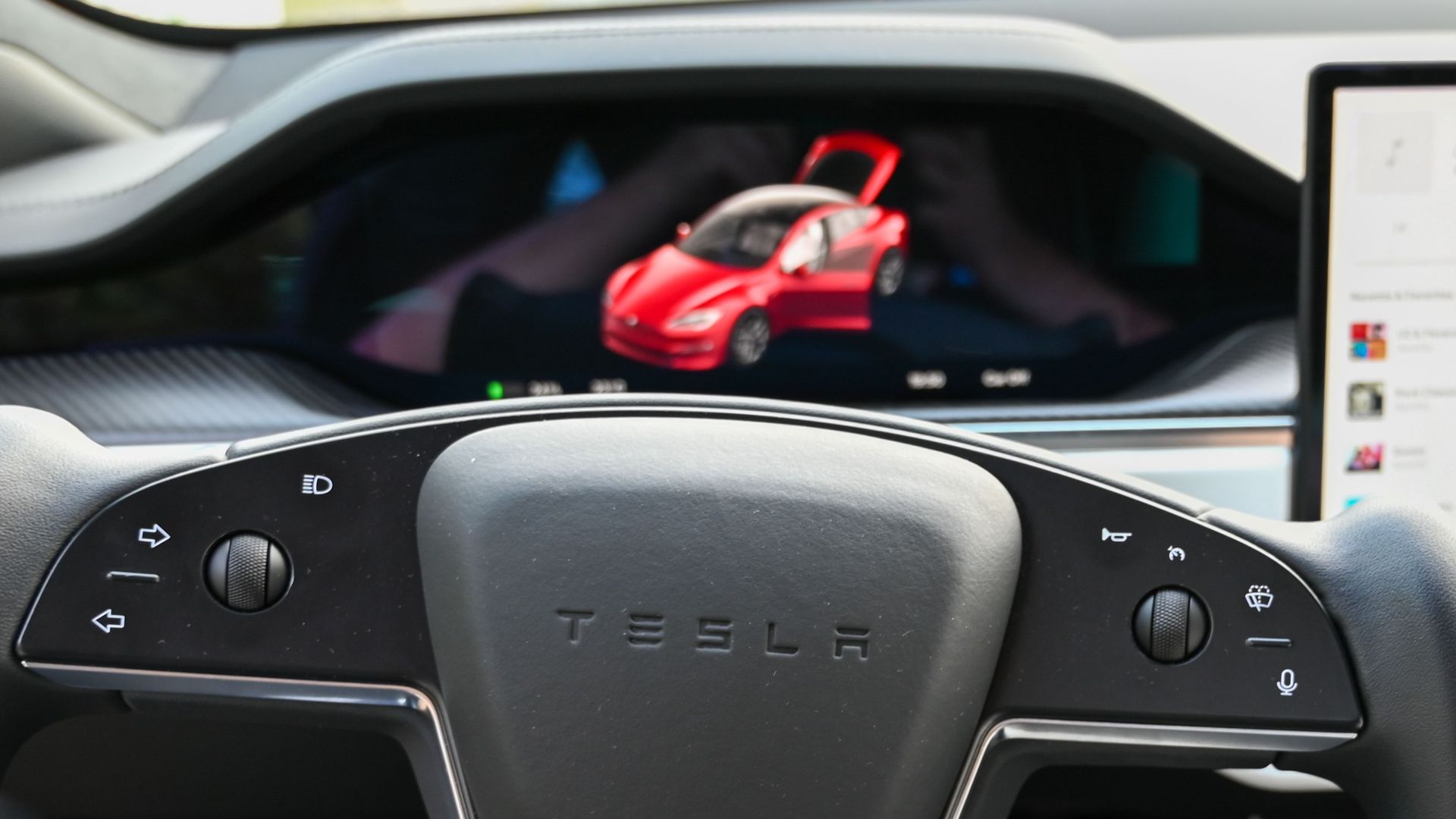
If an update changes how your vehicle behaves, make a note of the installation date and software version. This information can help service departments diagnose problems more quickly if unexpected issues appear later.
Keep Records
If online owner communities quickly identify widespread problems with a noncritical feature update, some drivers prefer waiting briefly until the manufacturer releases a corrected version. Safety or recall related updates are generally a different matter and deserve prompt attention.

Know When To Wait
Owning a modern vehicle increasingly means living with evolving software. Unlike older cars that rarely changed after purchase, today's vehicles may receive meaningful improvements, refinements, and occasional frustrations throughout their entire service life.

The New Ownership Experience
You probably should not install every update blindly, but you also should not ignore them. Prioritize safety and reliability updates, read the release notes when available, maintain your vehicle normally, and expect that software maintenance has become part of responsible car ownership.

You May Also Like: