
That Hot Phone Is Not Weird
Yes, this is a common complaint with in-car wireless charging. Wireless charging creates heat even in normal conditions, and summer driving adds more heat from the cabin, sunlight, and heavy phone use. Your phone is not necessarily defective, and your vehicle may not be broken either.

Wireless Charging Is Convenient But Inefficient
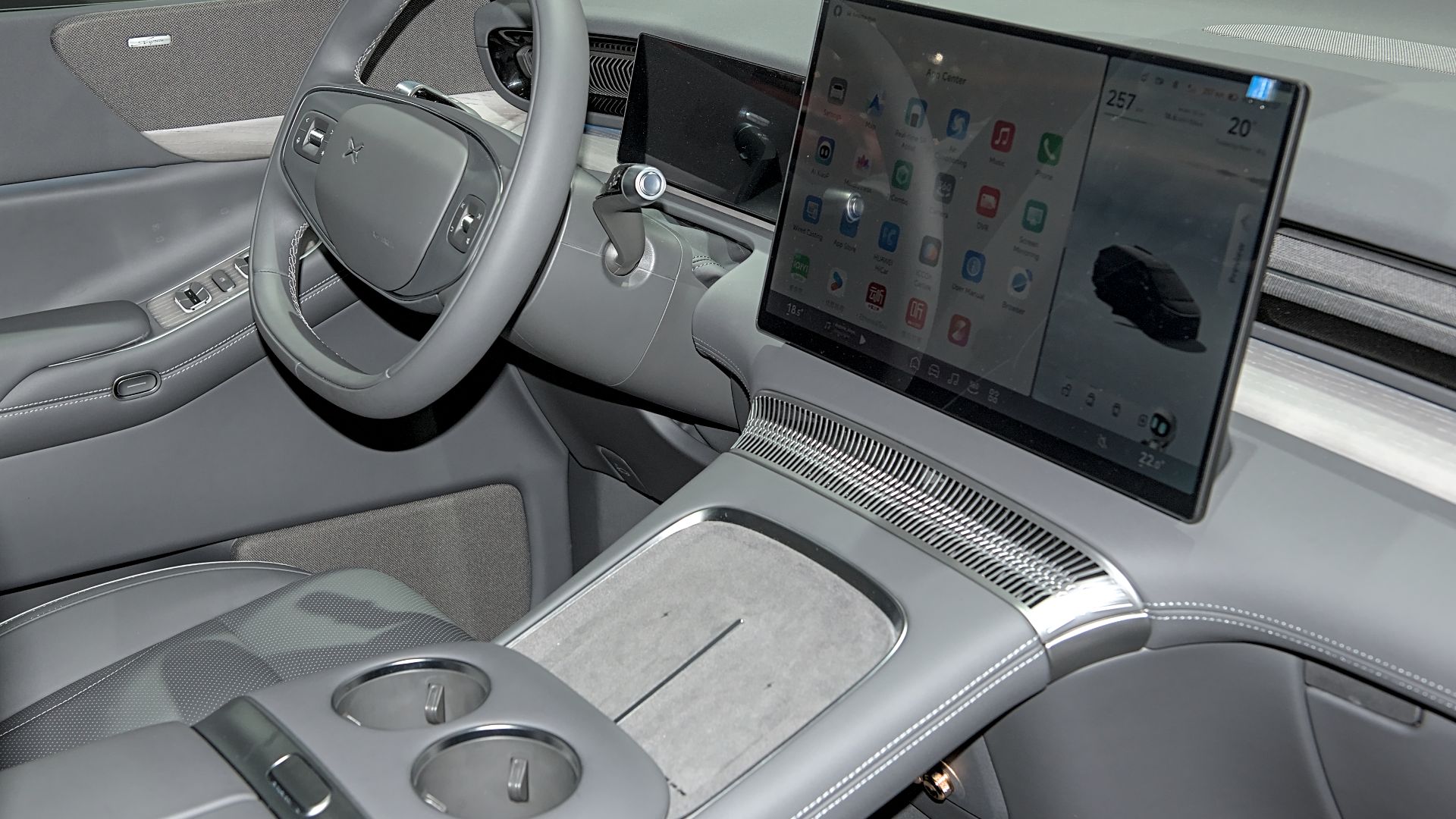
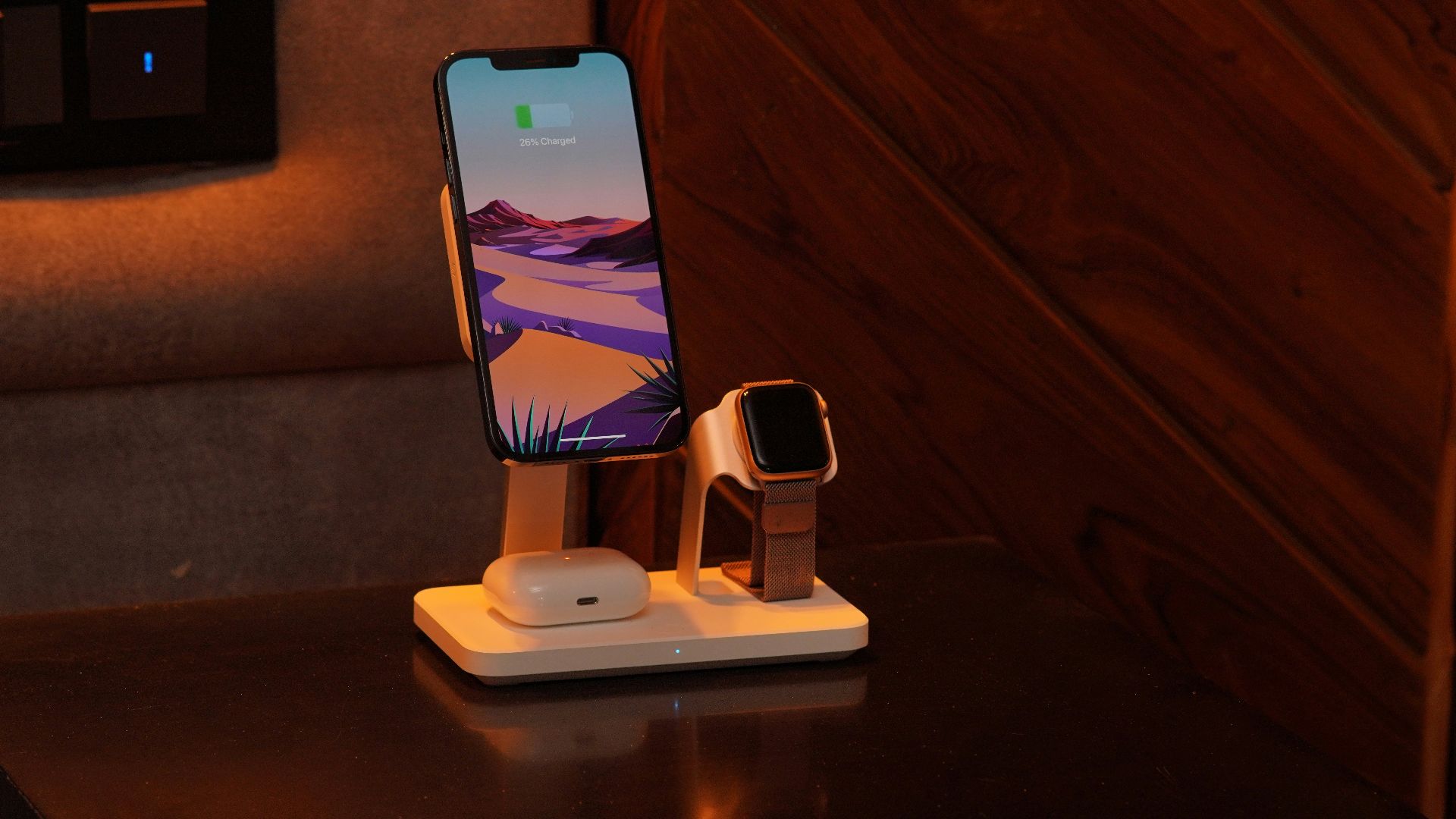
A wired charger sends power through a direct physical connection. A wireless pad transfers power through an electromagnetic field between coils in the pad and the phone. That process is convenient, but it can waste more energy as heat.
 Alexander Migl, Wikimedia Commons
Summer Makes Everything Worse
A car interior can become a tough environment for electronics on a hot day. Apple says iPhones and iPads are designed for use between 32 and 95 degrees Fahrenheit. When the cabin is already warm, a wireless charging pad starts with a disadvantage.

Your Phone Protects Itself
Modern phones are built to slow down or pause charging when temperatures climb too high. Apple says an iPhone may show a “Charging On Hold” message until the device returns to a normal temperature. Samsung also says Galaxy devices can limit charging when heat protection features activate.
The Pad May Not Be At Fault
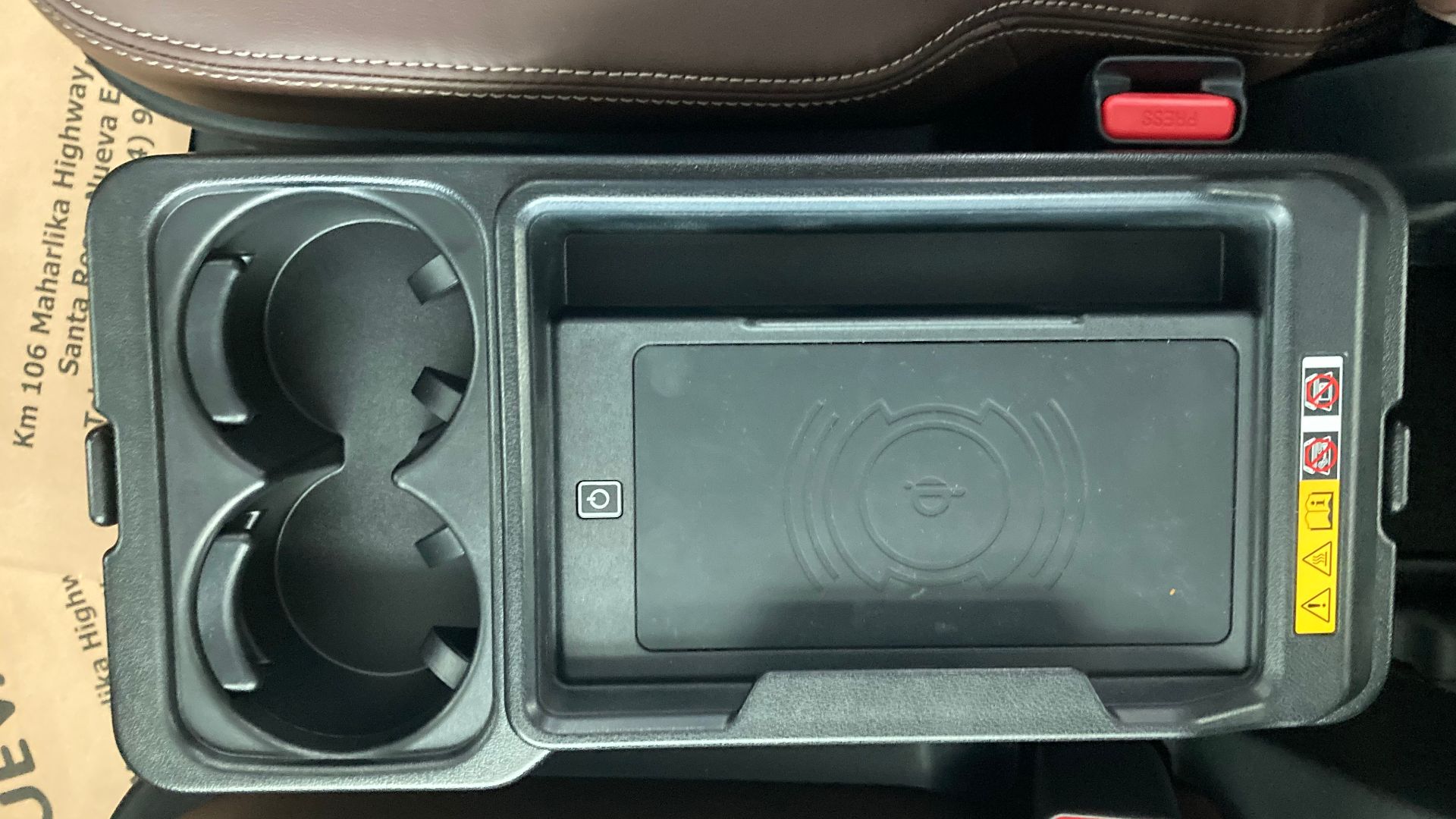
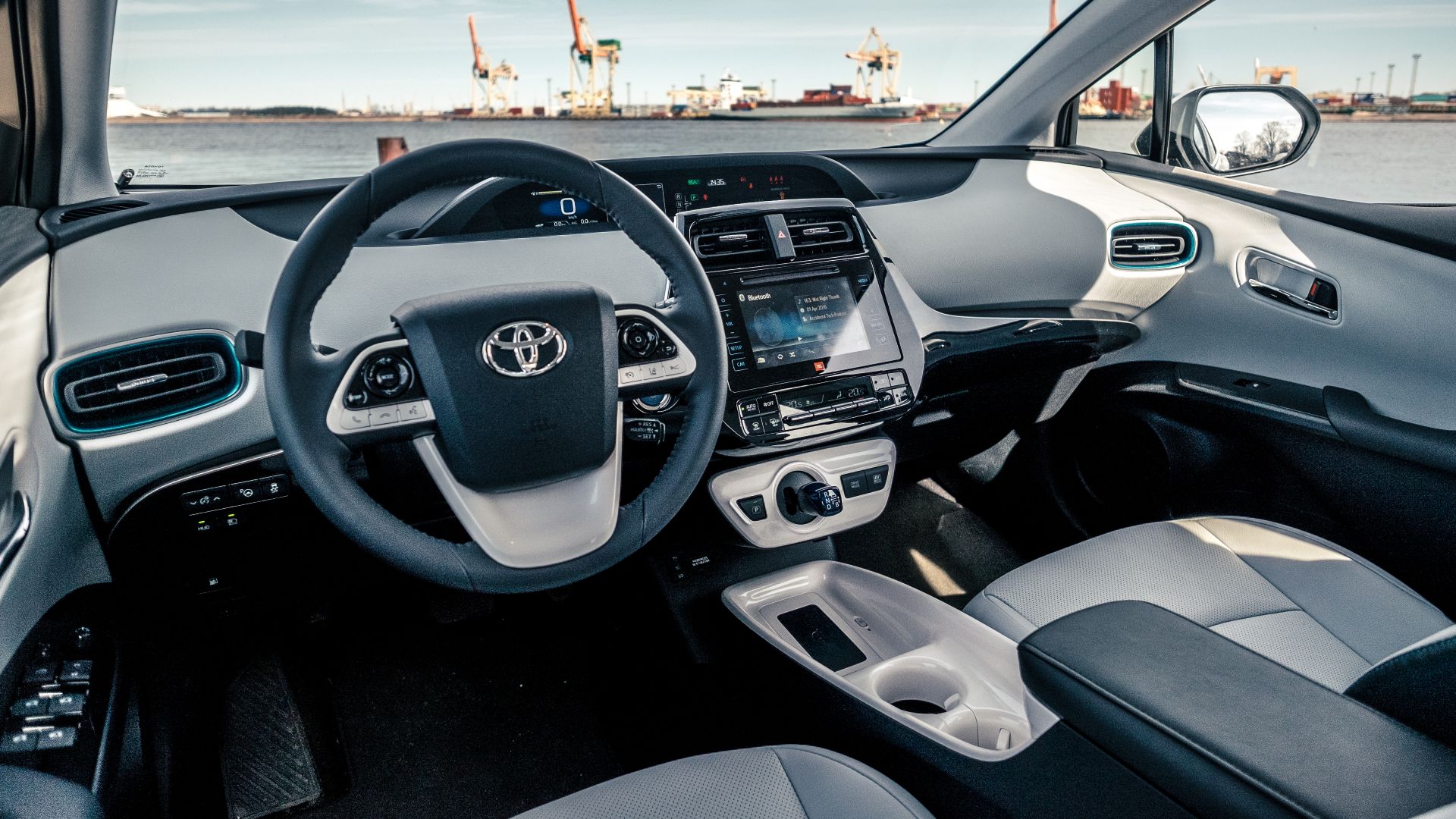
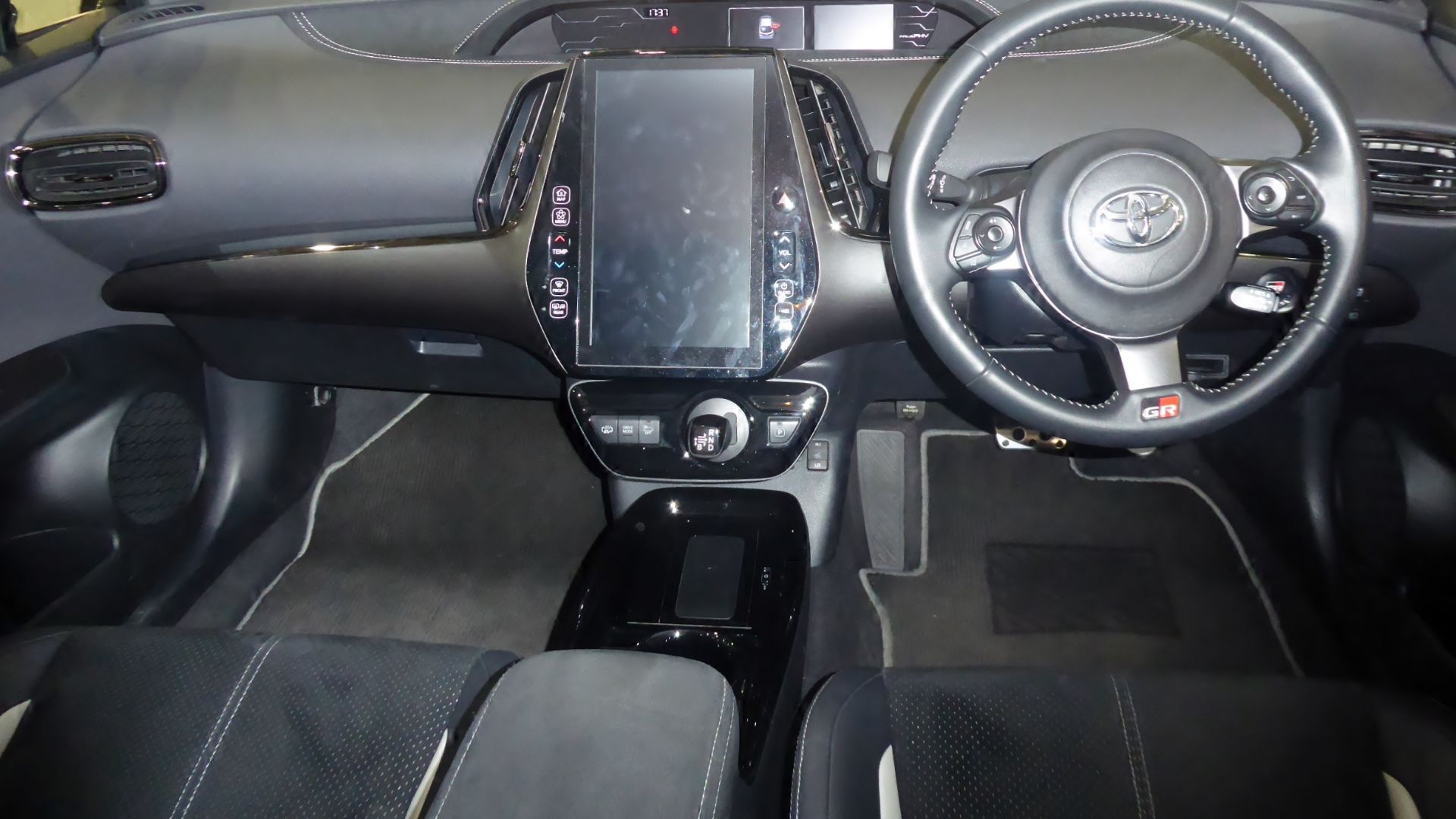
A hot phone does not automatically mean the car’s charger is defective. Toyota’s wireless charger manual says the charger and portable device can become warm during charging, and that is not necessarily a malfunction. The key question is whether the phone gets merely warm or repeatedly stops charging.
 Captainmorlypogi1959, Wikimedia Commons
Navigation Adds A Lot Of Heat
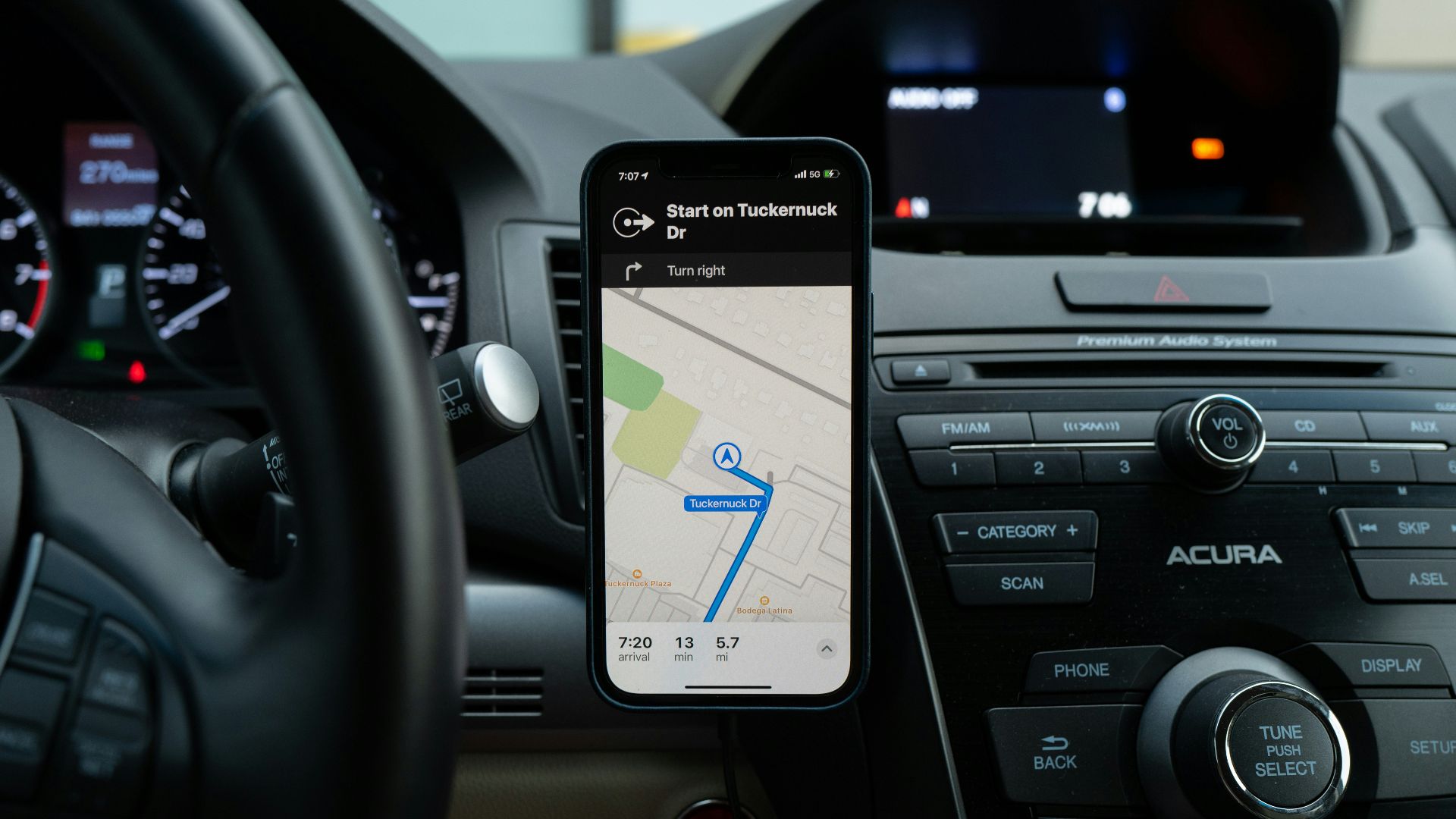
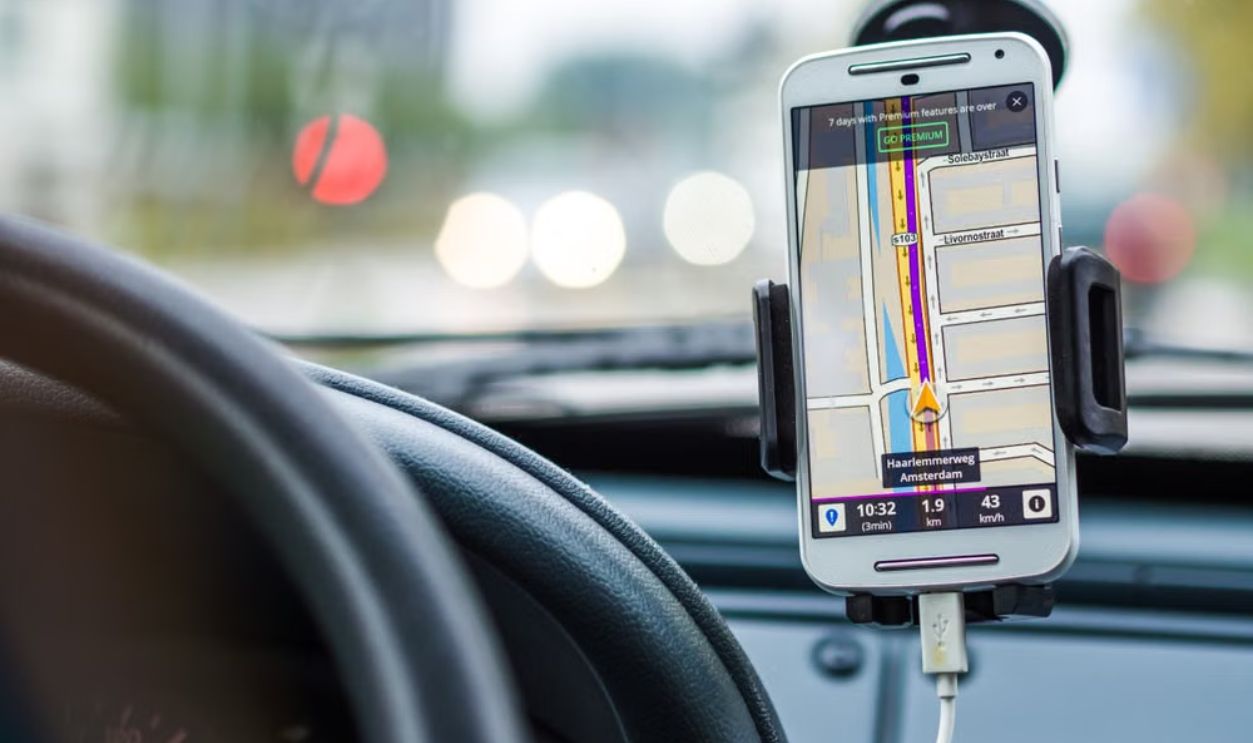
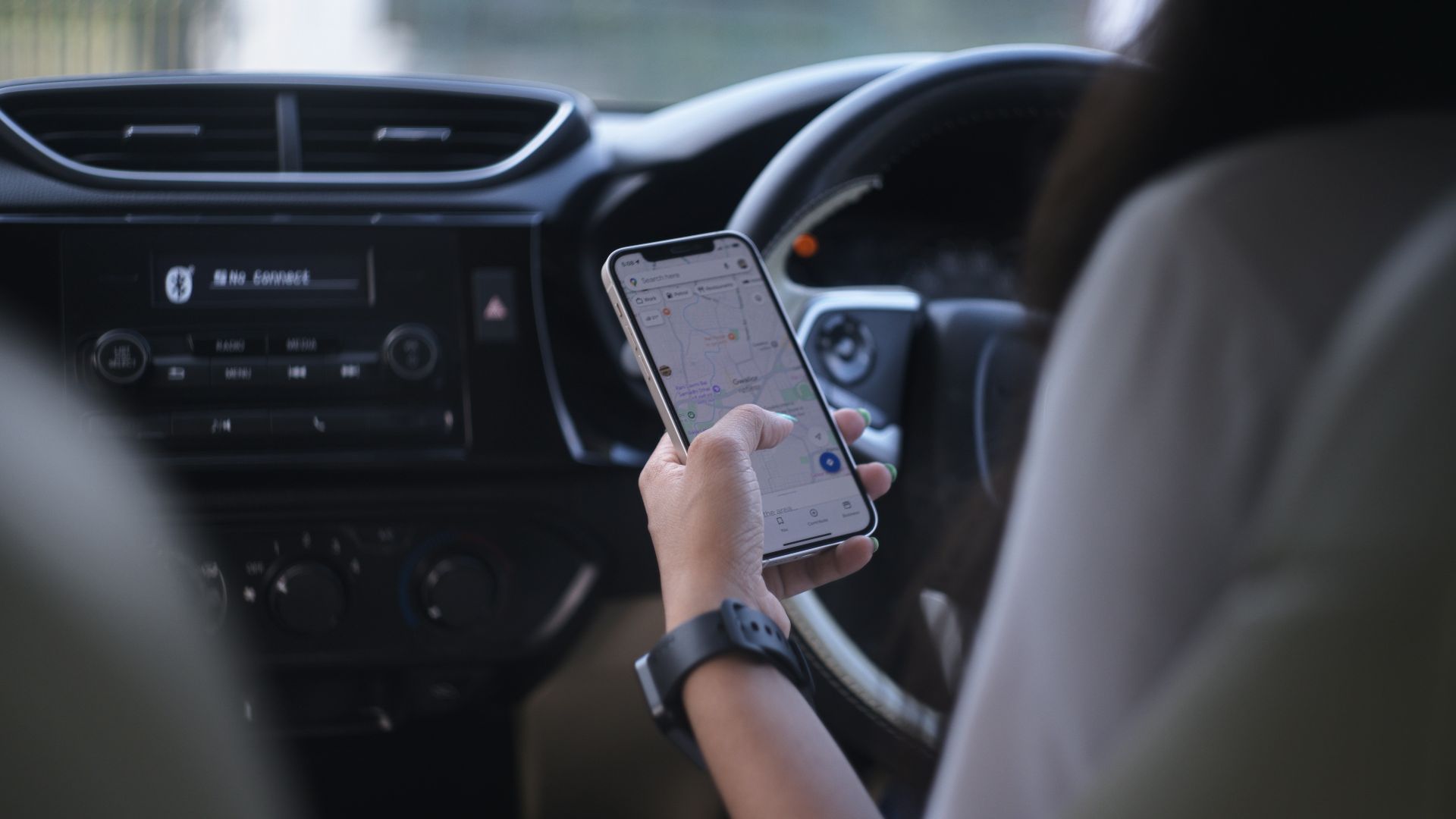
Many drivers put their phone on the charging pad while running navigation, streaming audio, and using wireless Apple CarPlay or Android Auto. Streaming services and other apps can decrease charging efficiency while the device is charging. That means the phone may be working hard and charging poorly at the same time.
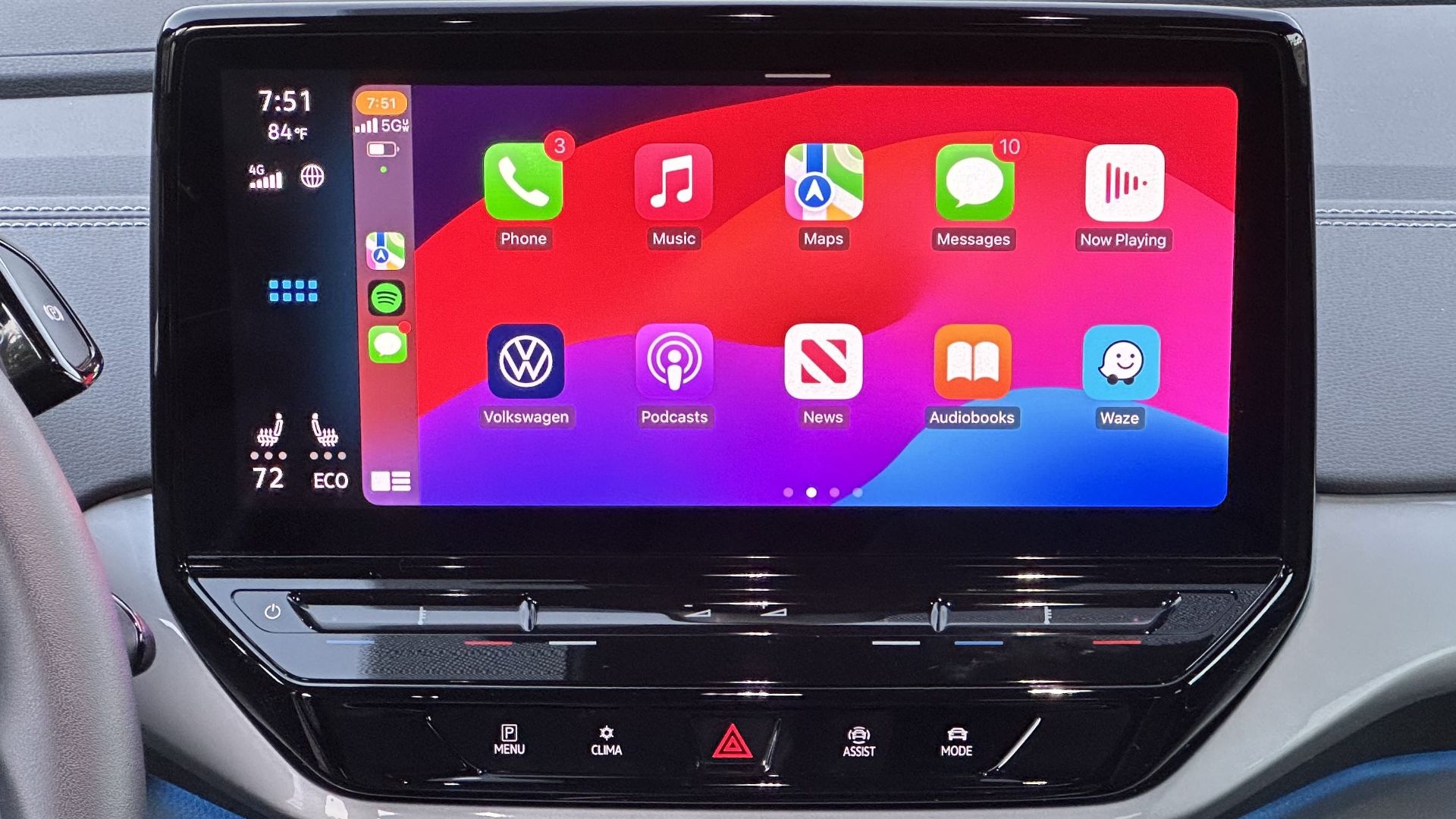
Wireless CarPlay Can Be A Heat Multiplier
Wireless smartphone projection keeps the phone’s radios active while the screen, GPS, and processor may also be busy. Pairing that with wireless charging can push the phone toward its temperature limit faster. A wired connection often runs cooler because it avoids one layer of wireless power transfer.
 Sunnyboy122, Wikimedia Commons
Misalignment Is A Big Deal
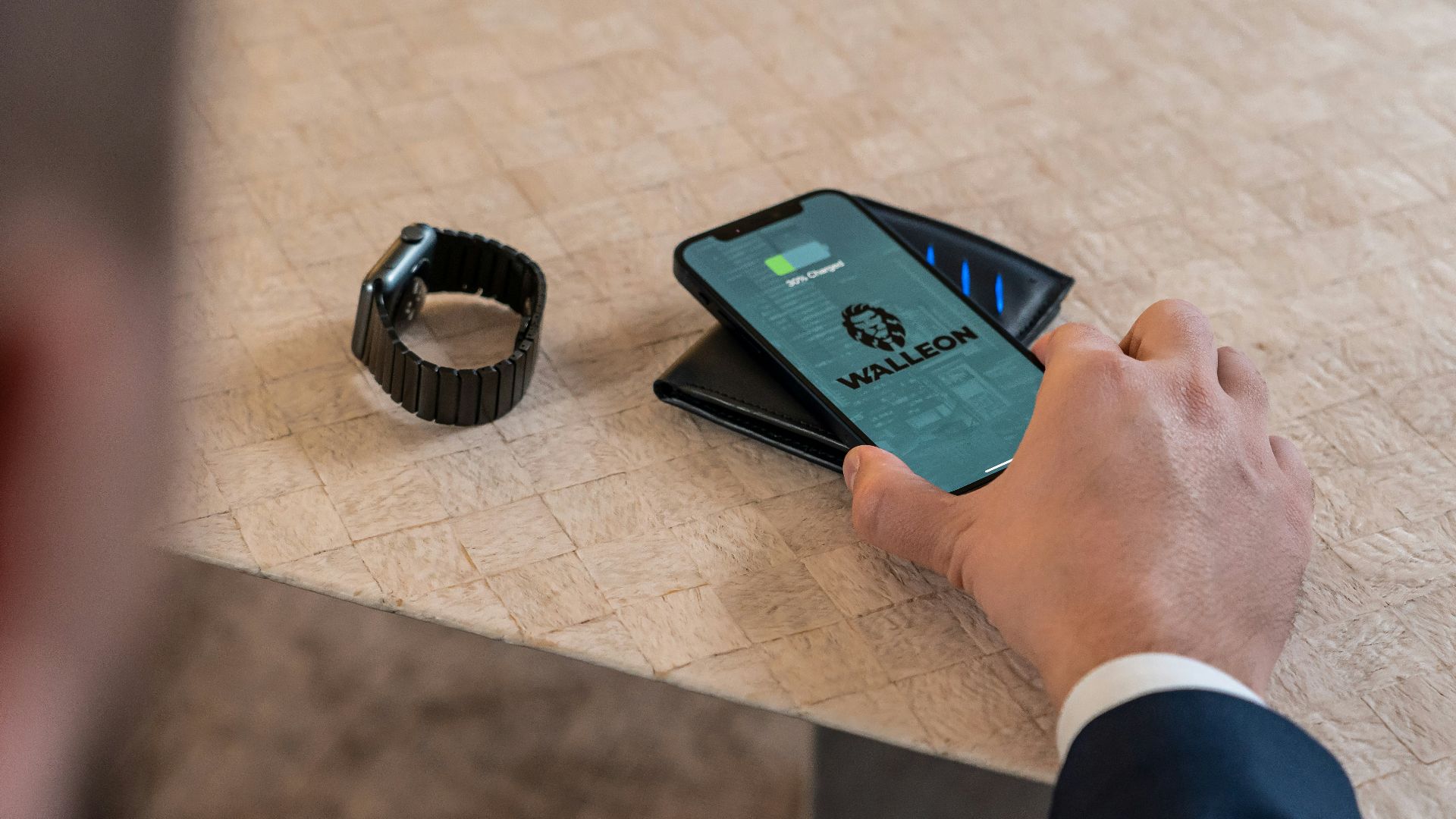
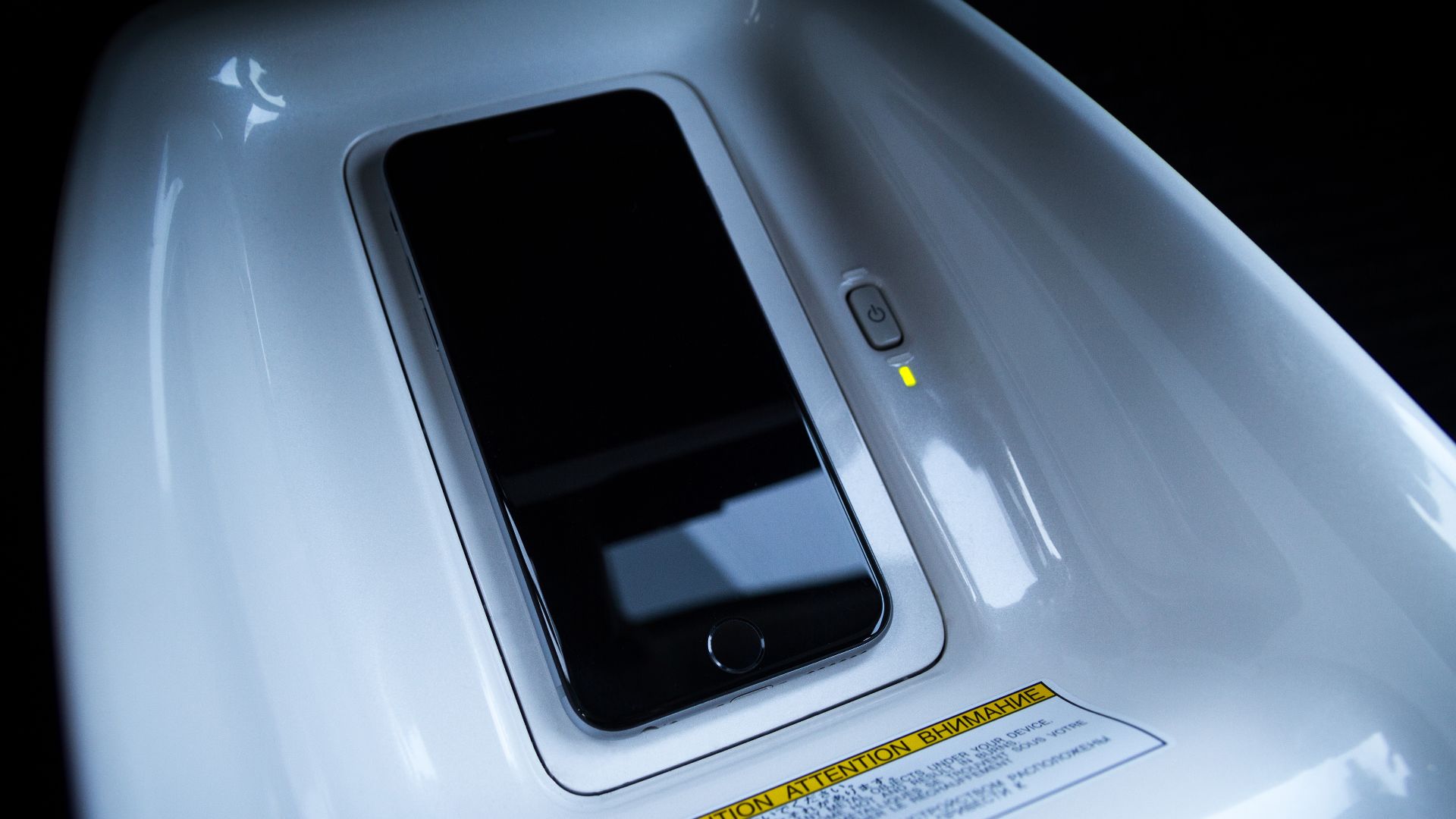
Wireless charging works best when the phone’s receiving coil lines up with the pad’s transmitting coil. Chevrolet advises owners to rotate a phone 180 degrees and place it back on the pad if it is not charging. Poor alignment can mean slower charging and more wasted heat.
Thick Cases Can Trap Heat
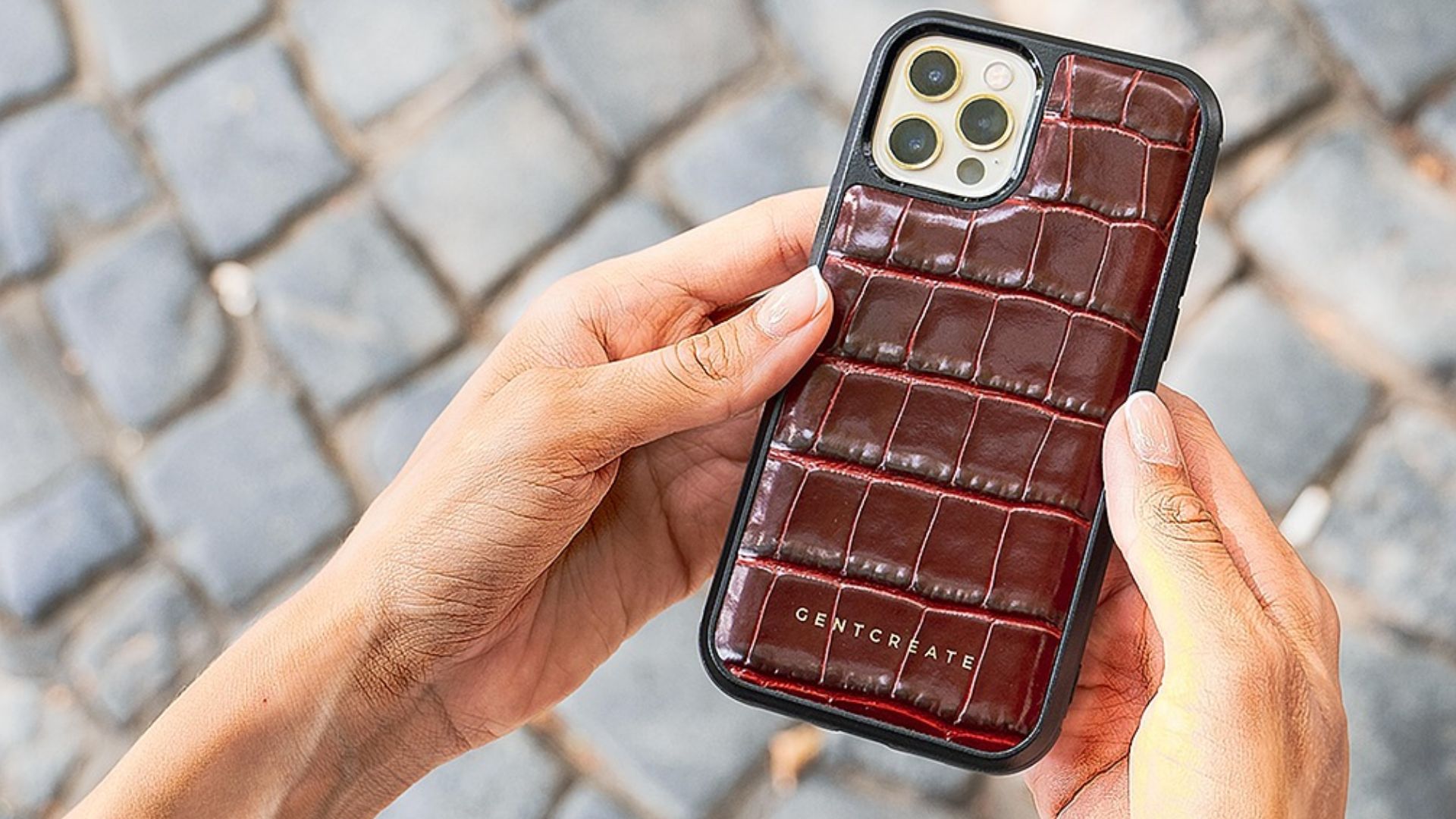
Phone cases can interfere with charging and hold warmth against the device. Ford says charging performance may be affected by a case, and removal may be necessary. Chevrolet also warns that thick cases can disrupt the charging process.
Metal Objects Are A Real Problem
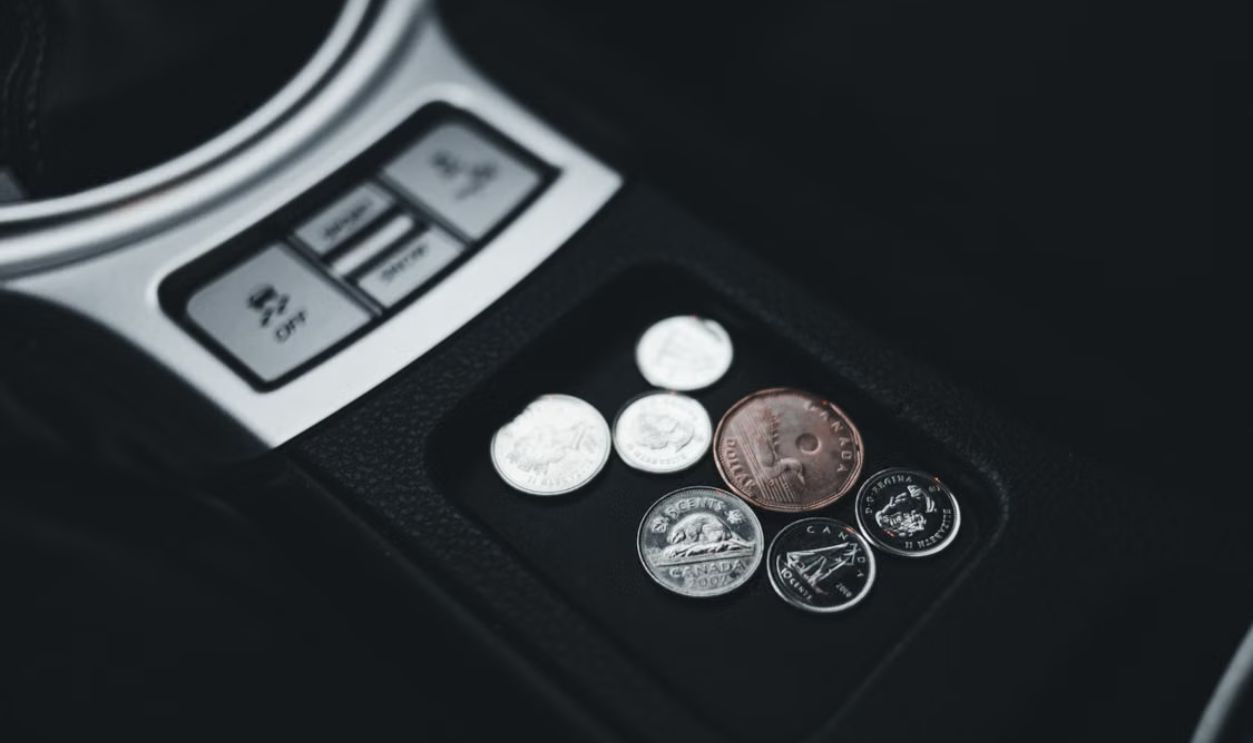
Coins, keys, wrappers, and cards with metal components should never sit on the charging pad. Ford warns that metal objects may heat up and degrade charging performance. Honda’s wireless charger instructions also warn that metal objects between the pad and device can get hot enough to burn.
Qi Chargers Are Designed With Safeguards
The Qi standard includes foreign object detection to help prevent metal objects from heating in the magnetic field. The system may limit or stop power transfer when foreign objects are detected. Those safeguards help, but they do not make every charging situation cool or efficient.
Dust And Debris Still Matter
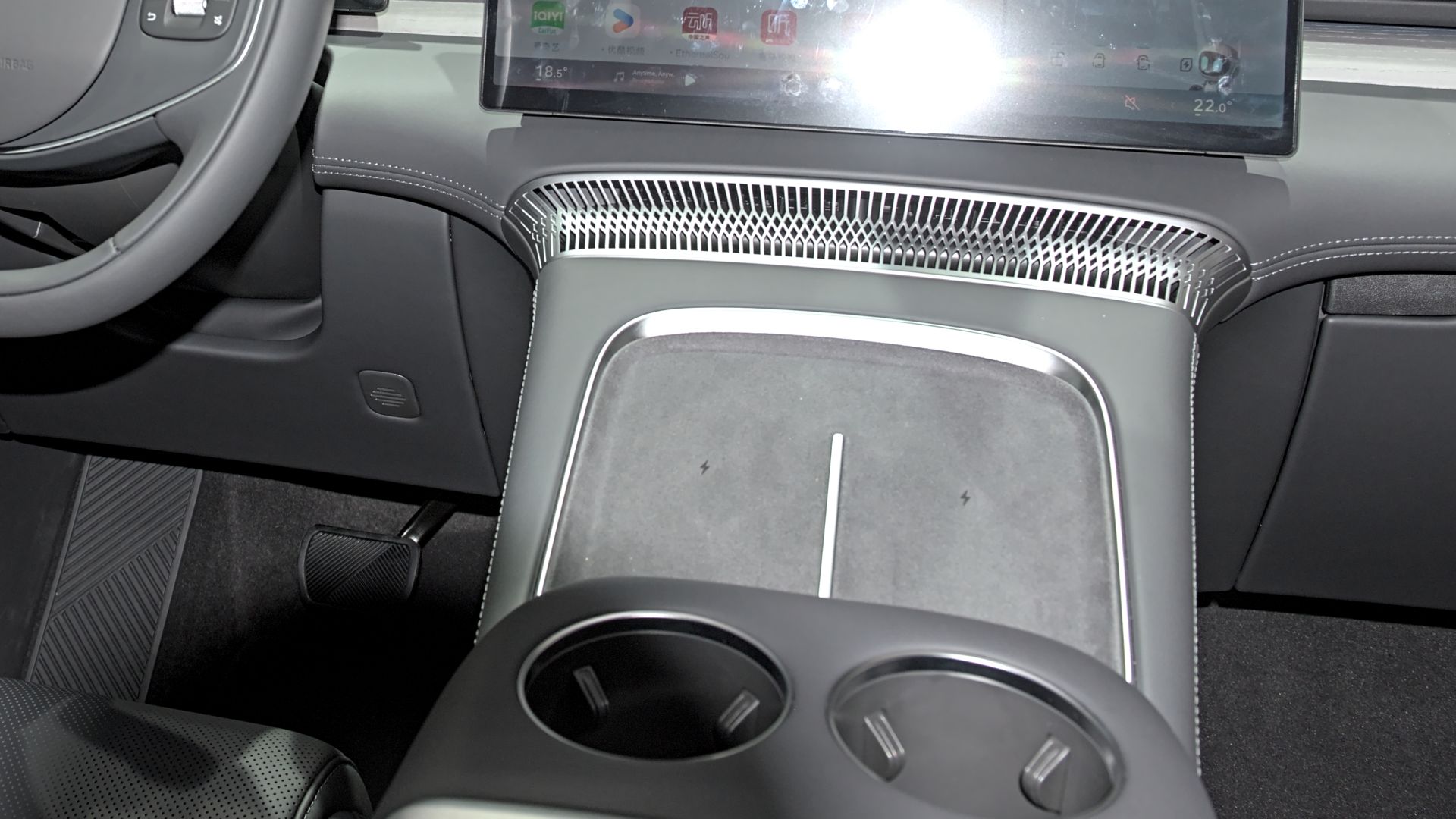
A charging pad should be clean before use. Keep the surface clear of dust and debris before charging. Small items can prevent the phone from sitting flat, which can worsen alignment and heat.
 Alexander Migl, Wikimedia Commons
Some Pads Are In Bad Locations
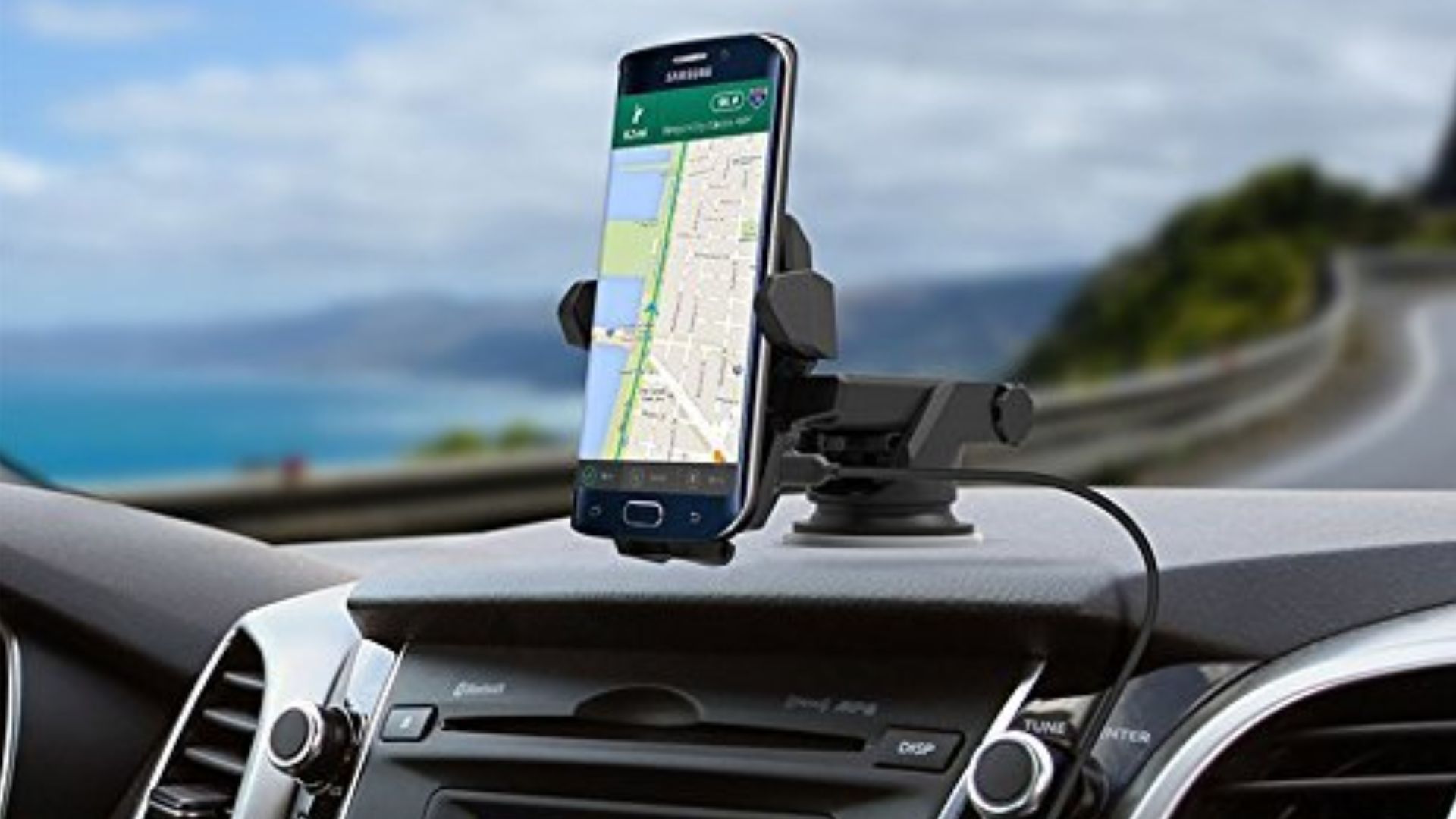
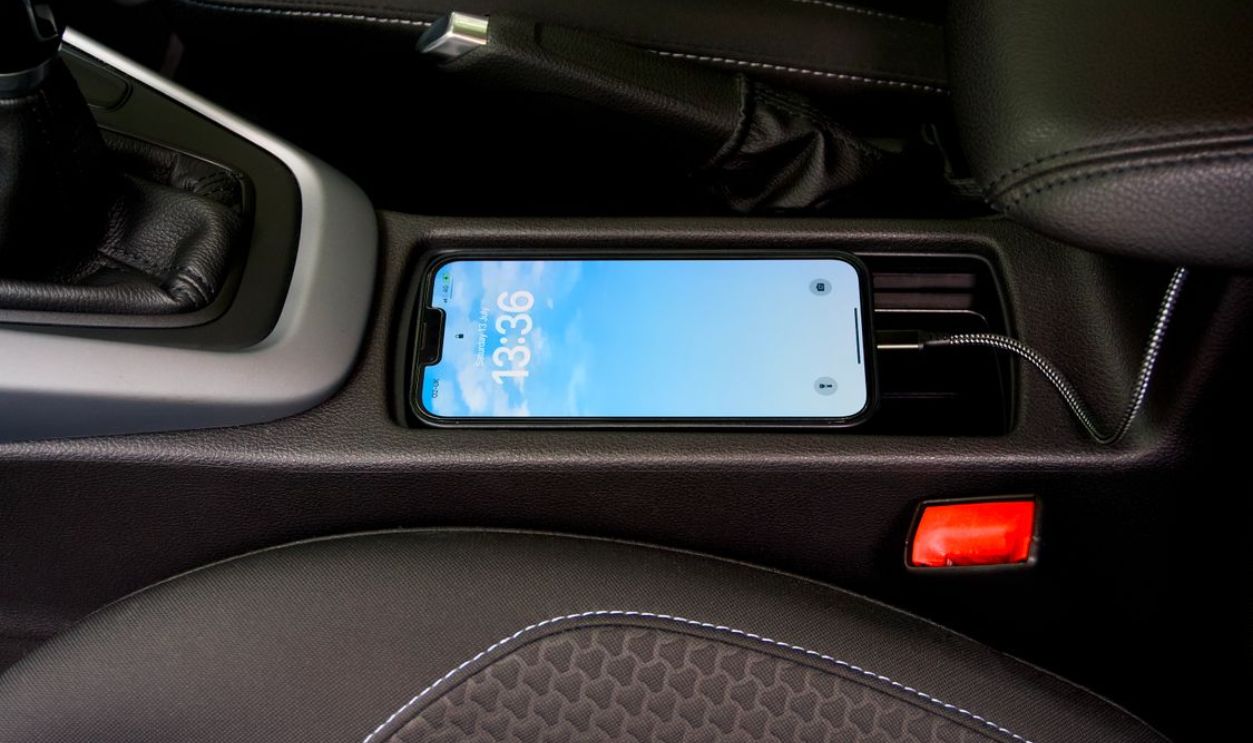
Many wireless pads sit low in the center console, inside a bin, or near the shifter. Those spots are tidy, but they may not get much direct airflow. A phone sitting in a warm pocket with no ventilation will usually run hotter than one mounted near an air vent.
 Karlis Dambrans from Latvia, Wikimedia Commons
Direct Sunlight Can Push It Over The Edge
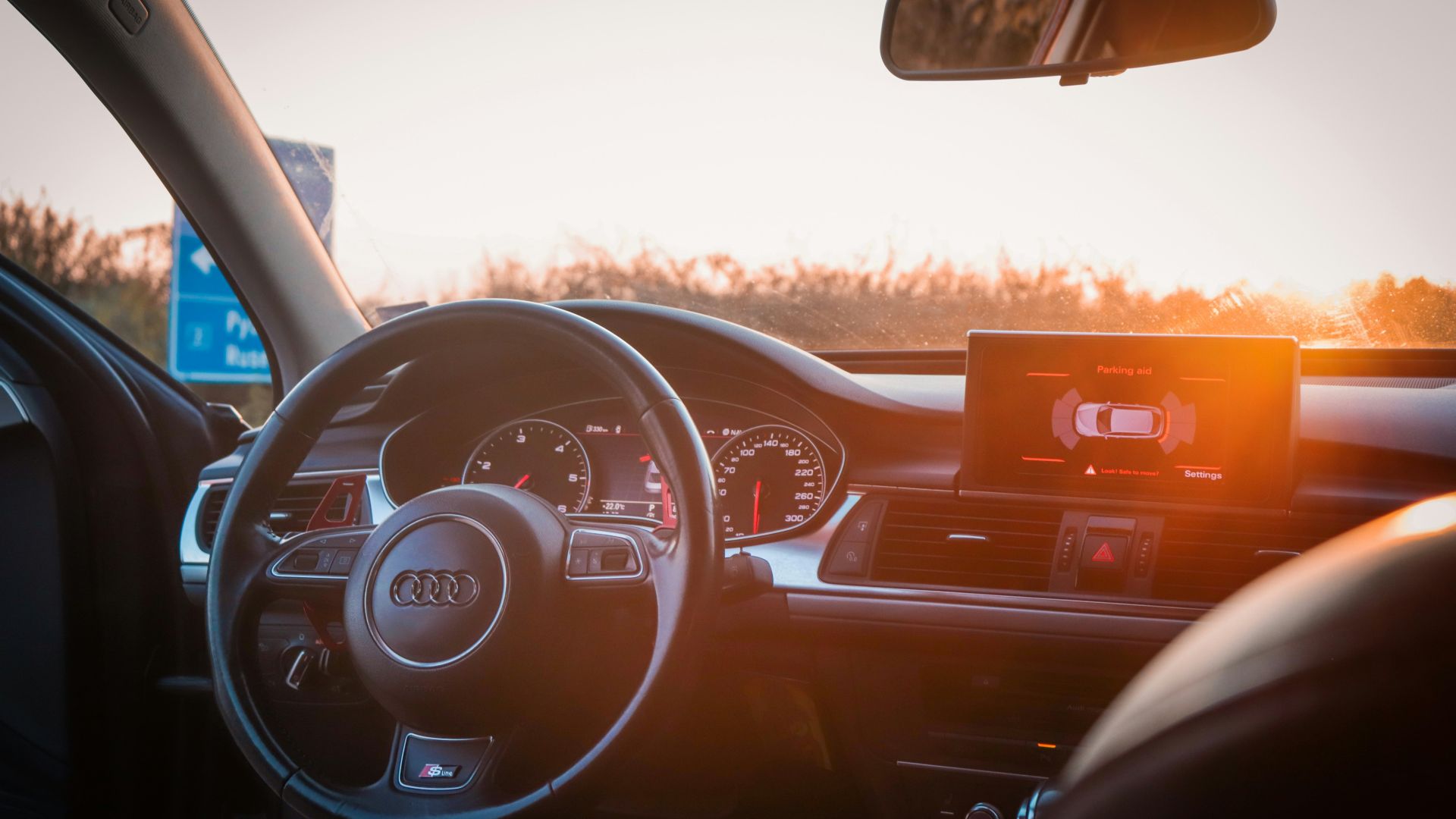
Even if the cabin feels comfortable, sunlight through the windshield can heat a phone quickly. Device makers advise keeping electronics out of direct sunlight during hot weather. A black phone on a dark charging pad can absorb heat quickly.
Slow Charging Can Be Normal
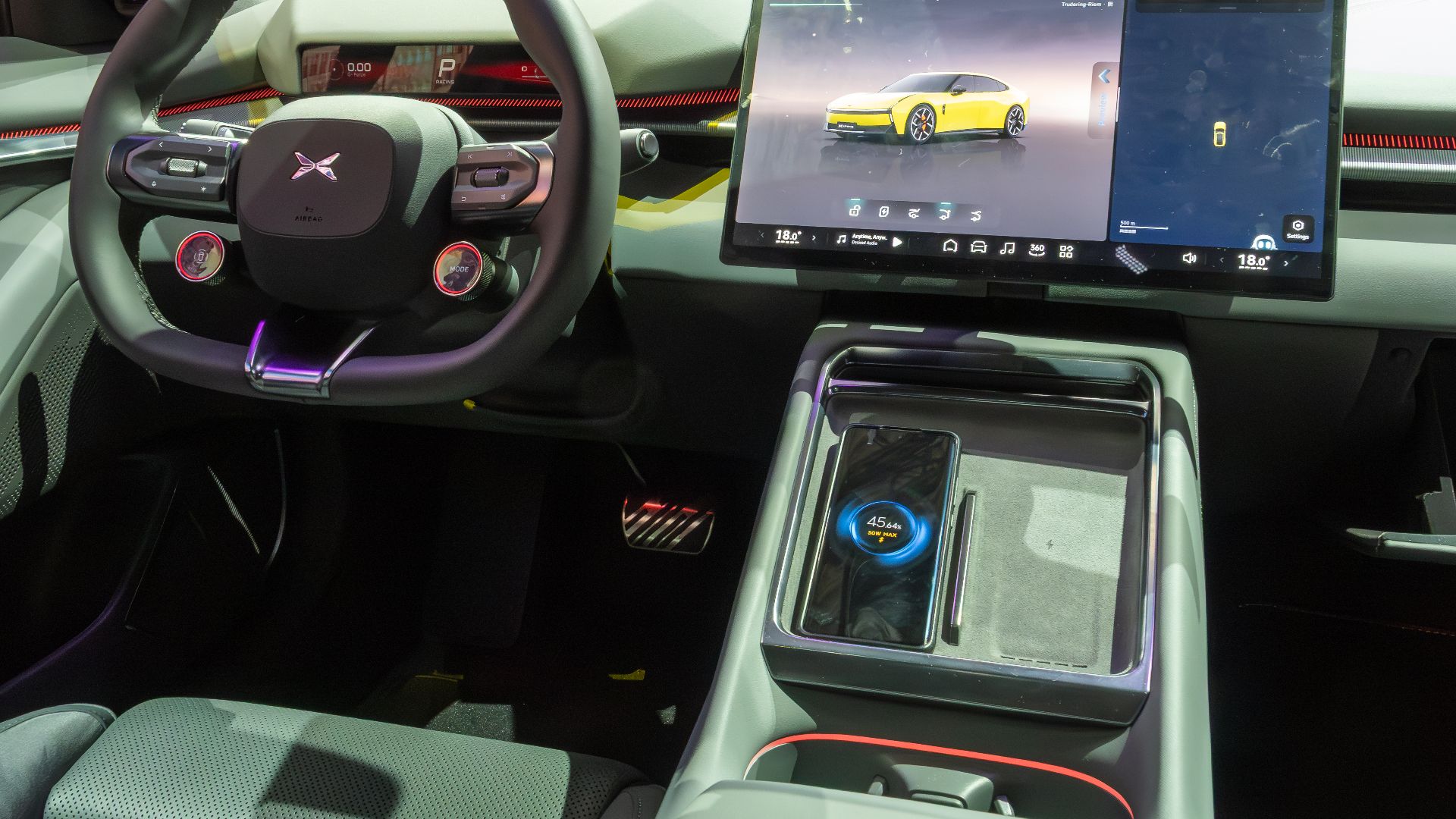
Drivers often expect wireless charging to refill a phone quickly during a commute. In reality, an in-car pad may only maintain battery level when the phone is running navigation or streaming. If the phone is also hot, charging may slow or pause entirely.
 Matti Blume, Wikimedia Commons
Bigger Phones Can Be Trickier
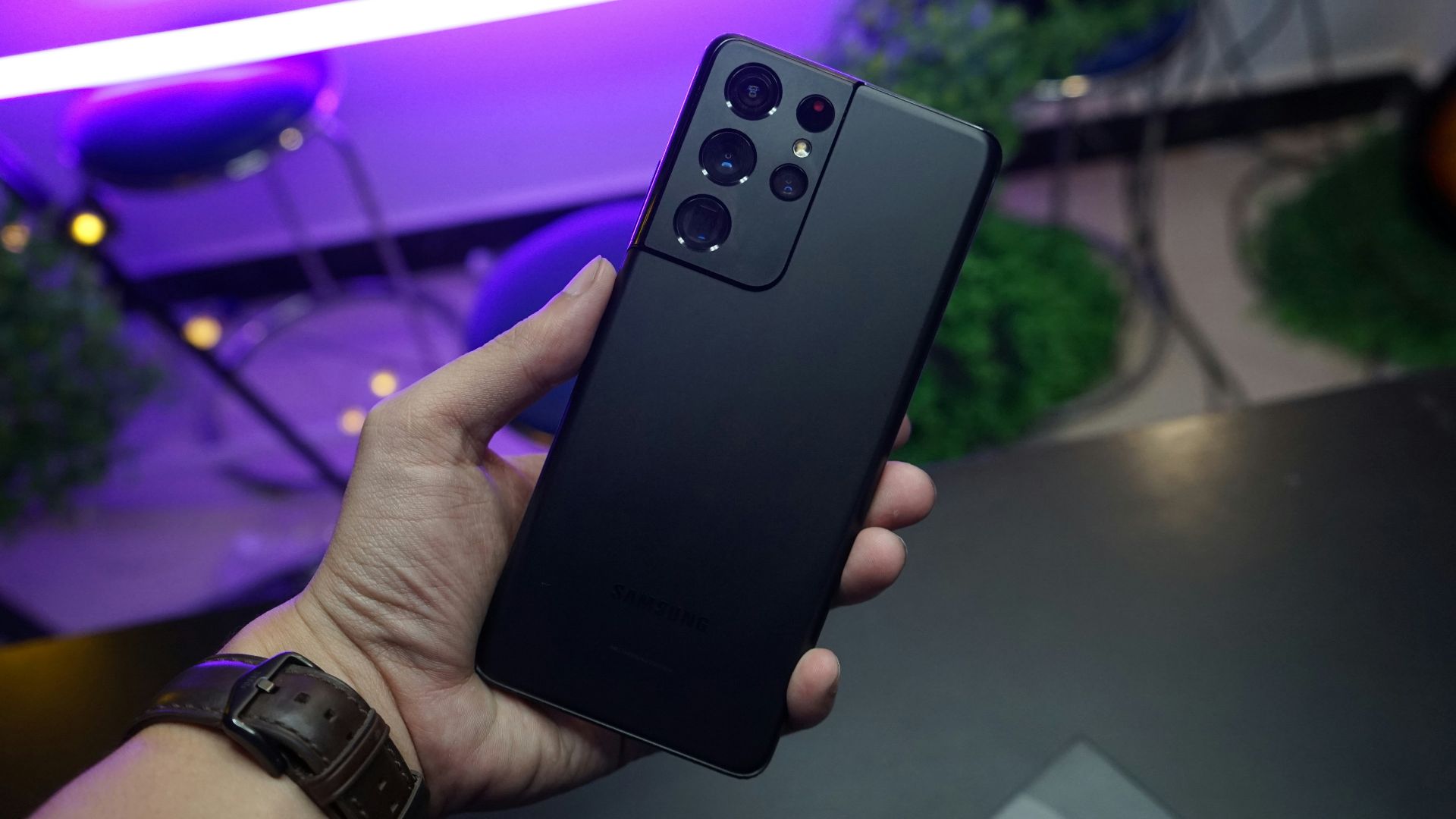
Large phones may not fit perfectly on every factory pad. Large phones may be too big for some wireless charging pads, while smaller or foldable devices may be too small to line up properly. A phone that looks centered may still have its coil slightly out of position.
Older Vehicle Pads May Struggle More
Wireless charging standards and phone designs have changed over time. Ford notes that software and firmware updates may affect device compatibility. A charger that worked well with an older phone may perform worse with a newer, larger, or differently shaped model.
 Tokumeigakarinoaoshima, Wikimedia Commons
Qi2 Is Trying To Fix This
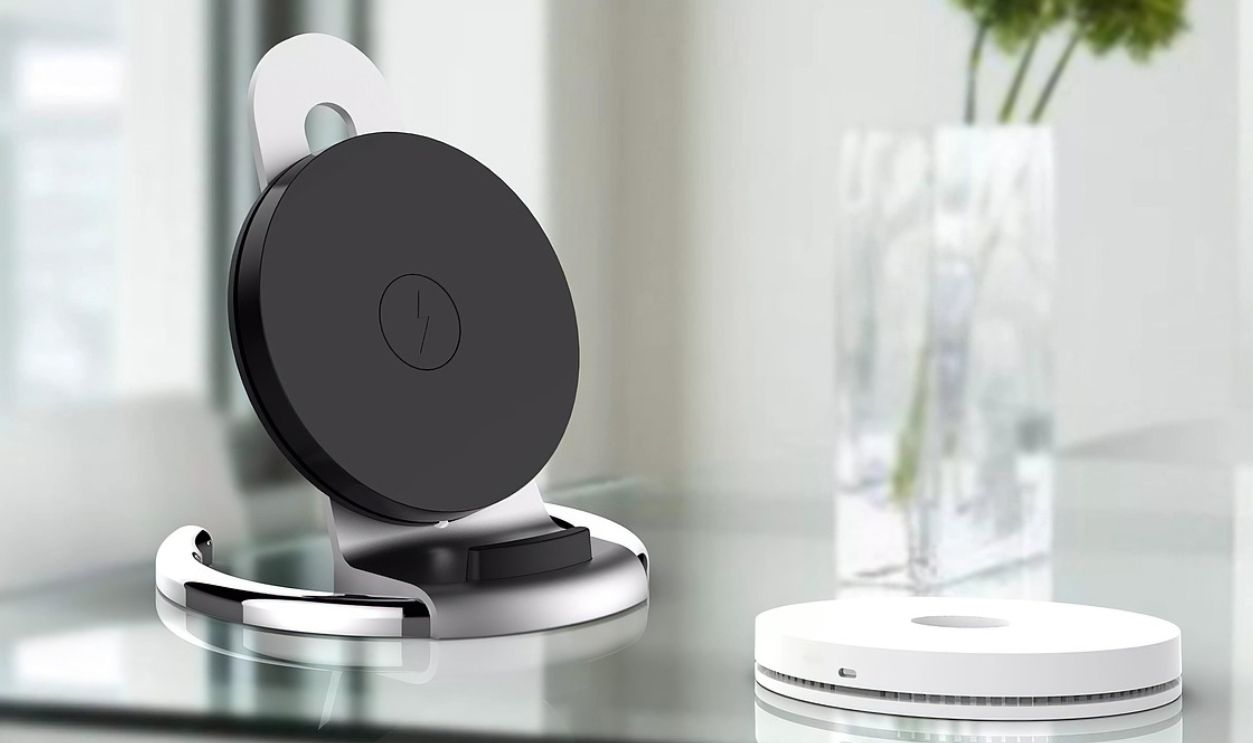
Newer Qi2 wireless charging uses magnetic alignment to help line up the phone and charger more accurately. Better alignment can reduce wasted energy and improve charging consistency. Some newer automotive systems are beginning to add Qi2-style magnetic positioning and cooling features.
A Cable Is Still The Reliable Fix
If the phone overheats every summer, a wired cable is usually the simplest solution. Wired charging is generally more efficient because it does not depend on coil alignment. It also lets you move the phone away from a hot charging pocket.
Remove The Case On Hot Days
Taking off the case can help the phone shed heat and sit flatter on the pad. This matters most with thick, rugged, wallet, or magnetic cases. It is a small change, but it can make a noticeable difference on long summer drives.
Turn Off The Pad When You Can
Some vehicles allow the wireless charger to be switched off. If your battery is already healthy, turning the pad off can stop the phone from cycling between charging and overheating. Use the pad when you need it, not just because it is there.

Let The Cabin Cool First
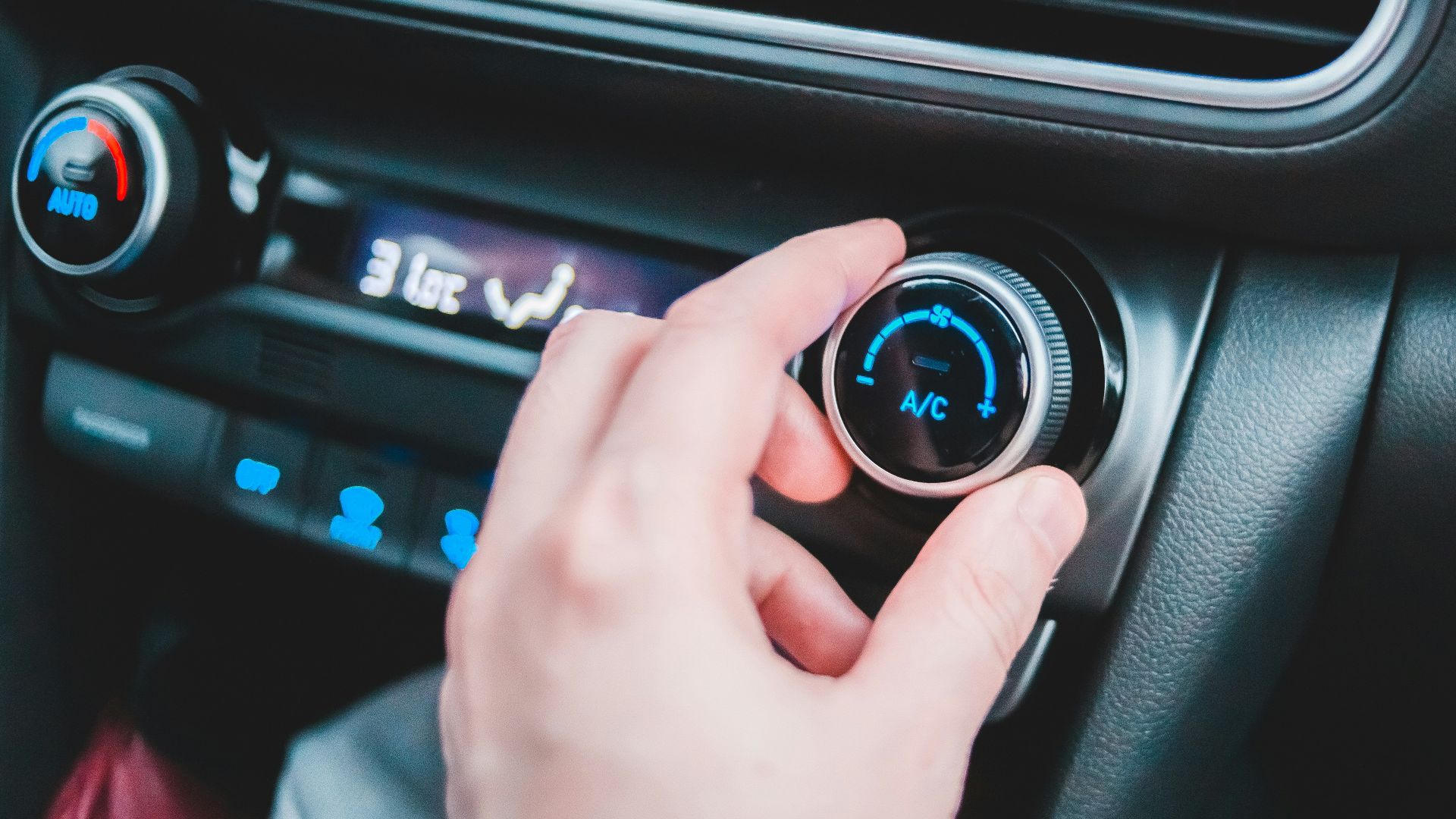
Starting the air conditioning before placing the phone on the pad can help. Give the cabin and console a few minutes to cool down after the car has been parked in the sun. A cooler starting point gives the phone more thermal headroom.
Move The Phone Out Of The Sun
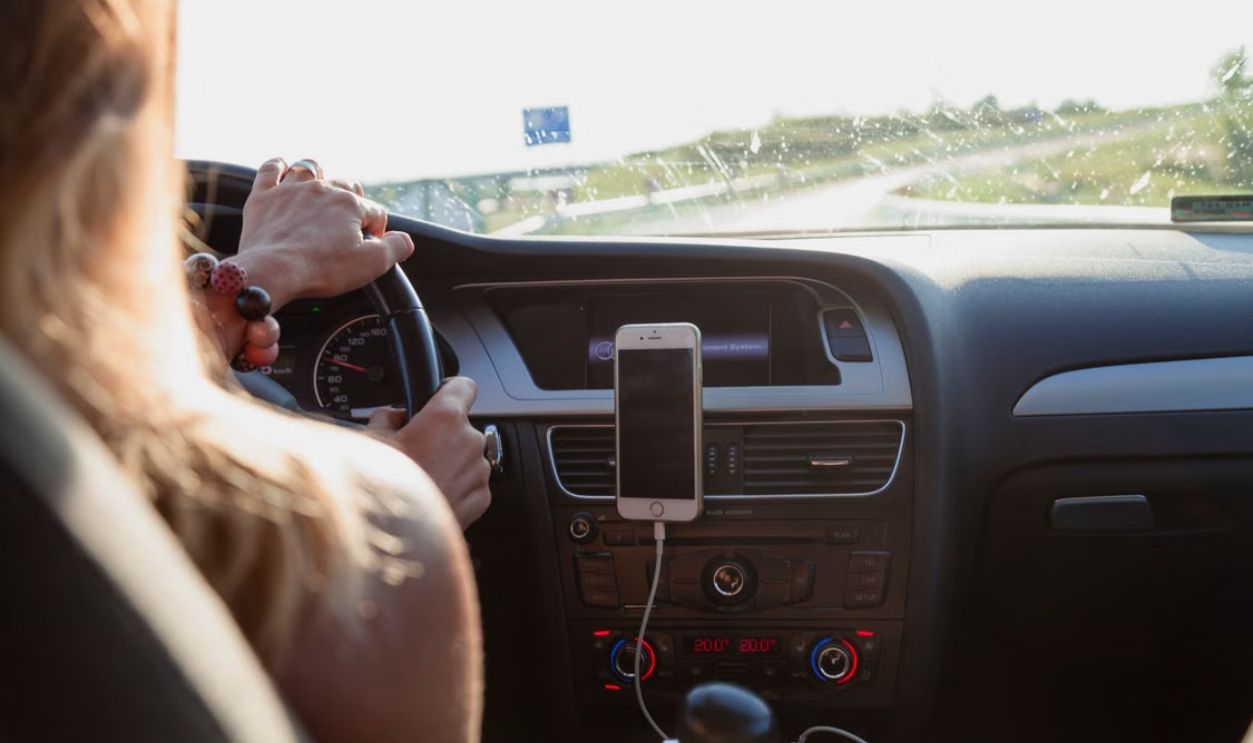
If your charging pad is exposed to sunlight, use a cable and place the phone in a shaded spot. Avoid covering the phone with clothing or towels while it charges, because that can trap heat. Shade and airflow are more useful than hiding it under something soft.
Close Power-Hungry Apps
Navigation, video recording, games, hotspot use, and high-brightness screens can all add heat. Apple warns that GPS navigation in very hot conditions can contribute to temperature problems. If you need charging more than features, reduce what the phone is doing.
Do Not Chill It Too Aggressively
A hot phone should be moved to a cooler environment and allowed to cool gradually. Apple recommends turning the device off, moving it away from direct sunlight, and letting it cool. Experts also warn against putting phones in a fridge or freezer because condensation can cause damage.
 John (Giannis) Tekeridis, Pexels
Know When It Is A Vehicle Issue
If multiple phones overheat or fail to charge in mild weather, the pad may need inspection. A dealer can check for software updates, pad faults, or fitment issues. The pattern matters, because one overheating phone in July tells a different story than every phone failing in October.
The Best Summer Routine Is Simple
On hot days, cool the cabin first, remove the case, center the phone carefully, and keep the pad clean. If the phone still gets hot, use a cable and move it somewhere shaded with airflow. Wireless charging is convenient, but summer is exactly when its weaknesses show up.
You May Also Like:
My HOA Says I Can’t Charge My EV Overnight In My Own Driveway. Can They Really Stop Me?