
Your Used Car Knows More About Its Old Owner Than You Do
You expected a few saved radio stations. Instead, the infotainment screen shows three driver names, old destinations, paired phones, and maybe even somebody’s home address. Modern cars can store a surprising amount of personal information, which means changing ownership should involve more than handing over the keys.
Driver Profiles Are The Obvious Place To Start
Many newer vehicles let drivers create individual profiles for seat positions, mirrors, climate settings, favorites, and infotainment preferences. Those profiles should be deleted before resale. If you’ve bought a used car and they’re still there, it’s a good sign the previous owner never completed a proper reset.
A Profile Name Isn’t The Biggest Privacy Problem
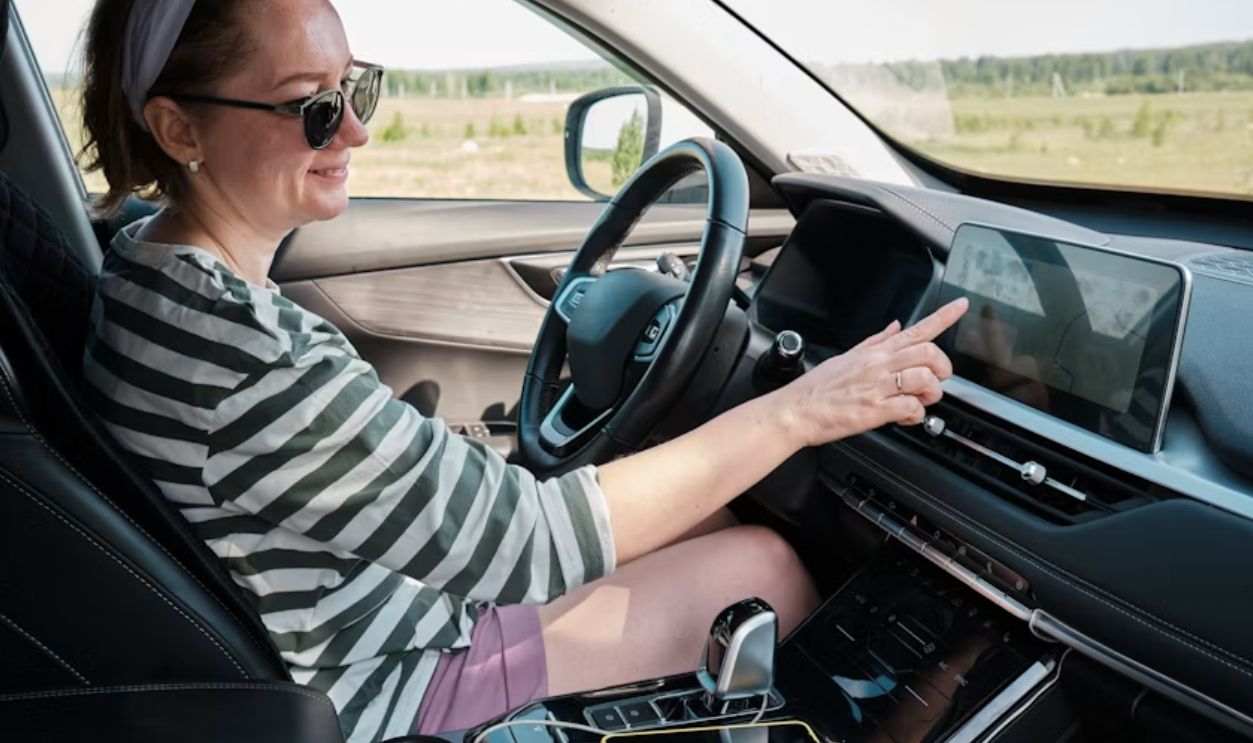
Seeing “John” or “Mom” on the screen is relatively harmless. The concern is everything potentially connected to that profile, including destinations, phone contacts, accounts, app preferences, and personalized services. Deleting the profile may clear some of that information, but don’t assume it wipes everything else automatically.

Saved Home And Work Addresses Should Go
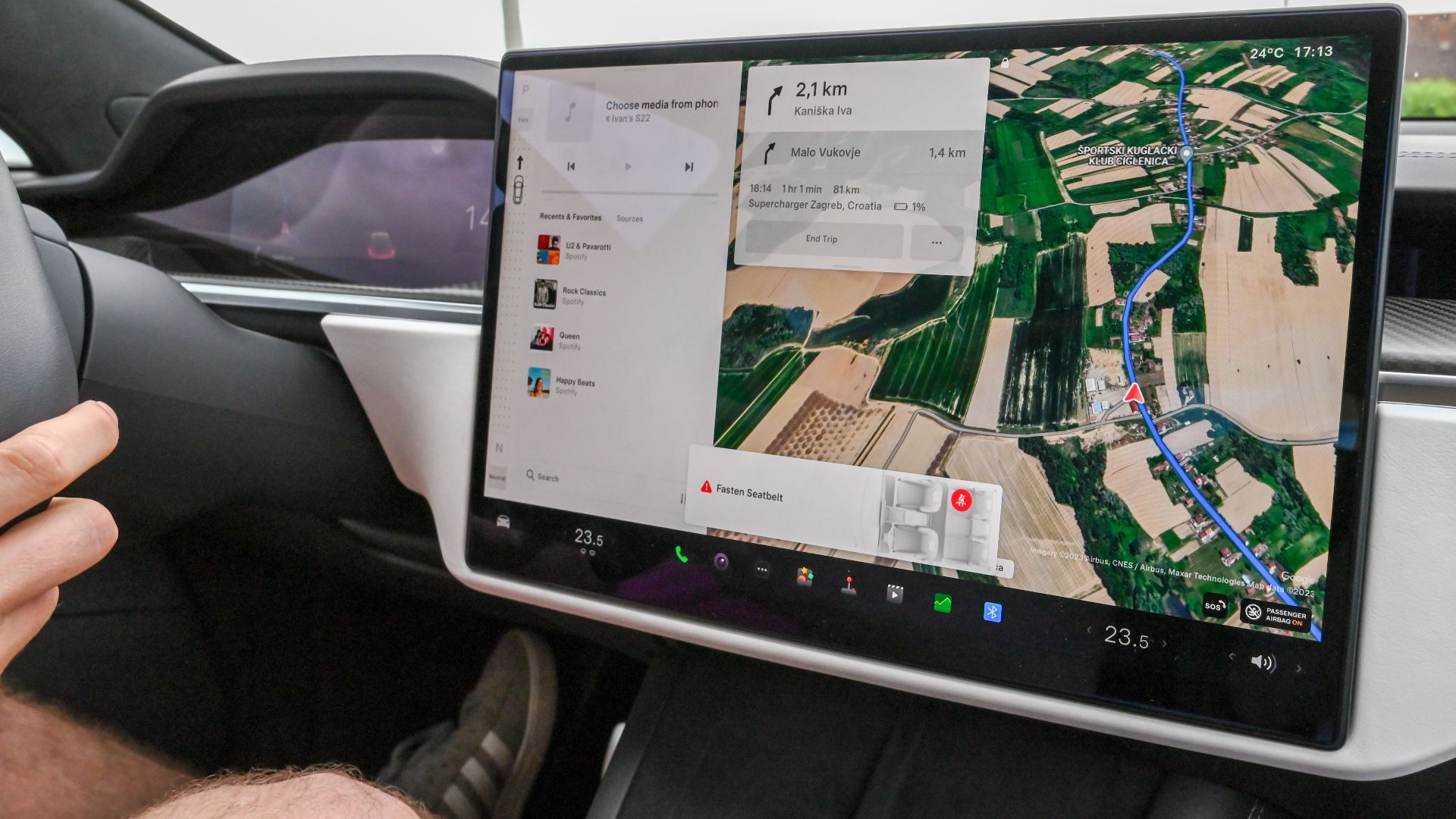
Built-in navigation systems can remember home, work, favorite destinations, and recent searches. That can reveal where someone lives, works, shops, visits family, or spends time regularly. Those saved locations should be cleared before the car changes hands.
Clear The Navigation History Too
Deleting the button labeled “Home” doesn’t necessarily erase recent destinations or route history. Check the navigation menus for recent searches, previous destinations, favorites, saved places, and destination history. If the system offers a complete navigation-data reset, that may be easier than clearing every item individually.
Delete Every Paired Phone
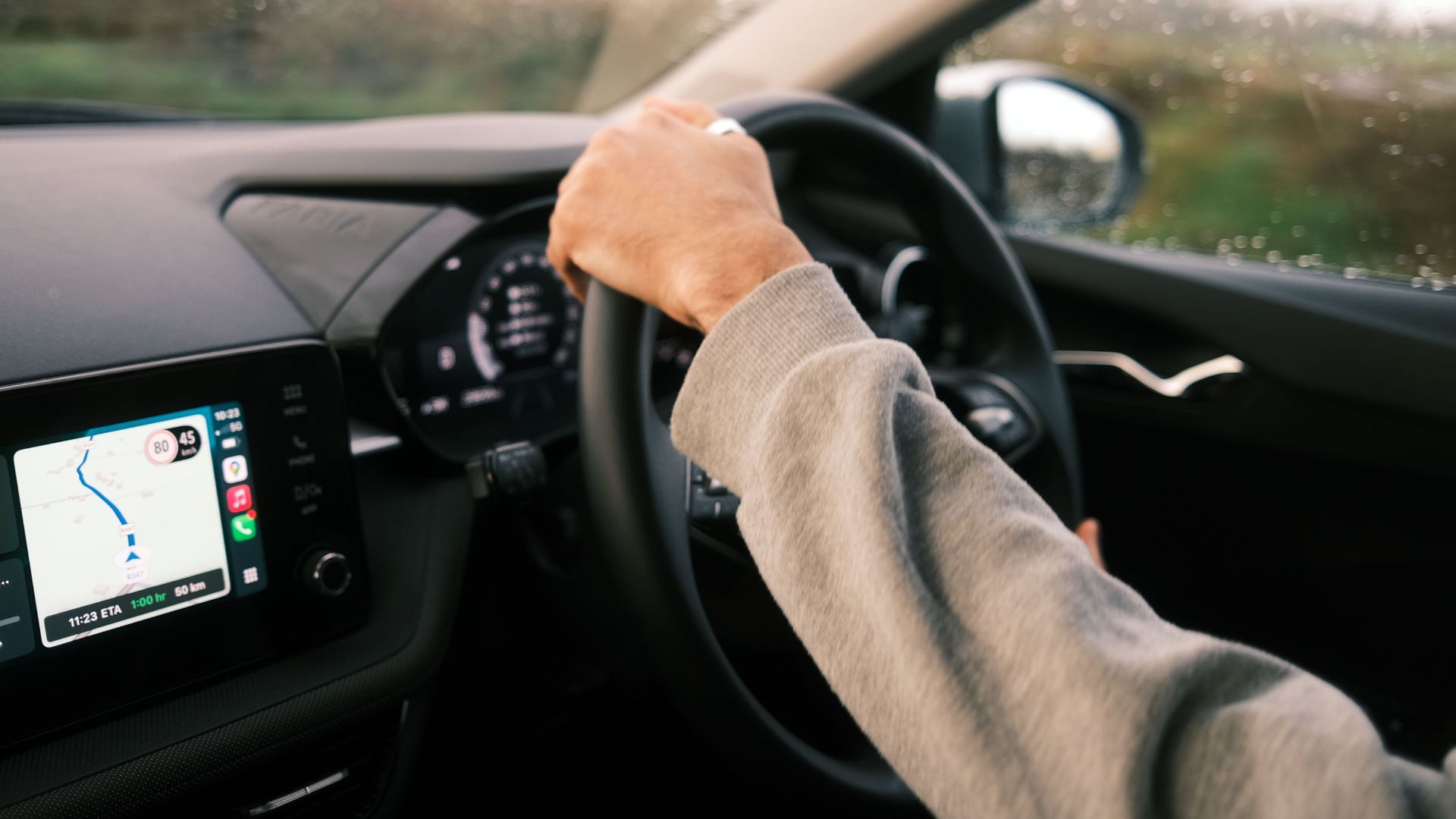
Bluetooth menus can retain the names of phones that were previously connected. Remove every old device rather than merely disconnecting it. A new owner shouldn’t inherit a list of somebody else’s phones, and deleting pairings can also help prevent confusing connection problems later.
Phone Contacts May Have Been Copied Into The Car
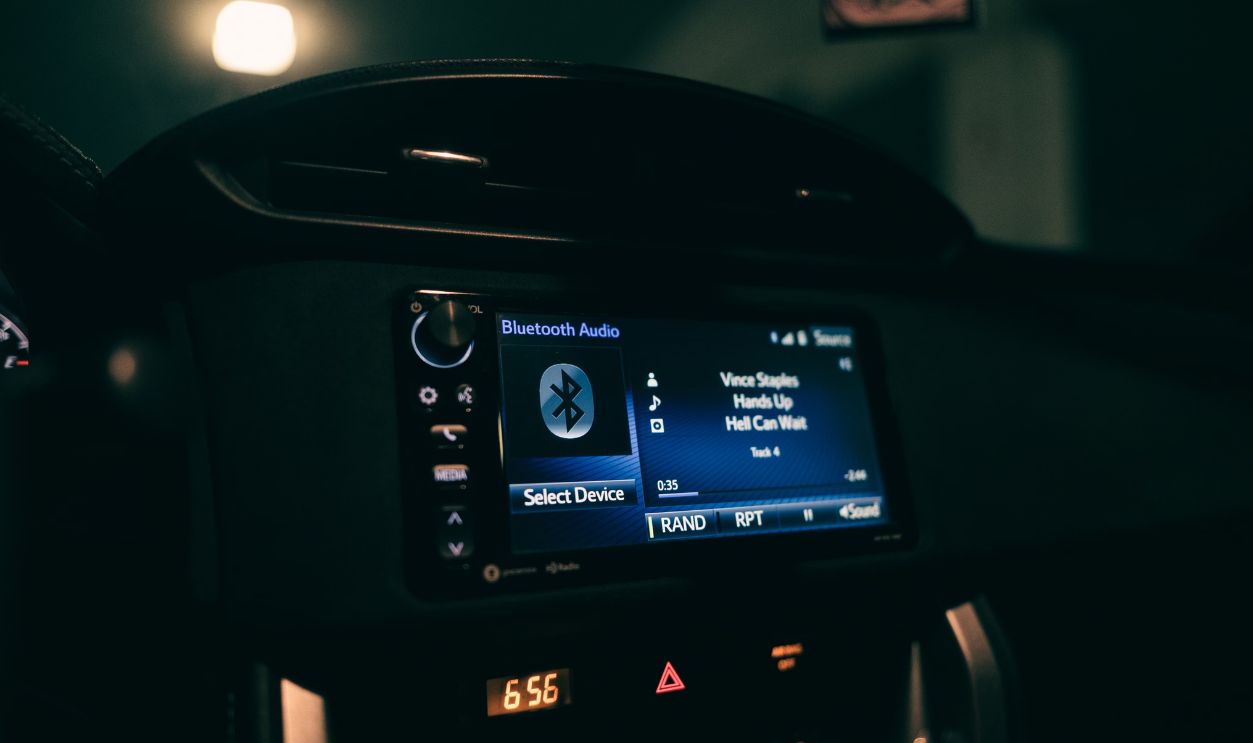
When a phone is paired, the owner may have allowed the vehicle to download an address book. That means names and phone numbers can remain inside the infotainment system even after the phone itself is long gone. Contact lists should be removed before resale.
 Sunnyboy122, Wikimedia Commons
Call History And Messages Deserve Attention
Depending on the vehicle and phone integration, the car may display recent calls, favorite contacts, or message information. Look through the phone settings for options to clear call histories or synchronized information. A factory reset may handle this, but it’s worth checking afterward.
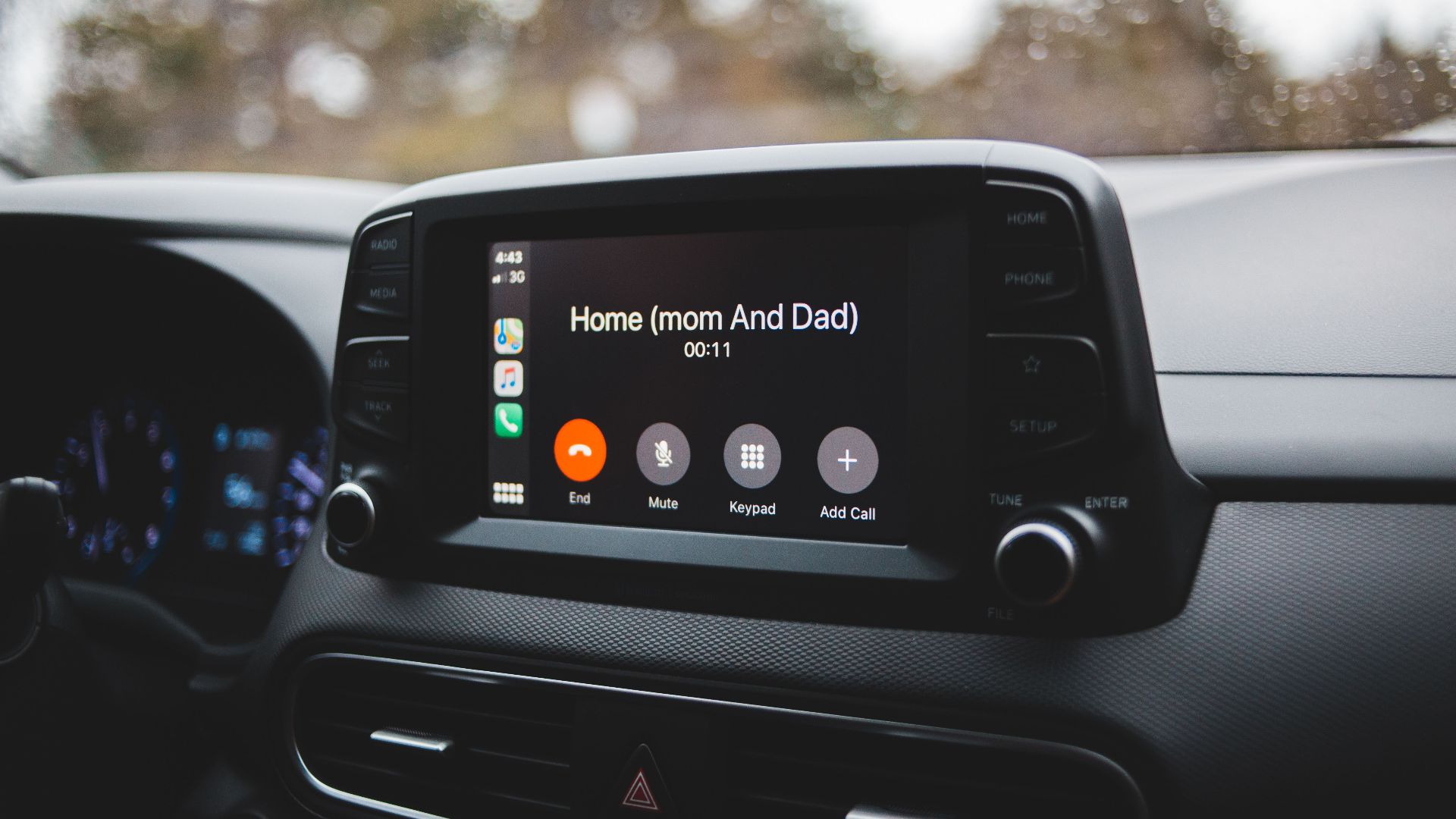
Text Messages Can Be More Sensitive Than A Contact List
A contact name tells the next owner who someone knows. An old text notification can reveal what they were discussing. Not every infotainment system permanently stores message content, but if messages or conversation history remain accessible after the phone is disconnected, they should be deleted.
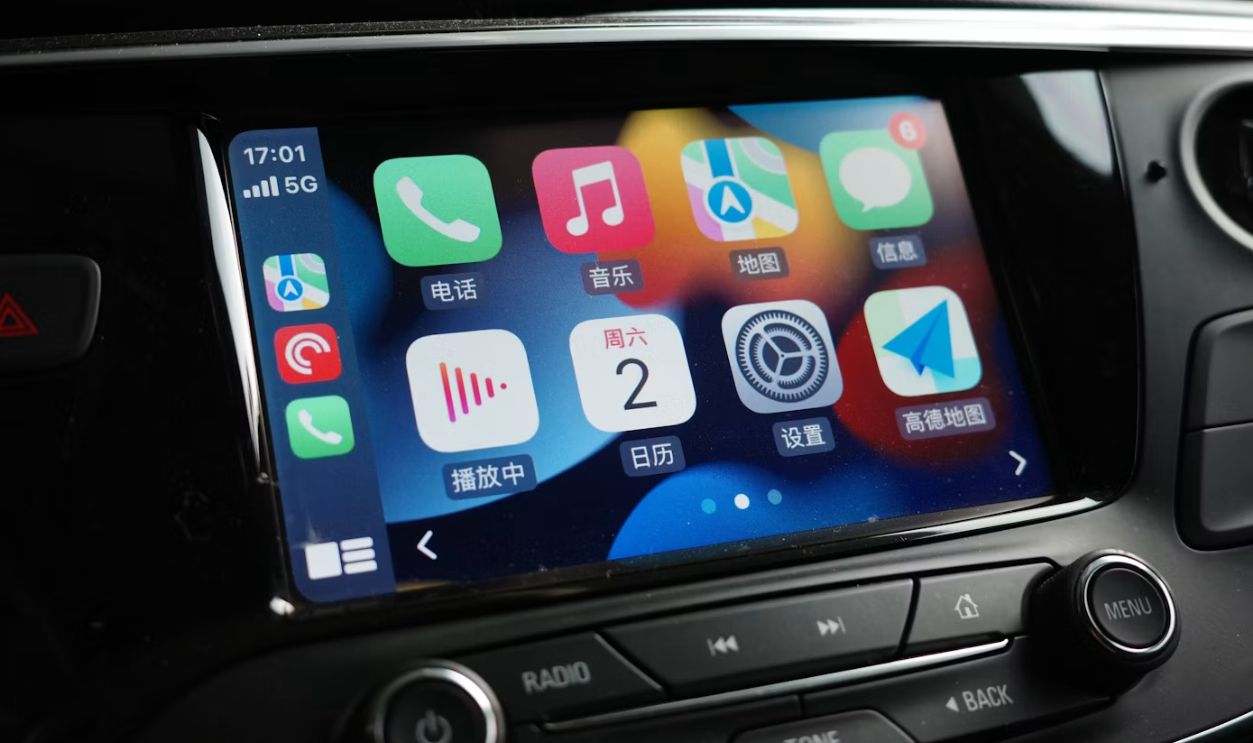
Built-In Apps May Still Be Logged In
Modern infotainment systems can run music, navigation, weather, streaming, and other apps without relying entirely on a connected phone. If an old owner signed into those services directly through the vehicle, logging out should be part of the handover process.
Google Accounts Can Be Connected Directly To Some Cars
Vehicles with Google built in can let occupants sign into a Google Account through the infotainment system. That can personalize apps and connected features. A resale reset should remove any old account before the next owner starts using the system.
Streaming Accounts Are Easy To Forget
Spotify, satellite radio, podcasts, and other entertainment services may remain connected after the physical ownership changes. Even if the new owner can’t see a payment card, an active account could still expose listening history or allow continued use of a paid subscription.
Don’t Forget Built-In Wi-Fi
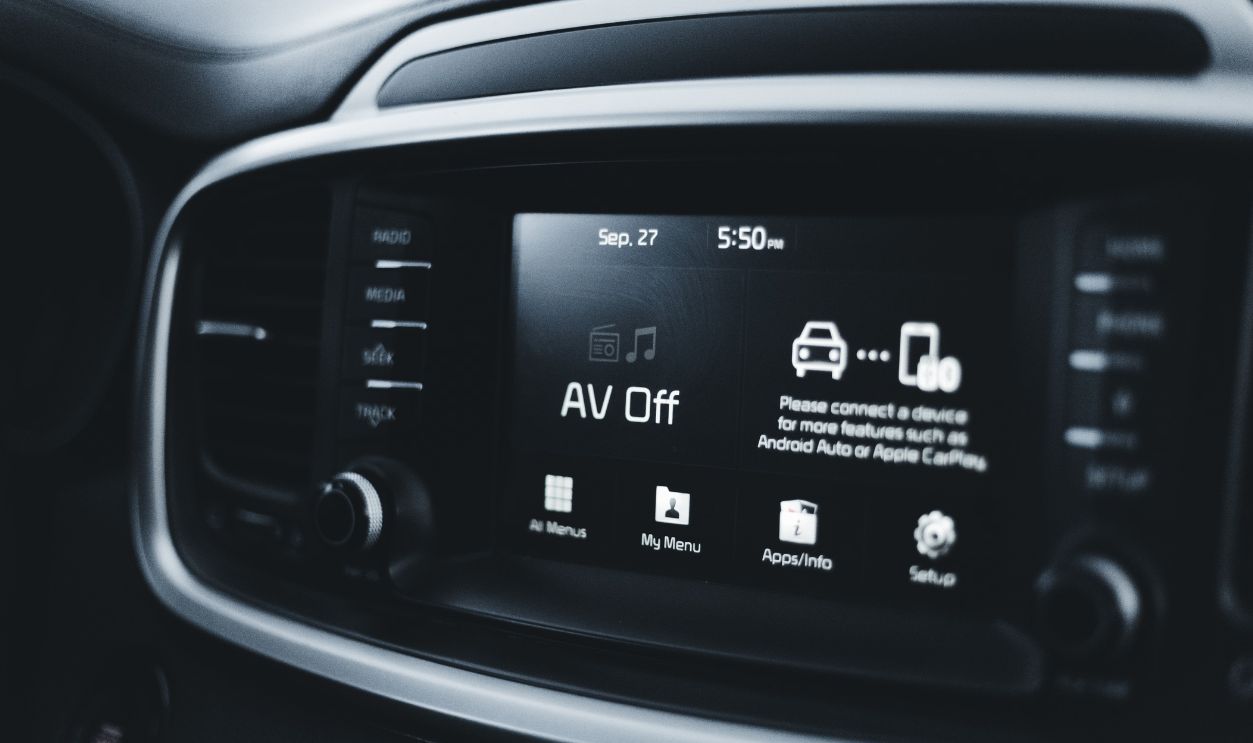
A vehicle with its own cellular hotspot may still have an active connected-services or Wi-Fi subscription associated with the former owner. Those subscriptions may need to be cancelled, transferred, or disconnected separately even after the infotainment system is reset.
Garage Door Codes Can Be A Bigger Security Concern
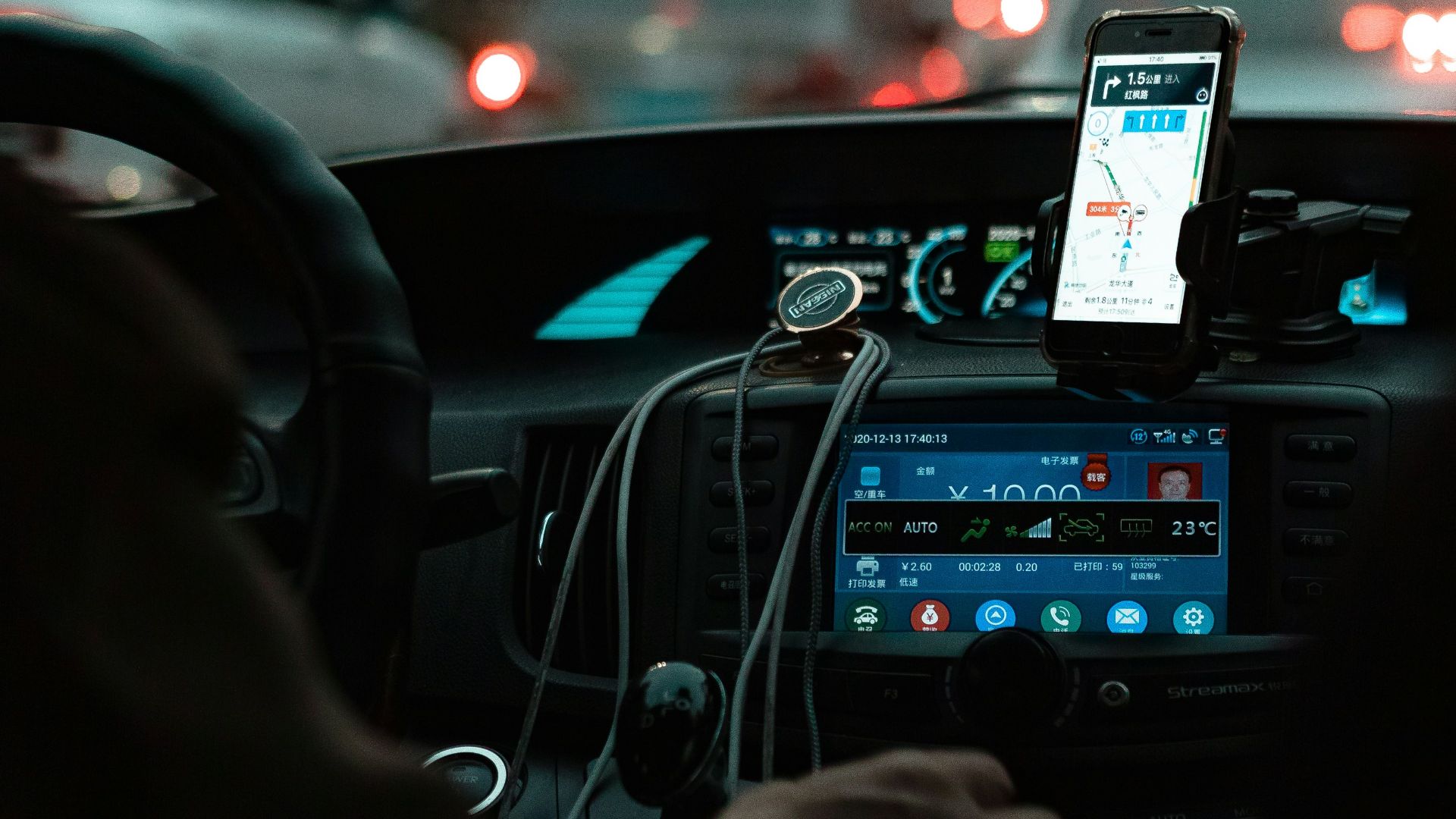
Integrated garage-door systems can store codes used to operate a home or office door. Combined with a saved home address in the navigation system, that’s something you definitely don’t want passing to a stranger. Garage-door codes should be cleared before resale.

Clear Digital Keys
Some newer cars allow a smartphone to act as a digital key. Those permissions need to be revoked when ownership changes. Check both the vehicle menu and the associated manufacturer account because deleting a driver profile alone may not remove every authorized device.

Check The Manufacturer’s Mobile App
This may be one of the most important steps. Connected-car apps can sometimes locate a vehicle, check its status, lock or unlock doors, or issue remote commands depending on the manufacturer and subscription. The previous owner should remove the vehicle from the app before handing it over.

Removing The Car From The Seller’s Account Matters
A factory reset inside the vehicle and removal from an online ownership account are two different things. The seller should unlink the vehicle from the manufacturer account, while the buyer should make sure ownership can be transferred into their own account.

Shared Users Need To Be Removed Too
Some connected-car platforms allow multiple family members or authorized users to access one vehicle. That means there could be more than one old account with permissions. Every old user should be removed before the new owner takes control.
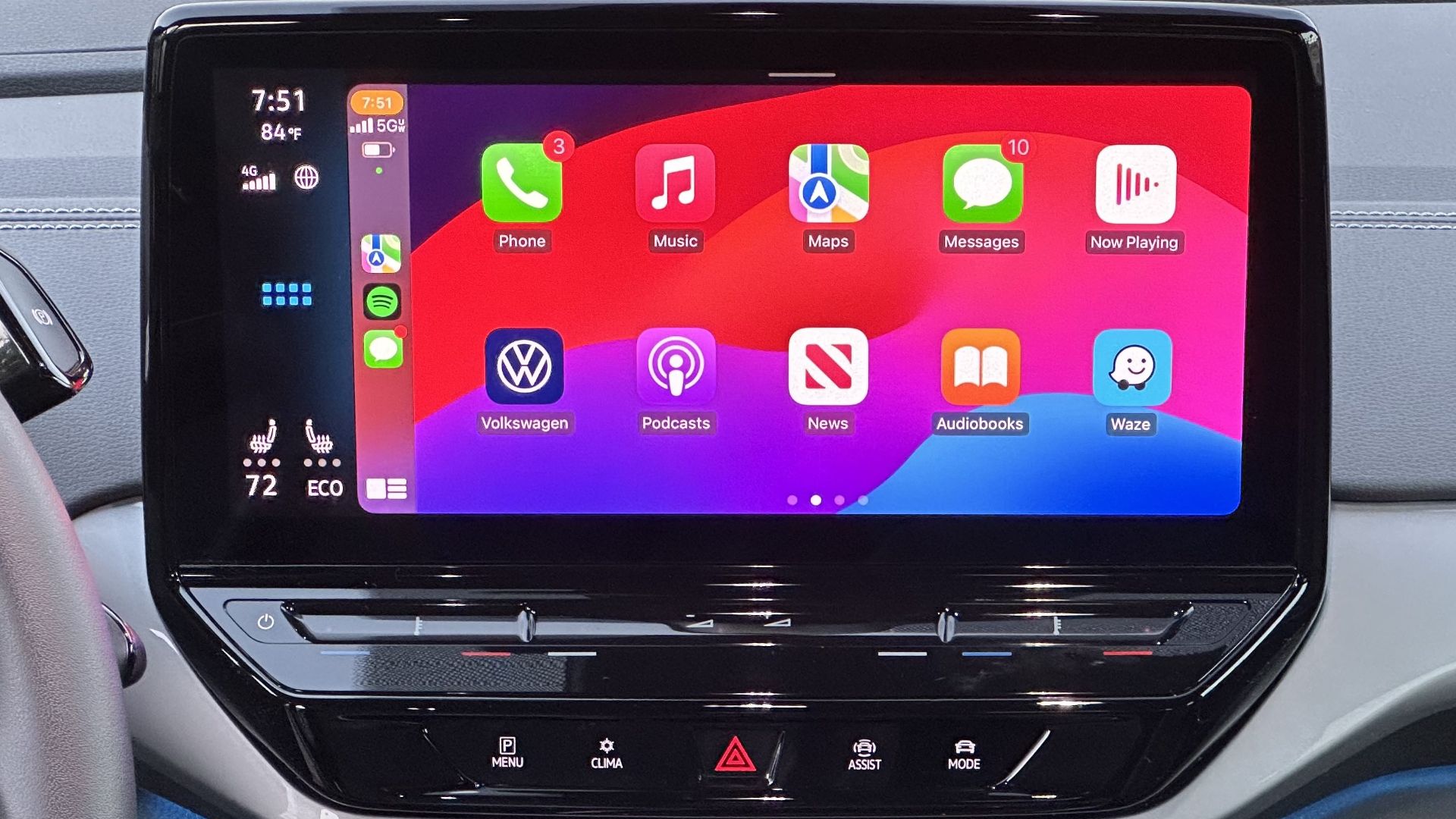
CarPlay Should Be Forgotten From The Phone Side
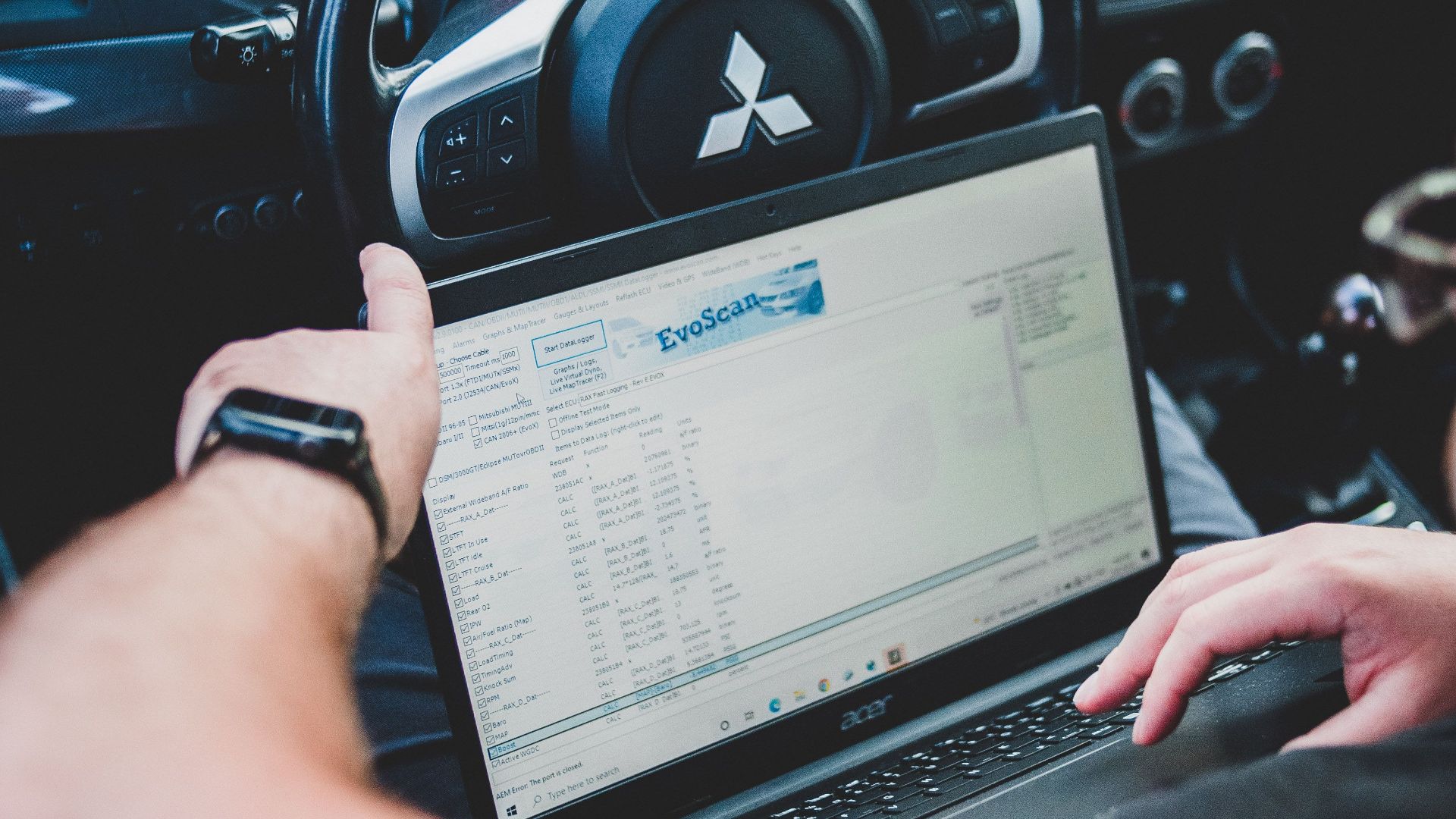
The previous owner should remove the sold vehicle from their smartphone as well as removing the smartphone from the vehicle. Breaking the connection in both directions helps prevent old pairing information from lingering.
Android Connections Should Be Cleared Too
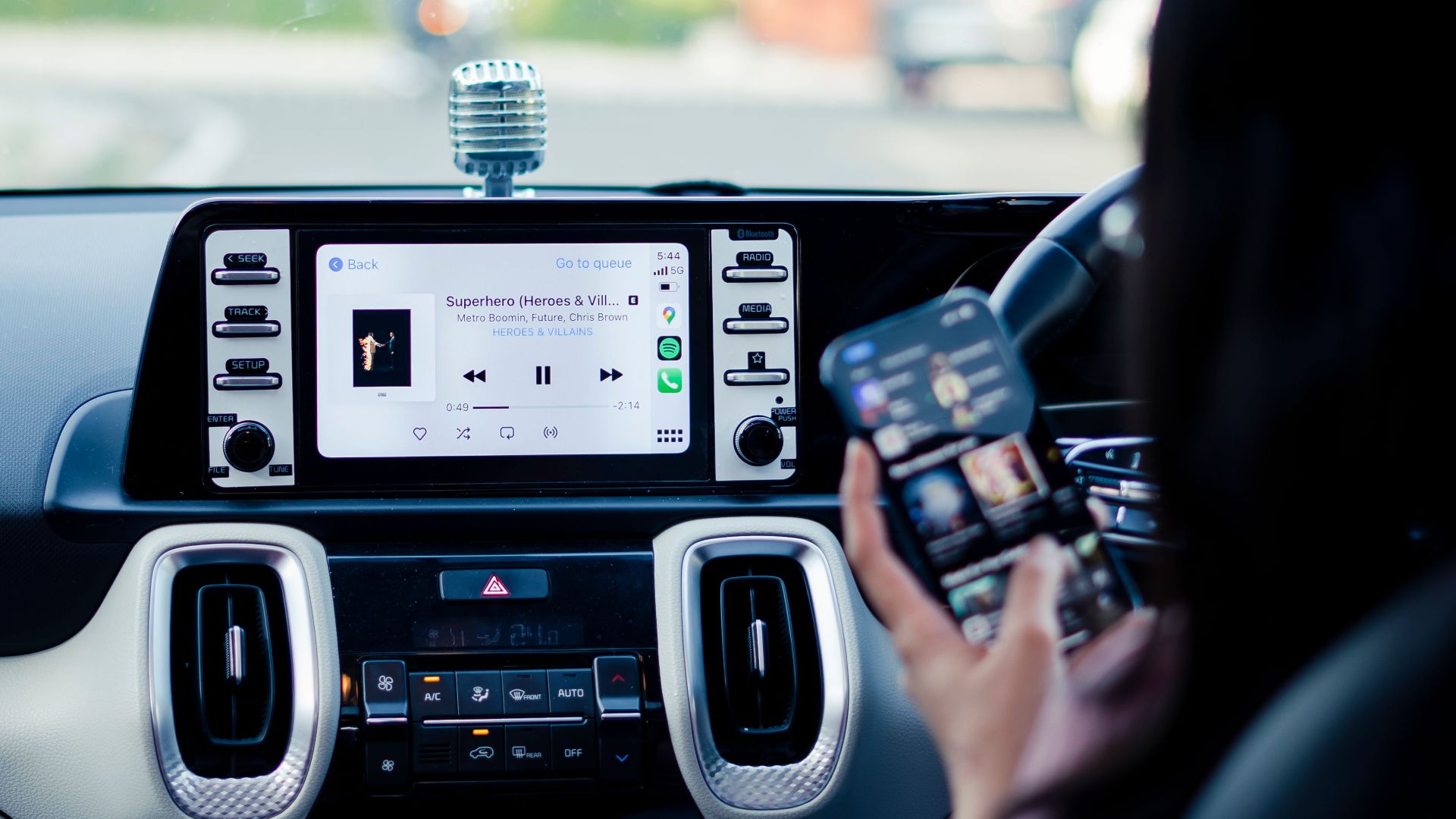
Android Auto and manufacturer-specific Android connections should also be removed from the previous owner’s phone where applicable. A clean resale involves clearing both the car and the devices that used to connect to it.
Voice Data And Personalization May Remain
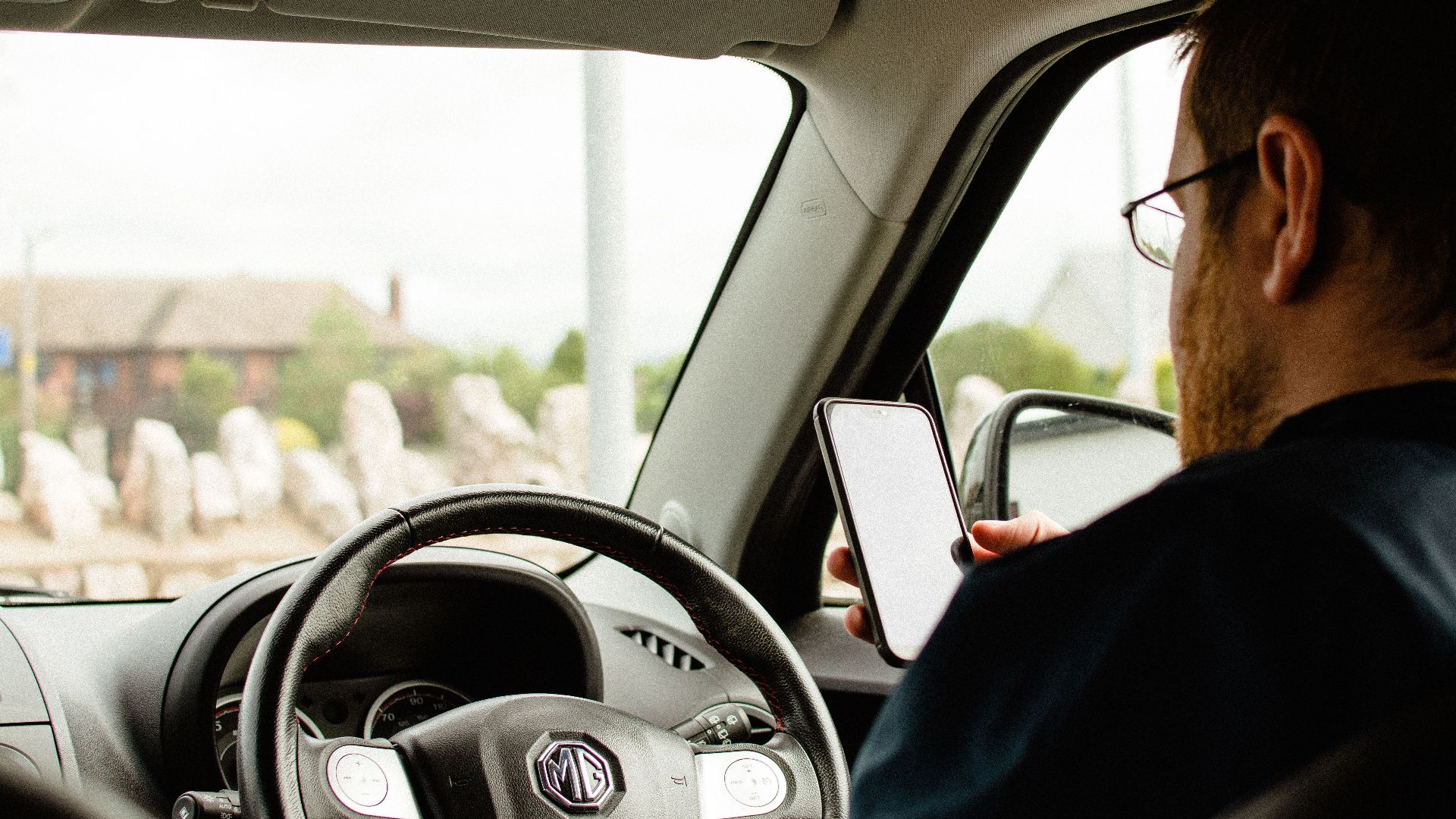
Voice assistants can learn preferences or retain information associated with an account. Connected services may also store voice-command details and other personalization. If the car lets you clear voice history or assistant data, include that in the reset process.
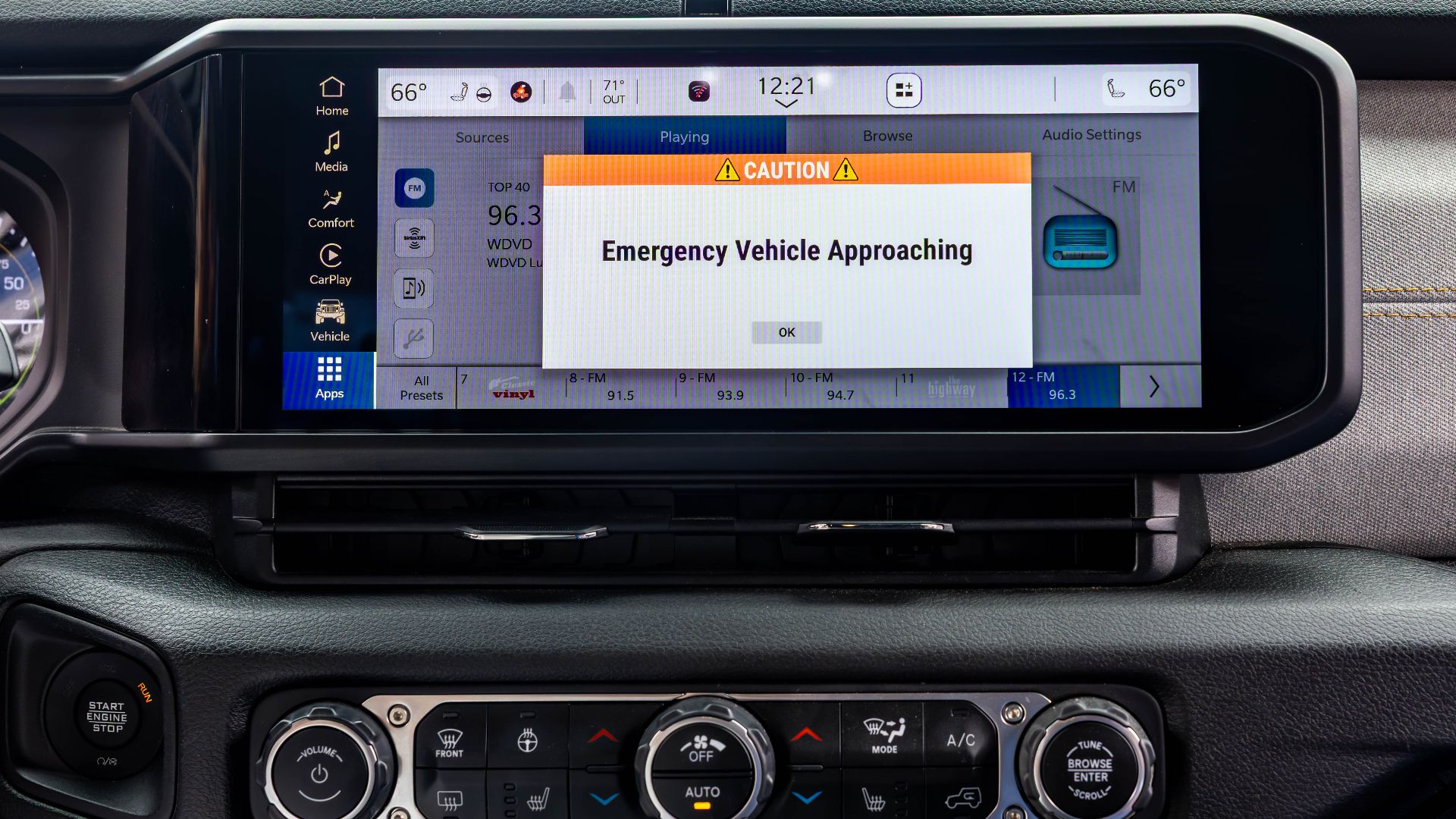 City of Detroit , Wikimedia Commons
Check For Stored Music And Other Files
Some infotainment systems have internal storage that can contain music or other digital content. USB drives and SD cards can also be forgotten in the center console or dashboard. Check for both before the car changes hands.
Payment Information Deserves A Separate Check
Certain connected services and apps may have purchasing or subscription capabilities tied to an online account. Even if the full card number isn’t visible from the dashboard, sellers should sign out of purchasing accounts and remove the vehicle from any associated payment services.

A Simple “System Reset” May Not Delete Anything
This is an important distinction. Some cars offer a soft reset intended to fix frozen screens or other glitches without deleting personal information. That isn’t the same as a reset designed for resale.
Look For “Master Reset” Or “Factory Reset”
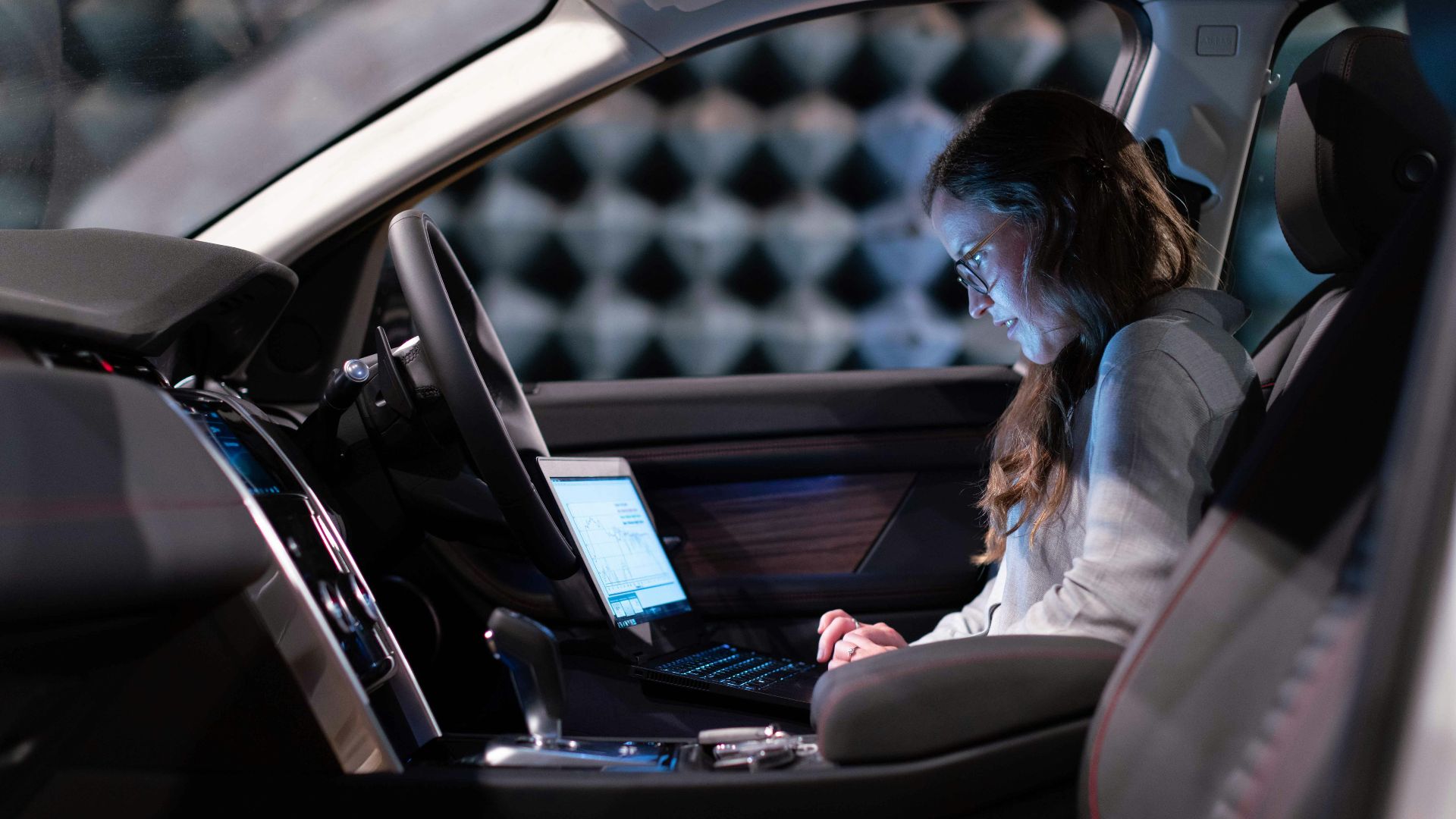
For resale, you generally want the option designed to erase personalized settings and return the infotainment system to factory defaults. Exact wording varies by manufacturer, so check the owner’s manual rather than assuming every reset option does the same thing.
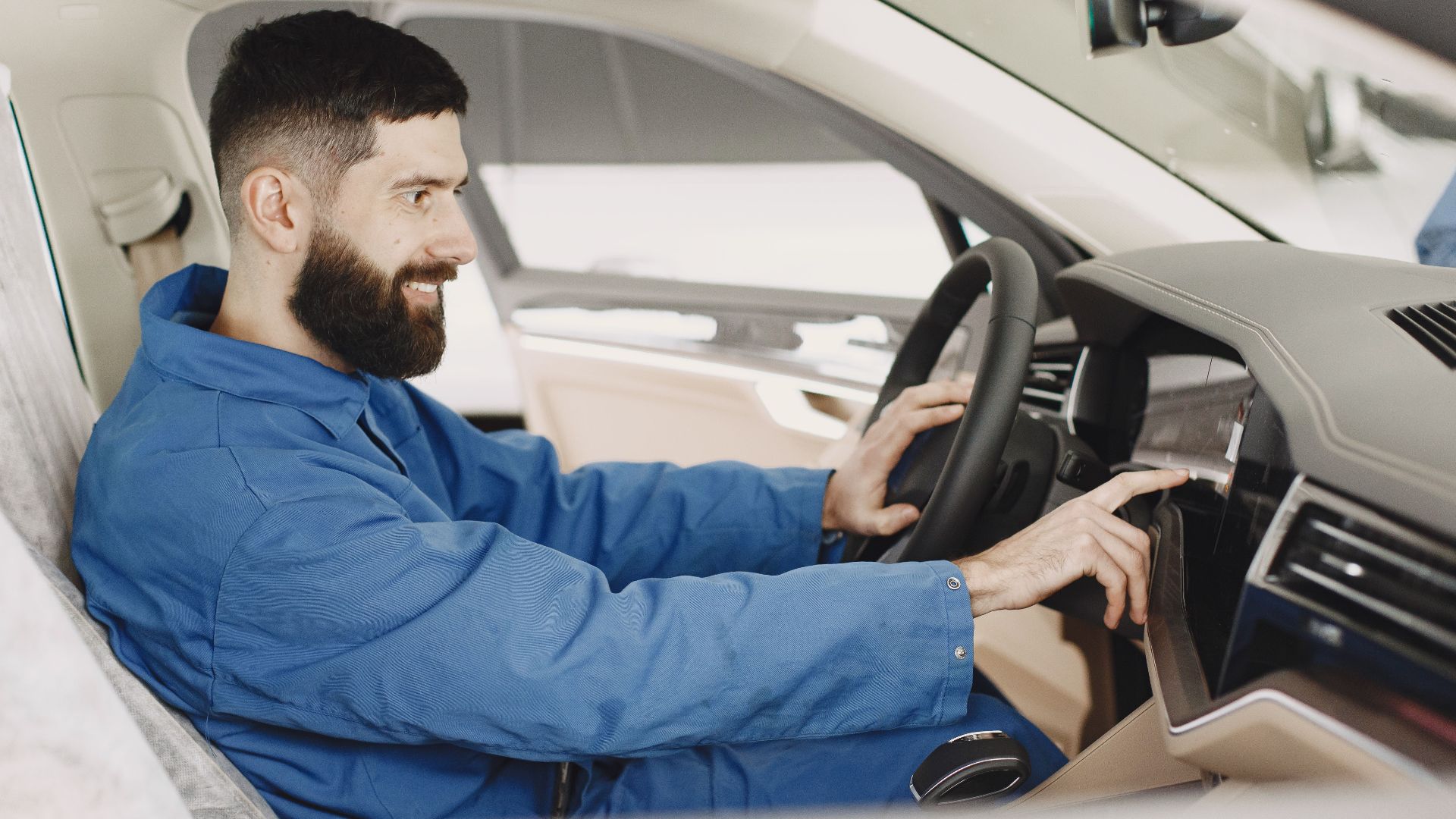
Factory Reset The Car Before Creating Your Own Profile
If you’re the buyer and several previous-owner profiles are still visible, resist the temptation to simply add yourself as Driver 4. Reset the system first if the manufacturer’s instructions allow it. Starting clean reduces the chance that old information remains buried elsewhere in the menus.
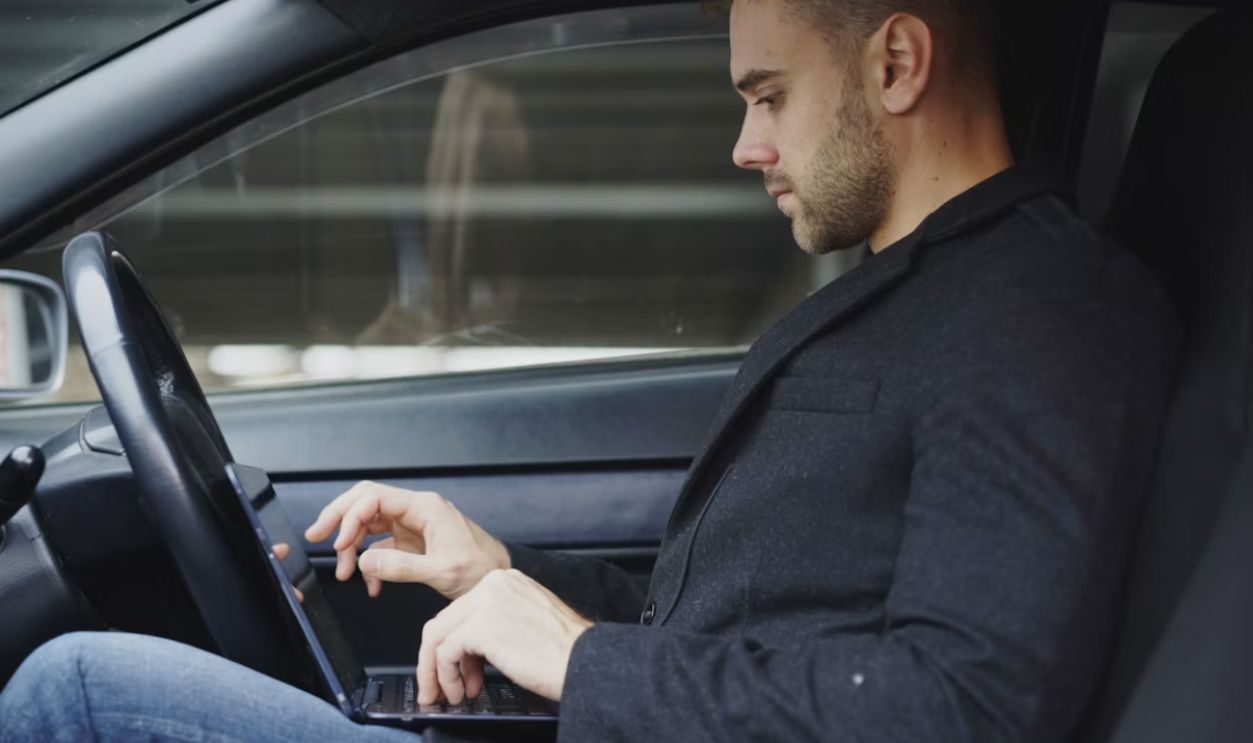
A Factory Reset May Not Be The End Of The Job
Connected subscriptions and mobile-app relationships can exist outside the car itself. Those may need to be cancelled, transferred, or disconnected separately. Wiping the dashboard doesn’t necessarily wipe the cloud account behind it.
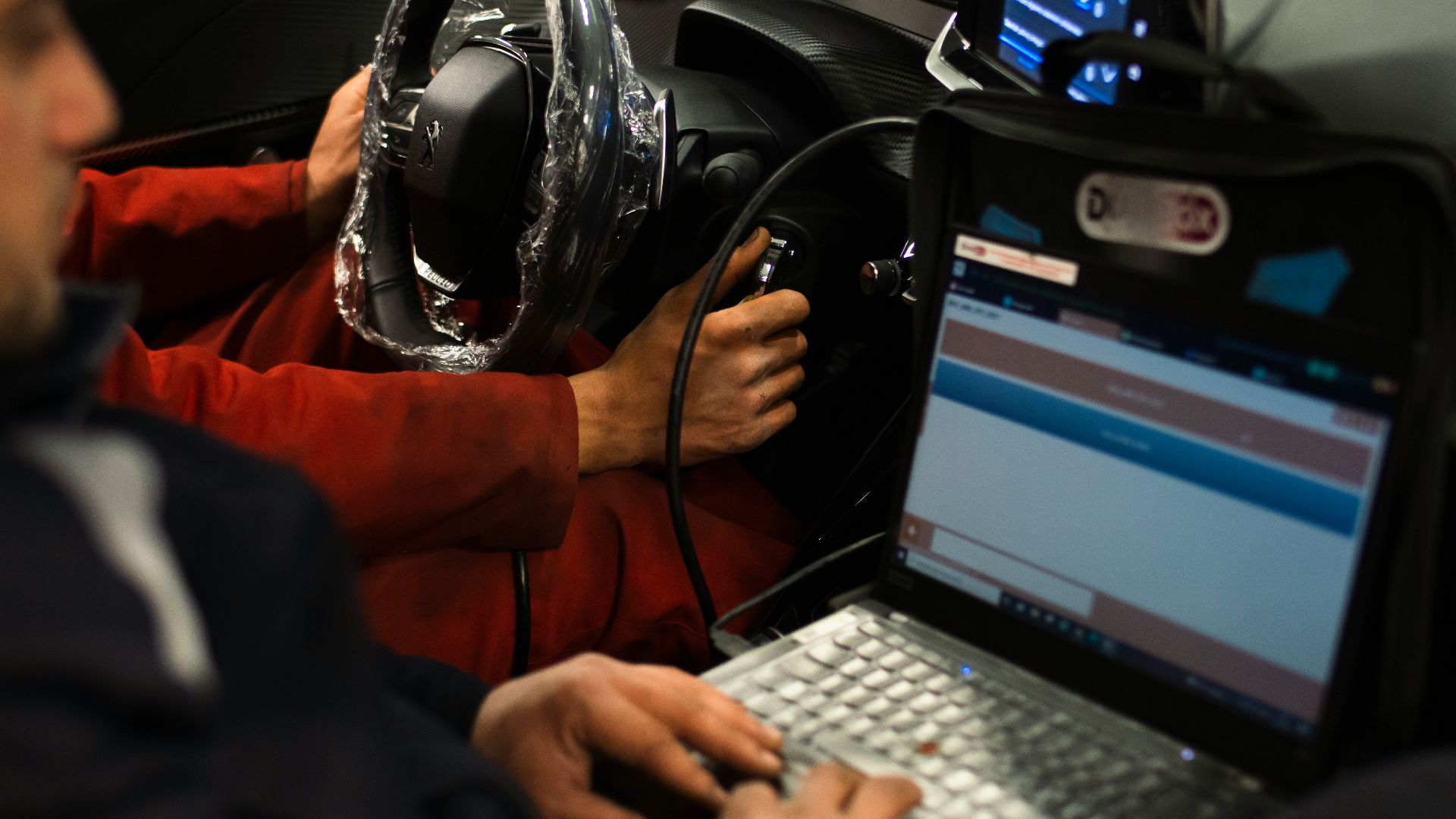
Buyers Should Check Connected Ownership Before Driving Away
When purchasing from a dealer, ask whether the infotainment system has been reset and whether previous connected-service ownership has been removed. With a private sale, it’s worth completing the account-transfer steps with the seller when possible.

Dealers Shouldn’t Treat This Like Cleaning Out The Glovebox
Personal data stored in used vehicles has become a broader privacy issue for dealerships, rental companies, fleets, and other automotive businesses. Clearing old accounts and stored information should be part of the resale process, not something left for the buyer to discover.
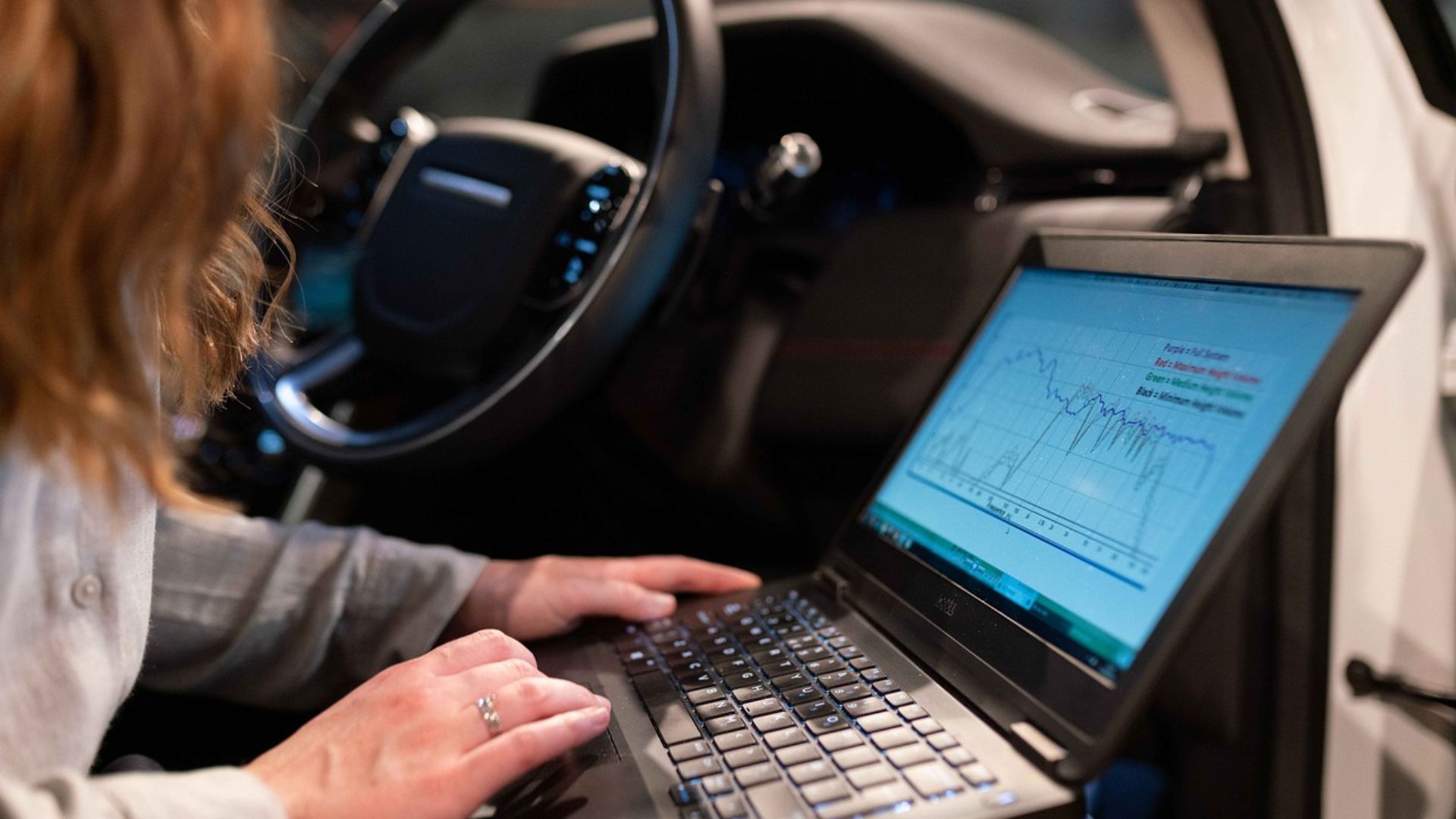
The Safest Handover Uses Two Checklists
The seller should factory-reset the infotainment system, clear garage codes and digital keys, remove the car from connected apps and accounts, cancel or transfer subscriptions, and forget the car on their phone. The buyer should confirm those steps, reset the system again if appropriate, establish new connected-service ownership, and only then create new driver profiles.

Three Old Profiles Are A Warning To Look Deeper
Those profiles probably aren’t dangerous by themselves, but they tell you the car wasn’t thoroughly prepared for its next owner. Check navigation history, phones, contacts, garage-door codes, app logins, digital keys, subscriptions, and connected accounts before adding your own information. Modern cars have become rolling computers, and changing owners should increasingly be treated like selling a phone or laptop: erase the personal data first, then hand it over.
You May Also Like: