When The Dashboard Fights Back
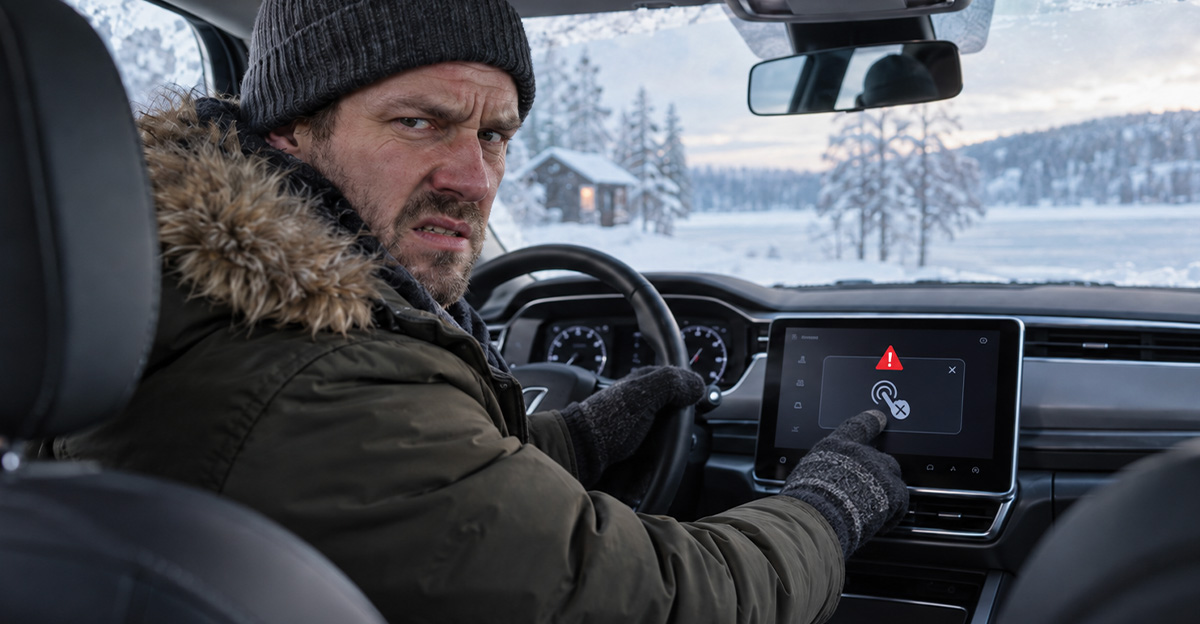
Modern cars can warm your seat, map your route, and practically drive themselves through traffic. Yet somehow, turning up the heat while wearing winter gloves can feel like cracking a safe. If your touchscreen becomes useless every January, you’re not imagining the problem—and it has some genuine safety implications.
Why Gloves Confuse Touchscreens
Most automotive touchscreens work much like smartphones, detecting the electrical properties of your fingertip. Thick winter gloves can interfere with that connection. The result is familiar to anyone in a cold climate: tap, nothing happens, tap again, remove glove, grumble at expensive new automobile.

Touchscreen Gloves Only Help So Much
Conductive gloves can make touchscreens more usable, but they are hardly a perfect solution. Accuracy tends to suffer when your fingertips are wrapped in material, especially when trying to hit a small climate-control icon. That is considerably different from grabbing a large knob without even looking at it.

Physical Buttons Had A Secret Advantage
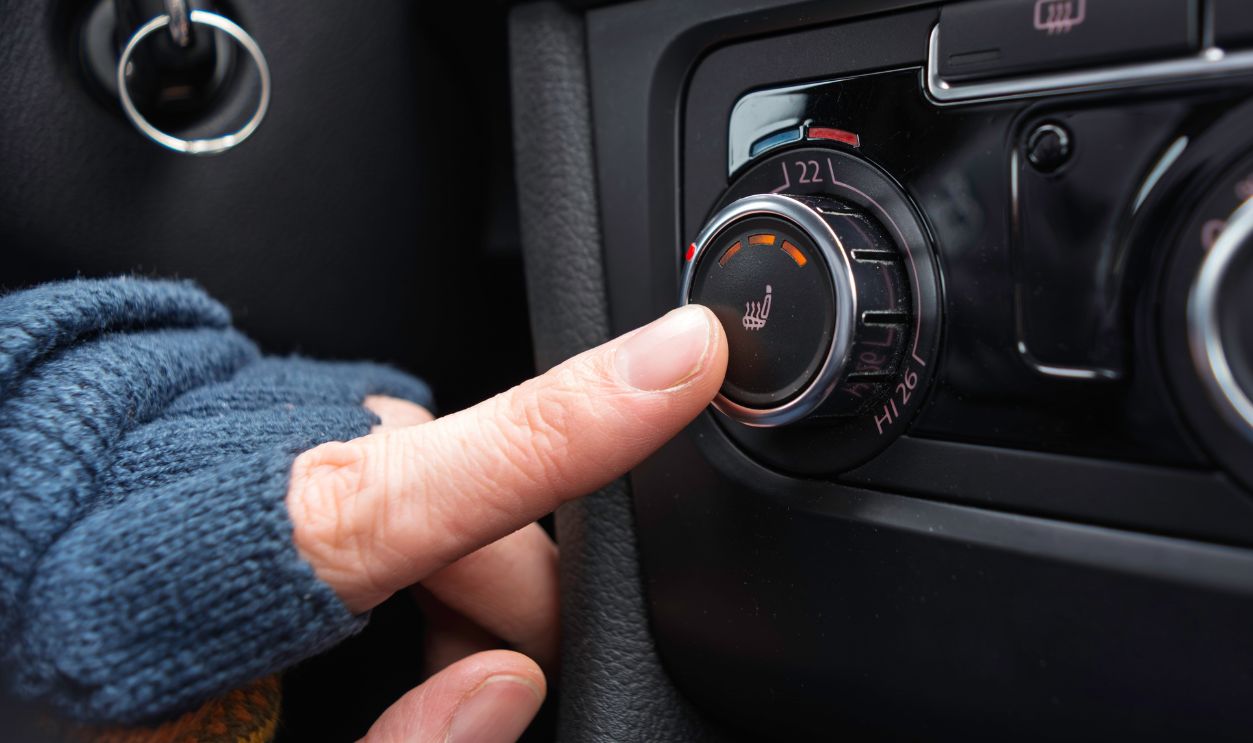
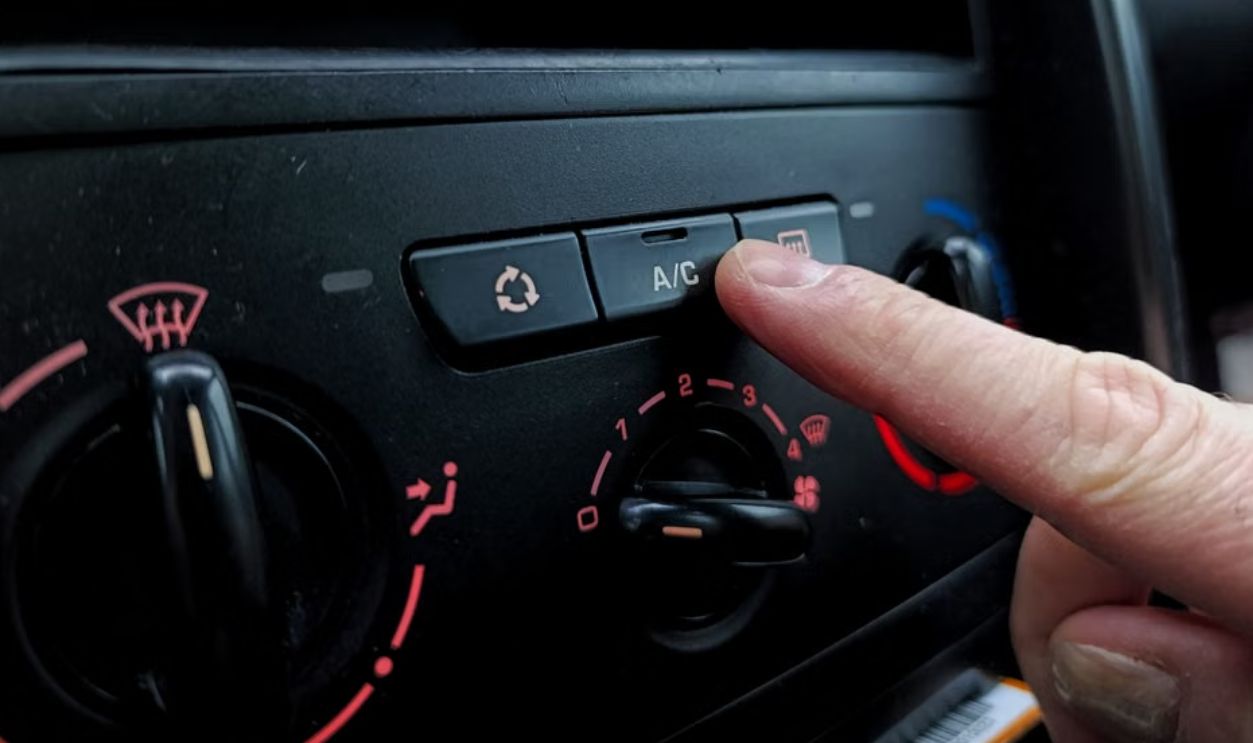
A traditional switch does something screens struggle to replicate: it can be identified by touch. After driving the same car for a while, you know roughly where the fan knob, temperature slider, and defroster button are. Your fingers find them while your eyes stay where they belong.
Winter Makes The Problem Worse
Touchscreen complaints aren't exclusively winter problems, but winter stacks the deck against them. Drivers may be wearing gloves, dealing with darkness, navigating slippery roads, and watching for snowbanks or poorly marked lanes. That's exactly when complicated dashboard interactions become least welcome.

Defrosting Is More Than Comfort
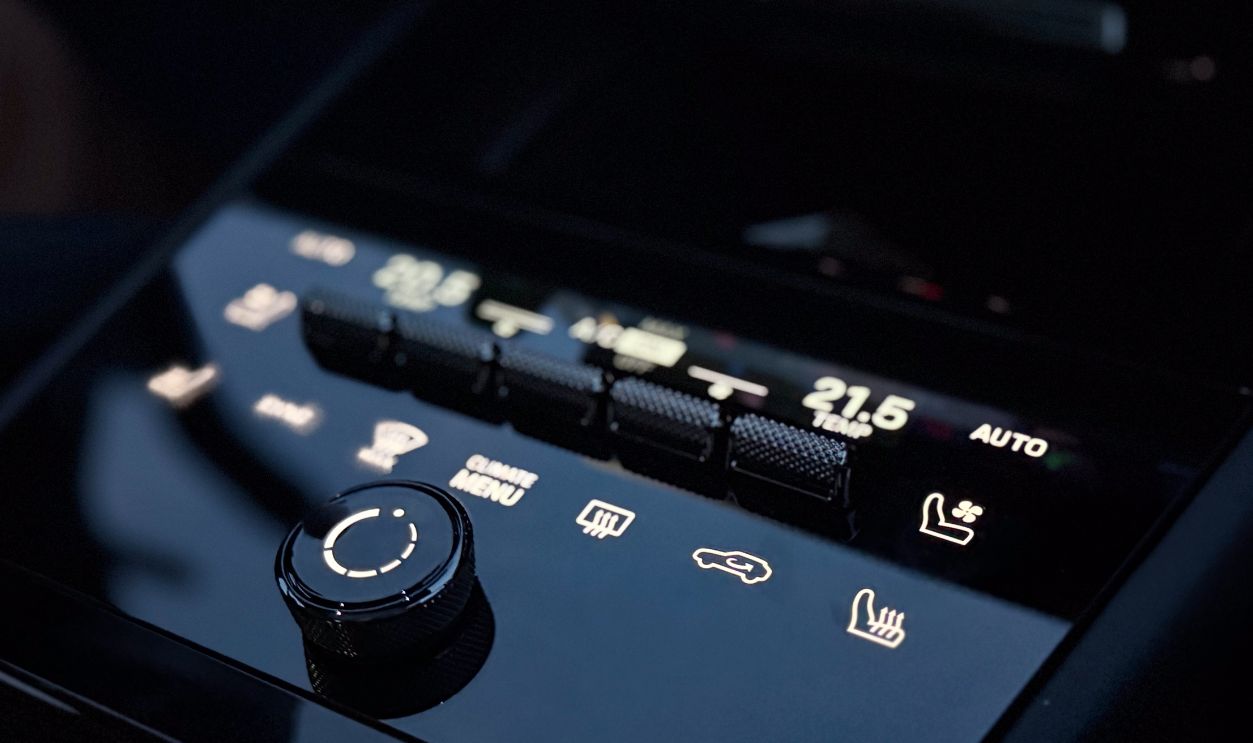
Changing the temperature isn't always about making your toes happier. Windshield fogging and icing can become visibility problems very quickly. Having the defroster buried inside a screen menu means a basic visibility function can require more attention than the old dedicated button ever demanded.
 Marina Chernivetskaya, Shutterstock
The Old Cars Got This Part Right
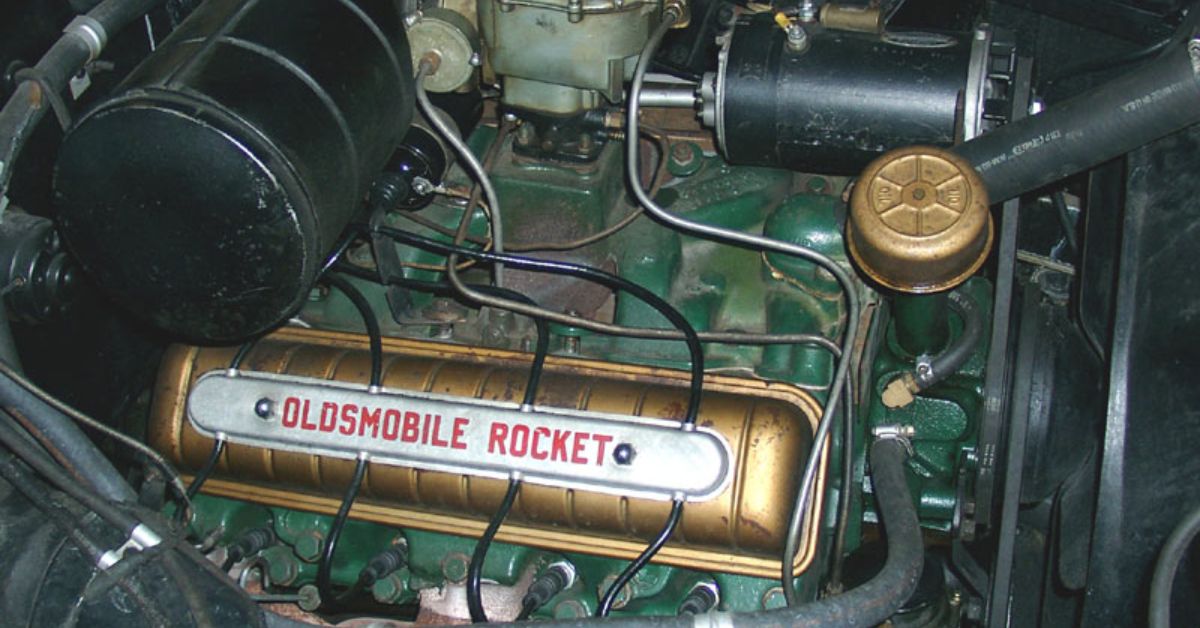
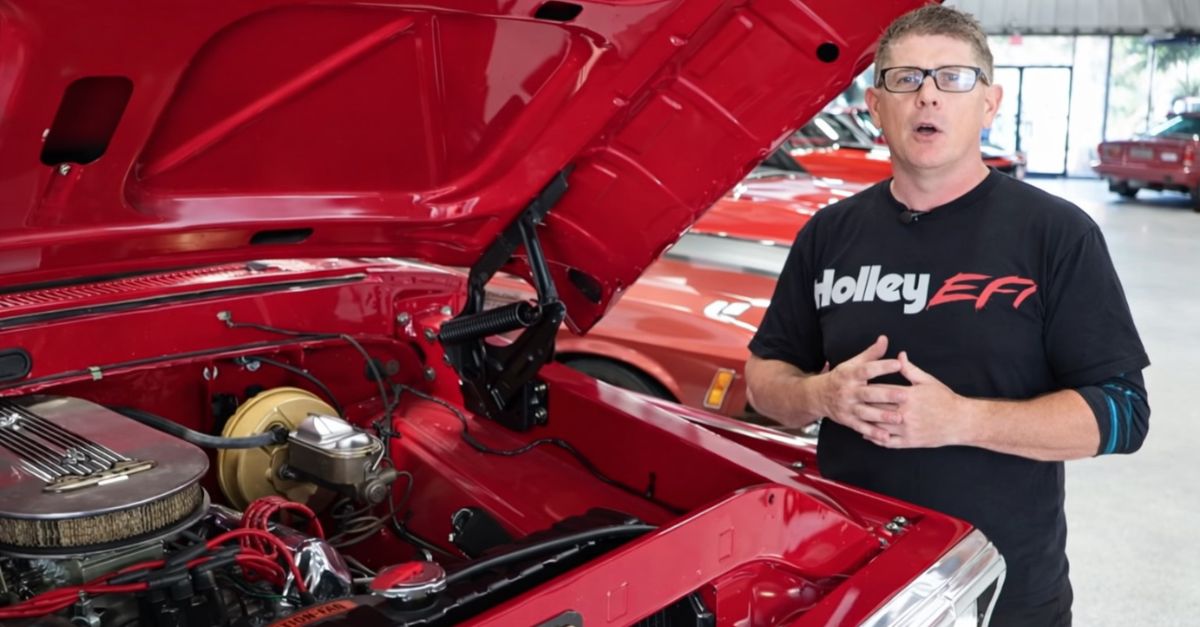
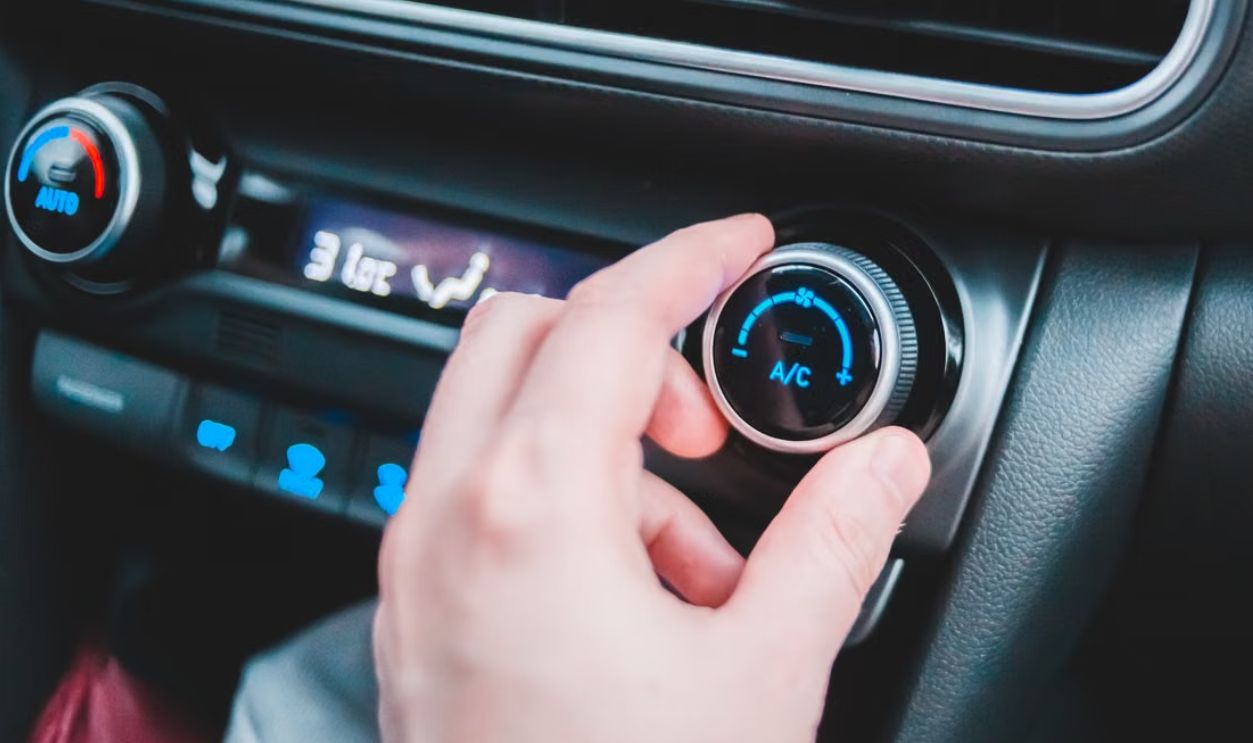
Your classic might lack automatic climate control, heated steering wheels, and three-zone temperature settings. But there's something wonderfully straightforward about reaching over and twisting a knob. You receive instant confirmation because the knob actually moves. No animated menus. No loading. No accidental swipe.
Slippery Roads Need Your Attention
On a clear summer highway, spending an extra moment finding a touchscreen icon is annoying. On a snow-covered road, that same moment matters more. Steering corrections, changing traction, blowing snow, and braking traffic already compete for attention. The dashboard shouldn't become another obstacle course.

Looking Away Adds Up Quickly
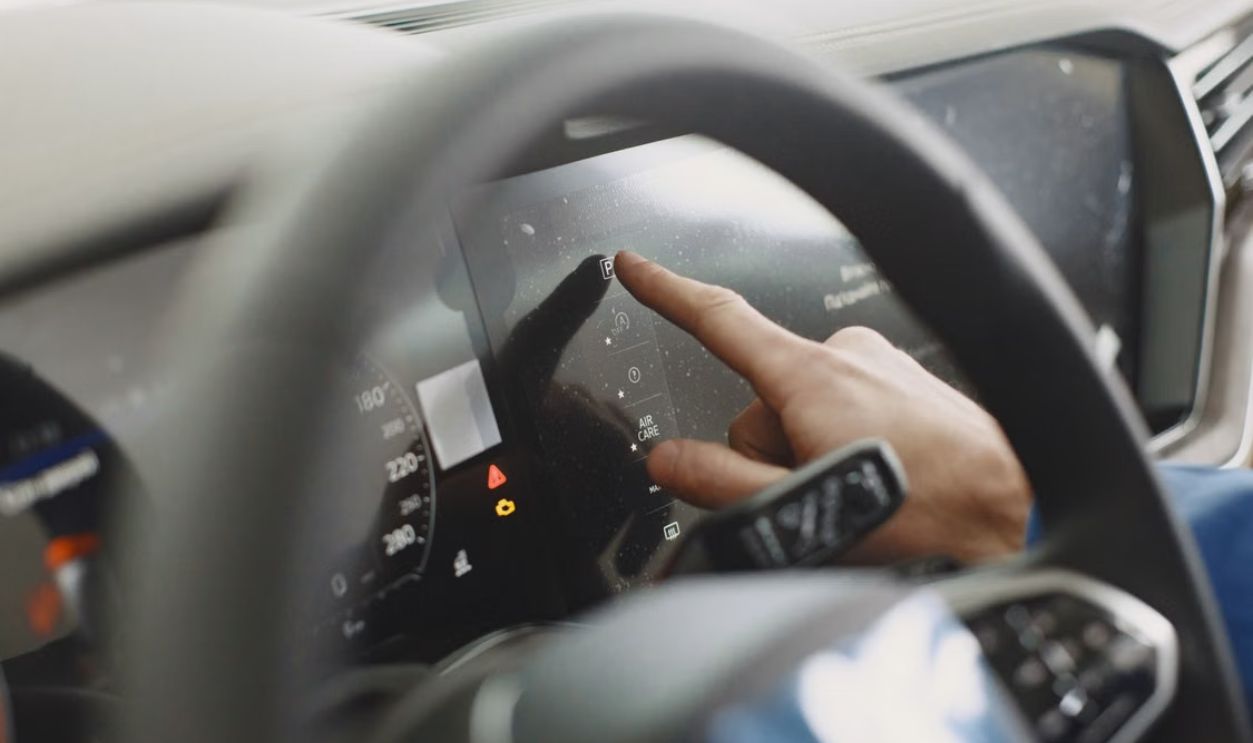
Driver-distraction research has repeatedly found that complicated infotainment interactions can take motorists' eyes and attention away from driving. AAA testing, for example, found substantial visual and cognitive demands when drivers performed common infotainment tasks.
Older Drivers Can Feel It More
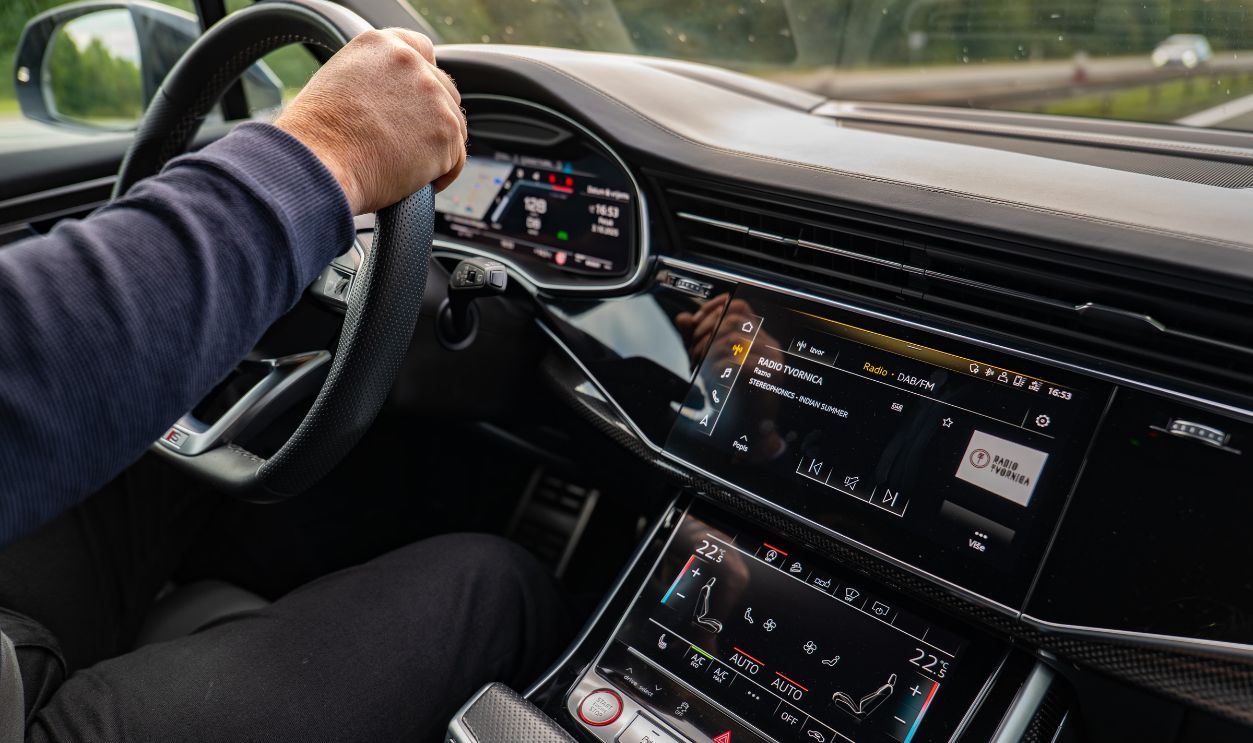
This isn't merely nostalgia talking. AAA research involving drivers aged 55 to 75 found they generally took longer than younger drivers to complete common infotainment tasks, creating additional visual distraction. That makes intuitive, tactile controls especially valuable for the very buyers who remember dashboards full of buttons.
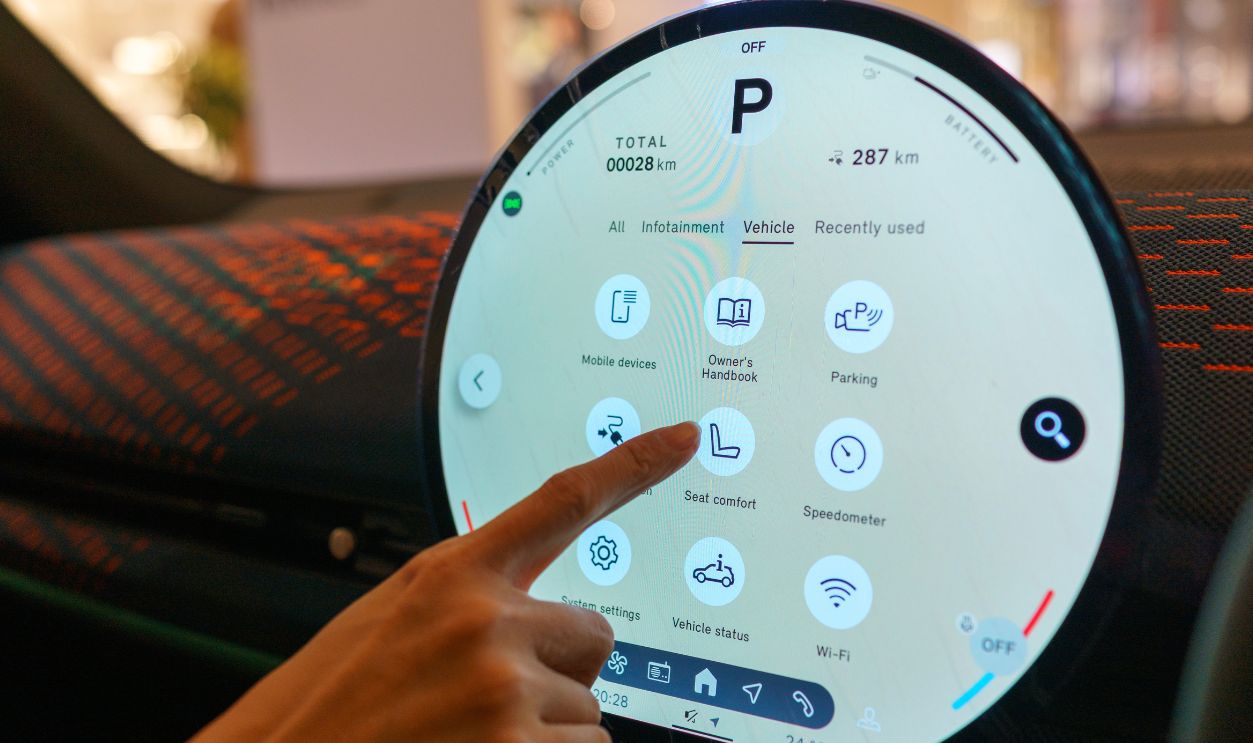
Tiny Icons Meet Thick Gloves
Automotive designers love sleek graphics and small touch targets. Winter gloves love neither. A control that seems perfectly usable with a bare finger in a warm showroom can become surprisingly difficult once you're wearing insulated gloves and bouncing along a frost-heaved Canadian road.
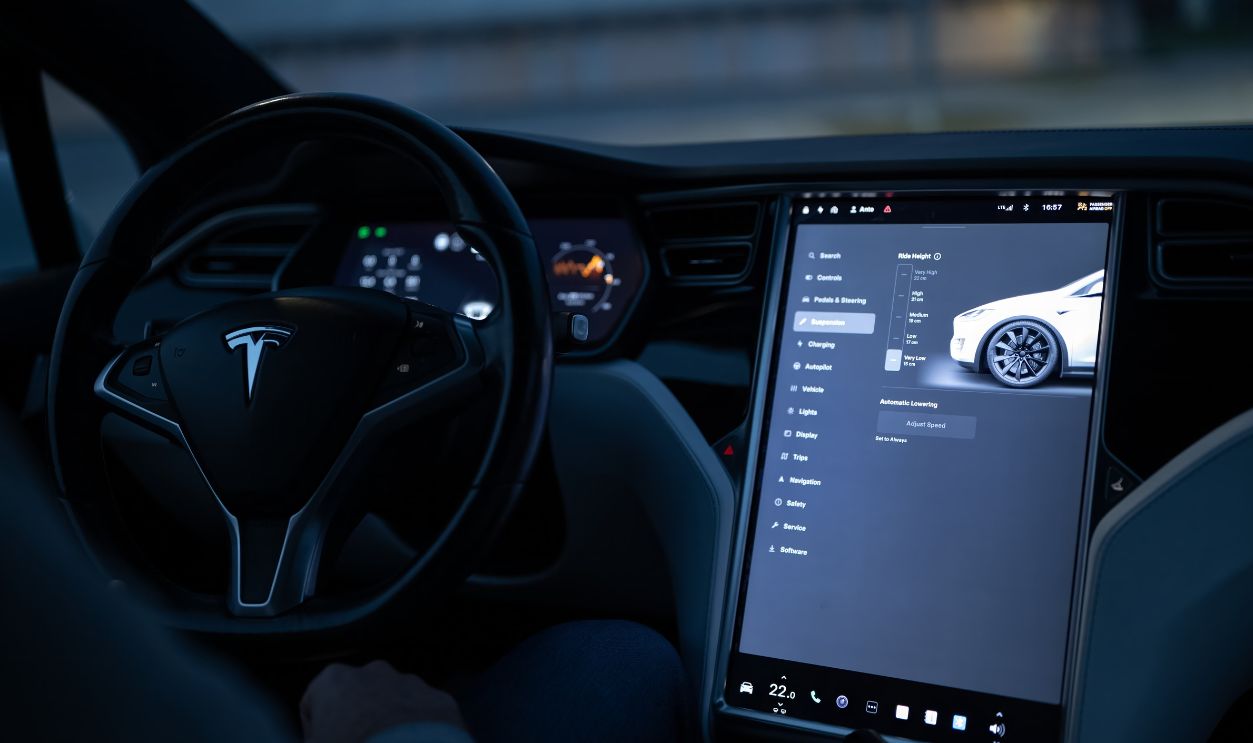
Haptic Feedback Isn't Quite A Button
Some manufacturers add vibration or other haptic feedback so a touchscreen responds when touched. That's certainly better than tapping a completely lifeless piece of glass. Unfortunately, feedback after touching something isn't the same as physically locating a switch beforehand. The eyes may still need to get involved.
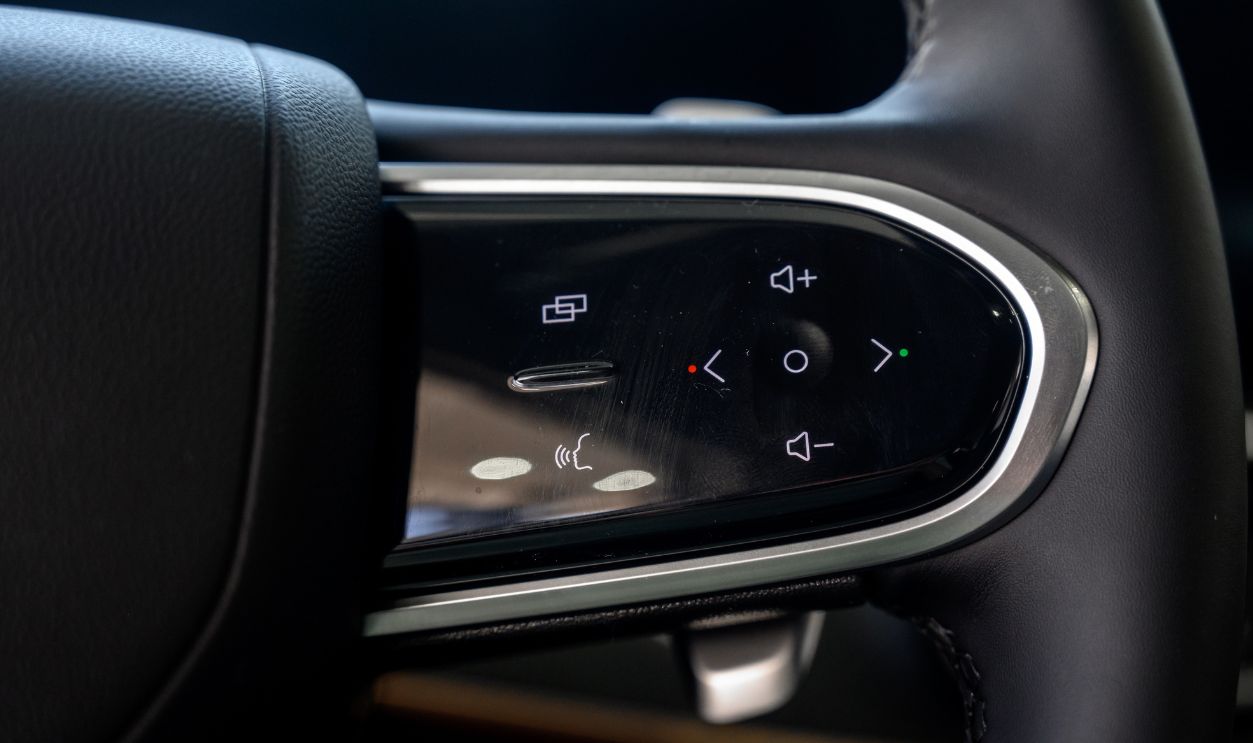
Steering Wheels Aren't Immune
The touchscreen trend has even reached steering wheels, where some manufacturers have replaced conventional buttons with touch-sensitive pads. That can create accidental inputs and make gloves troublesome. A steering-wheel button should arguably be among the easiest controls in the entire cabin to operate without looking.
Voice Commands Aren't A Magic Fix
Manufacturers often point toward voice control as an alternative. Sometimes it's terrific. Sometimes you say, "Turn the fan up," and your car confidently announces that it cannot find "Dan Up" in your contacts. Voice systems can also create cognitive distraction of their own.

Screens Still Have Their Place
None of this means every touchscreen should be hauled to the scrapyard. Navigation maps, vehicle settings, phone integration, cameras, and detailed information work beautifully on large displays. The trouble starts when automakers move frequently used driving functions onto the screen simply because the screen already exists.
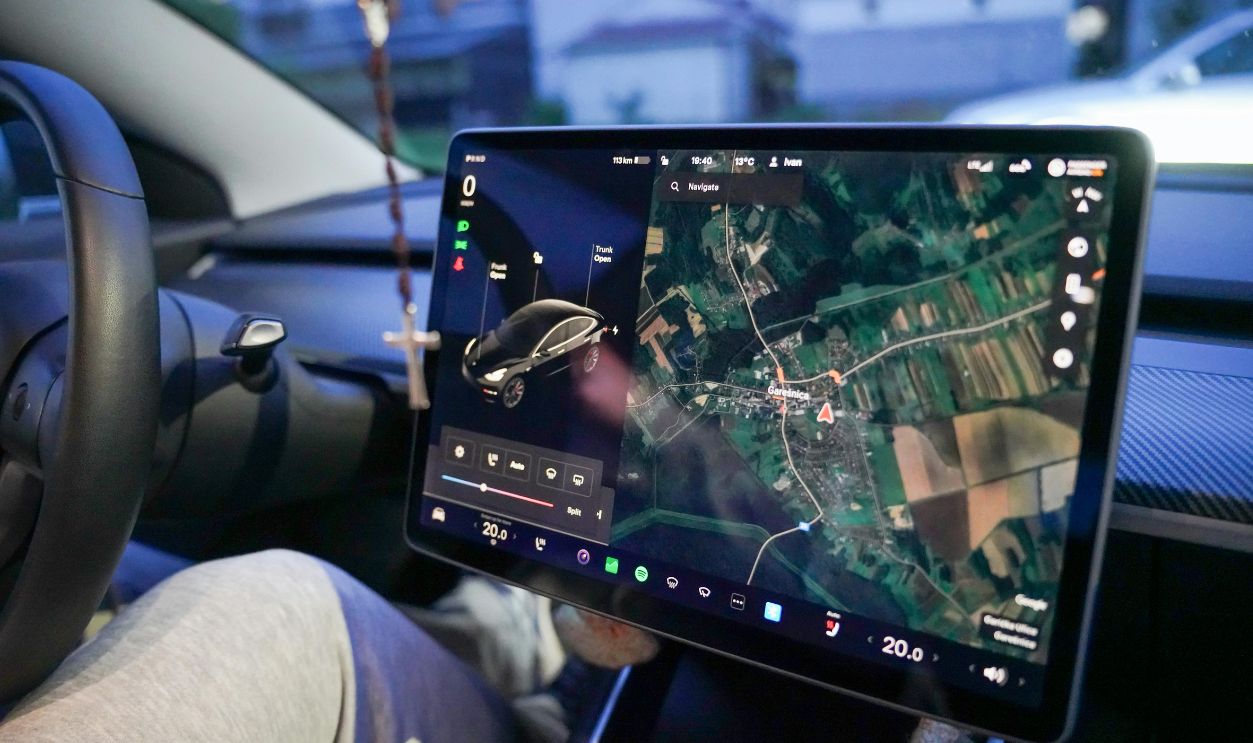
Why Automakers Love Screens
There are good reasons for the trend. Screens allow manufacturers to change layouts through software, add features later, and create cleaner-looking interiors. A single display can replace dozens of individual switches, knobs, labels, and wiring arrangements. That's convenient engineering—but convenience for the manufacturer isn't always convenience for the driver.
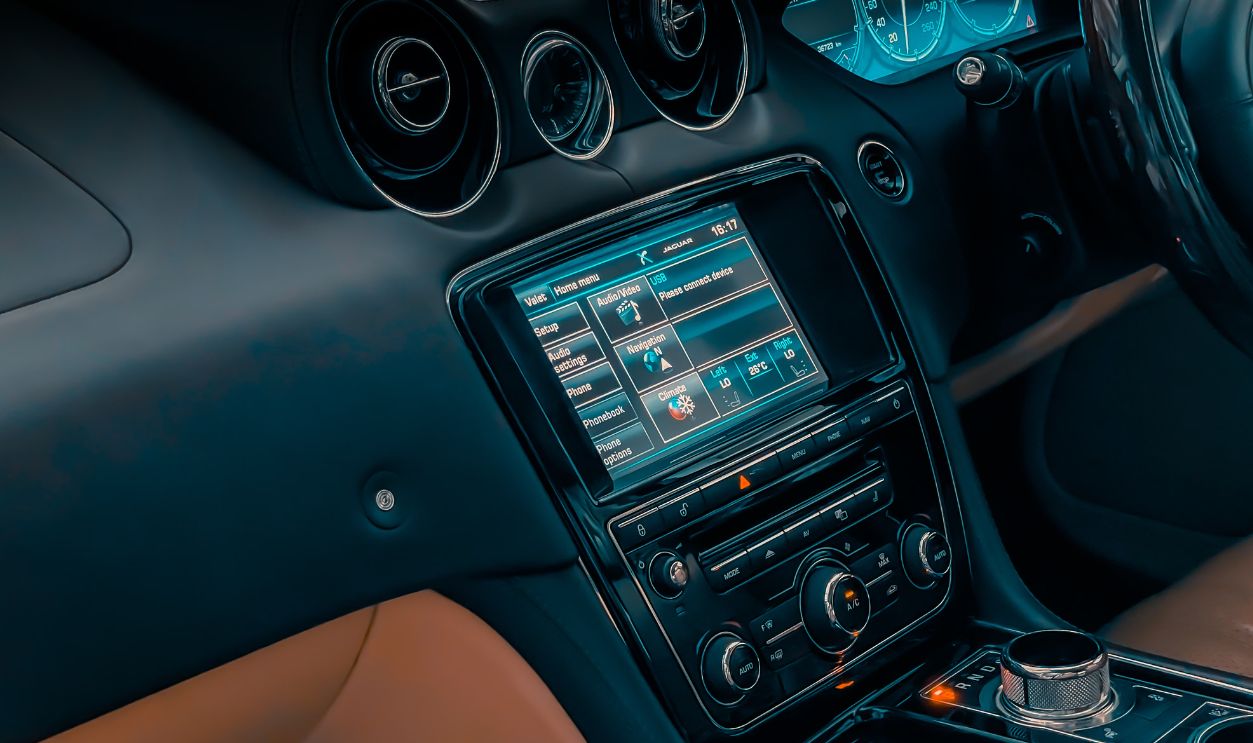
Minimalism Has A Price
Open a luxury car from the 1980s and the dashboard can resemble the control room of a small nuclear plant. Today's minimalist cabins sit at the opposite extreme. They photograph beautifully, but there's a point where removing clutter becomes removing usability. Somewhere between 47 buttons and zero buttons lies happiness.
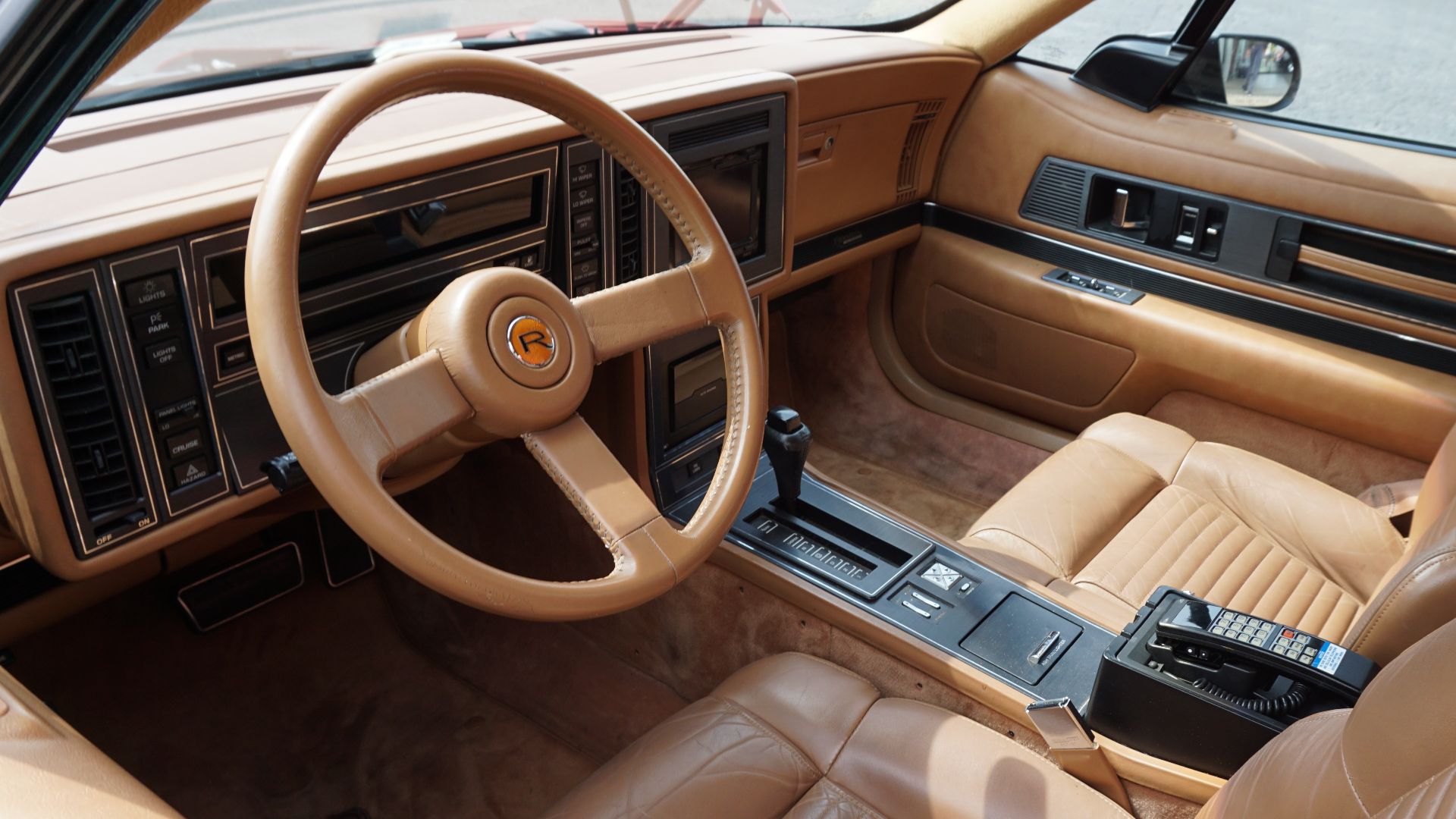 Michael Barera, Wikimedia Commons
Safety Groups Have Noticed
The issue has become significant enough that Euro NCAP's 2026 safety assessments put greater emphasis on human-machine-interface design, including the accessibility and ease of use of important controls. Physical controls for commonly used functions can contribute to better assessments.

Buttons Are Making A Comeback
Euro NCAP has specifically highlighted controls such as indicators, hazard lights, windshield wipers, headlights, and the horn when discussing accessible primary functions. Its 2026 approach doesn't simply declare all touchscreens bad, but it clearly acknowledges that important controls shouldn't become unnecessarily distracting.
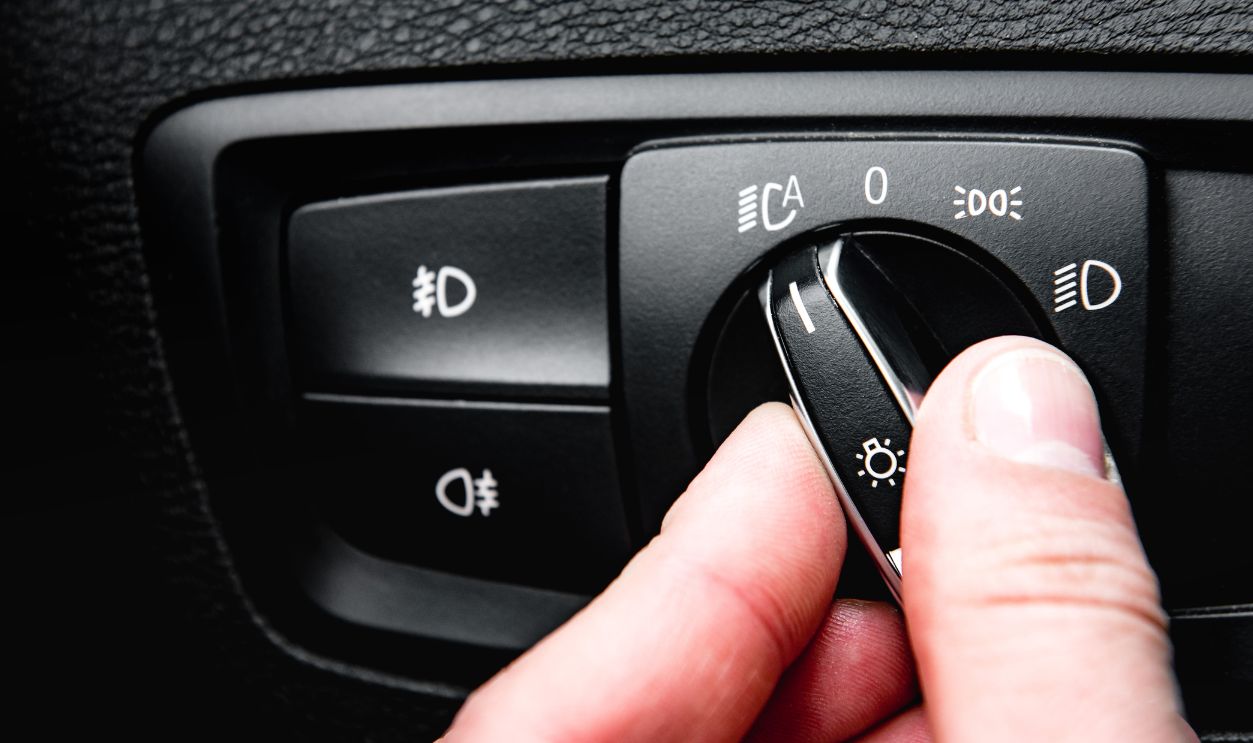 Natallia Ploskaya, Shutterstock
This Isn't A Touchscreen Ban
That's an important distinction. The argument isn't "screens versus buttons" as though one side must disappear. A good modern dashboard can use both. Put maps and complicated settings on the display. Give drivers physical controls for functions they regularly need while the car is moving.
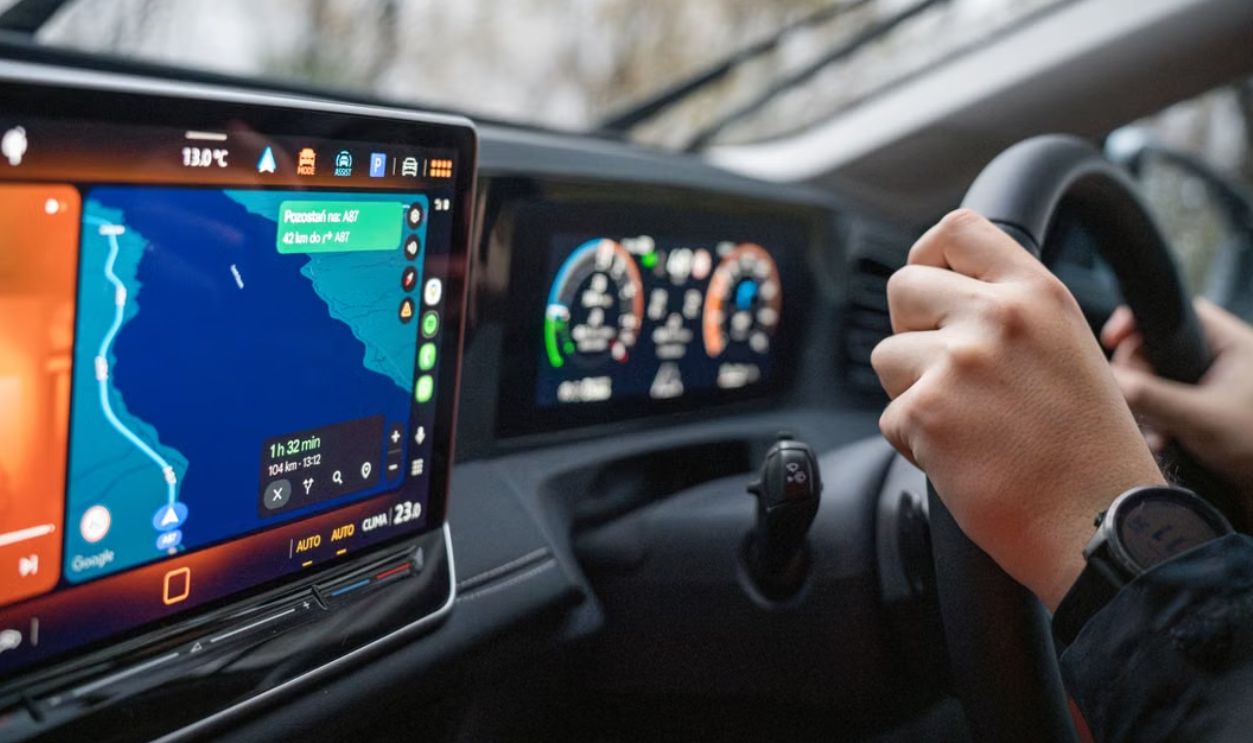
The Hybrid Dashboard Makes Sense
Temperature knob. Fan control. Defroster button. Hazard switch. Proper steering-wheel controls. Big touchscreen above them. That's hardly technologically backward. In fact, it may be the smartest compromise: modern capabilities where screens excel and tactile controls where muscle memory matters.
Shop For Controls, Not Just Horsepower
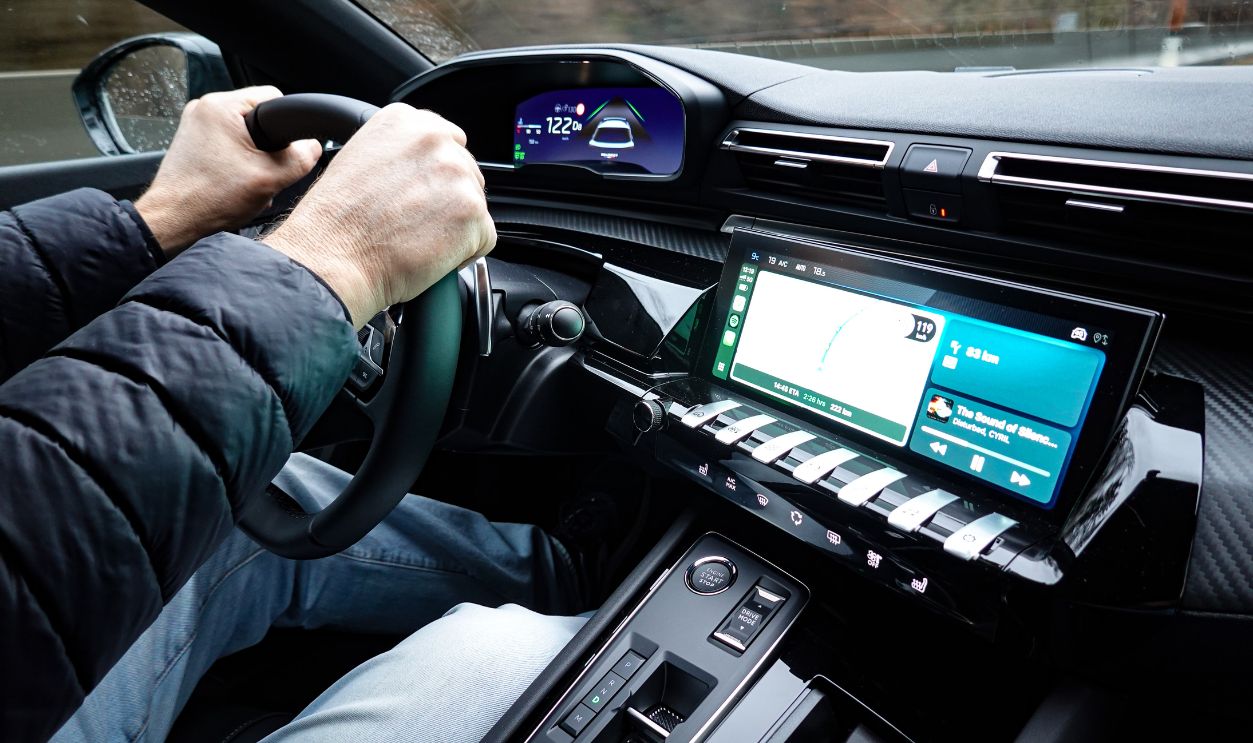
When test-driving a new vehicle, spend a few minutes operating the dashboard instead of admiring the acceleration. Change the temperature. Adjust the fan. Turn on the heated seats. Activate the defroster. Ask yourself how many of those jobs forced you to stare at the screen.
Bring Your Gloves To The Showroom
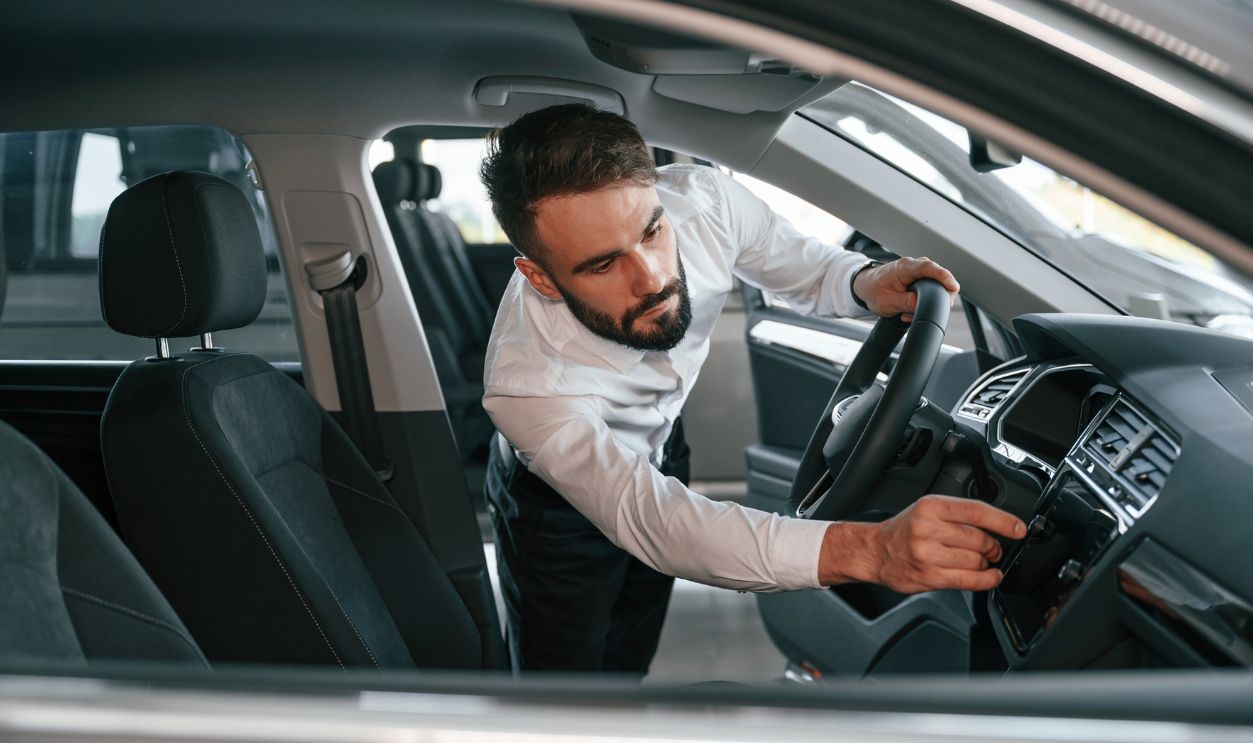
For drivers living in cold climates, there's an almost comically simple test: bring your winter gloves. Try operating the car while wearing them. Salespeople may wonder what you're doing, but you'll learn more in thirty seconds than you will from ten pages of infotainment specifications.

Look For Customizable Shortcuts
If you already own a screen-heavy car, investigate its settings while parked. Some systems let you customize shortcut bars, favorite functions, steering-wheel buttons, or home-screen layouts. Moving commonly used winter controls to the first screen won't recreate a knob, but it can reduce unnecessary hunting.
Learn The System Before The Storm
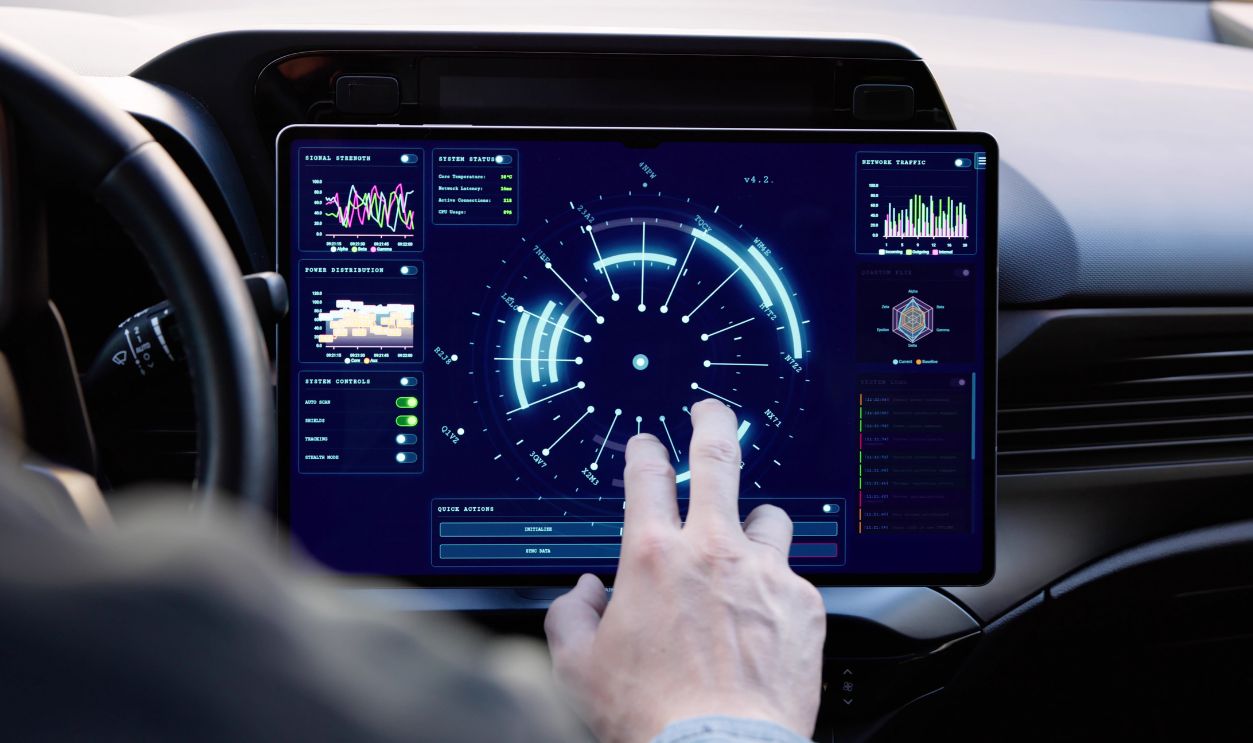
Winter is a poor time to discover that windshield-defogging controls live three menus deep. Spend some time learning the interface before driving in miserable weather. Set up shortcuts and practice voice commands while stationary. Familiarity can't fix bad design, but it can make the design less distracting.
Don't Fight The Screen While Moving
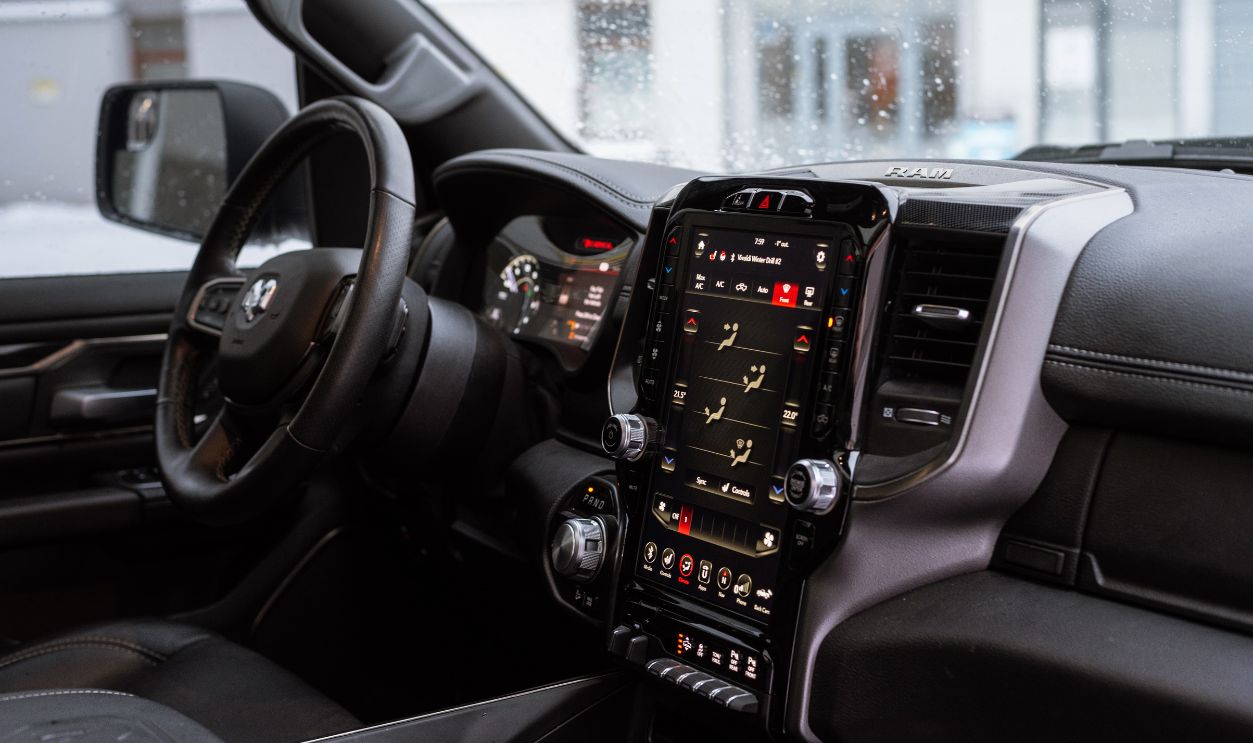
If a control demands repeated taps, menu searching, or glove removal, waiting until you can safely stop may be the better option whenever conditions allow. No heated-seat adjustment is worth drifting toward the shoulder because you're arguing with a touchscreen that refuses to acknowledge your existence.
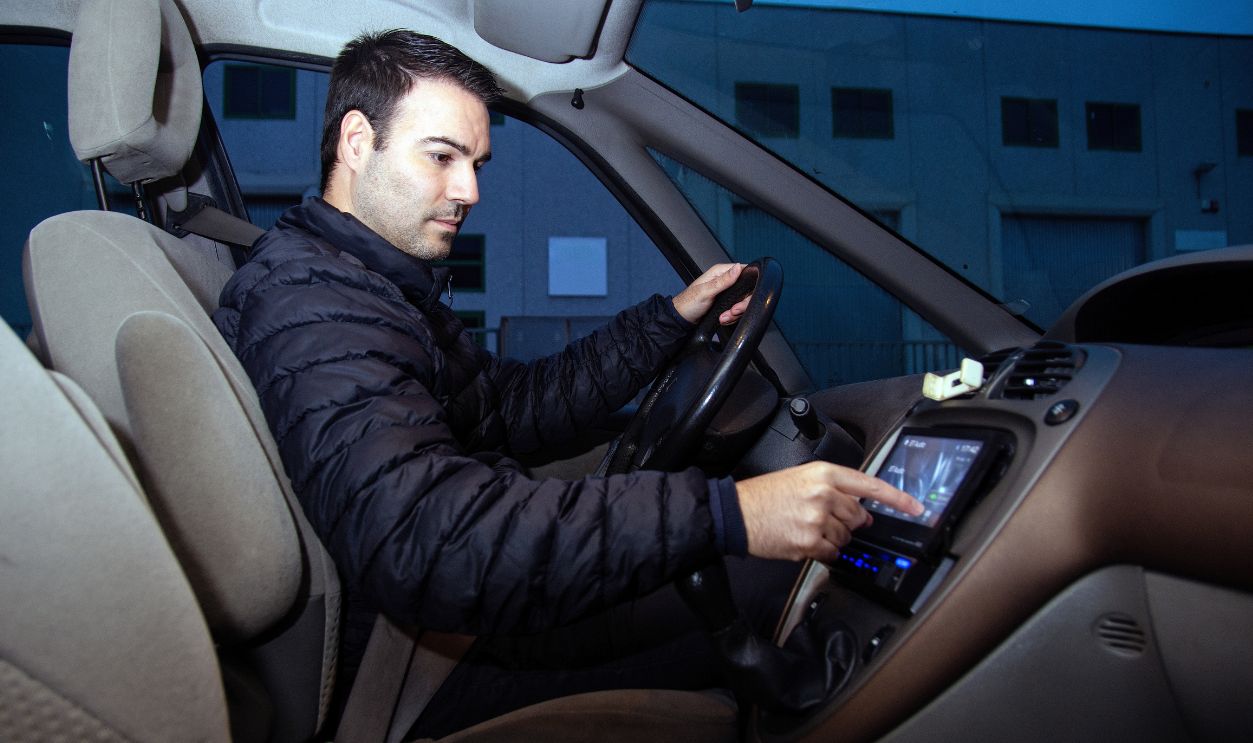
Sometimes A Button Really Is Better
So, is the disappearance of physical controls becoming a genuine winter-safety concern? In some cars, yes. Touchscreens aren't inherently unsafe, but requiring them for simple, frequently used functions can add distraction precisely when winter driving already demands extra concentration. Sometimes progress really does look like putting the knob back.
You May Also Like:
The $3.3 Million Plymouth Is One Of Just Five Ever Made—And They Called It “The White Elephant”