

Your Car Is Talking
Modern cars are no longer just engines, wheels, cupholders, and that mysterious rattle you pretend not to hear. They are rolling computers, constantly collecting information about where they go, how fast they travel, how hard they brake, and sometimes even how they are driven. So when your employer asks for access to data from your personal vehicle, it is fair to wonder if your car just accidentally joined the HR department.

Why Employers Want Vehicle Data
Your employer may have a practical reason for asking. Maybe you use your own car for deliveries, sales calls, client visits, or service appointments. They might want mileage records, route information, insurance proof, safety data, or confirmation that business trips actually happened. On paper, that can sound reasonable. In real life, it can feel like your boss is asking to sit in the passenger seat forever.

Personal Vehicle Means Personal Property
The key word here is “personal.” If the vehicle belongs to you, your employer usually does not automatically get the right to access its data just because you drive it for work sometimes. Owning the car means you control a lot of what happens to it, including who gets access to apps, connected services, telematics devices, and location history. Your job does not magically turn your driveway into a company parking lot.

Work Use Can Complicate Things
That said, things can get trickier if you use your personal vehicle for work duties. If your job requires driving, your employer may be allowed to set certain conditions. They can usually ask for proof of insurance, a valid license, safe vehicle condition, and mileage documentation. But there is a big difference between “show us your business miles” and “give us ongoing access to everything your car knows.”

Ask What Data They Want
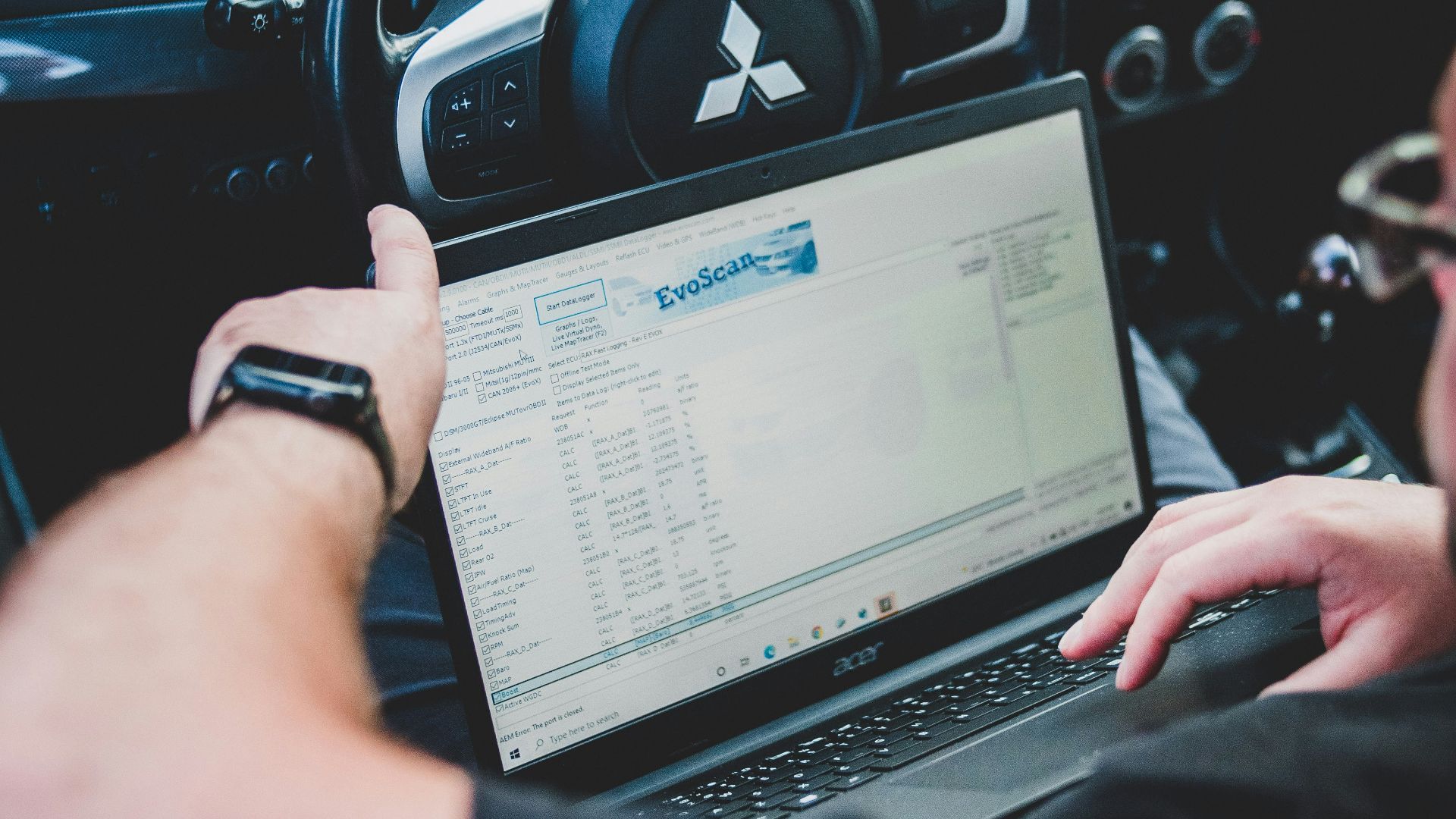
Before you agree to anything, ask exactly what data they want. “Vehicle data” is a huge phrase. It could mean odometer readings, GPS location, speed, braking behavior, engine diagnostics, fuel use, phone-pairing information, or app-based driving scores. Some of that is boring. Some of it is very personal. You cannot make a smart decision until your employer stops speaking in vague tech fog.
Ask Why They Want It
The next question is simple: why? If they need mileage records for reimbursement, there are easier ways to provide that. If they need safety information for insurance reasons, ask what policy requires it. If they want location tracking to manage routes, ask whether it will happen only during work hours. A legitimate business need should be clear enough to explain without making everyone in the room uncomfortable.

Watch For Always-On Tracking
Always-on tracking is where many employees start sweating. If an app or device tracks your car outside work hours, it may reveal where you live, where your kids go to school, where you worship, which doctor you visit, or where you spend Saturday night. That is not just “vehicle data.” That is your life with a timestamp. Employers should not get casual access to that without a very strong reason.

Your Commute Is Not A Company Trip
Many employers treat commuting differently from business driving. Driving from home to the office is usually your commute, not a reimbursable work trip. If your employer wants vehicle data during commute time, ask why. If the tracking system cannot separate work driving from personal driving, that is a red flag. A tool that collects everything because it cannot collect less is not automatically reasonable.

Company Cars Are Different
If the vehicle belongs to the company, the rules are usually different. Employers generally have more freedom to track company-owned vehicles, especially during work use. They may use GPS, dash cameras, telematics, or maintenance-monitoring systems. But your personal vehicle is not the same thing. A company car is company property. Your car is the thing you bought, insure, fuel, clean, and occasionally apologize to.

Reimbursement Does Not Equal Ownership
Some employees worry that accepting mileage reimbursement gives the employer extra rights. Usually, reimbursement covers the cost of using your personal vehicle for work. It does not mean your employer owns your driving history. They may need records to justify payments, but that does not mean they need direct access to your car’s connected account. A mileage log can often do the job without opening the whole digital glovebox.

Be Careful With Apps
Many employers use apps instead of plug-in devices. These apps may track trips, locations, speed, phone use, acceleration, braking, and idle time. Some are designed for fleets, not personal privacy. Before installing anything, read what the app collects and when it runs. Also check whether it can track you in the background. The most dangerous button in the modern workplace may be “Allow Location Always.”

Plug-In Devices Need Scrutiny
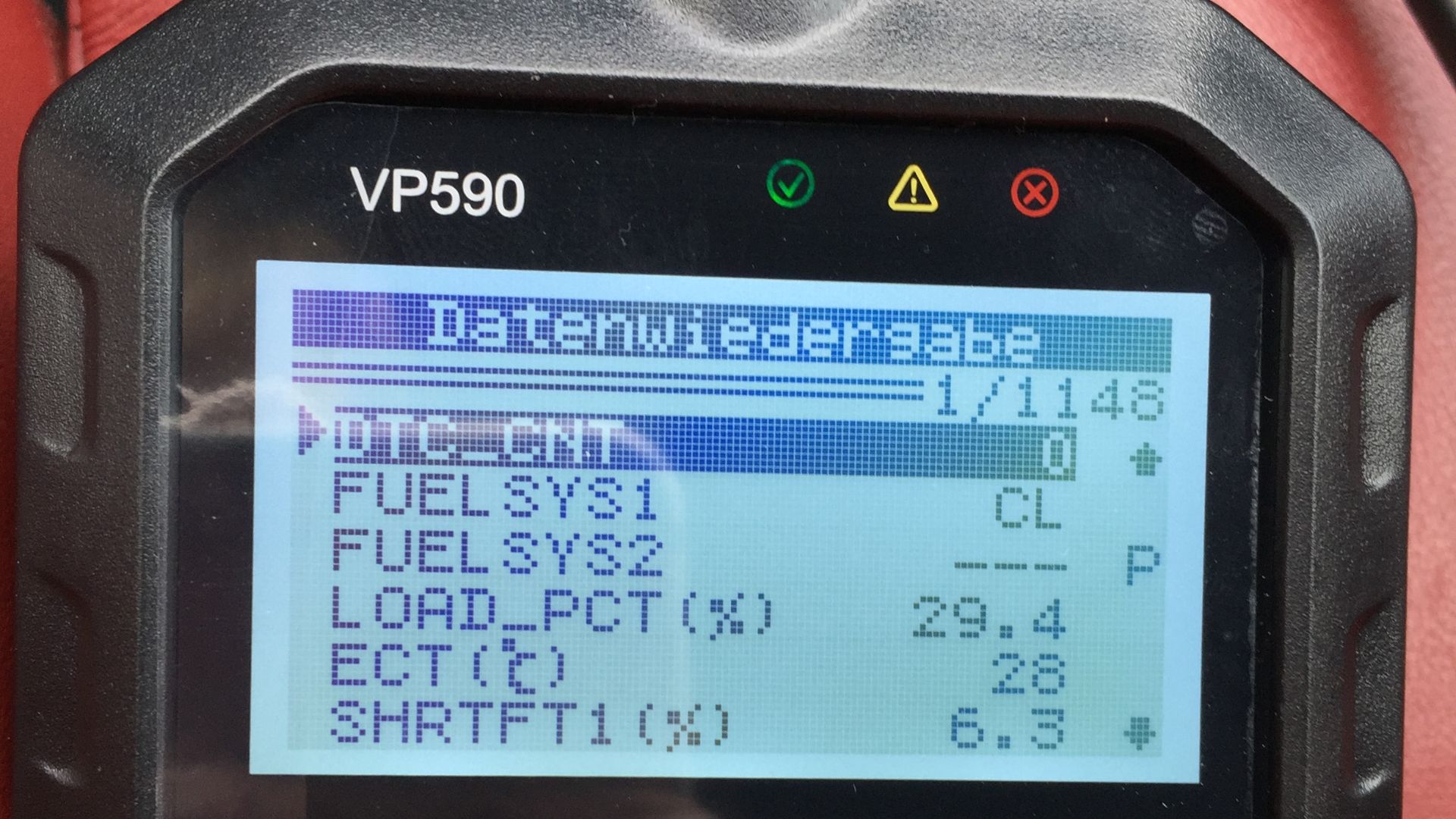
Some systems use a device plugged into your car’s OBD-II port, usually under the dashboard. That port can provide diagnostic and driving information. Mechanics use it to read trouble codes. Tracking companies use it for much more. If your employer asks you to install one, ask who owns it, what it records, how long it stays installed, and whether it affects your warranty, insurance, or battery.
Insurance May Be Part Of The Story
Your employer might say the request comes from insurance requirements. That could be true, especially if employees drive often for business. But you are allowed to ask for details. What does the insurer require? Is personal driving excluded? Is the data used to price company coverage, evaluate employee performance, or investigate accidents? “Insurance needs it” should be the start of the conversation, not the end.

Safety Can Be A Real Concern
Employers do have a legitimate interest in safety. If someone is driving for work, the company may want to reduce crashes, protect customers, and manage liability. That is understandable. Nobody wants a work trip to turn into a courtroom drama. But safety programs should be balanced. Tracking every private errand in the name of safety is like using a fire hose to water a houseplant.

Performance Monitoring Is Another Matter
Sometimes vehicle data is not really about safety. It is about performance monitoring. Employers may want to know how many stops you made, how long you spent at each place, whether you took a longer route, or whether you were “efficient.” That can be reasonable during paid work time. It becomes far more questionable when the system sees your grocery run, your dentist appointment, and your detour for tacos.

Get The Policy In Writing
Do not rely on hallway explanations or cheerful promises from a manager who says, “Don’t worry, nobody looks at that stuff.” Get the policy in writing. It should explain what data is collected, when collection happens, who can see it, how long it is stored, how it is protected, and what it can be used for. If the policy sounds like a fog machine, ask for clarity.

Limit Access Where Possible
A reasonable compromise may be limited access. For example, you could provide mileage records only for work trips. You could use an app that tracks only when you manually start a business trip. You could submit odometer photos, route summaries, or expense reports. The goal is to give your employer what it genuinely needs without handing over a complete diary of your personal driving life.

Separate Work And Personal Driving
If you must use a tracking app, ask whether it has a clear work mode and personal mode. Better yet, ask whether tracking can be limited to scheduled work hours or assigned routes. You should not have to remember every Friday evening that your phone is still reporting your movements to a dashboard in accounting. Technology should reduce headaches, not create a tiny surveillance gremlin in your pocket.

Think About Connected Car Accounts
Many newer vehicles have connected services through the manufacturer. These accounts may include location history, remote start, maintenance alerts, charging data, trip reports, and driver profiles. Be very cautious about sharing login access. Giving someone your vehicle account password could expose much more than they need. It may also violate the service terms or create security problems if multiple people use one account.
Do Not Share More Than Necessary
A smart rule is simple: share the smallest amount of data needed for the work purpose. If the company needs mileage, give mileage. If it needs proof of a client visit, provide a work trip record. If it needs maintenance confirmation, provide receipts. Do not hand over live GPS access just because someone made the request sound routine. Routine requests can still be too broad.

Consider Your Employment Agreement
Check your employment contract, handbook, vehicle-use policy, expense policy, or remote-work agreement. There may already be language about using personal vehicles for company business. It might say you must provide certain records or follow certain safety rules. It might not mention vehicle data at all. Either way, written documents matter. They help you understand whether this is a new request or something you already agreed to.

Laws Depend On Where You Live
Privacy and employment laws vary depending on your state, province, country, and job type. Some places have stricter rules about employee monitoring, consent, GPS tracking, and personal data. Some jobs also have special rules because of safety, regulated transport, or government contracts. So the best answer is not universal. You may not have to agree, but refusing could still create workplace consequences depending on the situation.

Refusing May Have Consequences
If your employer says access is required for your role, saying no could affect your ability to perform that job. They might stop reimbursing mileage, change your duties, require a company vehicle, or say you cannot drive for work. That does not mean every demand is fair. It means the practical side matters. The question is not only “Do I have to agree?” but also “What happens if I do not?”

Suggest A Less Creepy Alternative
Instead of flatly refusing, propose a narrower solution. Say you are happy to provide work-related mileage, trip logs, insurance documents, or maintenance records, but you are not comfortable granting broad access to personal driving data. That keeps the conversation professional. You are not saying, “I have secrets.” You are saying, “My personal vehicle is not a company surveillance van.”

Talk To HR, Not Just Your Boss
If the request came from one manager, ask HR for the official policy. Managers sometimes make requests before anyone has thought through privacy, data security, or legal issues. HR may already have a better process. Or they may realize the company needs one. Keep your tone calm and practical. This is not about being difficult. It is about knowing what you are being asked to give away.

Keep Records Of The Conversation
Save emails, policies, app descriptions, consent forms, and any messages explaining the request. If you ask questions, do it in writing when possible. That creates a clear record of what was requested and what was promised. If the company says tracking is only during work hours, you want that documented. Memories fade. Screenshots do not, unless your phone storage is a disaster.

So, Do You Have To Agree?
Maybe, maybe not. Your employer can often require reasonable records connected to work driving, but broad access to your personal vehicle data is a much bigger ask. Before agreeing, find out what data they want, why they want it, when they collect it, who sees it, and whether a less invasive option exists. Your car may be smart, but you should be smarter about who gets the keys to its data.

Protect The Driver’s Seat
The best answer is not panic, rebellion, or immediately deleting every car app like you are in a spy movie. The best answer is calm caution. Personal vehicle data can reveal a lot, and employers should only ask for what they truly need. If the request feels too broad, push for limits, written policies, and work-only tracking. You bought the car to drive it, not to turn it into your boss’s rolling report card.

You May Also Like:
Forgotten Supercars Of The 1980s—How Many Of These Rare Exotics Do You Remember?
My dealership keeps offering to buy back my vehicle. Do they know something I don't?