
Your Car Might Be Changing Overnight
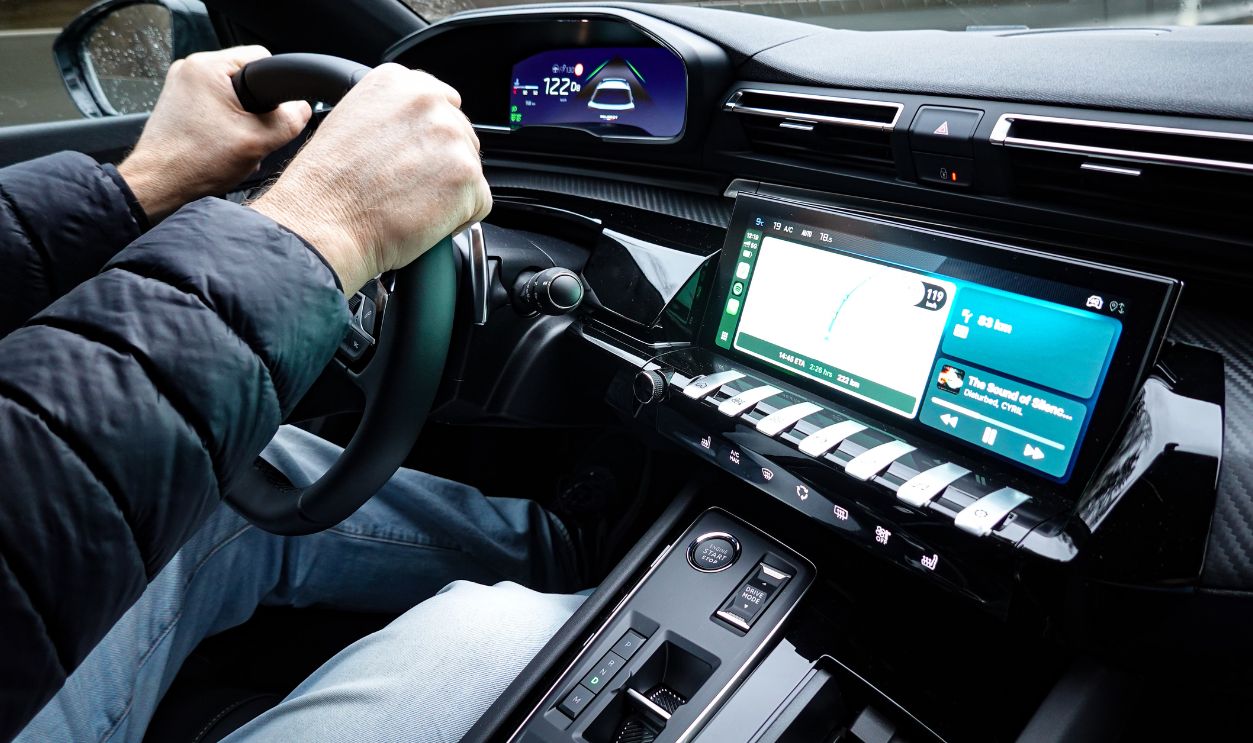
If your car seems to wake up with new menus, different alerts, or reset preferences, you are not imagining it. Many modern vehicles now get over-the-air software updates, usually called OTA updates, through built-in cellular connections or Wi-Fi. Those updates can roll in overnight and change infotainment layouts, driver-assistance behavior, charging settings, or privacy options.

Why This Is Happening More Often
Carmakers have been turning vehicles into rolling software platforms for years. Tesla made frequent remote updates a normal part of ownership in the 2010s, and brands like Ford, GM, Rivian, Volvo, Polestar, Mercedes-Benz, Hyundai, Kia, and BMW now do the same in at least some models. It is convenient, but it also means your car can feel different from one day to the next.
What An Automatic Update Actually Does
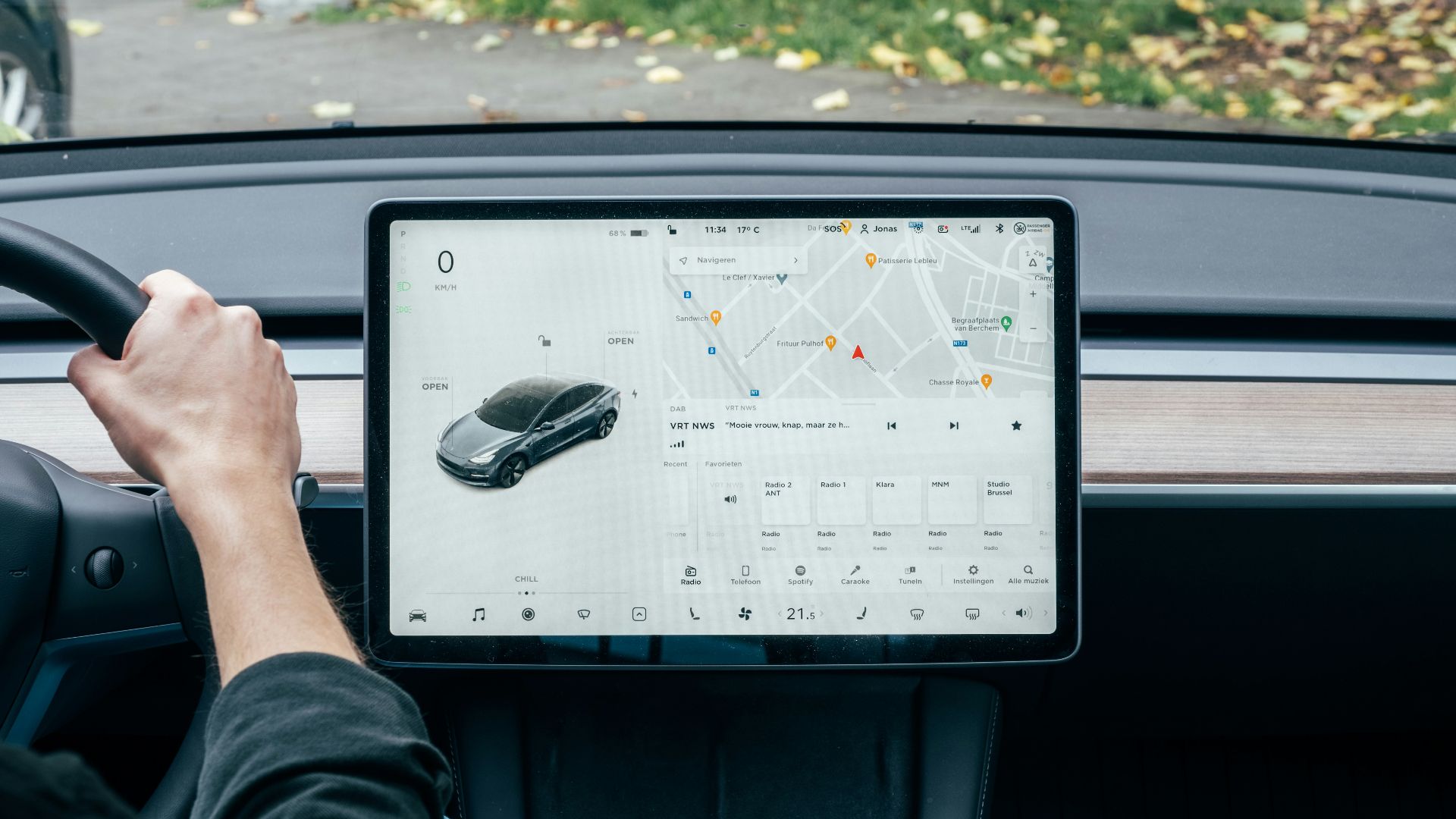
An automatic software update can fix bugs, improve battery management, add features, or refresh maps and apps. It can also rearrange menus or reset certain preferences to default settings. Sometimes the update only touches the infotainment system. Other times it reaches deeper into the vehicle.
Yes, Settings Can Change After An Update
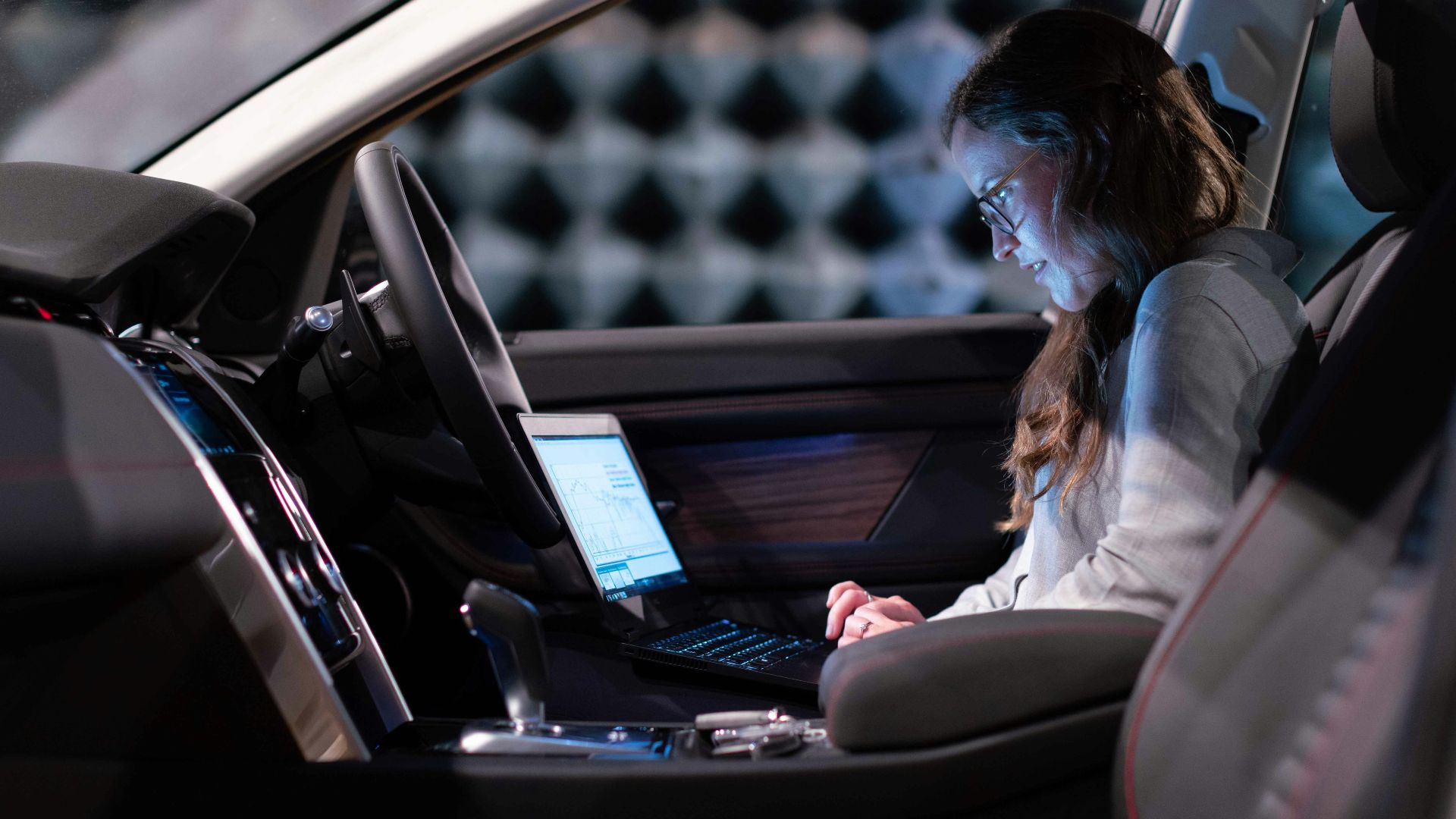
This is one of the biggest complaints from owners. Automakers often say in update notes that some personal settings may need to be checked after installation. That can include radio presets, climate settings, charging limits, driver-assistance alerts, navigation favorites, and privacy permissions.

Tesla Helped Normalize The Idea
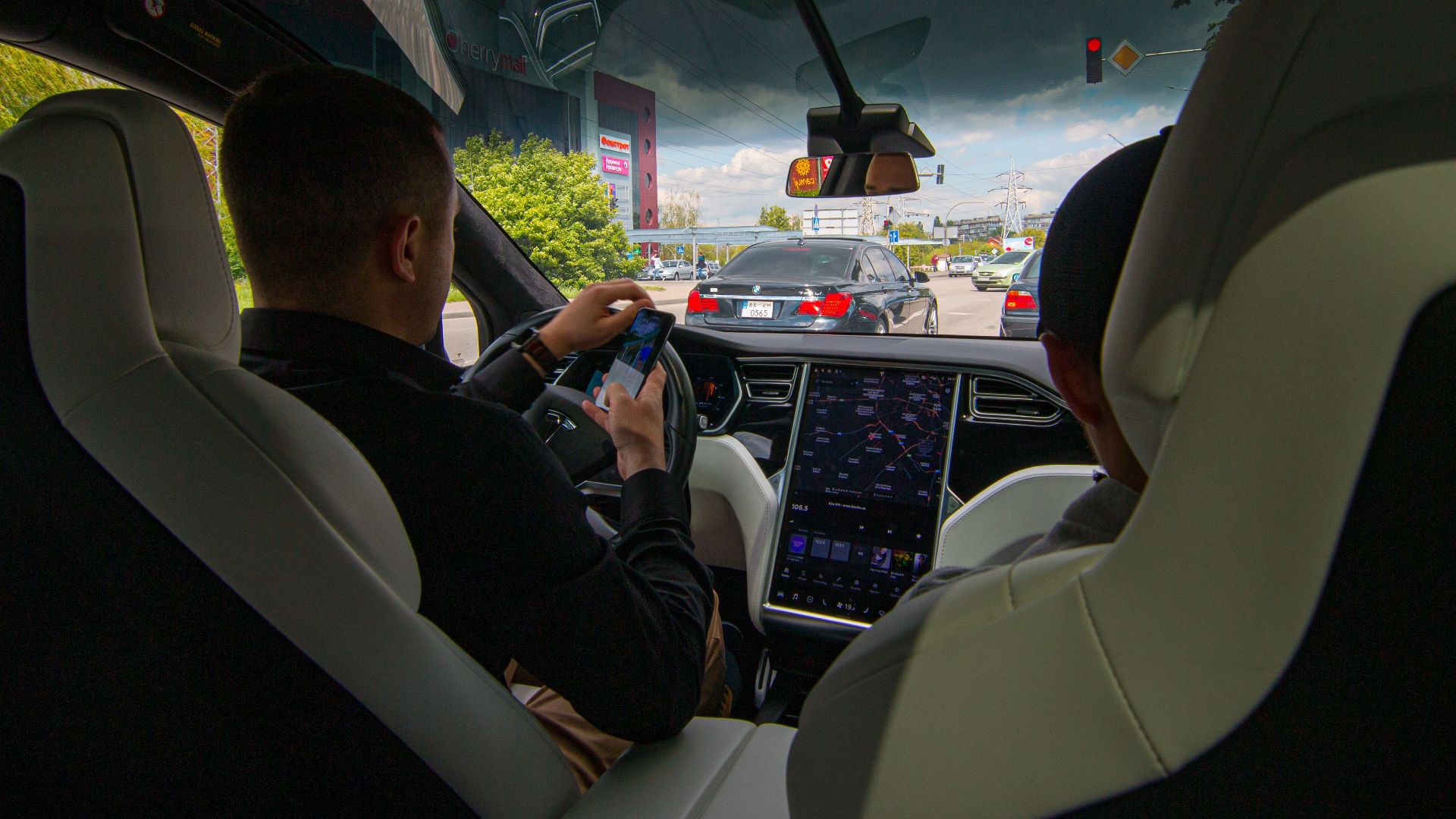
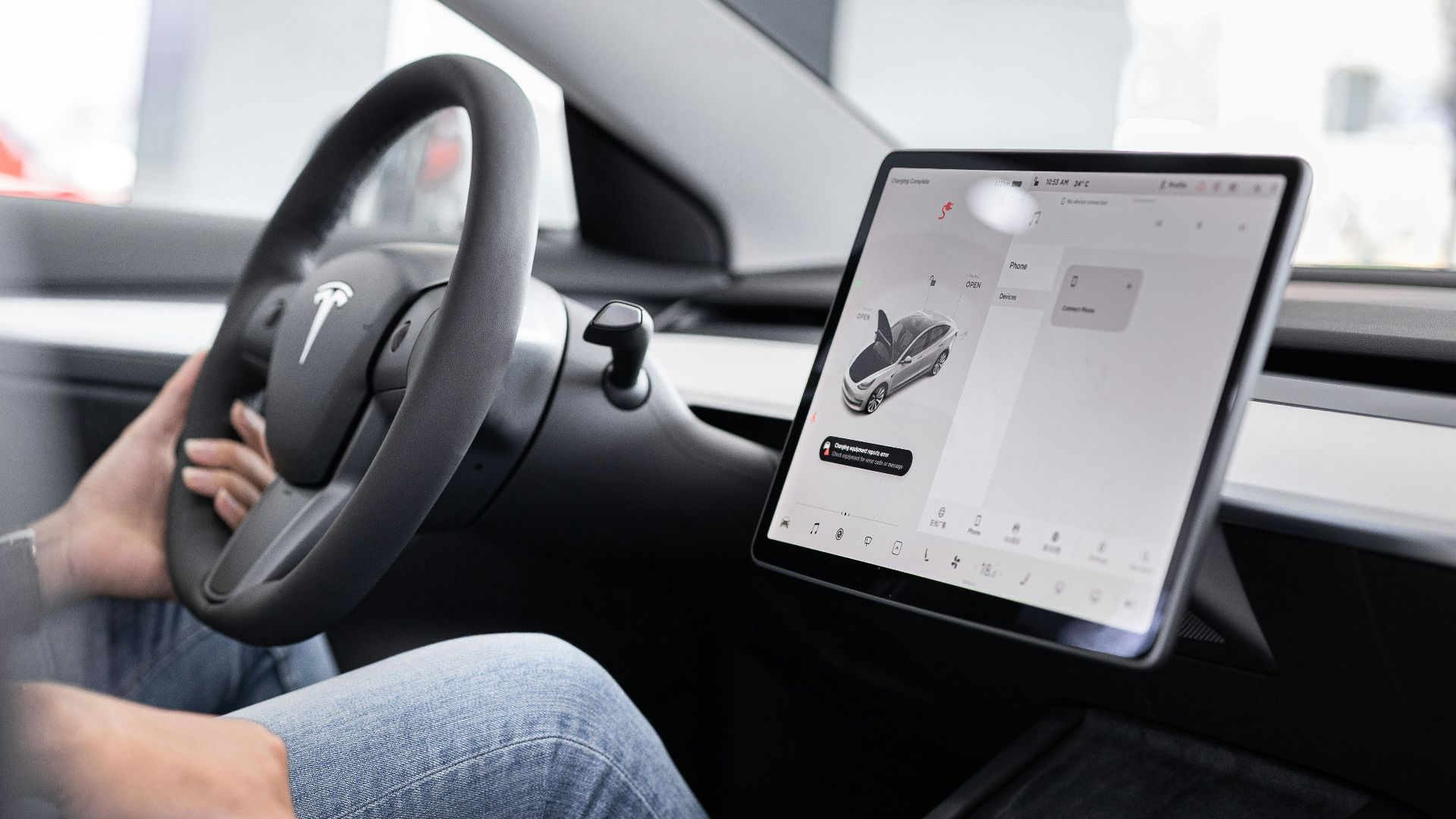
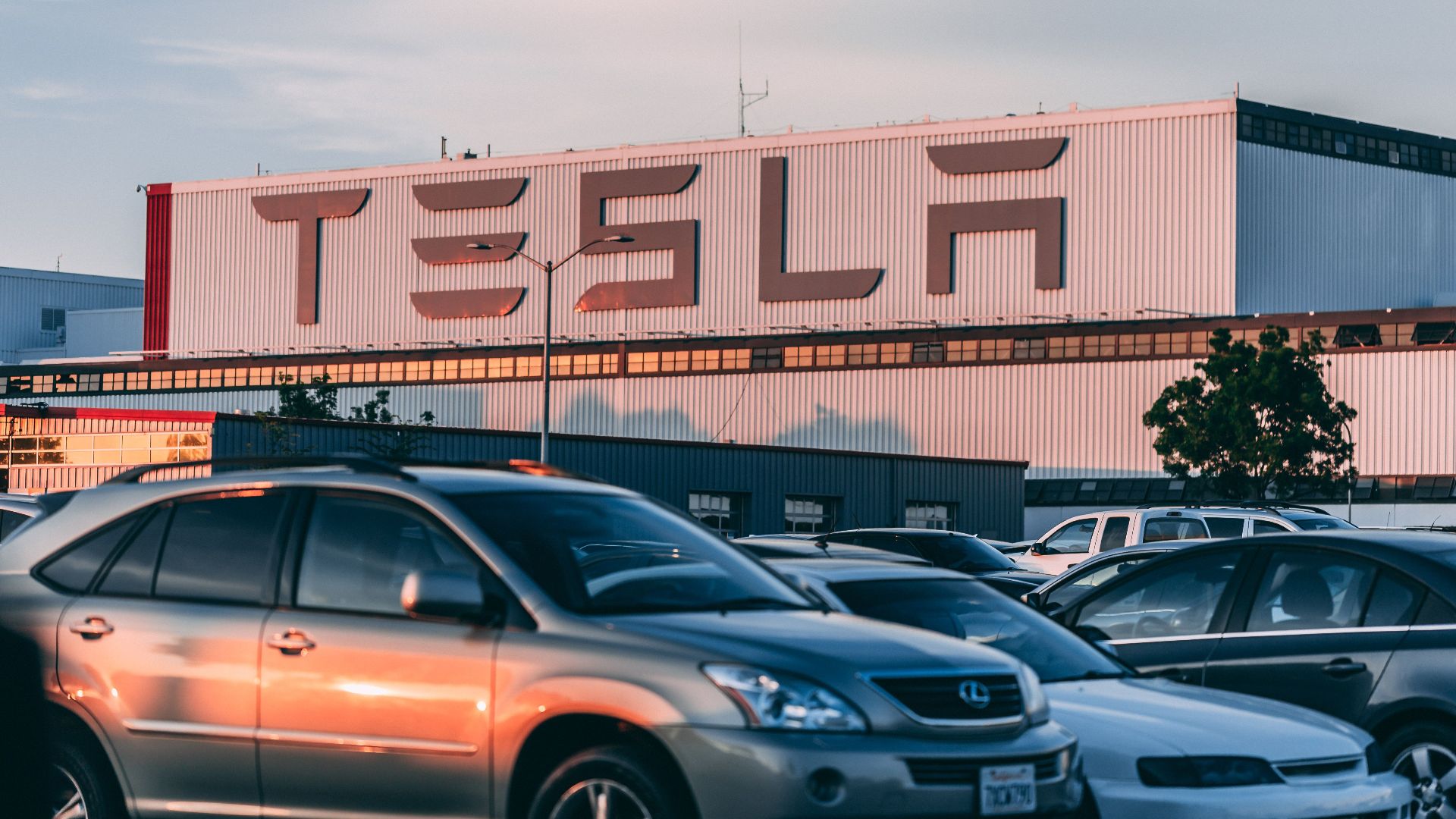
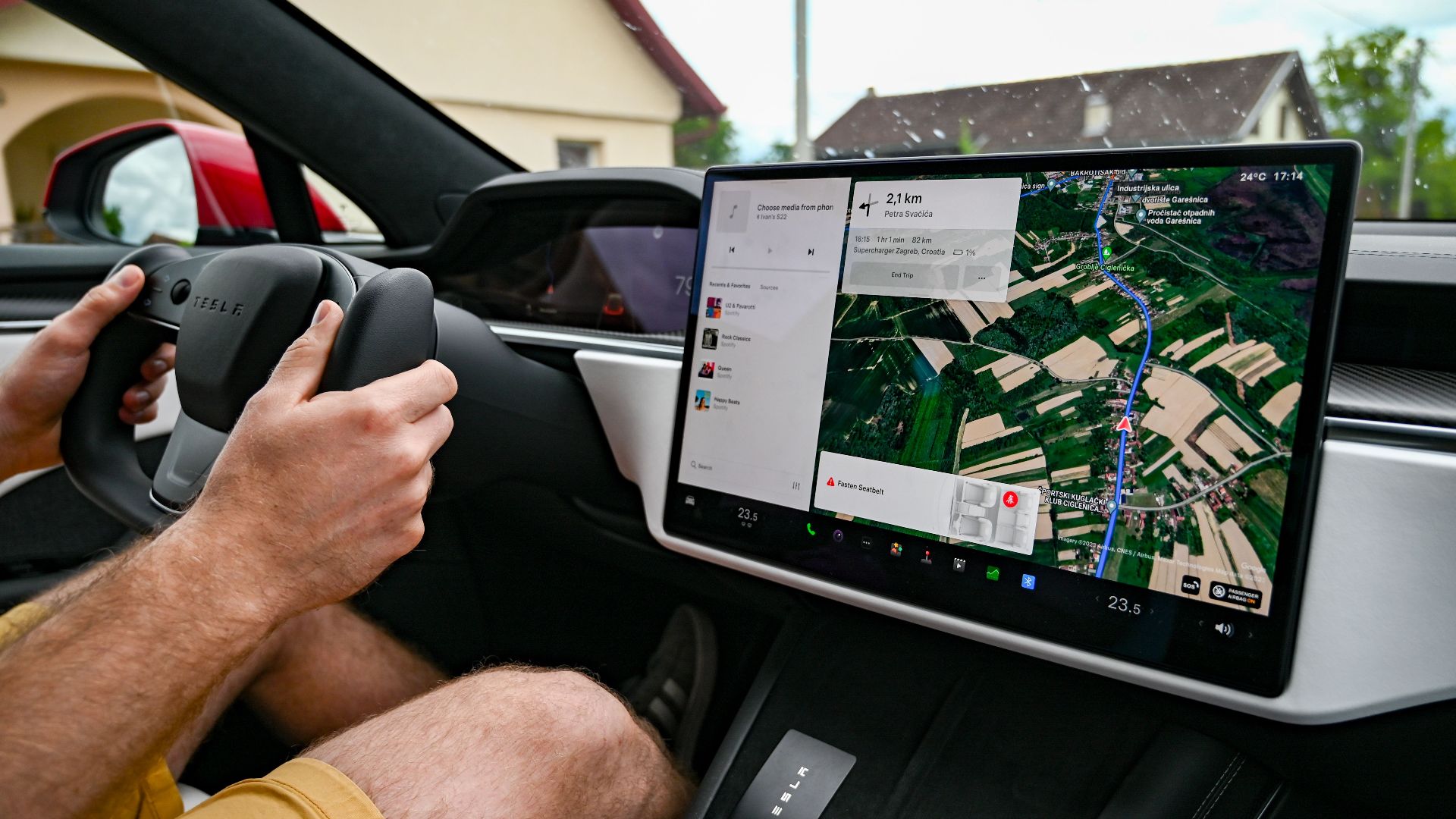
Tesla openly framed vehicle software updates as a routine part of owning the car years ago, and its support pages still say updates can add features, improve functionality, and boost safety. Owners can usually choose when to install, but the car can still download updates automatically in the background. Tesla also lets users pick a software update preference like “Advanced” to get releases sooner, which shows just how software-driven the experience has become.
Ford Built A Whole System Around It
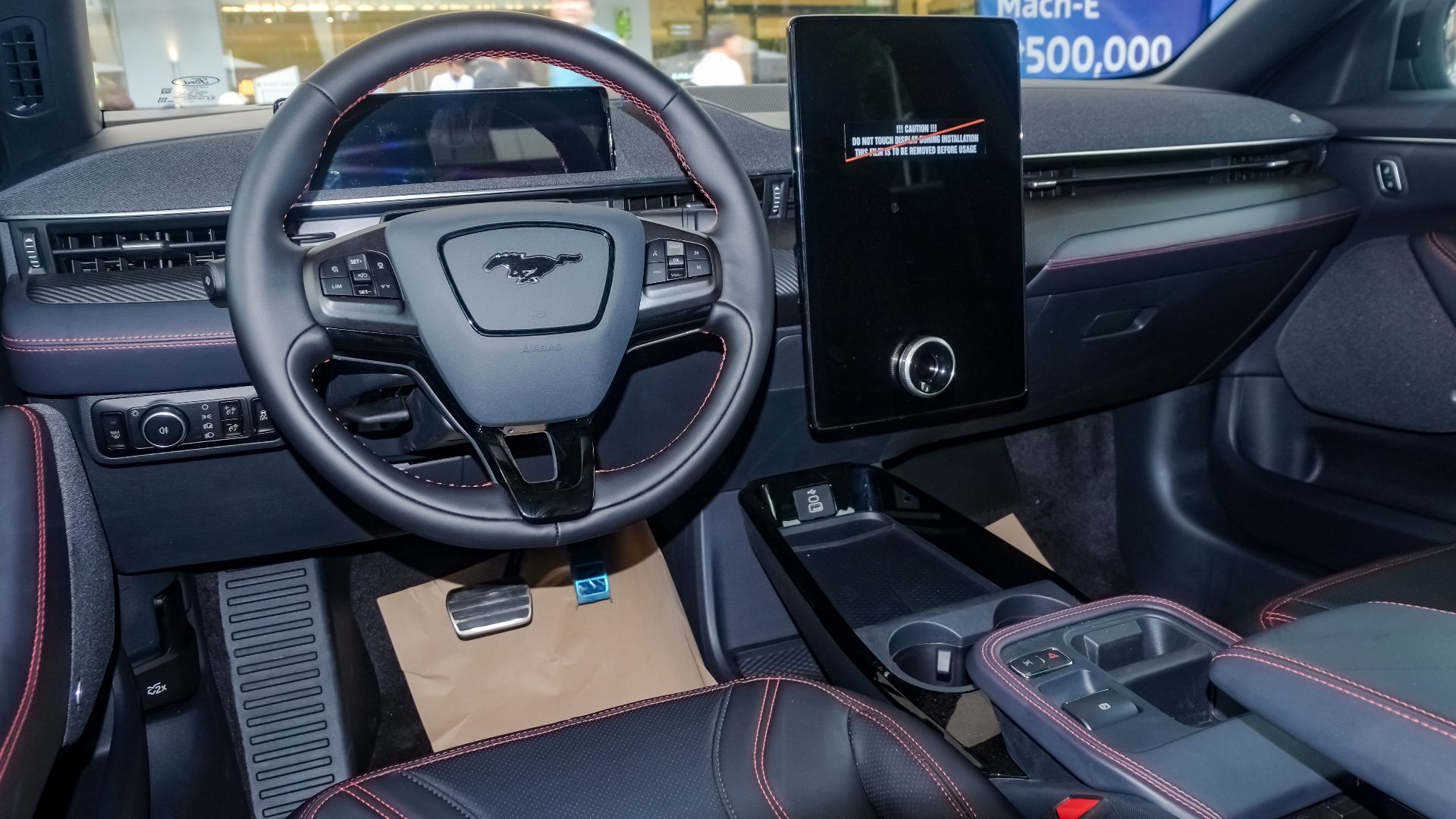
Ford calls its OTA setup Power-Up. The company says software updates can improve SYNC, add vehicle features, and upgrade existing functions without a trip to the dealer. Ford’s support materials also explain that some updates can be scheduled automatically and that available settings depend on the vehicle, model year, and connected-services setup.
 Ethan Llamas, Wikimedia Commons
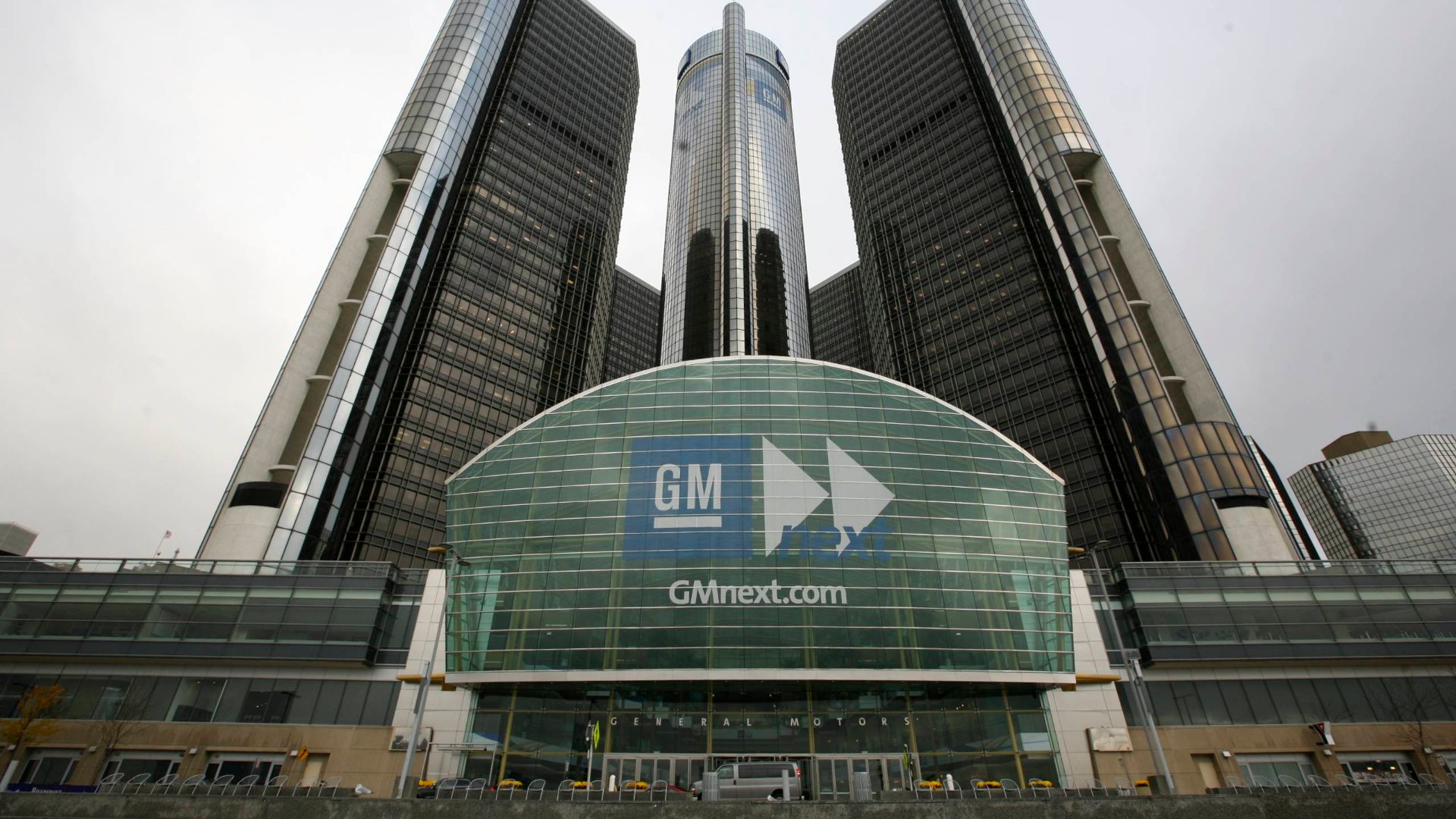
GM Is Doing The Same
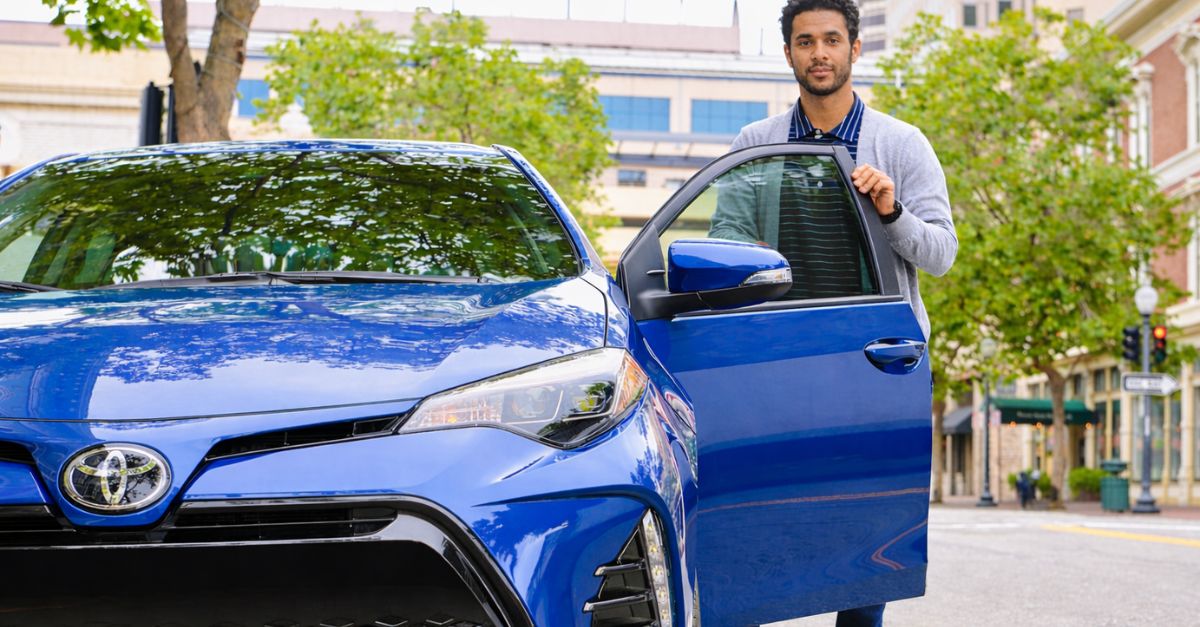
General Motors has expanded OTA updates across newer vehicles through its software and connected-services system. GM owner resources explain that some updates download in the background and install later, sometimes with owner approval and sometimes during off hours. That means a Chevrolet, GMC, Cadillac, or Buick owner may wake up to changed menus or updated options after a vehicle update.
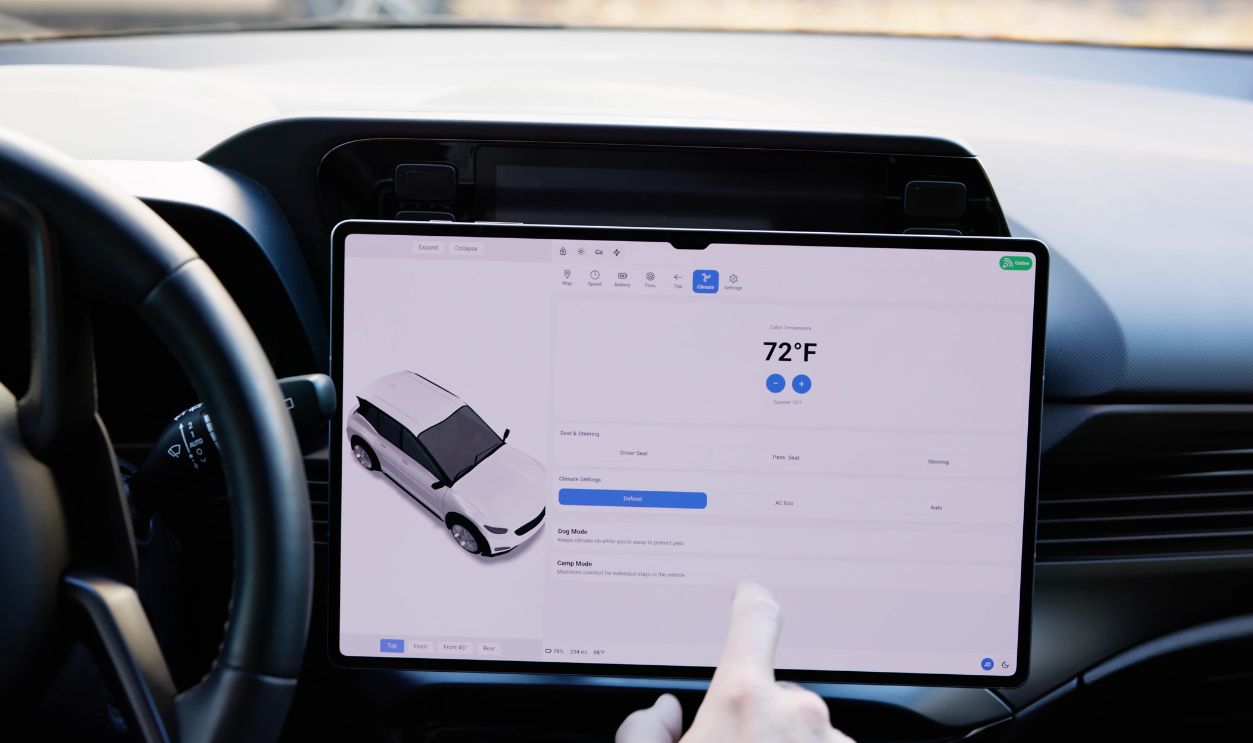
Rivian Warns Owners To Read The Notes
Rivian’s release notes show exactly why a car can feel different after an overnight update. The company regularly lays out changes to ride modes, driver assistance, charging behavior, and interface functions. Those updates can be genuinely useful, but they can also move the controls you use every day.
 Oleg Yunakov, Wikimedia Commons
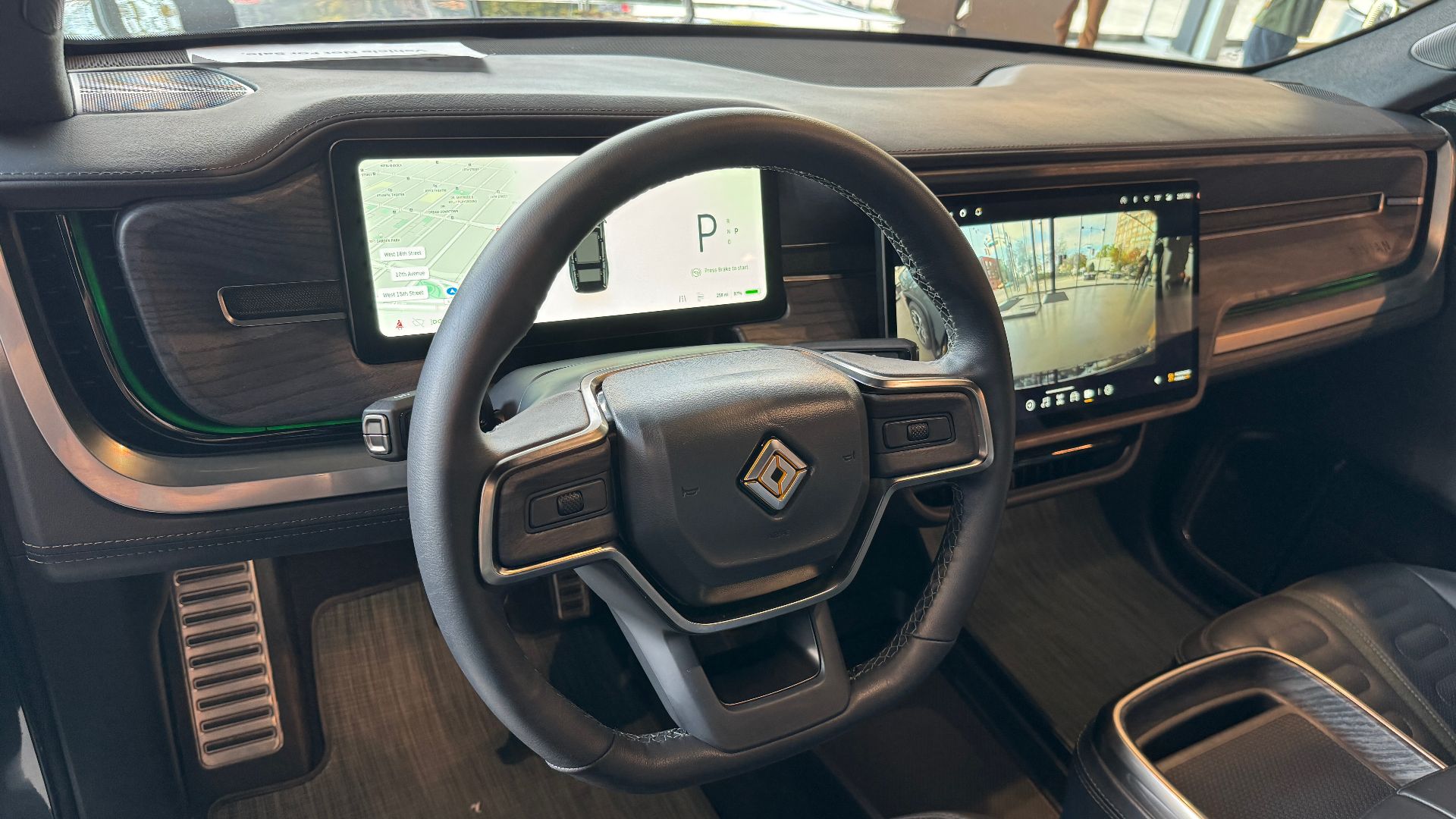
Volvo And Polestar Also Push Remote Updates
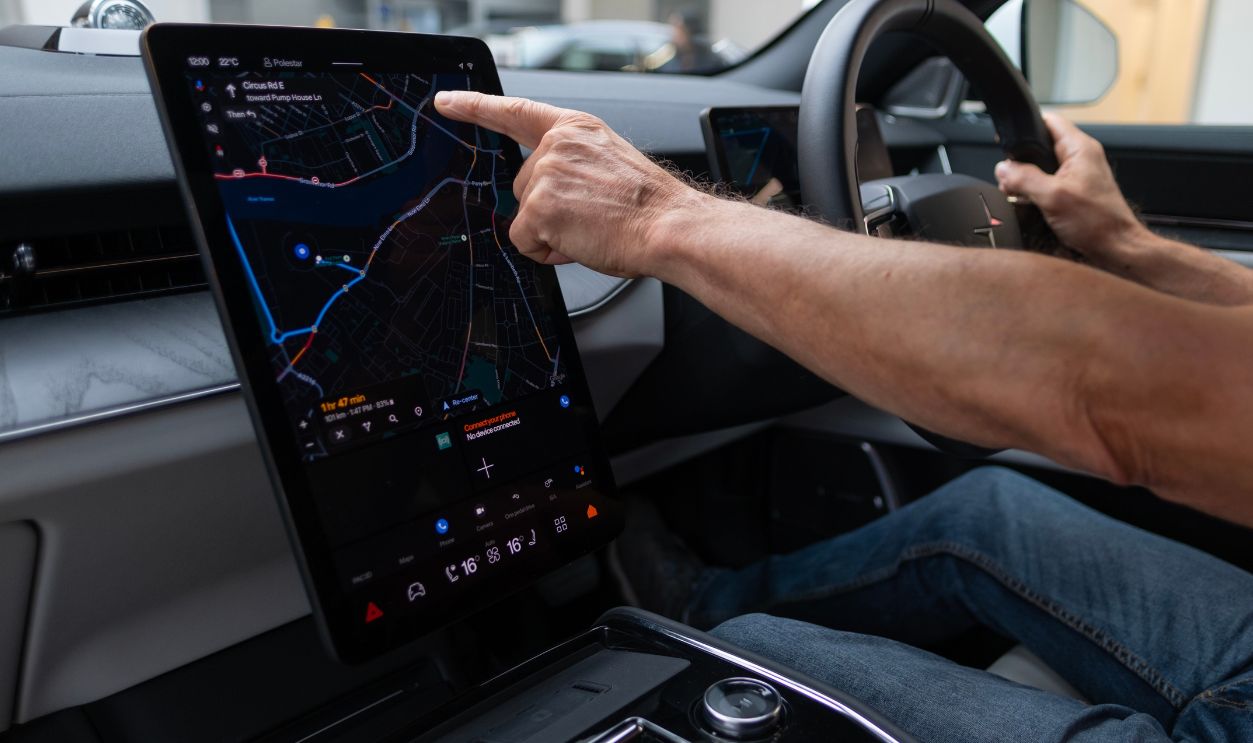
Volvo and Polestar publish update notes online that show how much software can change. In some releases, they have updated everything from app behavior to climate timers and driver-support systems. If your settings shift after one of these updates, it is often because the software package touched more than just the center screen.
Can You Stop Automatic Software Updates Completely
Usually not. In many vehicles, you can delay installation, choose a preferred time, or turn off automatic installation for certain kinds of updates. But critical safety, security, and compliance-related updates may still be required or strongly pushed by the automaker.

The Fine Print Matters
This is where the answer changes from brand to brand. Some automakers let you turn off automatic downloads over Wi-Fi, some let you postpone installation, and some split infotainment updates from vehicle-system updates. The owner’s manual, in-car software menu, and connected-services app usually spell out what you can and cannot control.

Tesla Usually Lets You Schedule, Not Opt Out Forever
Tesla owners can usually choose between installing now or scheduling for later once an update is ready. The company also lets users set software update preferences in the vehicle menu. But Tesla’s support language focuses on timing and delivery preference, not a permanent opt-out from all updates.
Ford Often Offers Auto Update Controls
Ford support materials describe options in some vehicles to enable or disable automatic software updates and set preferred installation times. That sounds simple, but it depends on the specific system and model. Even then, Ford notes that some updates may still be needed for proper vehicle operation.
 Dave Parker, Wikimedia Commons
GM Gives Owners Some Timing Control
GM’s owner guidance says updates may download automatically and that installation can happen when the vehicle is off. In many cases, owners can choose to install right away or postpone it. That helps, but it is not the same as blocking every future update for good.
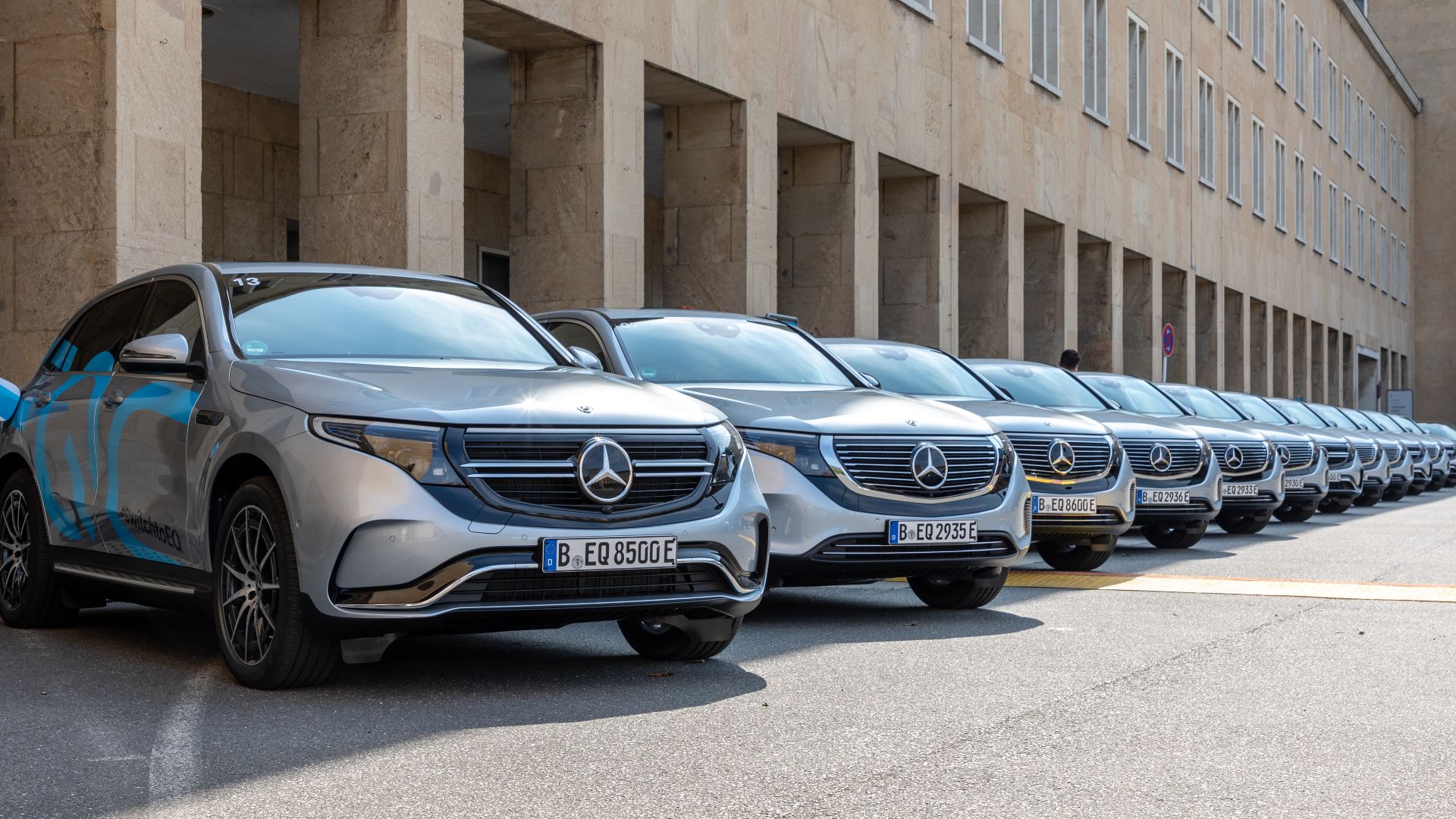
Mercedes-Benz, BMW, And Others Follow A Similar Pattern
Many premium brands use almost the same playbook. They push convenience, say updates can add improvements, and offer at least some way to schedule installation. What they usually do not offer is a full, permanent off switch for every software change.
 Diego Delso, Wikimedia Commons
Why Carmakers Want OTA Updates On
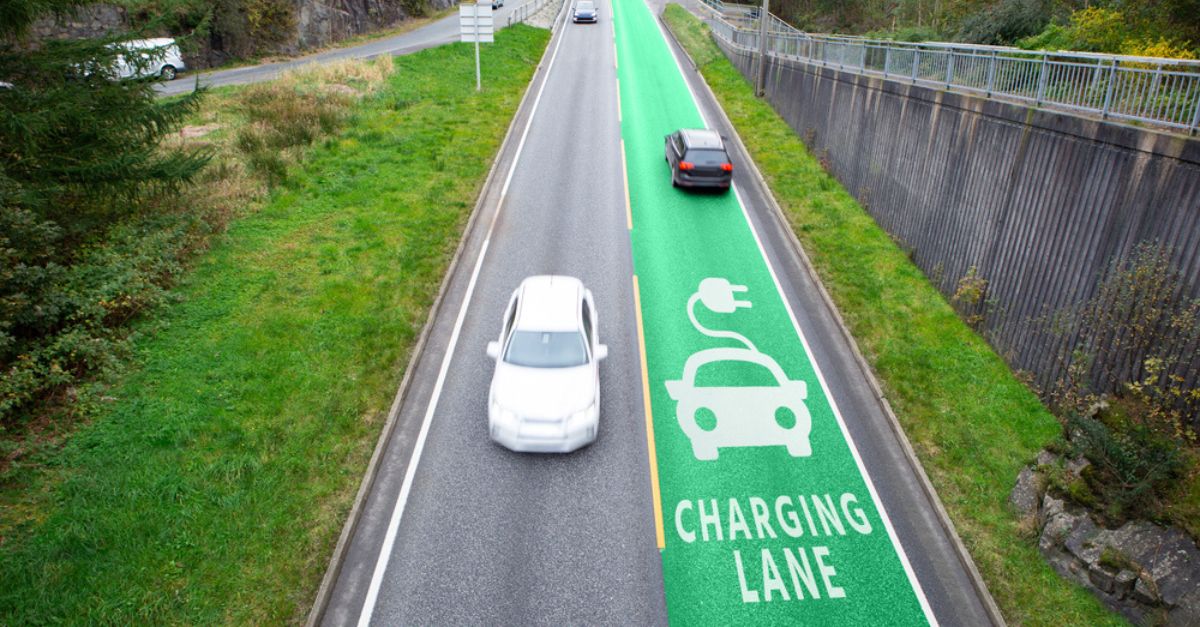
From the automaker’s side, remote updates save money, cut dealer visits, and fix problems faster. They can also patch cybersecurity holes without waiting for a service appointment. The National Highway Traffic Safety Administration has recognized the growing role of software and OTA capability in vehicle safety and recall practices.
Safety Recalls Are A Big Reason
In recent years, NHTSA has pointed out that some recall fixes can be delivered over the air. That matters because if a software update fixes a safety defect, the manufacturer has a strong reason to keep that path open. So even if your car lets you reduce automatic behavior, you may still get recall-related prompts or required notices.
 Dietmar Rabich, Wikimedia Commons
Cybersecurity Is Another Reason You May Not Have Full Control
Cars now contain dozens of networked modules, and software vulnerabilities are a real issue. The Alliance for Automotive Innovation and federal agencies have repeatedly stressed the importance of timely software fixes. In plain English, automakers do not want owners permanently refusing every update.
Why Your Preferences Sometimes Reset
There is no single reason, but a few patterns come up again and again. A software update may replace or rebuild a settings database, add a new default, or remove an old menu structure. If profile syncing is not perfect, the vehicle may also fail to restore everything the way you left it.

The Settings Most Likely To Change
Owners most often report changes to audio settings, driver profiles, navigation favorites, Bluetooth pairings, ADAS alert sensitivity, regenerative braking preferences, charging schedules, and privacy consents. This varies a lot by brand and model. The bigger the software release, the more likely it is that something familiar will move or reset.
How To Reduce Surprise Changes
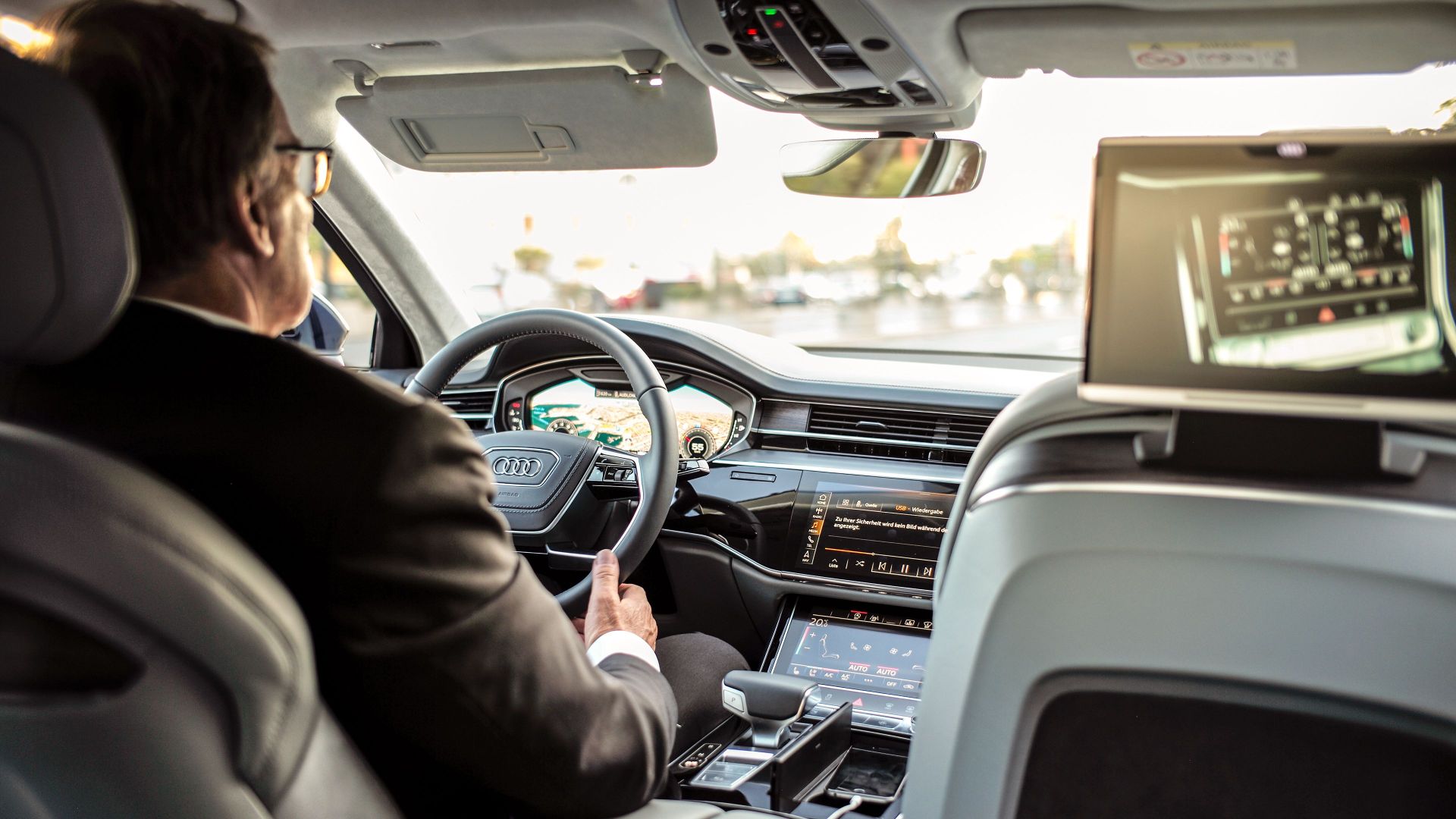
First, turn on update notifications if your car offers them. Second, look for a setting that disables automatic installation or lets you choose a preferred install window. Third, connect your driver profile to the brand’s app or account if the car supports it, since cloud syncing can sometimes restore settings more reliably.

Take Screenshots Before You Install
This is simple and worth doing. Before allowing a major update, take phone photos of your key settings pages, including charging, driver assistance, audio, and privacy menus. If the software changes anything, you will have a quick map back to your preferred setup.

Read The Release Notes Every Time
This is the step most owners skip, and it often saves the most hassle. Tesla, Rivian, Volvo, Polestar, and several other brands publish release notes explaining what changed. If a note mentions updated safety alerts, new charging logic, or interface changes, expect at least some disruption to your usual routine.

Use Scheduled Installs To Your Advantage
If your vehicle allows scheduling, pick a time when you will not need the car right away. Some updates take only a few minutes, while others need longer and can temporarily make the vehicle unavailable during installation. Choosing the timing yourself is often the best compromise.
When You Probably Should Not Delay
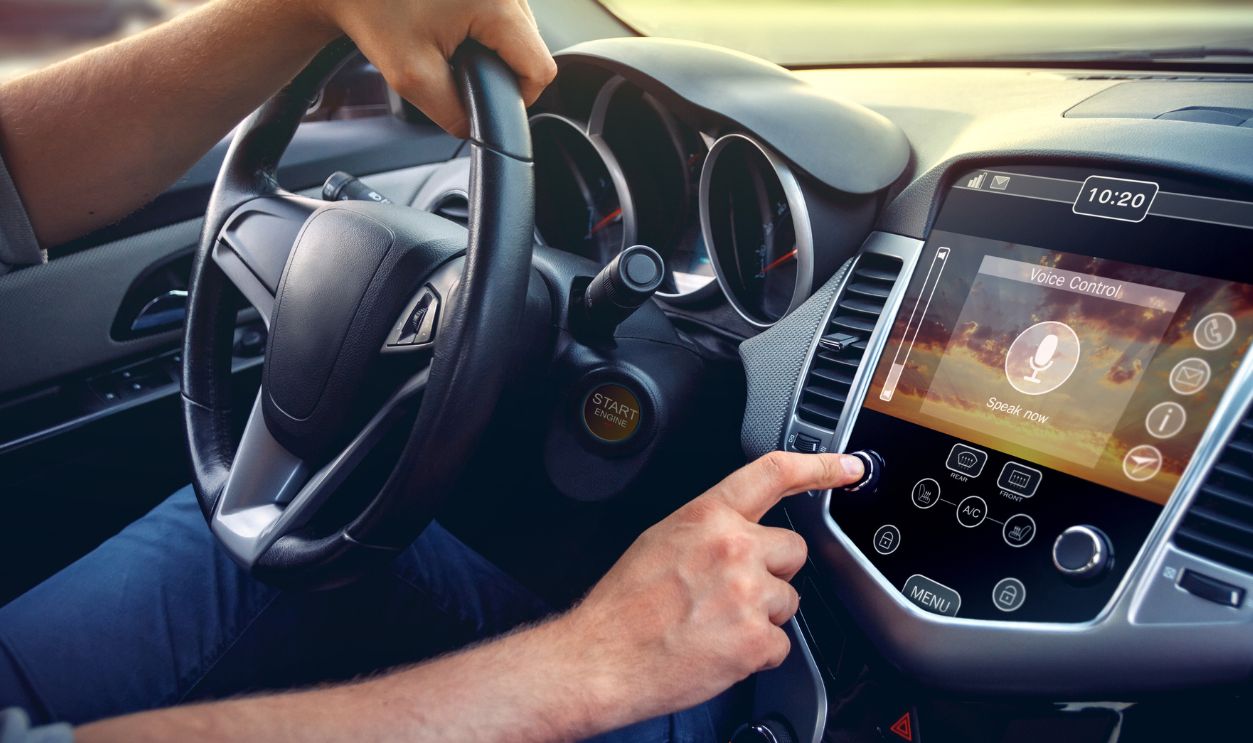
If the update involves braking, camera visibility, battery safety, cybersecurity, or an official recall, delaying gets harder to defend. Those are the times when convenience takes a back seat to safety and reliability. If you are not sure, check the update message, the automaker’s app, or the NHTSA recall database.

If Your Car Changed More Than It Should Have
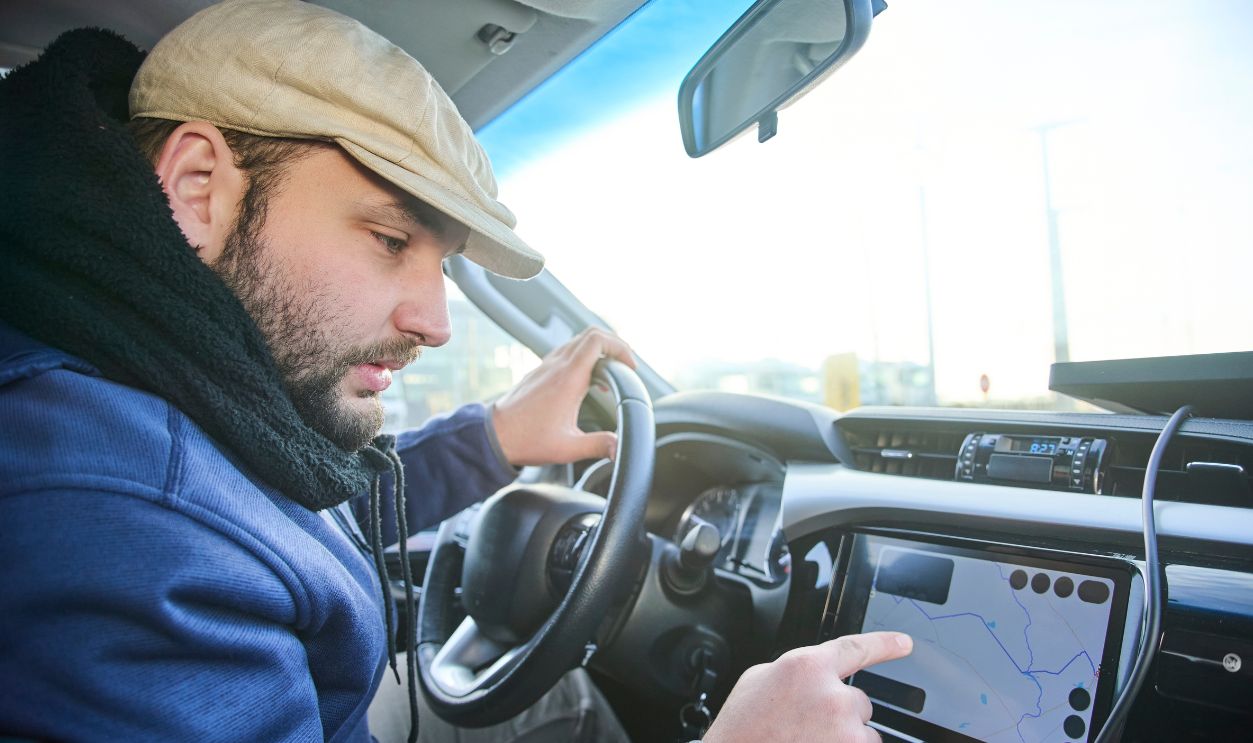
If an update seems to have removed features, broken functions, or repeatedly reset your preferences, document what happened. Take photos, note the software version, and contact the automaker or dealer service department. It also helps to check owner forums for your exact model, since other drivers may have already figured out whether the issue is widespread.
 Carolina Jaramillo, Shutterstock
The Bottom Line On Stopping Automatic Updates
In most cases, you can limit surprise installs, but you cannot fully shut your car off from every software update forever. The real choice usually is not yes or no, but now, later, or only under certain conditions. If your car keeps updating itself overnight and changing your settings, the practical move is to adjust installation preferences, watch release notes, and be ready for critical updates the manufacturer may still push through.