When Your Car Texts You Before It Yells at You
Modern cars have become surprisingly chatty. Between dashboard lights, infotainment messages, emails, and manufacturer apps, your vehicle can now tell you about maintenance in several different places. So when your phone warns you first, it is reasonable to wonder which screen deserves your attention. In many cases, the app is receiving legitimate information from the vehicle itself—but that does not make the dashboard obsolete. Here is how to handle the situation without ignoring something important or booking an unnecessary repair.

Your Phone Is Not Necessarily Guessing
Manufacturer apps can receive information transmitted directly by a connected vehicle. Toyota says its Service Connect system uses vehicle data transmission to provide health reports, warnings, and maintenance alerts, while Ford says its Vehicle Health Alerts use data from the vehicle. In other words, a notification can represent actual vehicle information rather than a generic calendar reminder.

Connected Cars Have Another Communication Channel
Many newer vehicles contain built-in cellular modems that communicate with manufacturer services. Ford, for example, says an activated vehicle modem enables features including Vehicle Health Alerts. This gives the car another way to report information besides illuminating something directly in front of the driver.
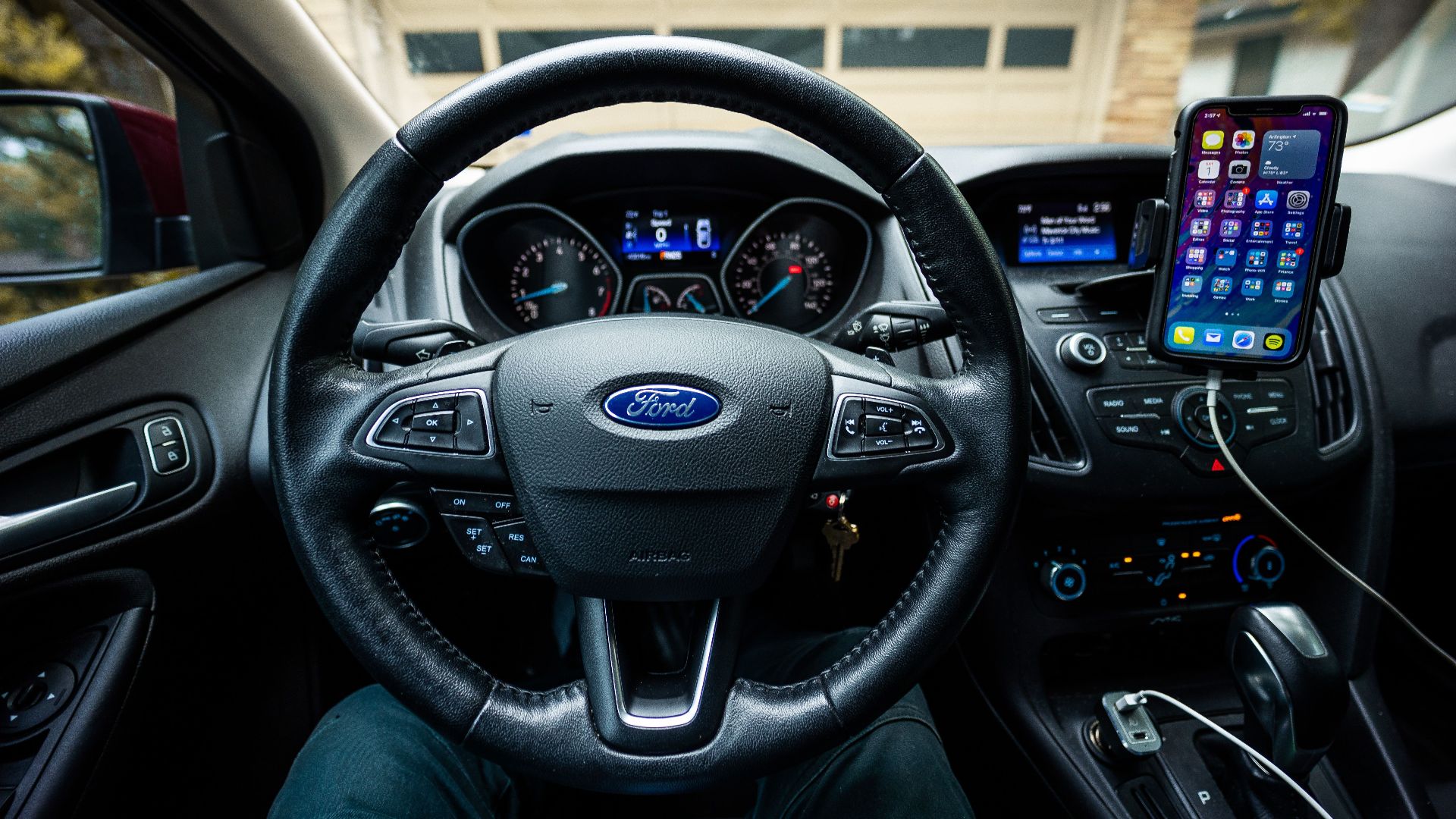
Maintenance Alerts And Warning Lights Are Different
A maintenance reminder does not automatically mean something has failed. Connected services can provide routine maintenance reminders based on mileage or other vehicle information. Toyota specifically distinguishes maintenance reminders, maintenance alerts, and broader vehicle warnings within Service Connect. Read the notification carefully before deciding how urgent it is.
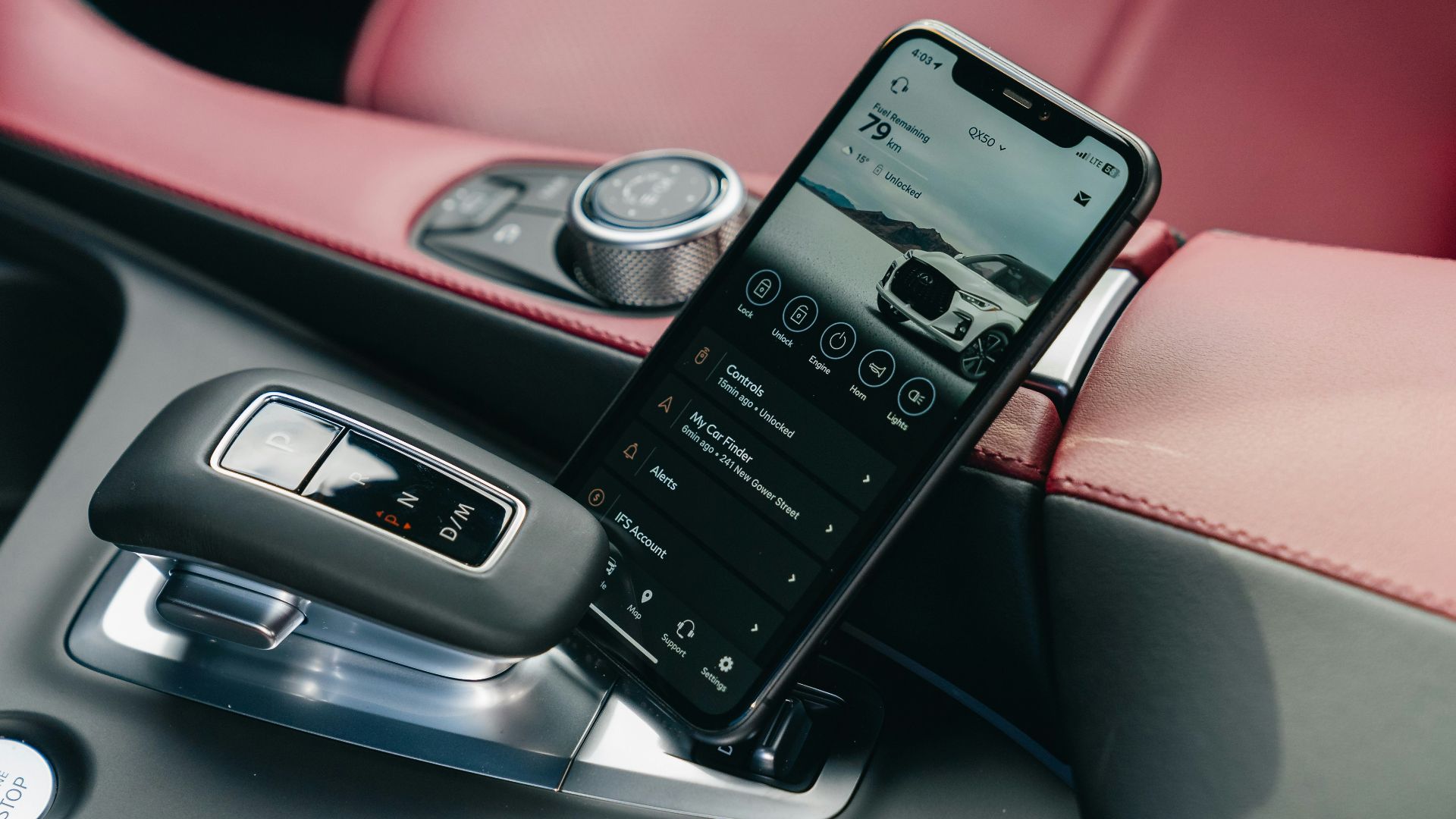
The App May Know Service Is Approaching
Some maintenance systems calculate when service is approaching rather than simply waiting for a failure. Honda’s Maintenance Minder, for example, calculates remaining engine-oil life based on engine operating conditions and displays maintenance items as service approaches. A connected app can similarly surface maintenance information before you would normally go looking for it.
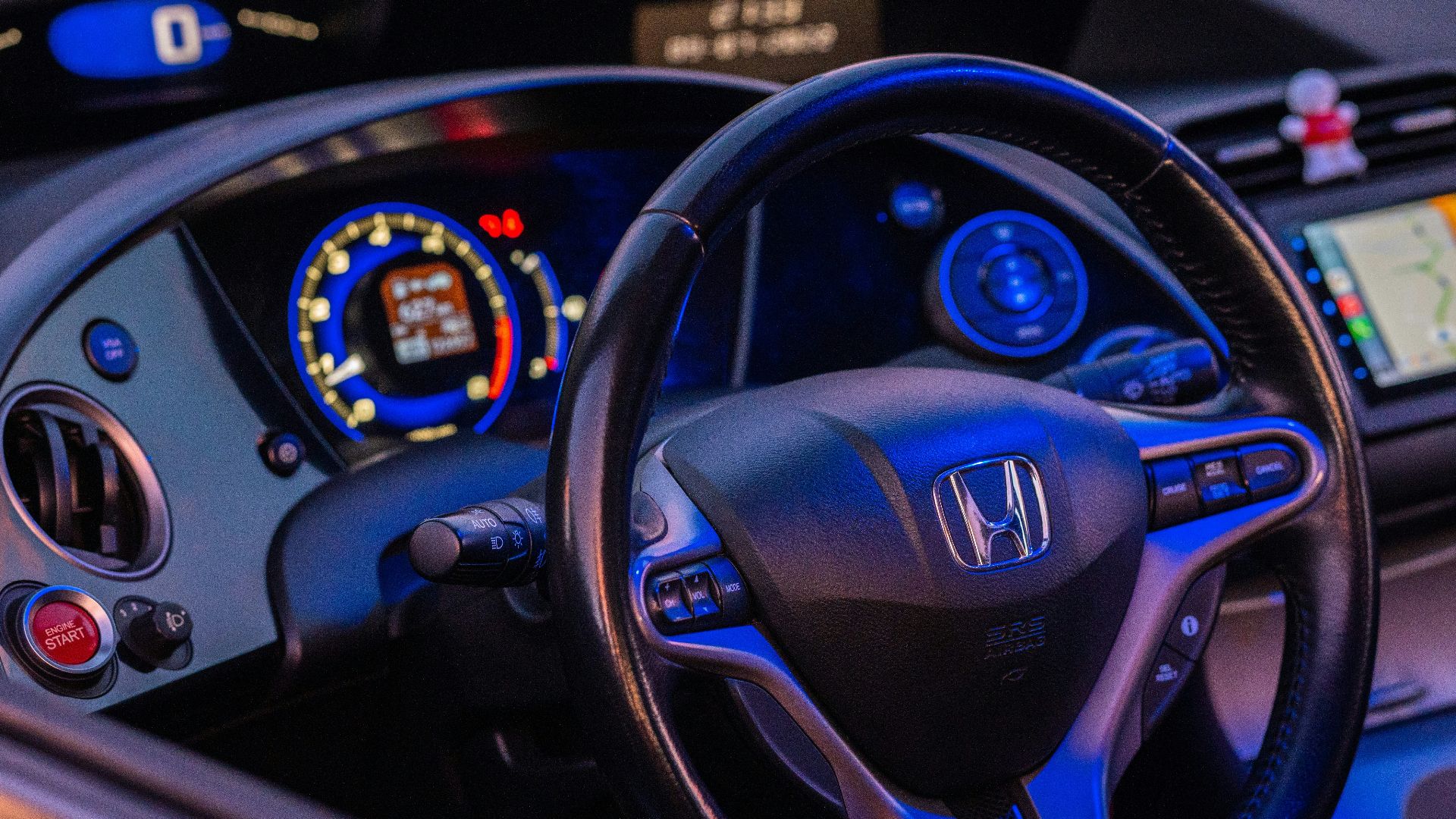
Waiting For A Light Can Defeat The Purpose
If your manufacturer intentionally provides advance maintenance notifications, waiting for a dashboard light means throwing away that head start. Subaru specifically describes its maintenance notifications as timely reminders intended to help owners obtain service when needed. An early message is therefore not automatically evidence that something is wrong with the app.
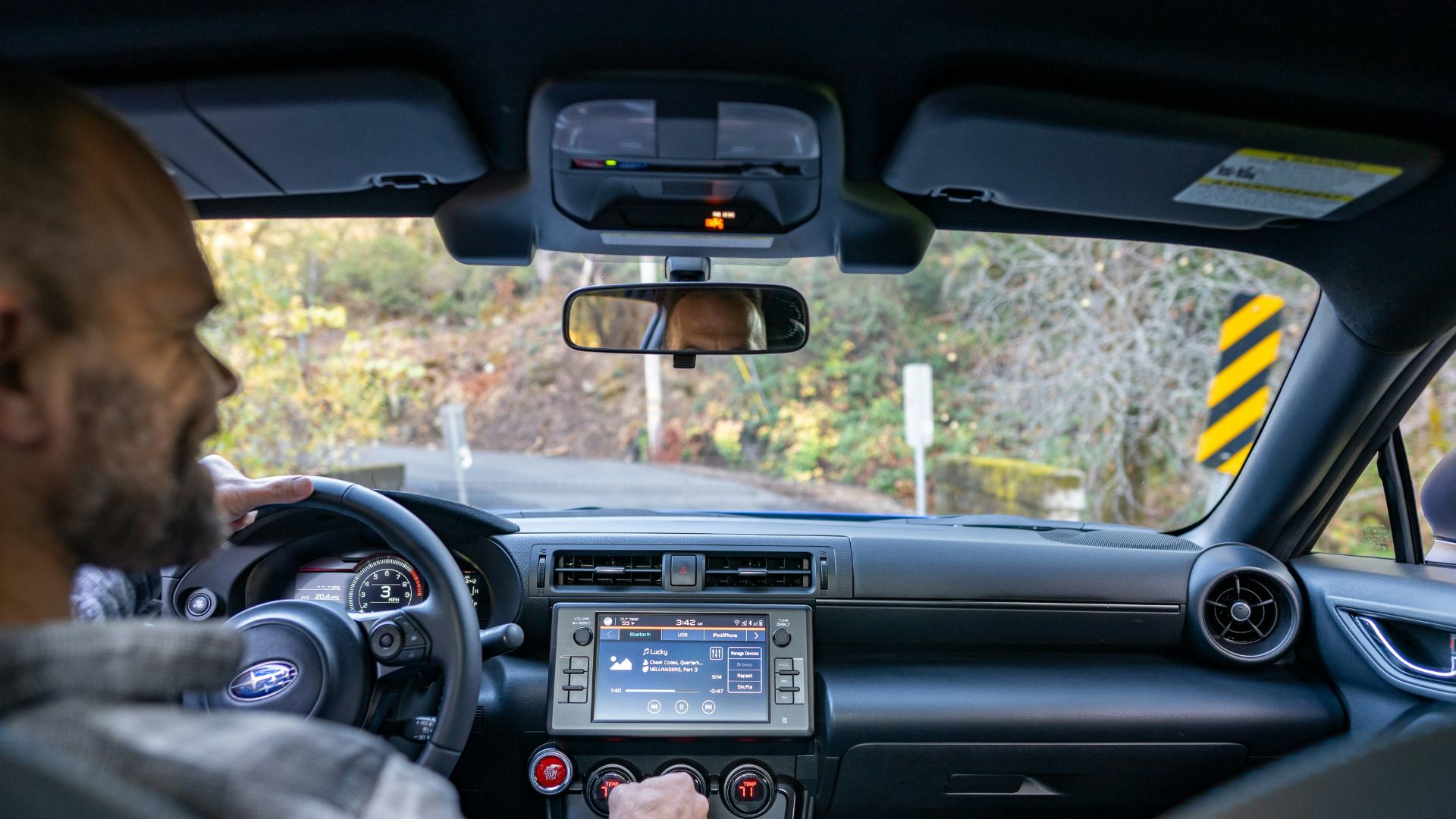
Some Alerts Explain Dashboard Warnings
Apps can also add context that a small dashboard symbol cannot. Ford says its Vehicle Health Alerts explain what is happening and what the driver should do. Subaru similarly says its diagnostic alerts provide explanations and indicate whether a service appointment should be scheduled.

Check Exactly What The Notification Says
Words matter here. “Maintenance due soon,” “low tire pressure,” and “engine malfunction” describe very different situations. Open the manufacturer’s app and read the complete alert rather than relying on the abbreviated push notification. Look for the affected system, recommended action, mileage, and any urgency language.
Then Check The Car Itself
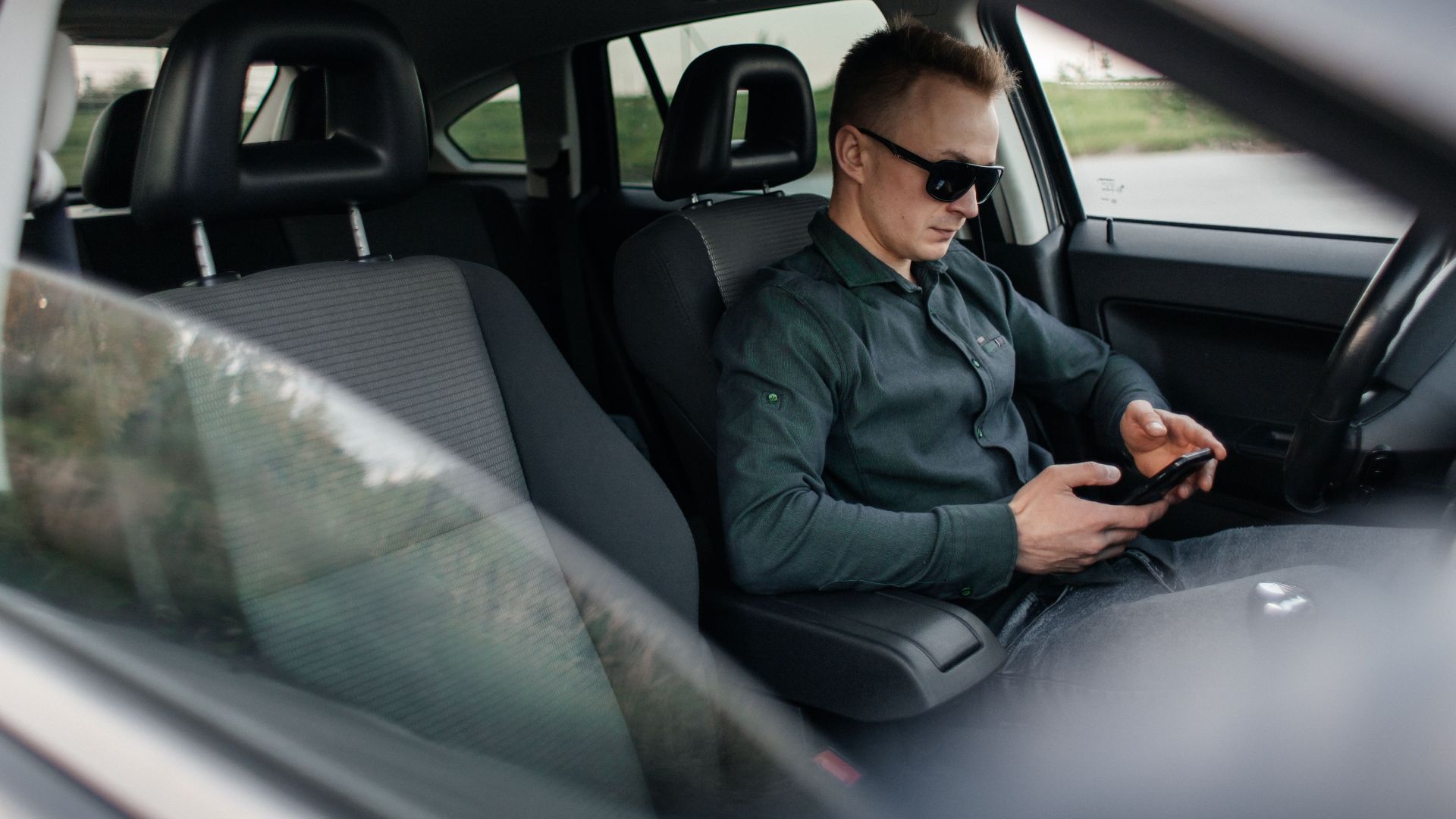
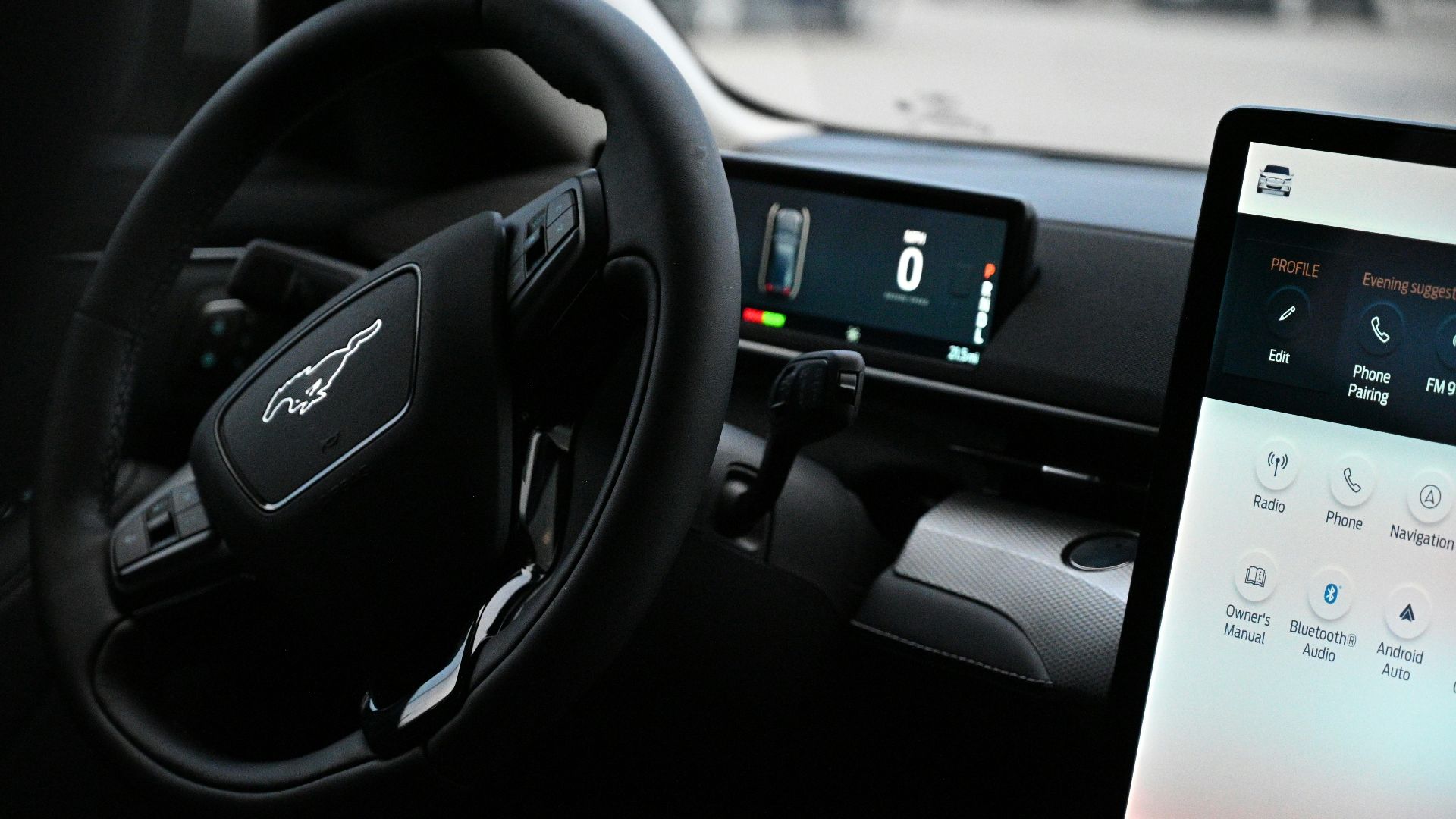
Turn the vehicle on safely and inspect the instrument panel and information displays. Some dashboard lamps illuminate briefly during startup as a system check, so a momentary light is not necessarily a problem. Ford advises consulting the owner’s manual for vehicle-specific explanations of warning and indicator lamps.

Your Owner’s Manual Gets The Final Word
Symbols, maintenance schedules, and alert behavior vary among manufacturers and models. The owner’s manual explains what a particular warning means for your exact vehicle. Even manufacturer support pages routinely direct owners back to their manuals when model-specific information is required.
Red Dashboard Warnings Change The Situation
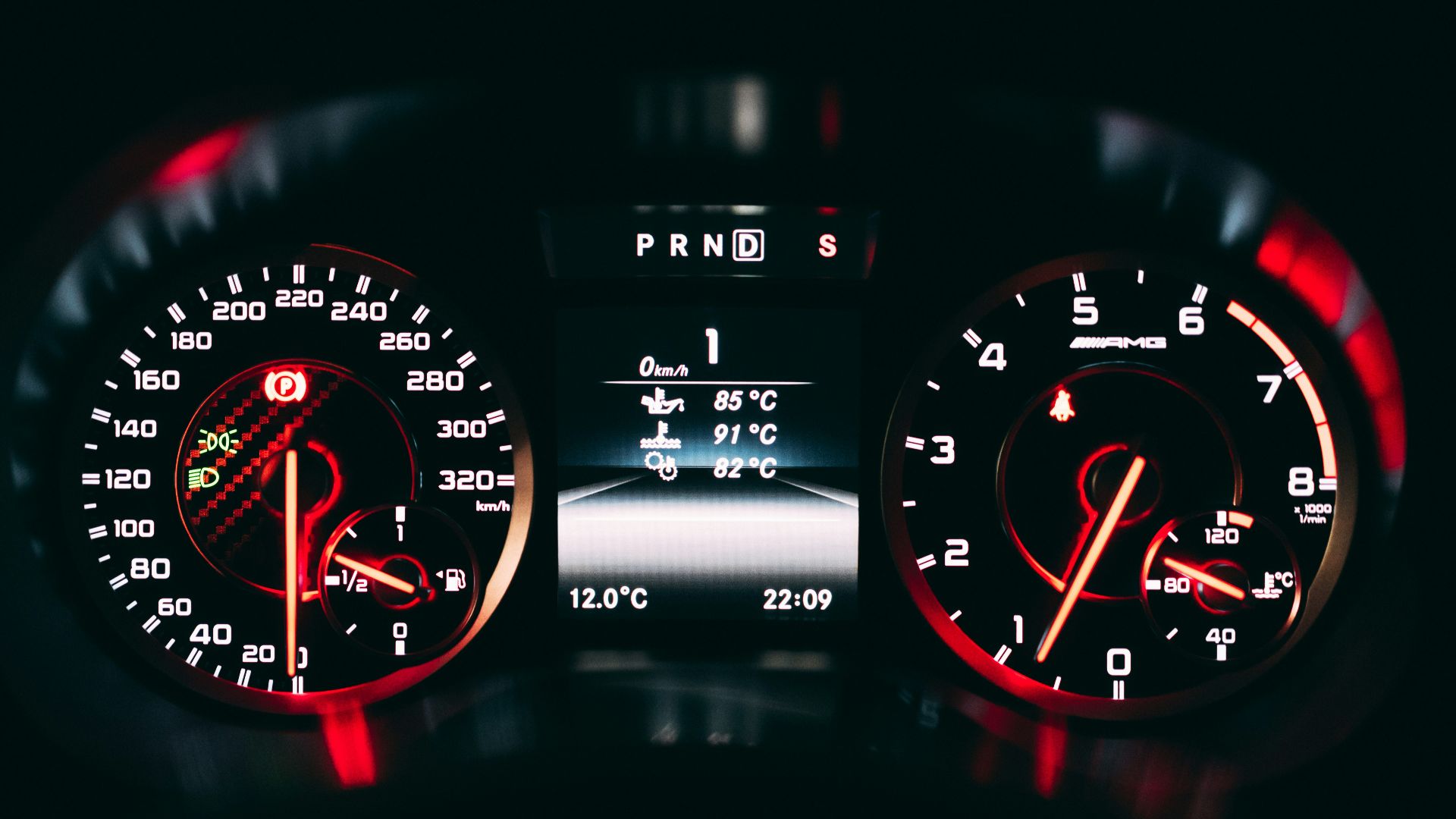
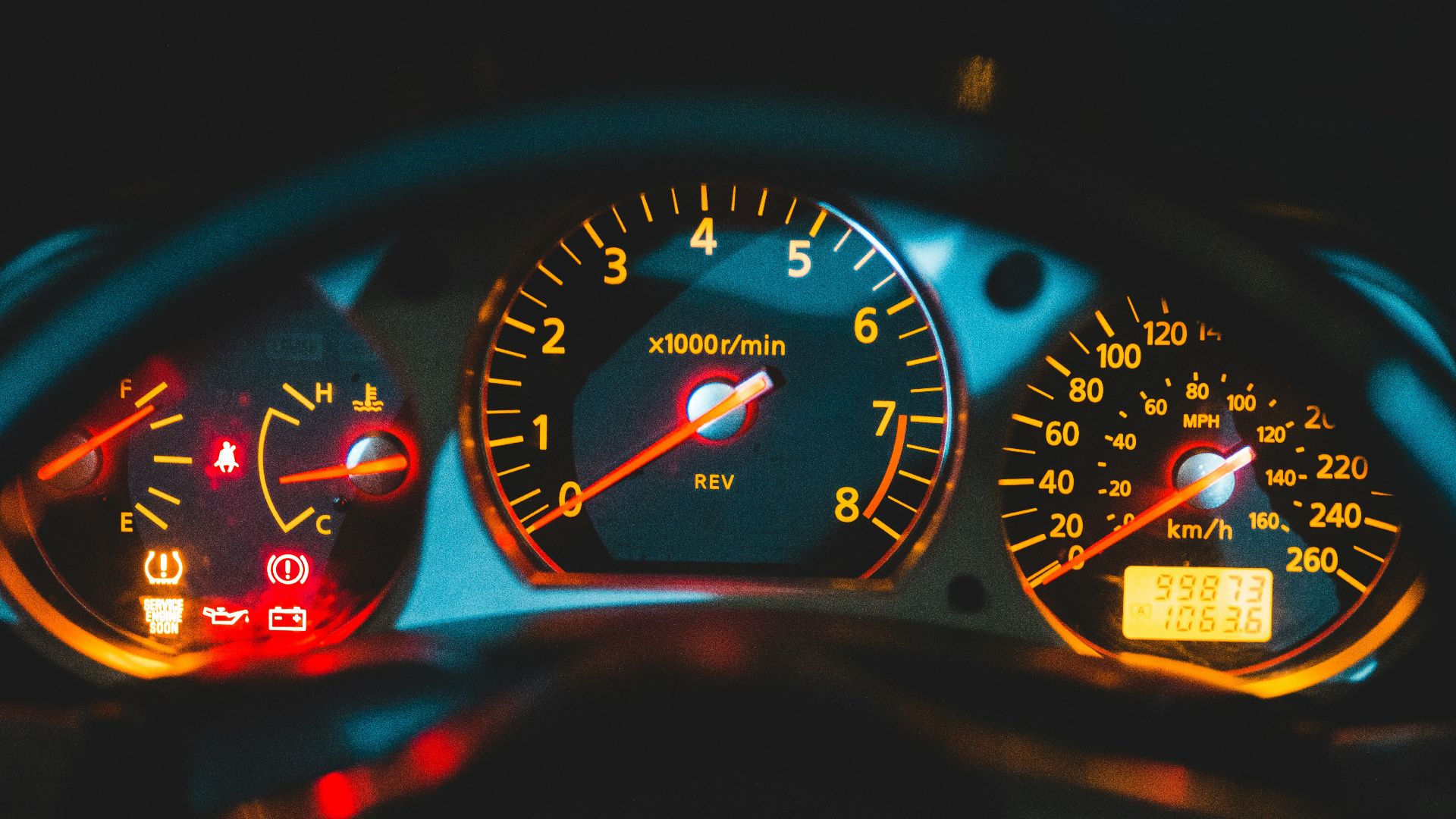
If a red warning appears while you are driving, do not keep going simply because the phone notification seemed harmless. AAA guidance describes red warning lights as problems generally requiring immediate action, while amber warnings typically indicate something needing attention soon. The specific owner’s manual instructions still take priority.
Do Not Wait On Oil-Pressure Warnings
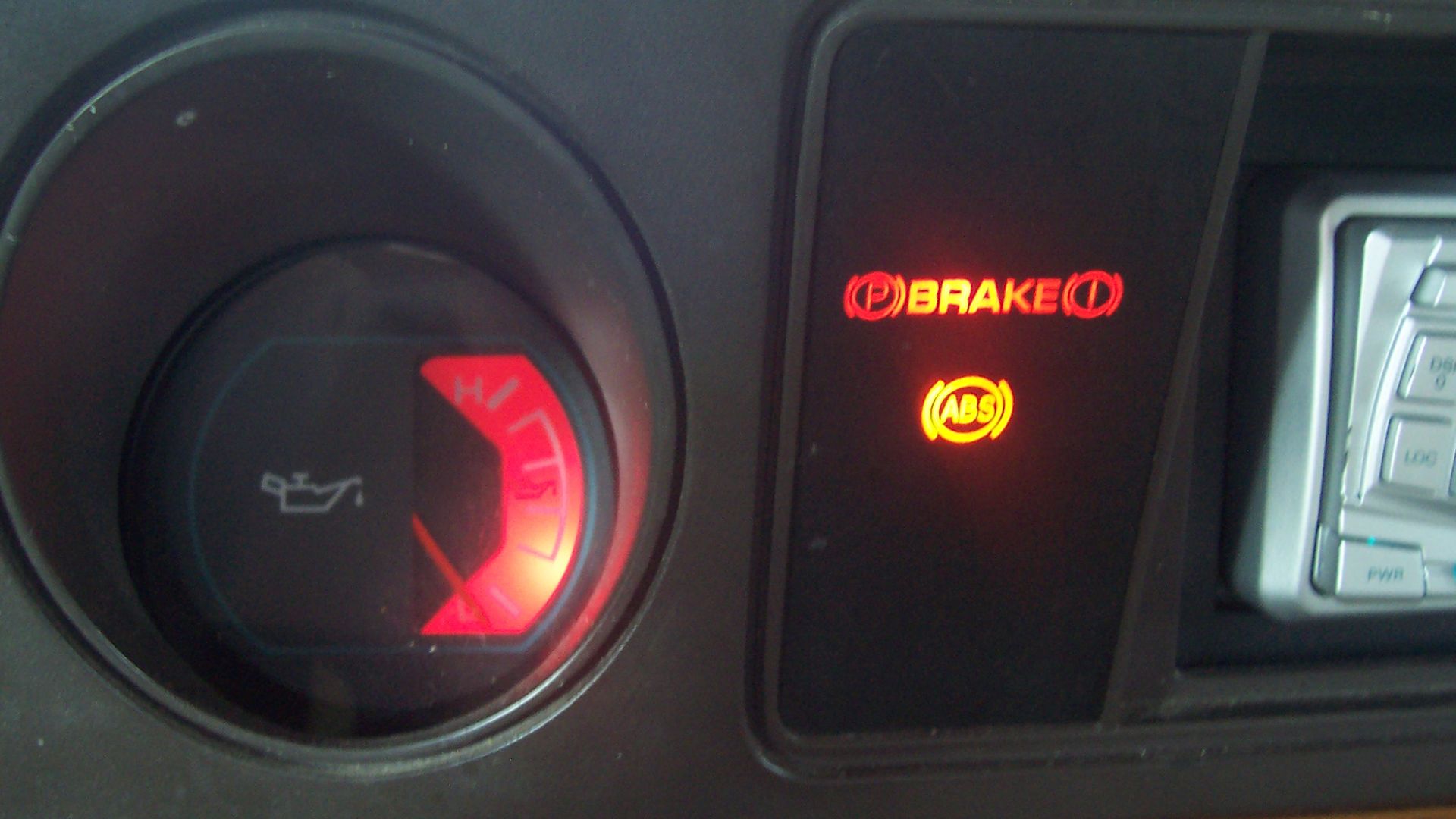
An oil-pressure warning deserves particularly serious treatment. Driving an engine without adequate oil pressure can cause major damage quickly. If the dashboard displays an oil-pressure warning, follow the manufacturer’s instructions immediately rather than waiting to see whether the connected app eventually updates or changes its message.
 Ahanix1989 at English Wikipedia, Wikimedia Commons
Tire Alerts Are Worth Checking Manually
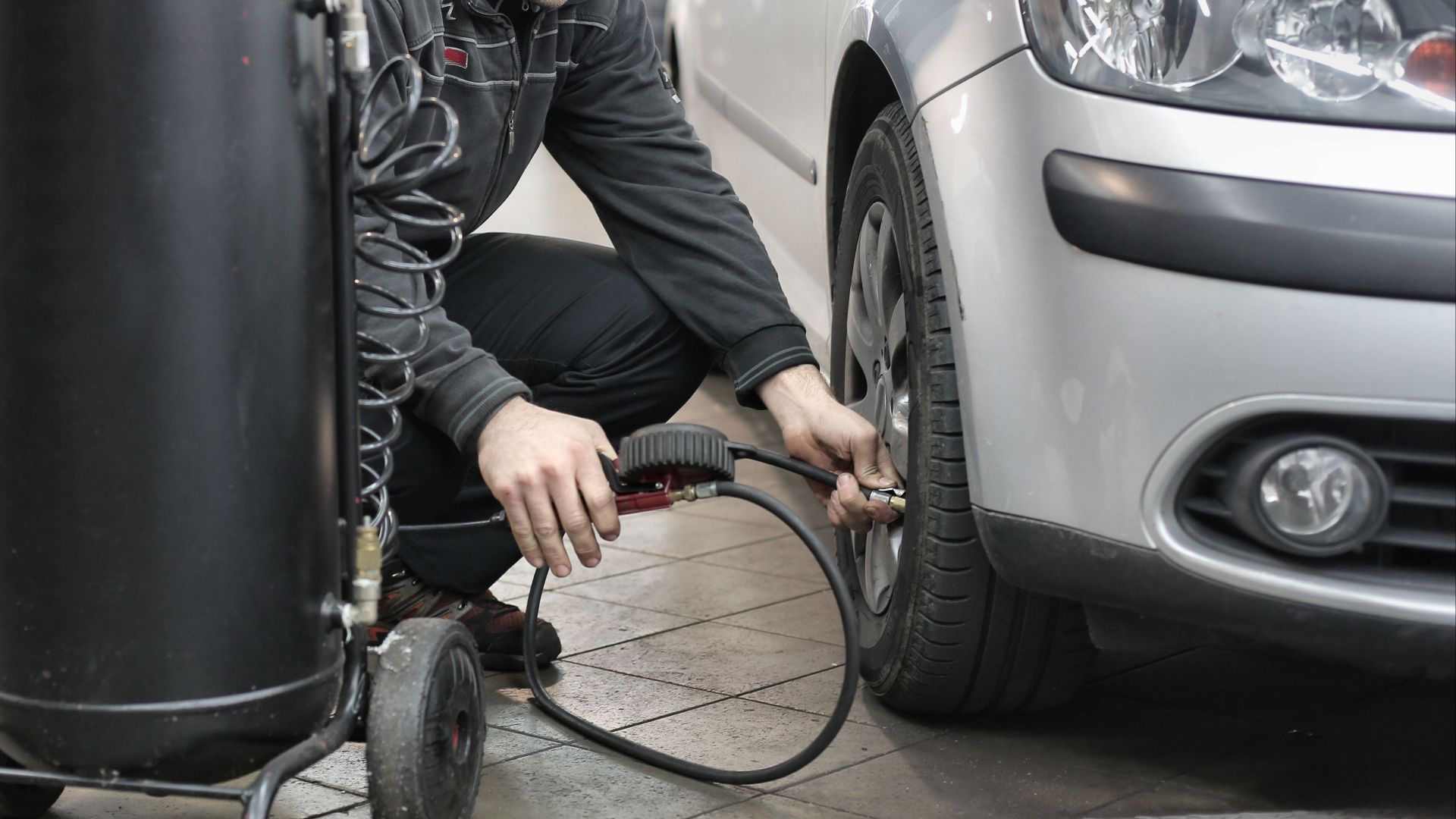
NHTSA says tire-pressure monitoring systems warn when tires are significantly underinflated, but they are not substitutes for regular pressure checks. If an app reports low pressure, check the tires with a gauge when cold and compare the readings with the recommended pressures on the vehicle placard or in the manual.
The Dashboard Has Thresholds Too
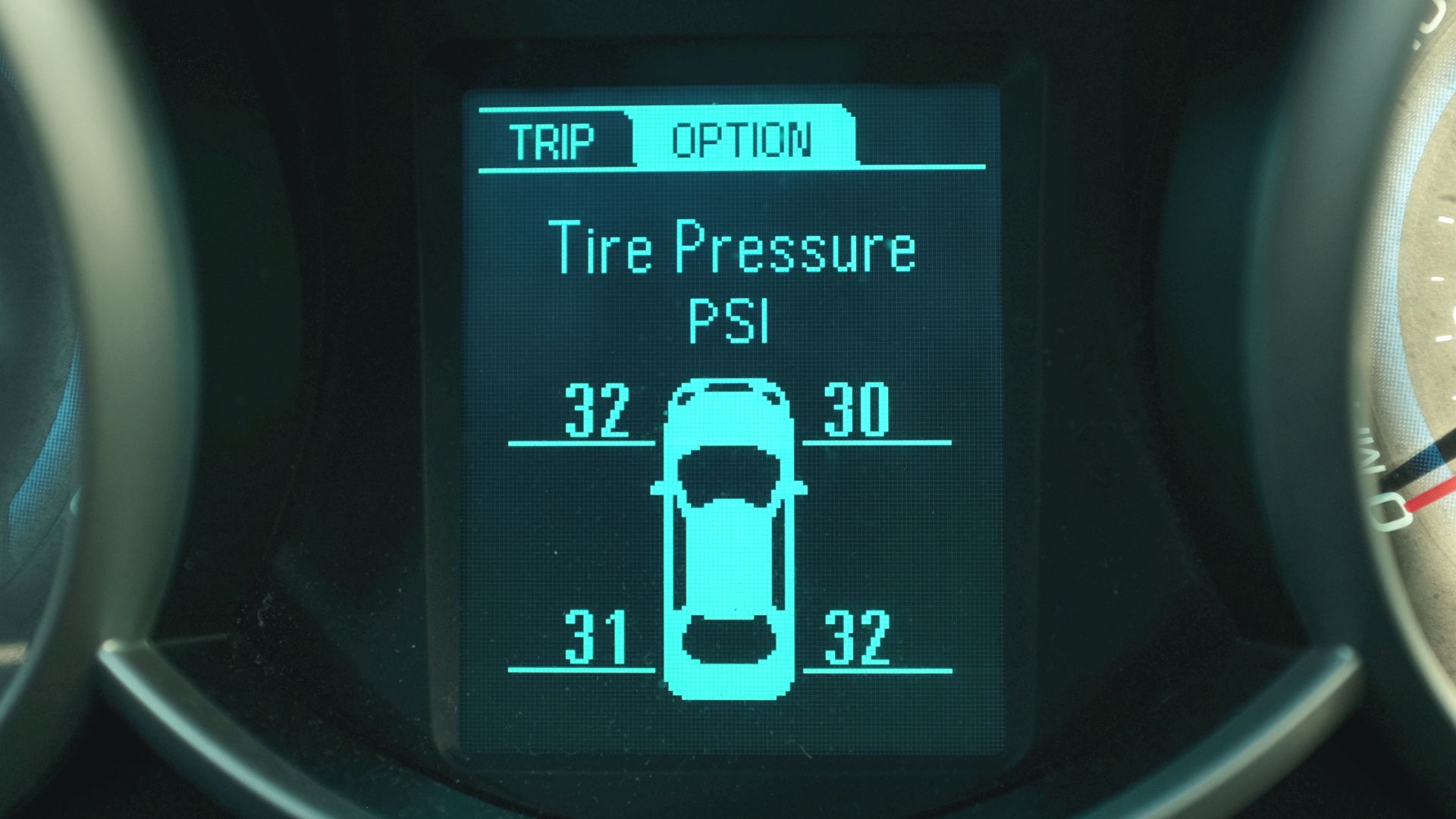
A dashboard light does not necessarily illuminate the instant a measurement changes. TPMS is a good example: federal requirements concern warnings after pressure falls substantially below the recommended level. That means information displayed elsewhere could potentially draw your attention to a condition before a dashboard warning threshold is reached.
App Information Can Also Be Delayed
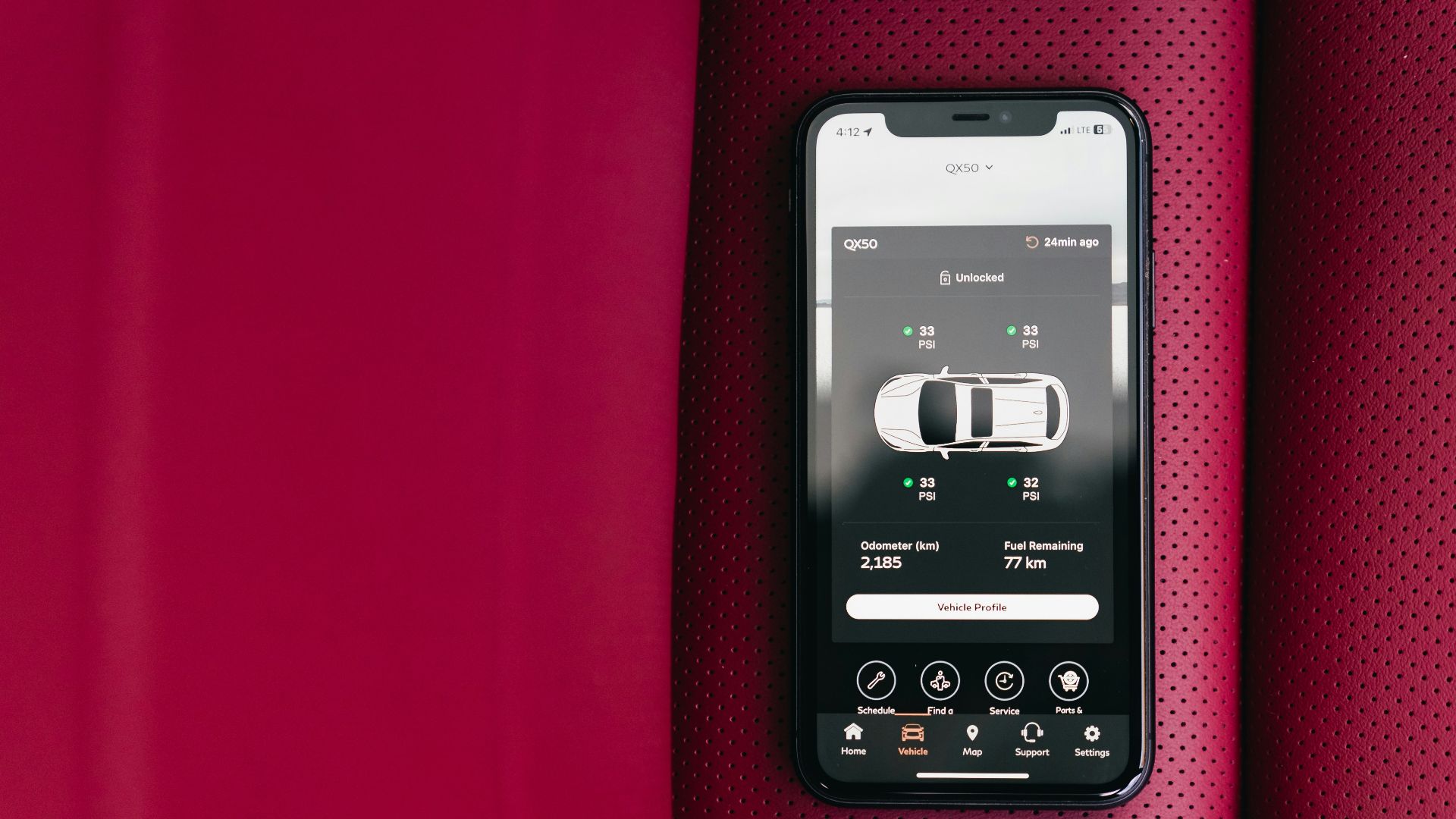
Connected services depend on communication between the vehicle and remote systems. An app may therefore show information associated with a previous update rather than what is happening at that exact second. Toyota’s online vehicle dashboard, for instance, displays when vehicle health information was last updated.
Connectivity Can Fail
Vehicle modems, account activation, connectivity settings, and cellular signal all affect connected features. Ford notes that Vehicle Health Alerts require an activated modem and enabled connectivity settings. If your app has stopped updating or displays suspiciously old information, verify its connection before treating it as a real-time instrument.
Different Brands Handle Alerts Differently
There is no universal rule saying every app must behave exactly like every dashboard. Subaru says diagnostic notifications can accompany a check-engine or warning light, while Toyota offers separate maintenance and vehicle-health functions. The correct interpretation therefore depends heavily on the system installed in your particular vehicle.

Some Apps Provide Real-Time Diagnostics
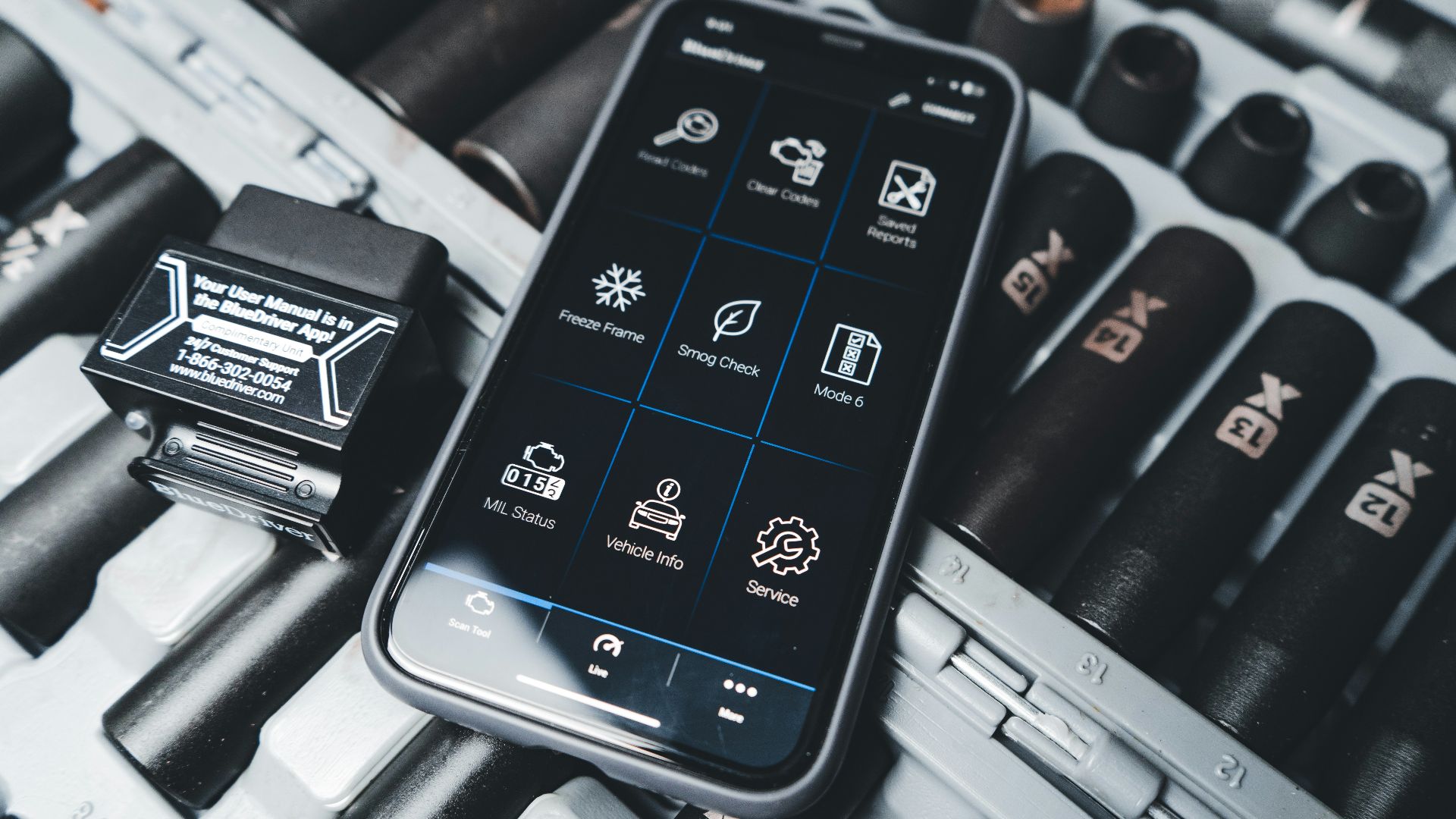
Connected apps can offer considerably more than service reminders. Chevrolet says its mobile app can display vehicle health information including tire pressure and oil life, and compatible vehicles offer real-time diagnostics. That makes the phone useful as another window into vehicle data, although it should not replace the instrument panel.
Do Not Confuse Maintenance With Diagnosis
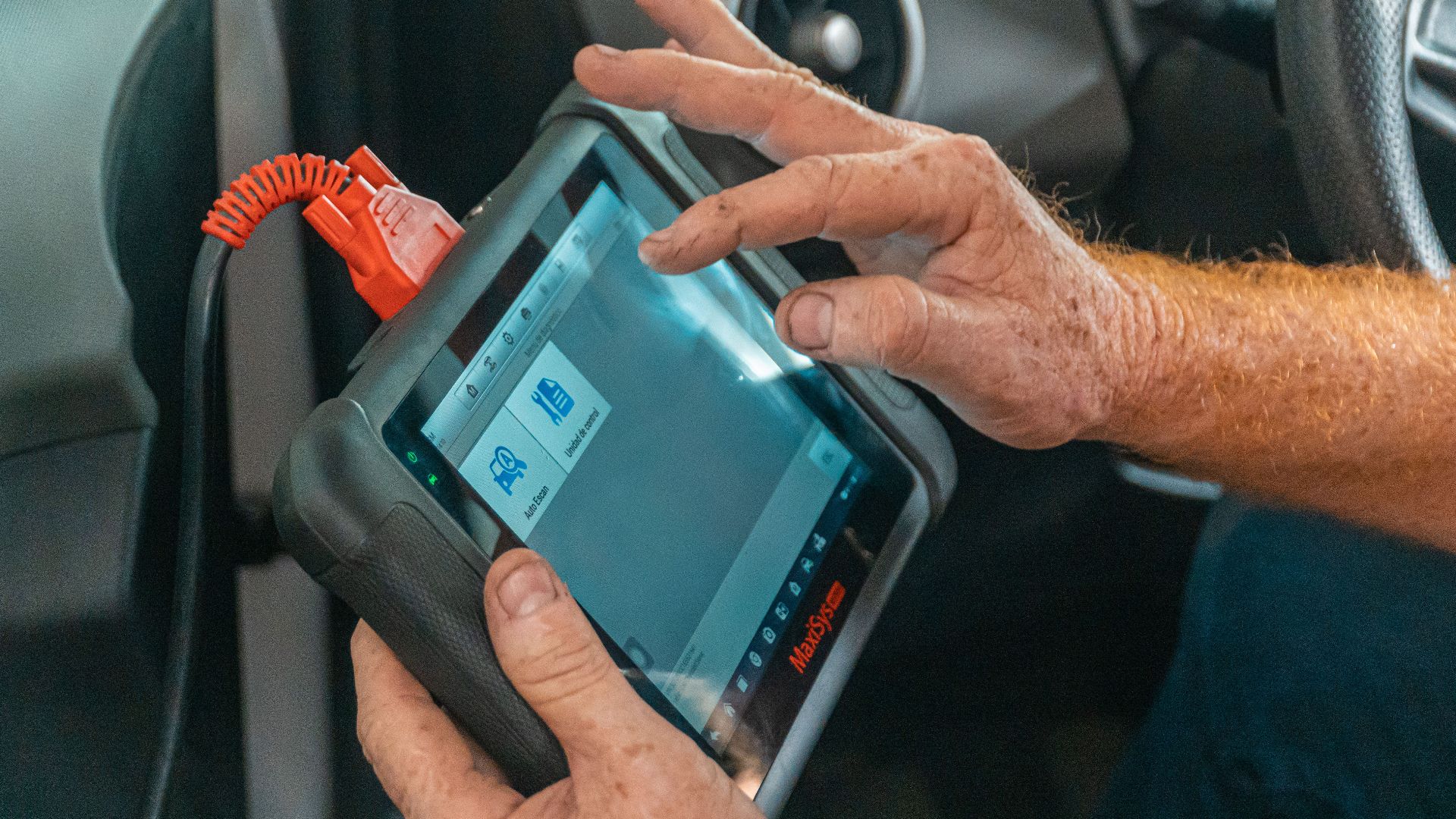
A reminder saying an oil change is due does not prove the oil itself is dangerously low, just as a service reminder does not identify a mechanical failure. Conversely, clearing or dismissing a reminder does not repair anything. Determine whether you received scheduled-maintenance information or an actual diagnostic alert.
 Jose Ricardo Barraza Morachis, Pexels
Use The App As An Early Heads-Up
The most sensible approach is not choosing the phone over the dashboard. Treat a legitimate manufacturer-app warning as useful information worth investigating. Check the alert details, inspect the vehicle, consult the manual, and arrange maintenance when appropriate rather than waiting deliberately for another warning system to activate.

Know When Not To Drive
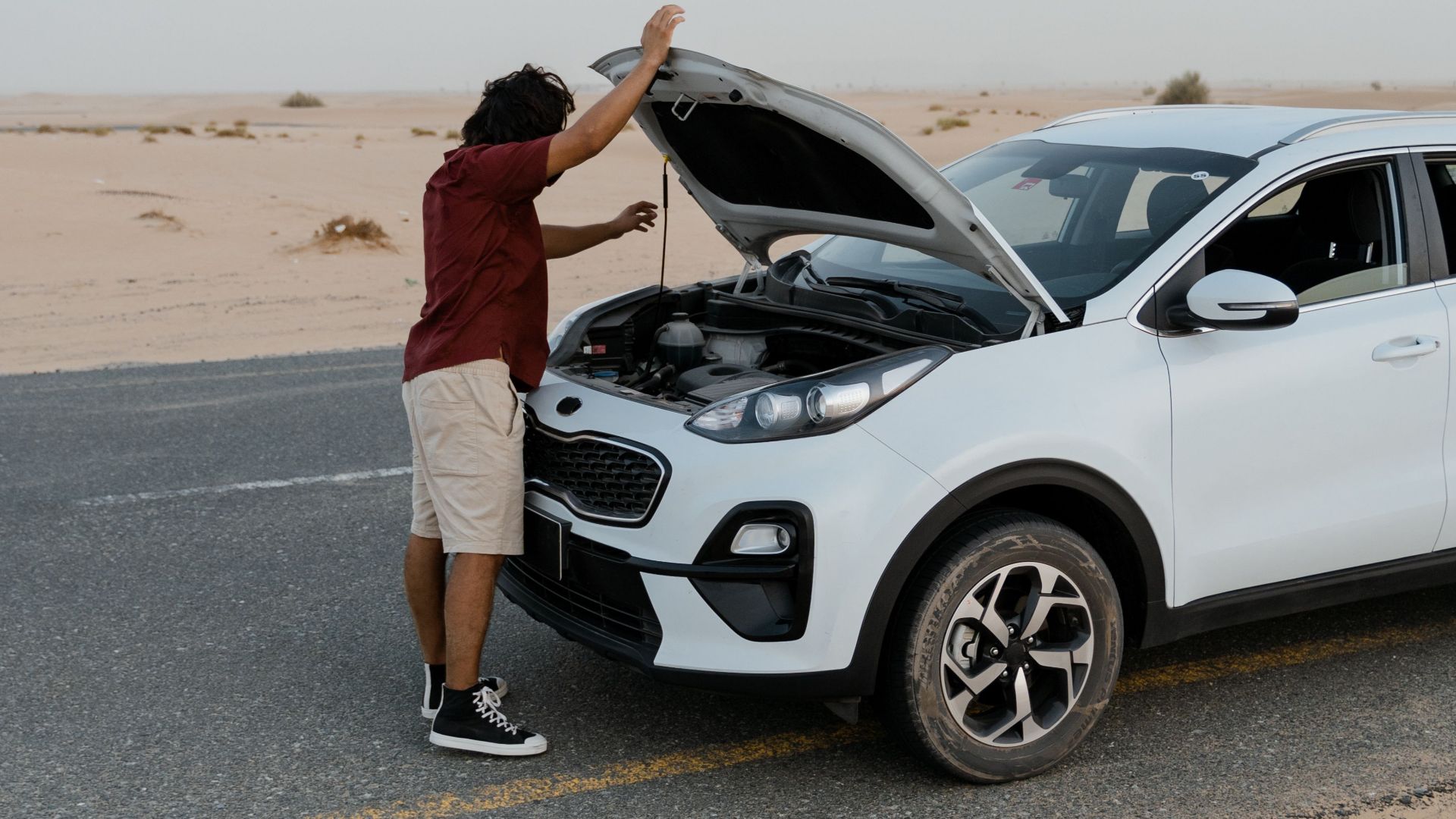
If the vehicle develops a red warning, overheating, abnormal noises, smoke, loss of power, unusual handling, or another obvious safety problem, an apparently mild app message should not reassure you. Stop somewhere safe and follow the owner’s manual instructions; professional inspection or towing may be appropriate.
Trust The Message, Then Verify It
So, should you trust the phone? Trust a genuine manufacturer app enough to investigate its warning rather than ignoring it until the dashboard catches up. Then verify what it means using the vehicle displays and owner’s manual. Connected alerts are an additional source of information—not permission to ignore either maintenance or dashboard warnings.
You May Also Like: