My New Car Came With A Feature I Could Not Wait To Use
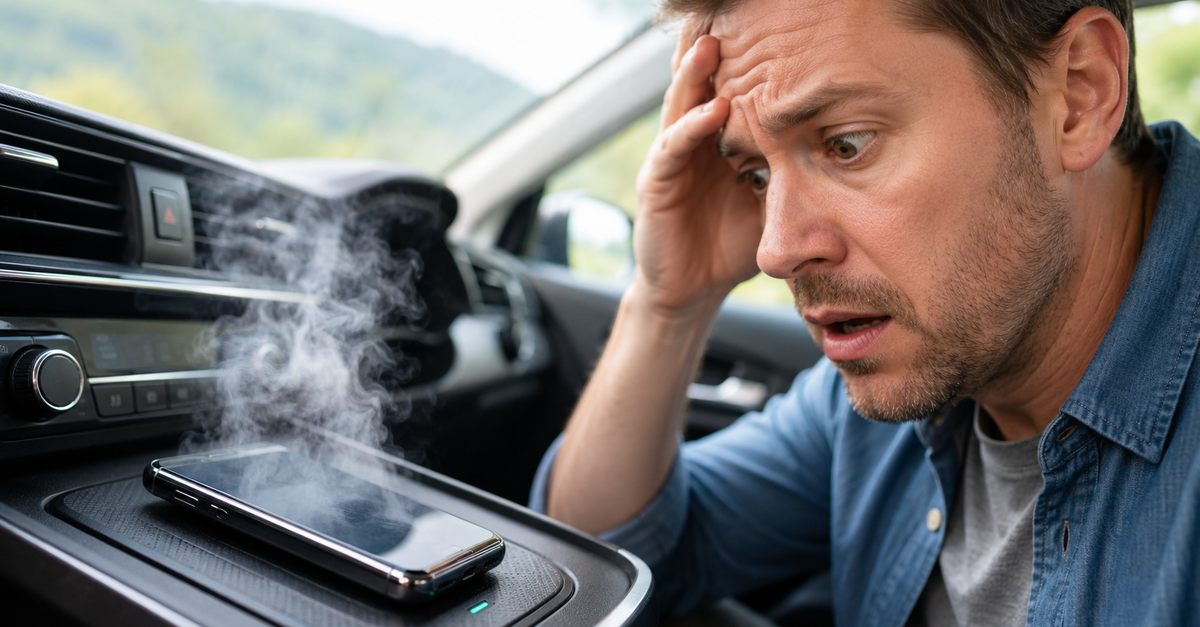
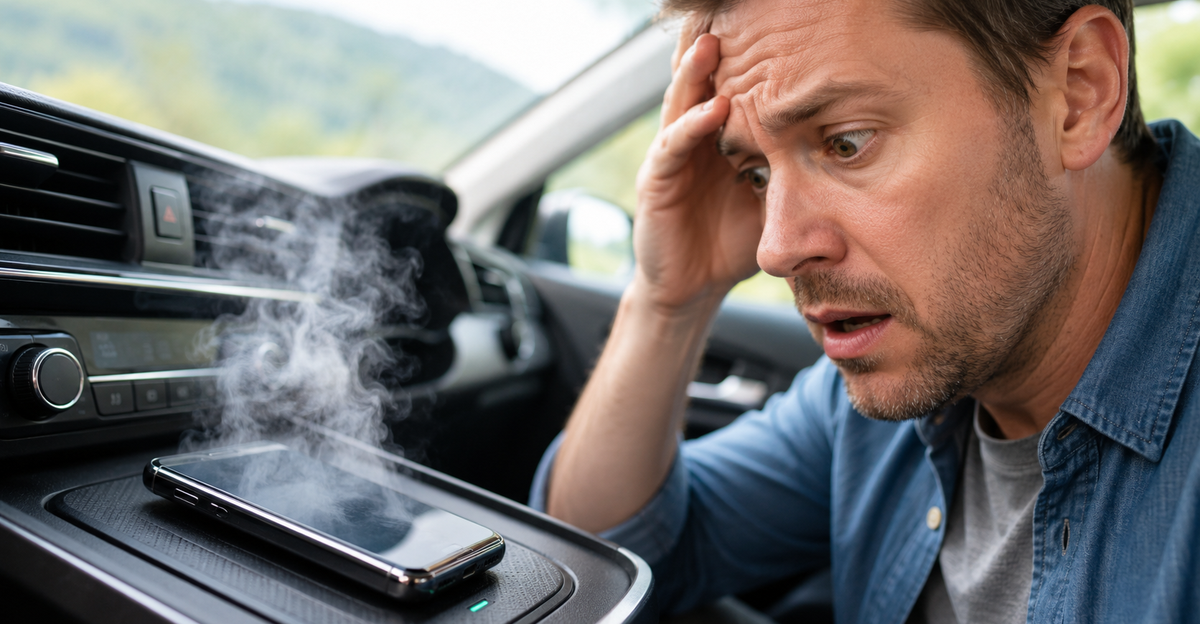
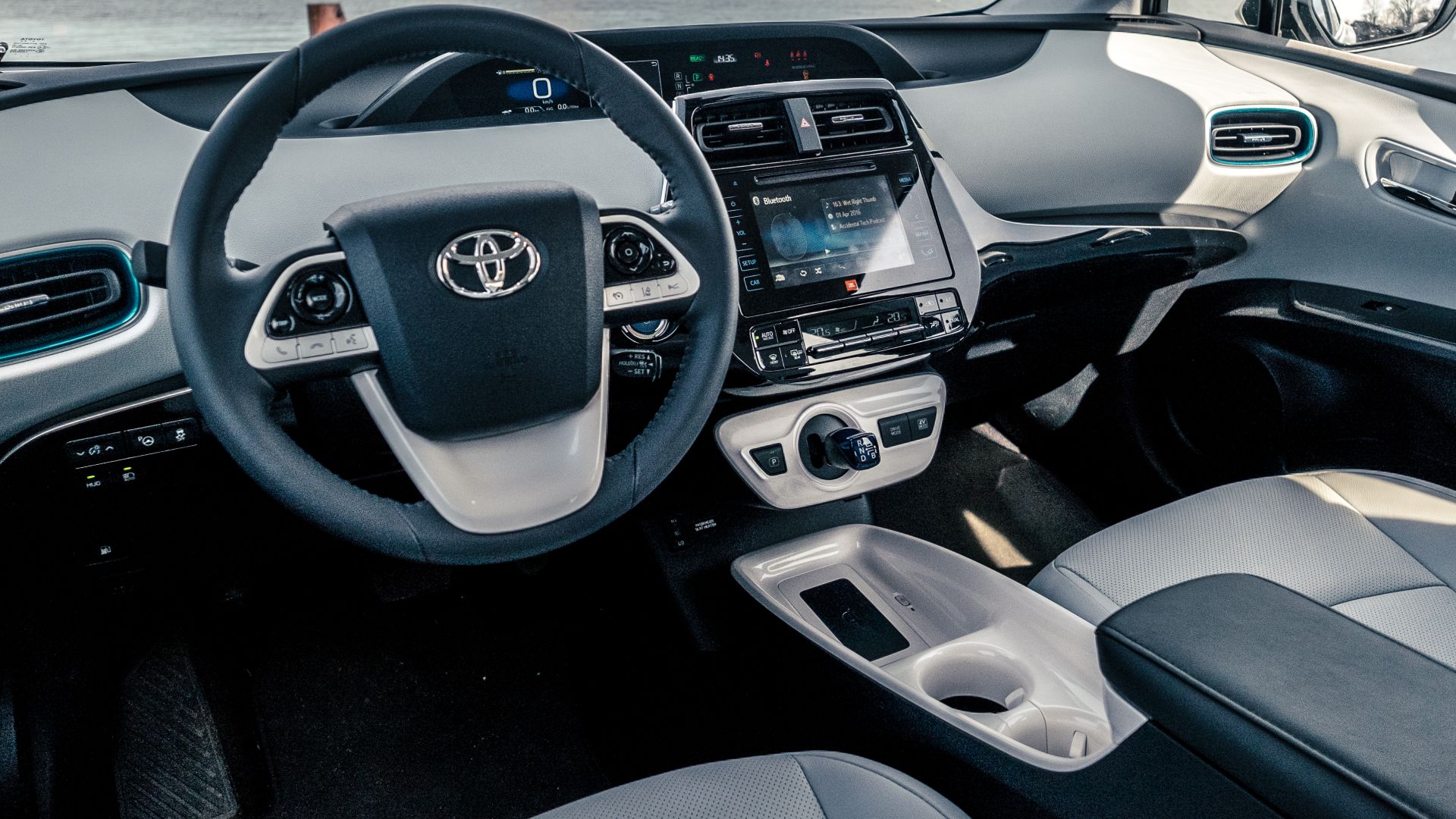
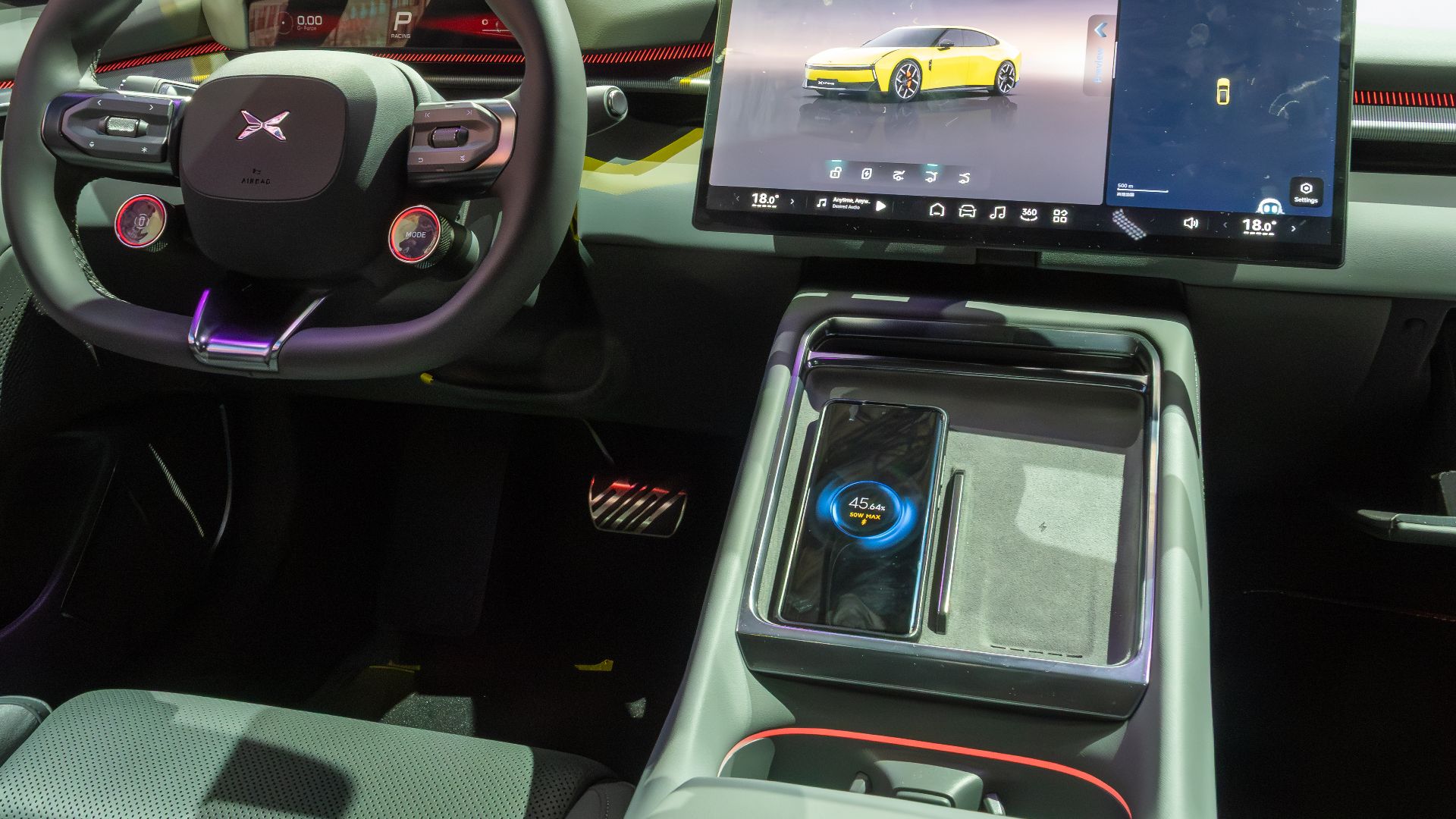
Buying a newer car often means getting built in wireless phone charging. It sounds like the perfect convenience because you can simply set your phone down and drive away. Then, after a long trip, many drivers notice the phone feels surprisingly hot.
This is a Common Problem
If your phone overheats while wirelessly charging in the car, you are far from alone. Automakers and smartphone manufacturers acknowledge that wireless charging naturally creates heat. They also note that navigation, streaming, and wireless connectivity can increase temperatures even further.
 Karlis Dambrans from Latvia, Wikimedia Commons
Wireless Charging Is Less Efficient Than A Cable
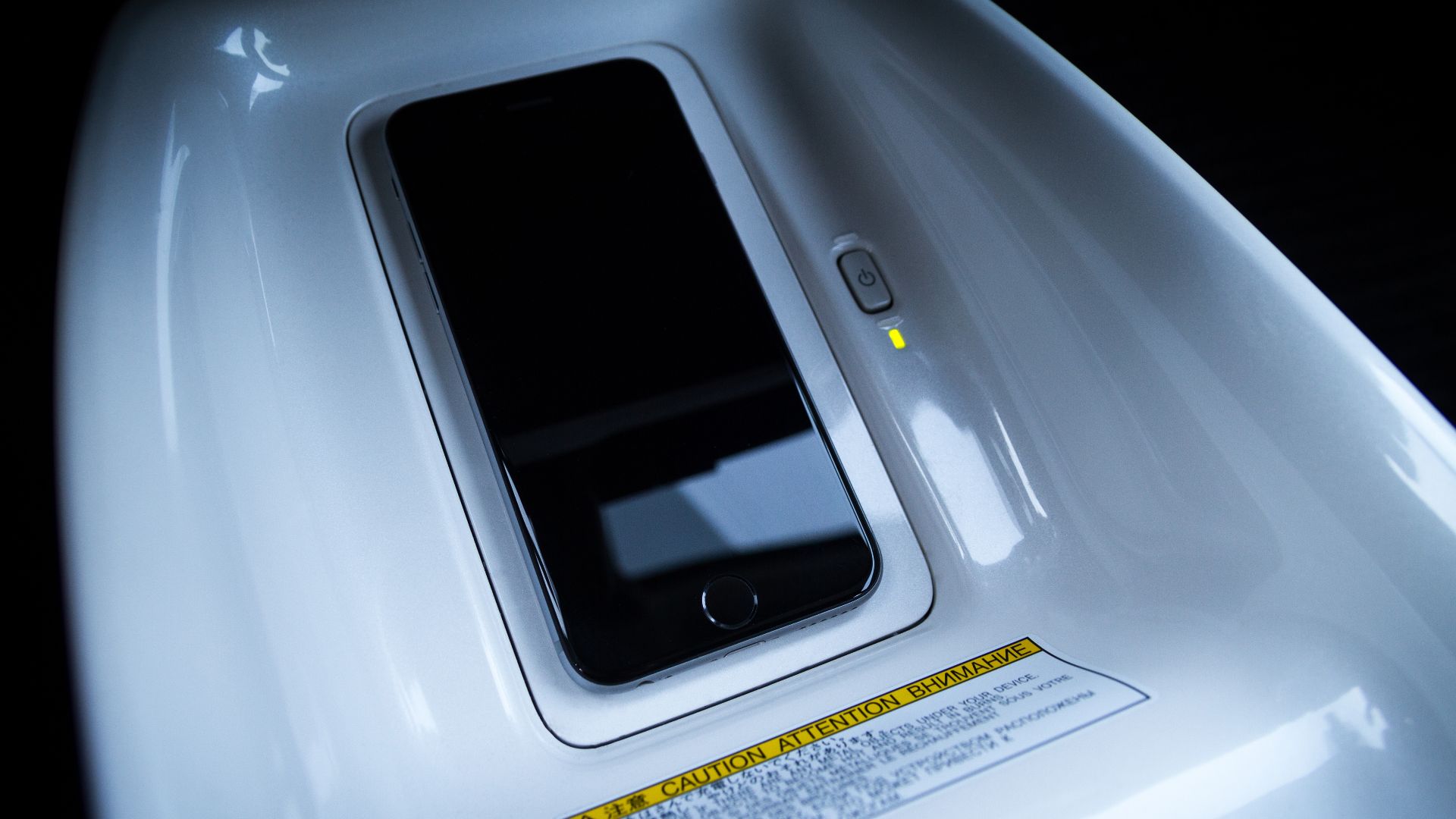
Wireless charging works through electromagnetic induction instead of a direct electrical connection. Some energy is lost as heat during this process. That extra heat is considered a normal part of wireless charging, although modern devices are designed to manage it safely.
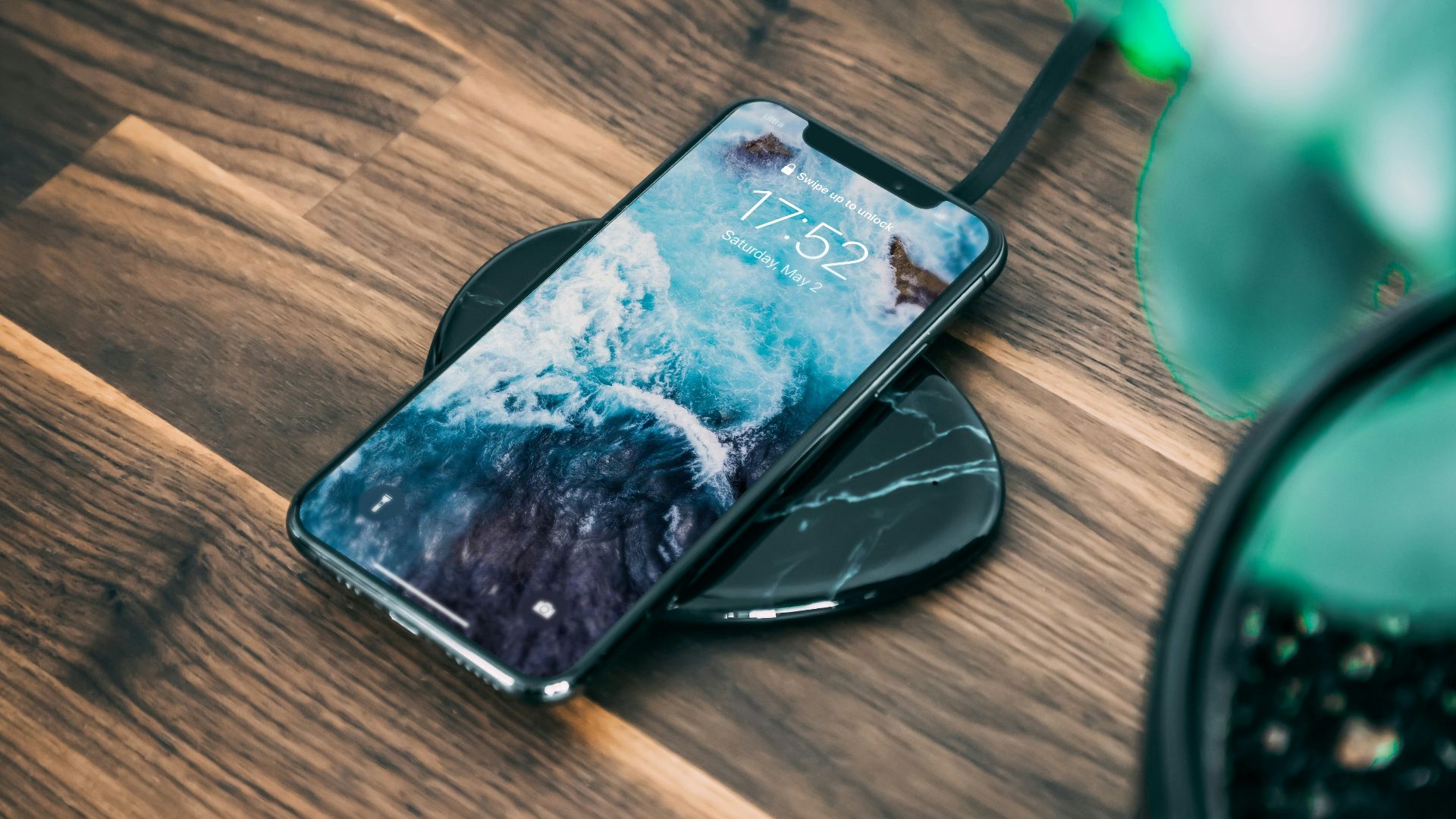
Long Drives Create The Perfect Storm
A quick fifteen minute commute usually does not push a phone very hard. A three hour road trip is a different story because the phone may spend hours navigating, streaming music, maintaining a wireless connection, and charging at the same time. All of those activities generate additional heat.

Navigation Apps Work Your Phone Constantly
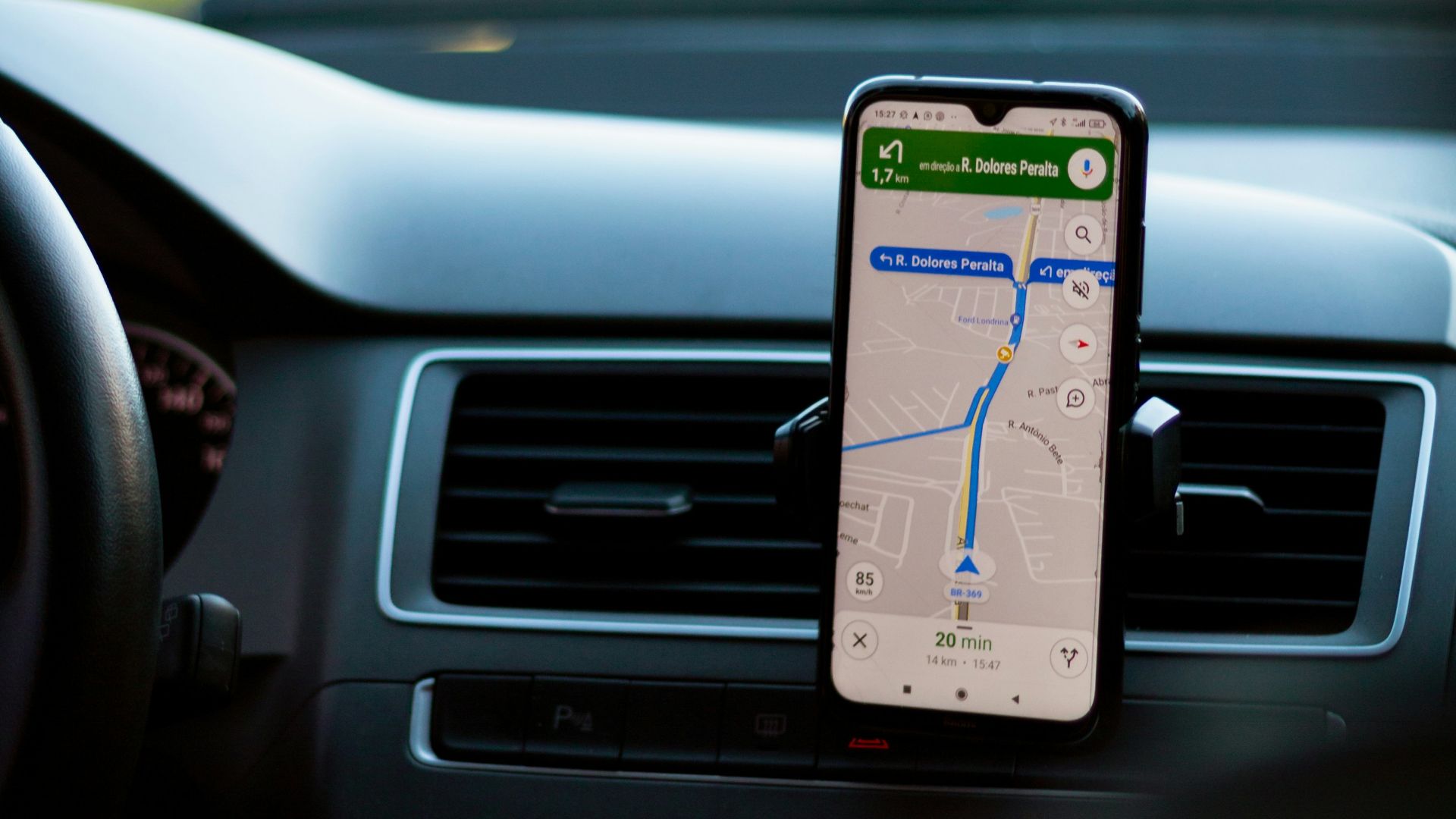
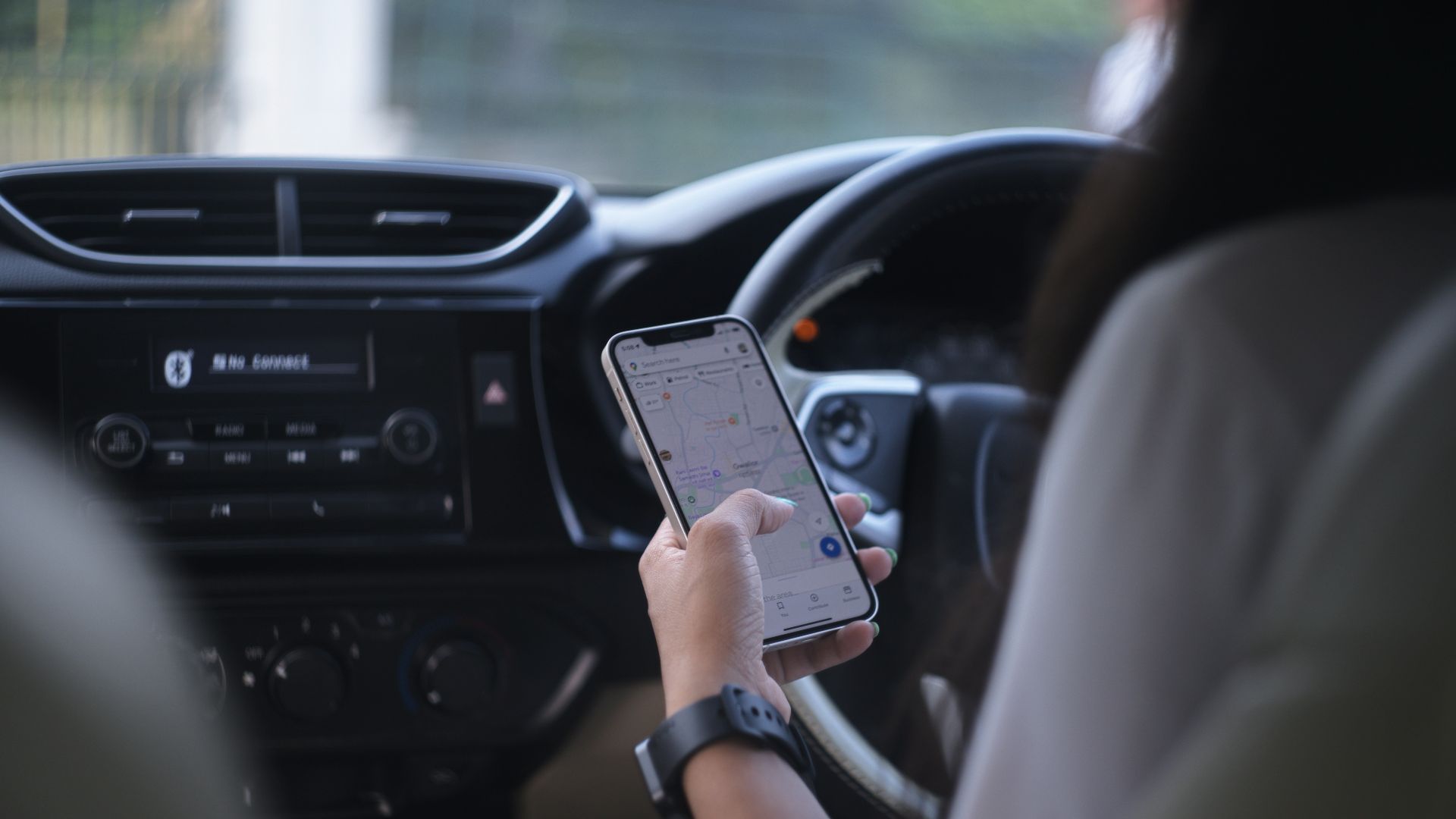
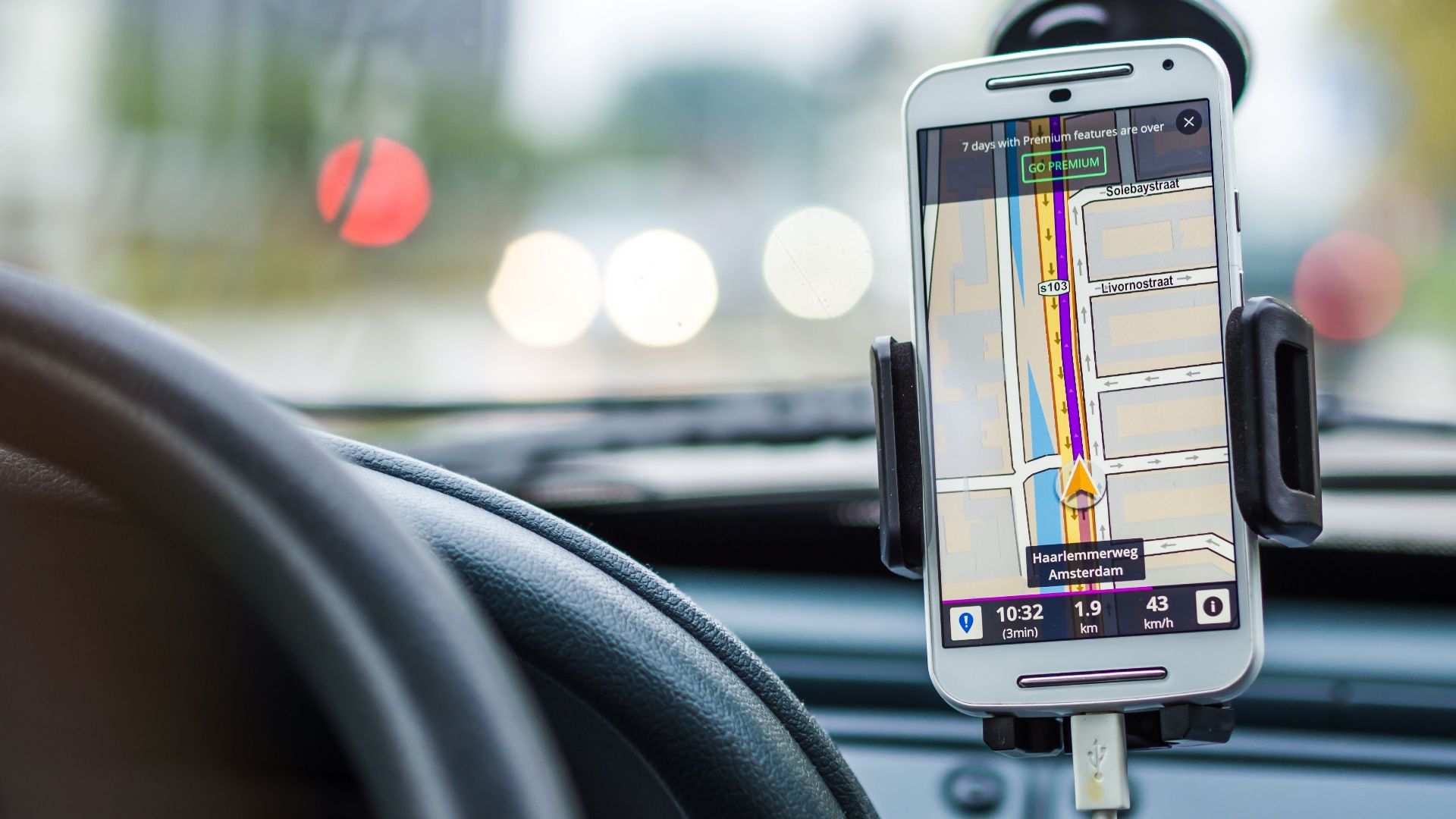
Apps like Google Maps, Apple Maps, and Waze continuously update your location using GPS. They also render maps, calculate routes, and process traffic information in real time. That workload keeps the processor busy throughout the drive.
Wireless CarPlay And Android Auto Add More Work
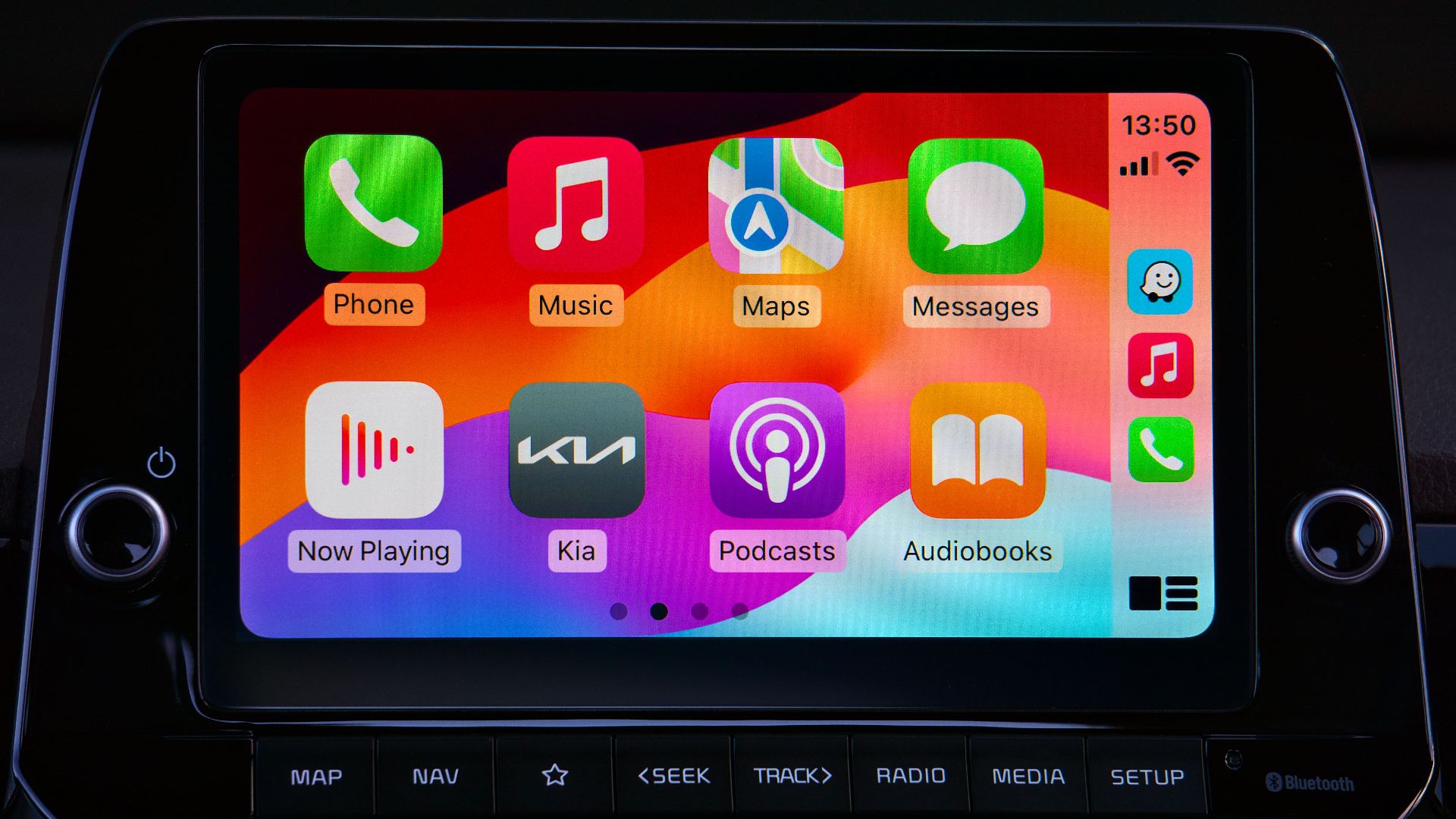
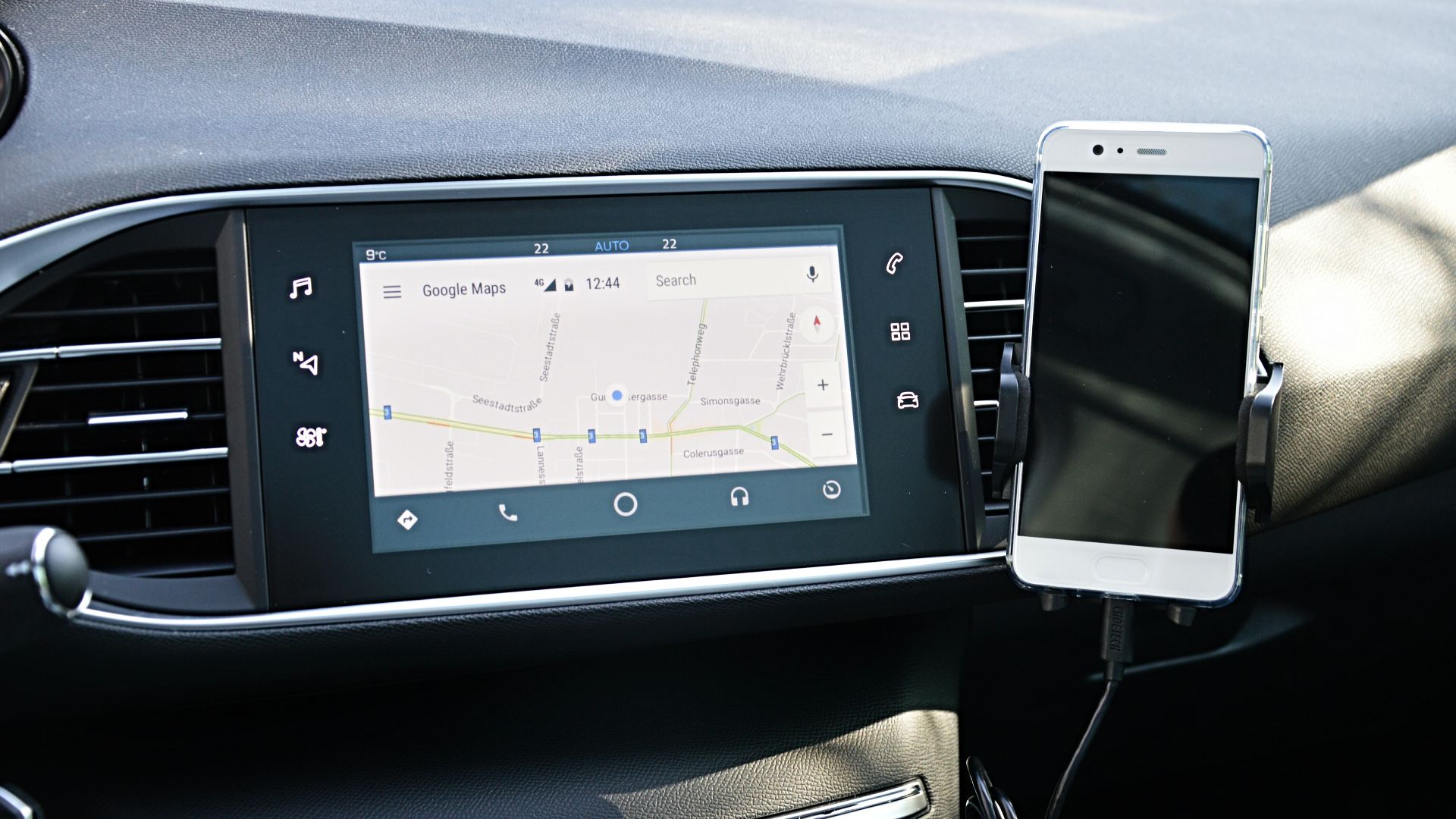
Wireless Apple CarPlay and Android Auto require continuous data transmission between the phone and the vehicle. The phone is simultaneously managing Bluetooth, Wi-Fi, audio streaming, and app processing. This combination can significantly increase power consumption and heat output.
Your Phone Is Trying To Protect Itself
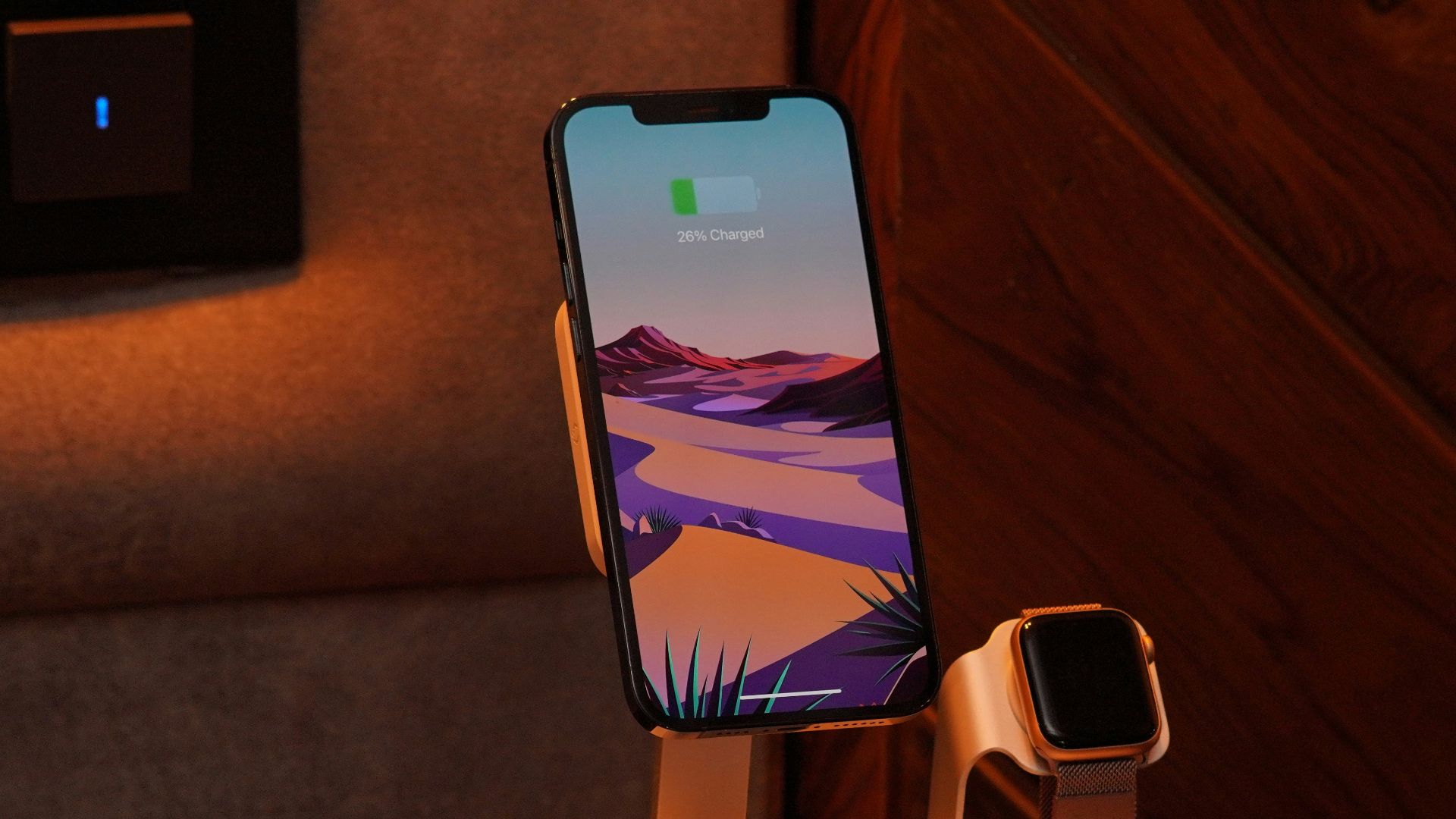
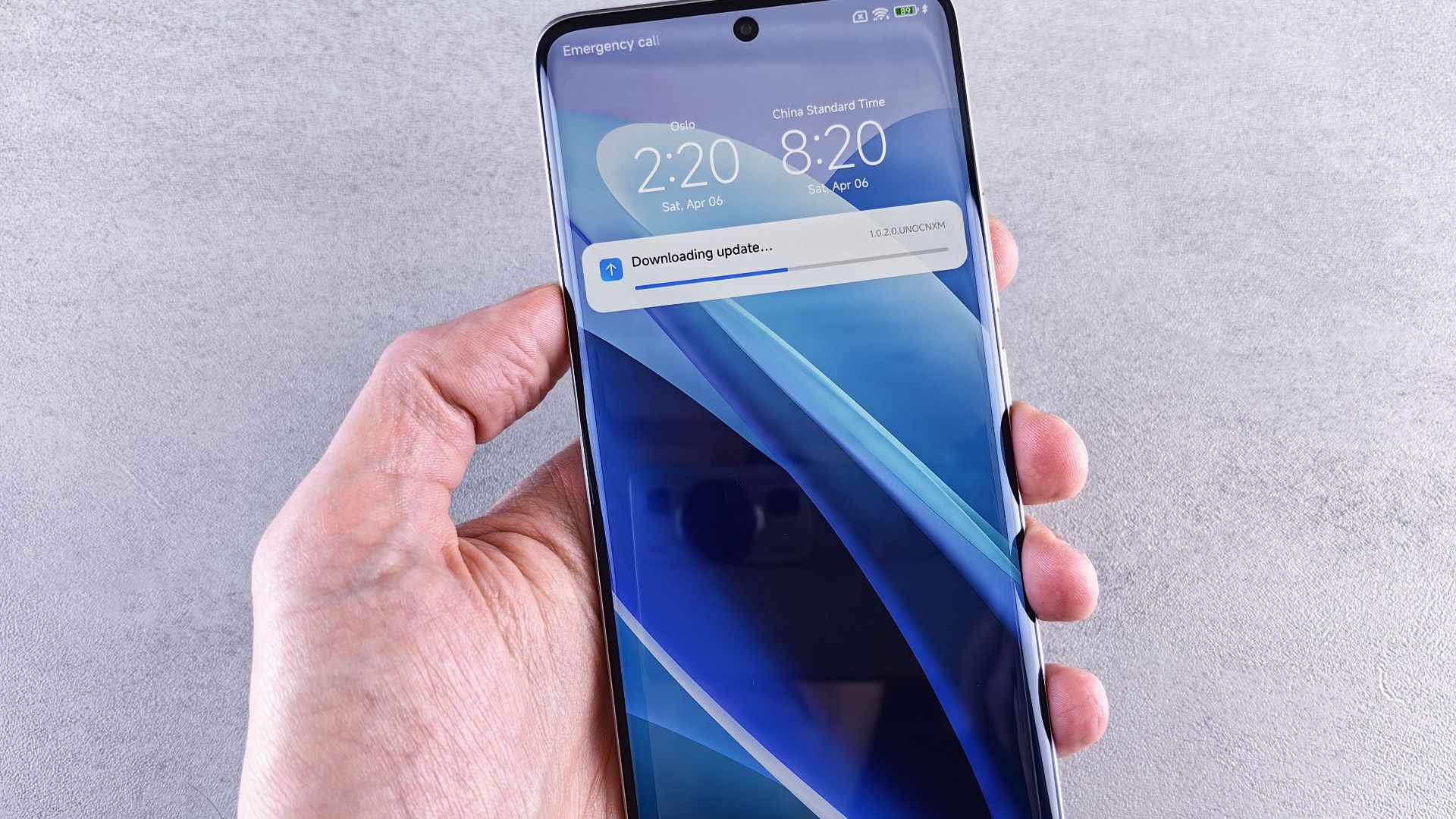
Modern smartphones include thermal management systems that monitor internal temperatures. When they become too warm, charging speeds may slow or stop automatically. Performance may also be reduced until the device cools down.
That Charging Pause Is Usually Intentional
Many people assume the wireless charger has failed when charging suddenly stops. In reality, the phone often pauses charging to protect its battery from excessive heat. Once temperatures return to a safe level, charging usually resumes automatically.
Car Makers Mention This In Their Manuals
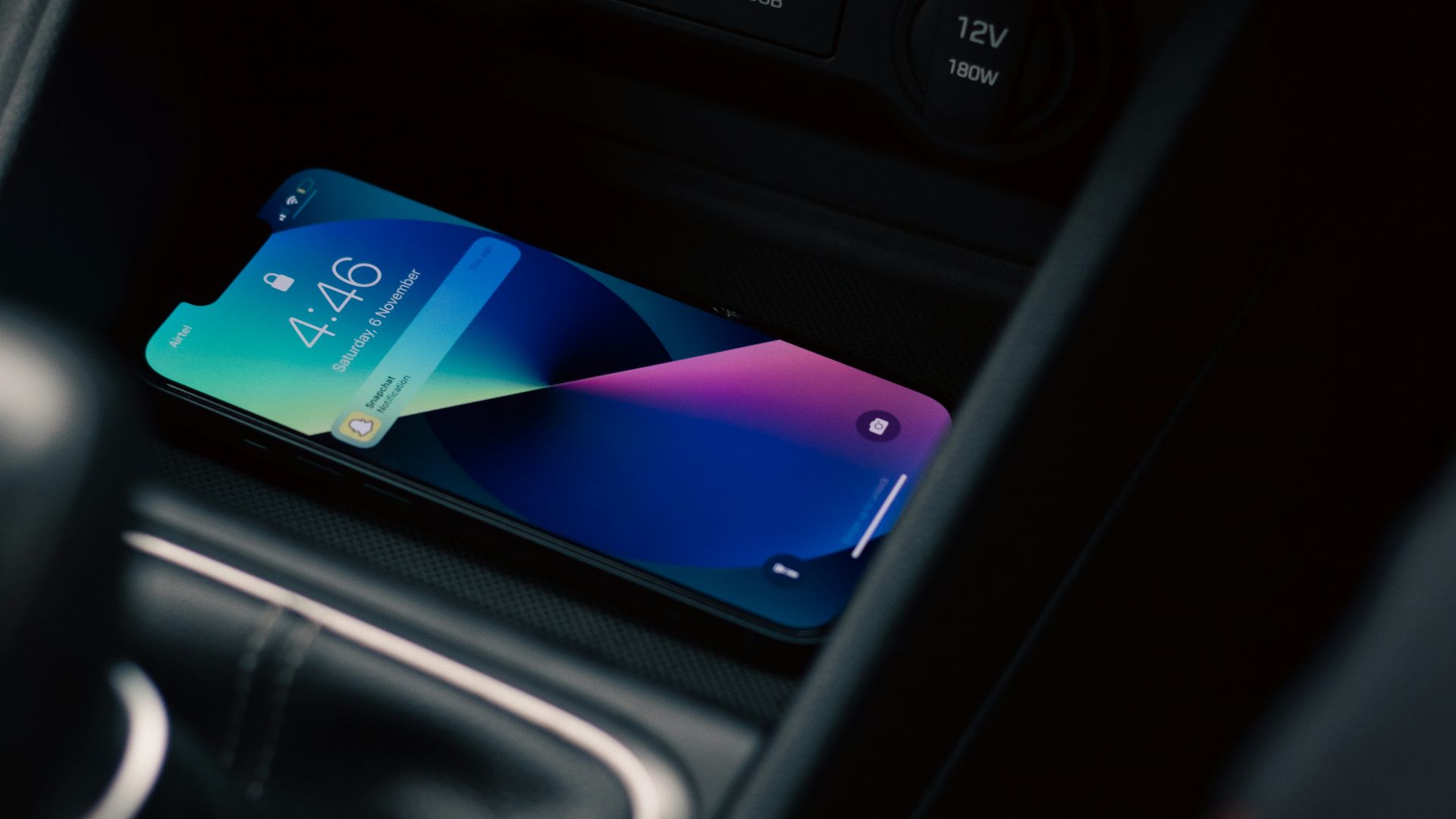
Several manufacturers specifically discuss this issue in owner documentation. Hyundai explains that wireless charging may slow or stop if a phone overheats while using Android Auto. The company notes that the phone's thermal protection is responsible rather than a defect in the charging pad.
Chevrolet Offers Similar Advice
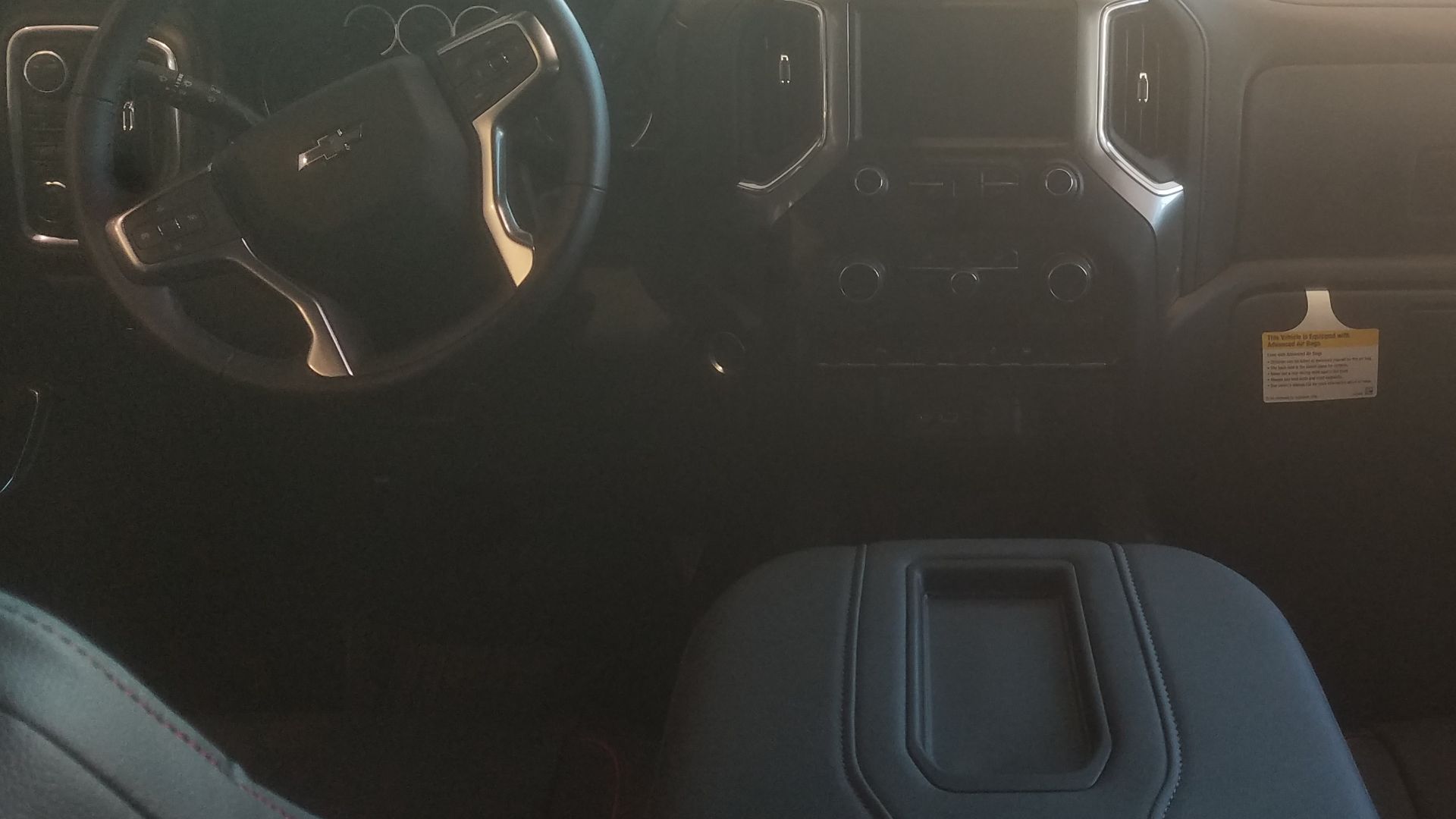
Chevrolet also tells owners that phones naturally become warm while charging. The company explains that many phones include thermal protection that limits charging or operation when temperatures climb too high.
 deathpallie325, Wikimedia Commons
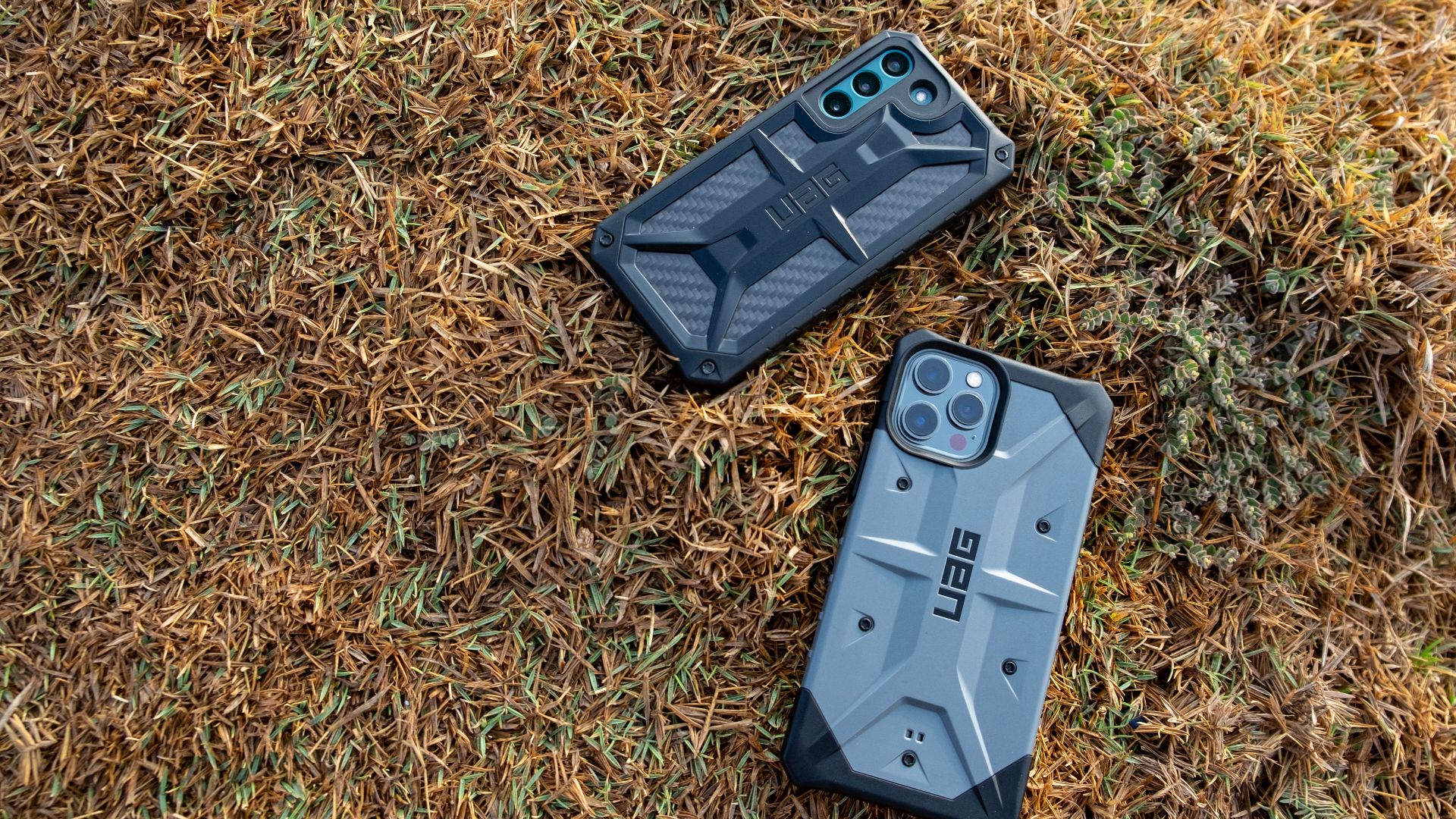
Thick Phone Cases Can Make Things Worse
A bulky protective case can trap heat around the phone. It may also reduce charging efficiency by increasing the distance between the charging coils. Removing the case during long drives sometimes helps the device stay cooler.
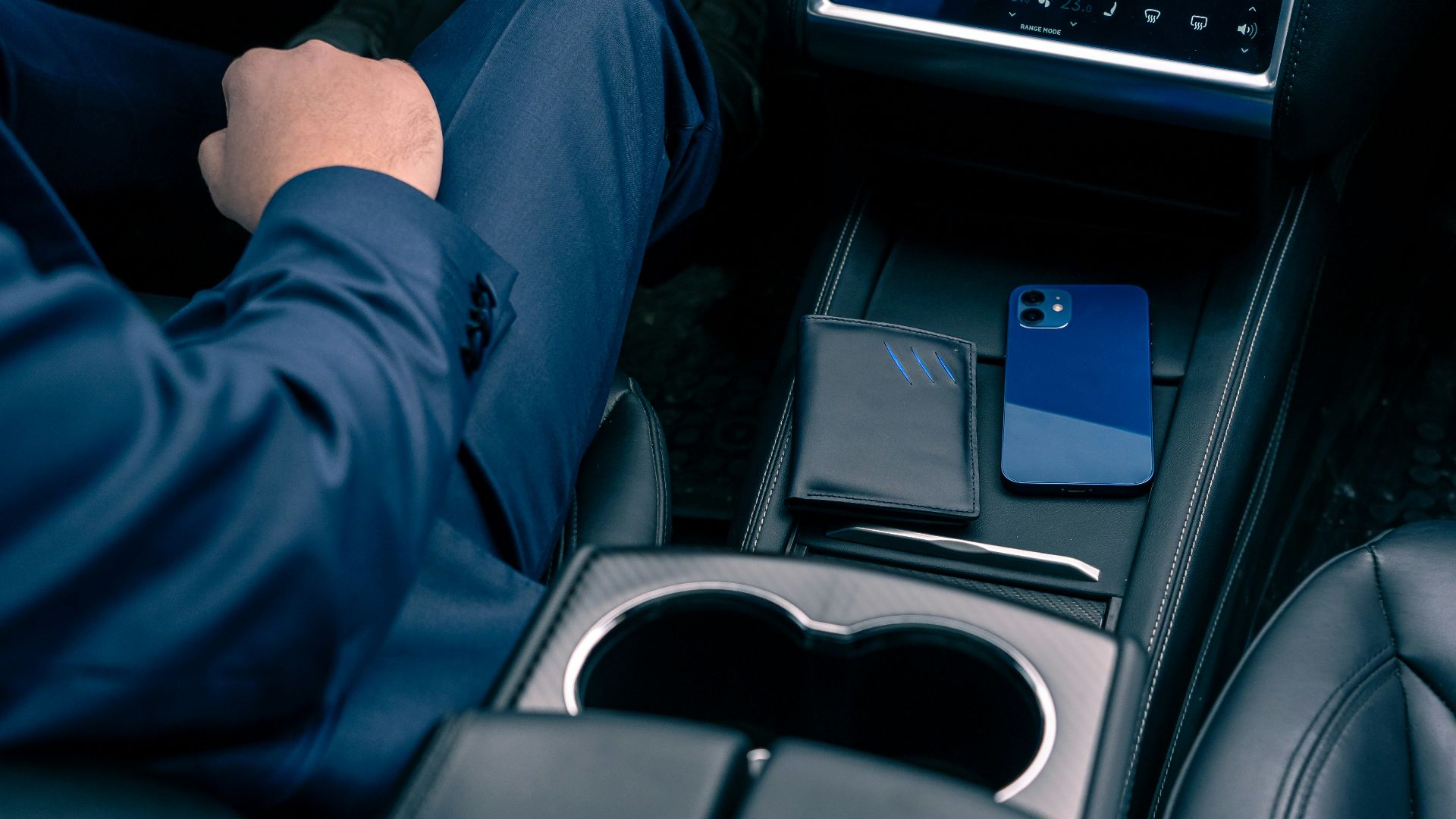
Magnetic Accessories May Interfere
Metal rings, magnetic wallets, and some phone grips can interfere with wireless charging. They may reduce charging performance while contributing to additional heat. Manufacturers commonly recommend removing these accessories before charging wirelessly.

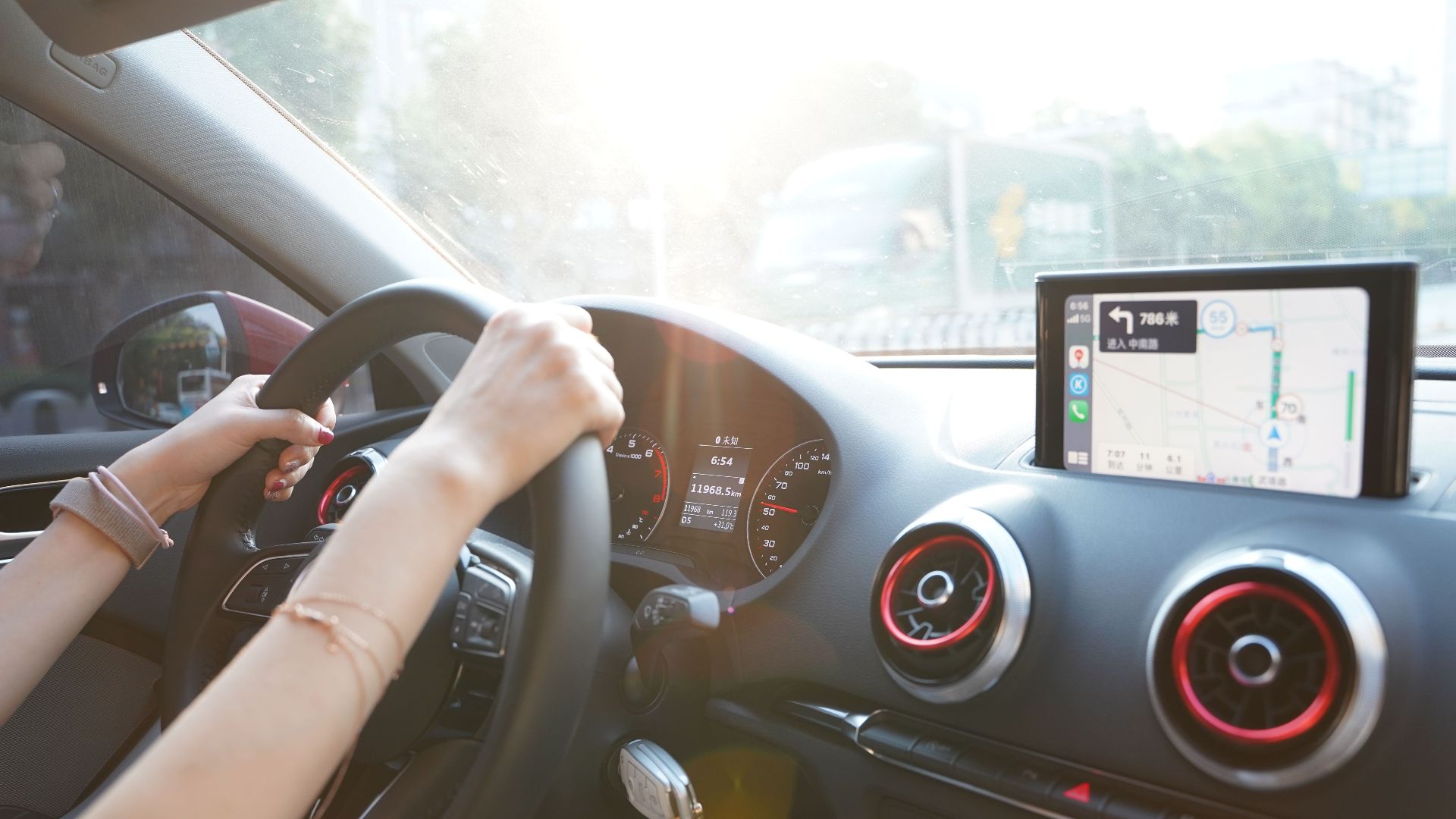
Direct Sunlight Makes Everything Harder
Even a well designed charging system struggles when the cabin becomes hot. Sunlight shining directly onto the phone raises its temperature before charging even begins. That leaves less room before the phone reaches its thermal limit.
Airflow Matters More Than Many Drivers Realize
Some wireless charging pads are tucked into enclosed storage compartments. Limited airflow allows heat to build around the phone. Better ventilation can improve cooling during extended charging sessions.
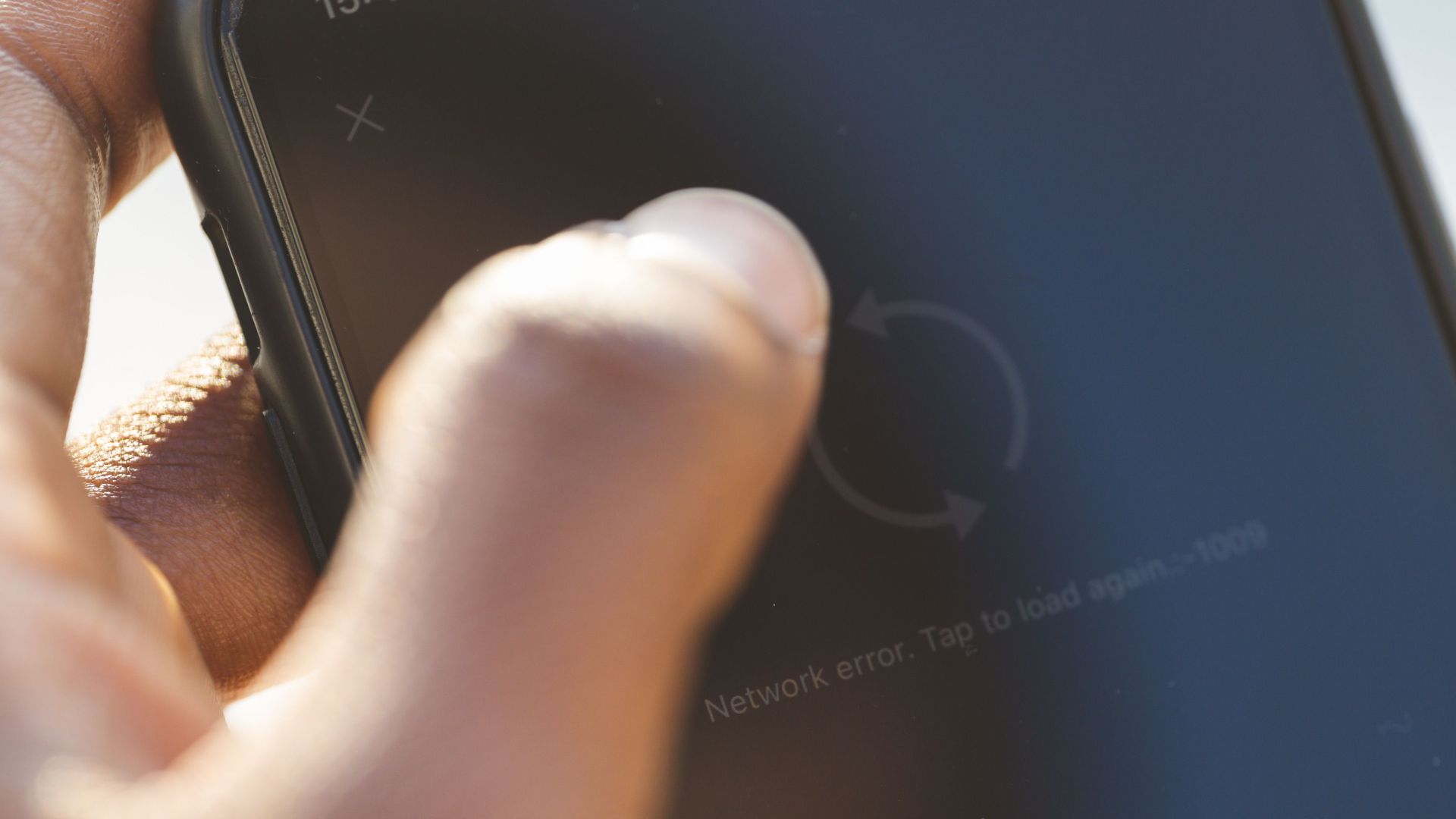
Poor Cellular Signal Can Increase Heat
When reception is weak, phones use additional power trying to maintain a connection. That extra work creates more heat while the wireless charger is already warming the device. Google specifically notes that poor signal conditions can contribute to charging problems.
Fast Wireless Charging Is Not Always Better
Higher charging speeds can generate additional heat under demanding conditions. Many phones automatically reduce charging power when temperatures increase. This balancing act helps protect long term battery health.
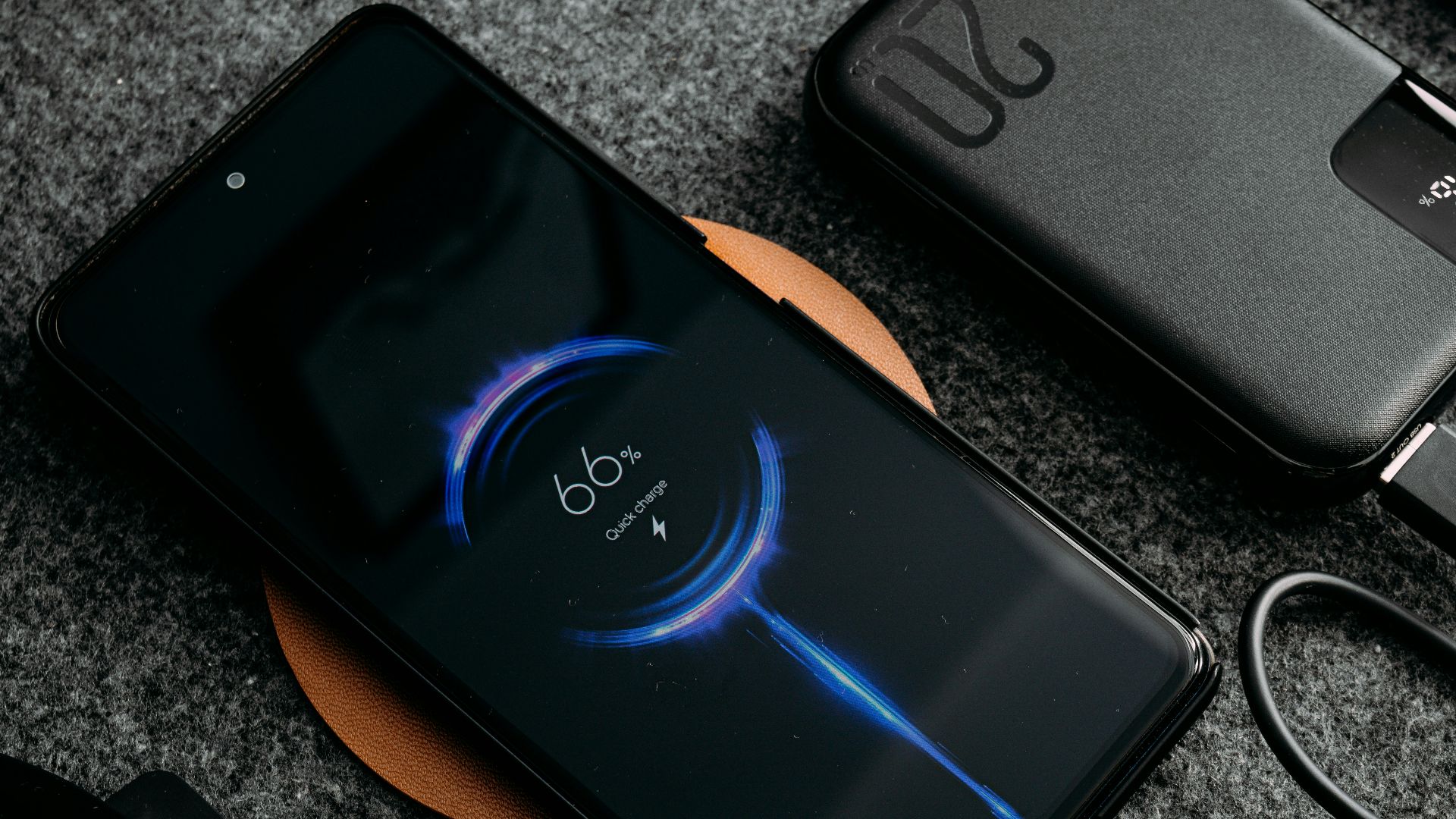
Battery Health Can Be Affected By Heat
Lithium ion batteries naturally age over time. Repeated exposure to elevated temperatures accelerates that aging process. That is one reason manufacturers prioritize cooling over maximum charging speed.
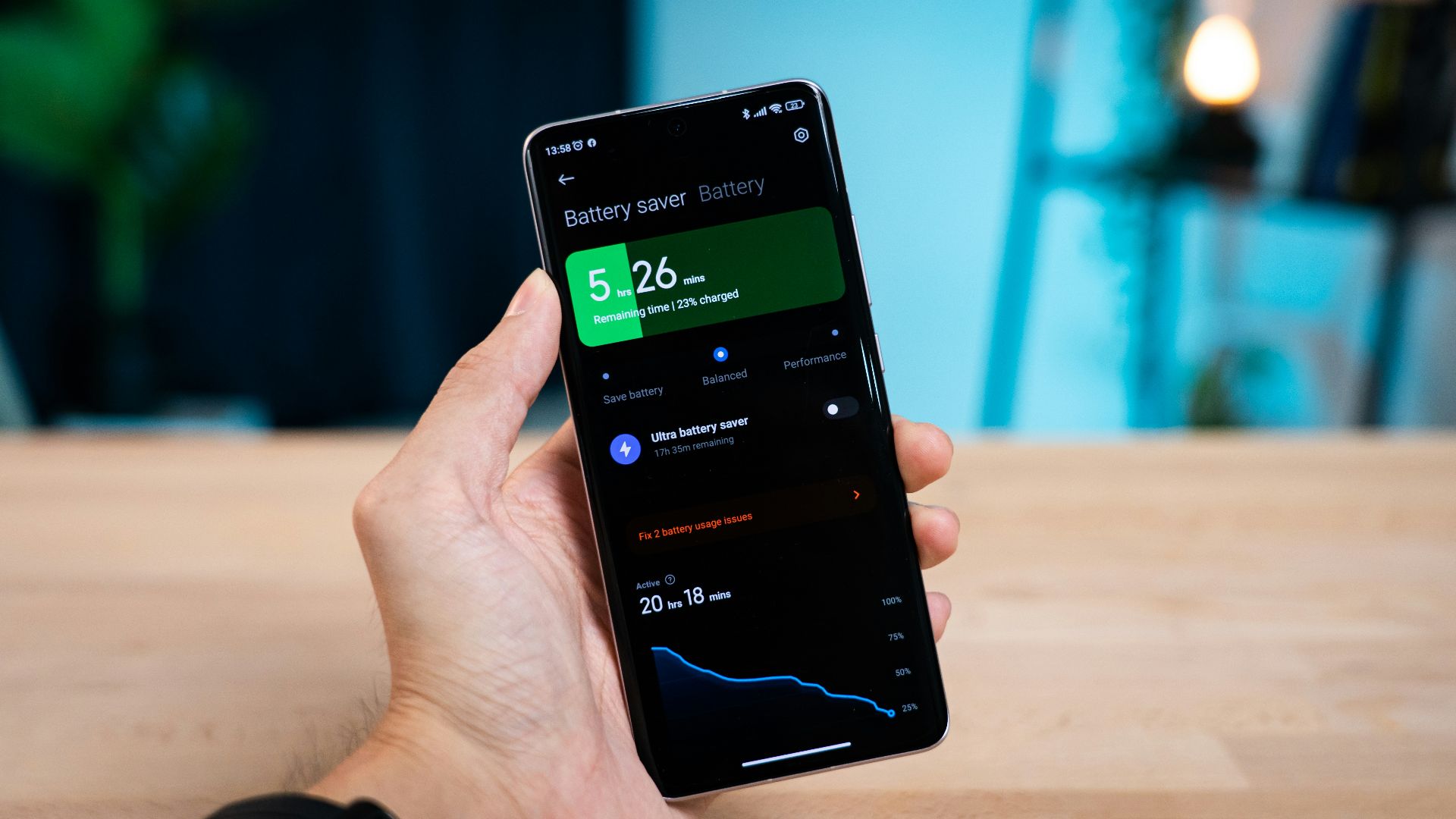
You May Notice The Battery Barely Charges
Some drivers are surprised to finish a long trip with almost the same battery level they started with. Heavy navigation and media streaming can consume nearly as much power as the wireless charger supplies. The result is little or no net gain in battery percentage.
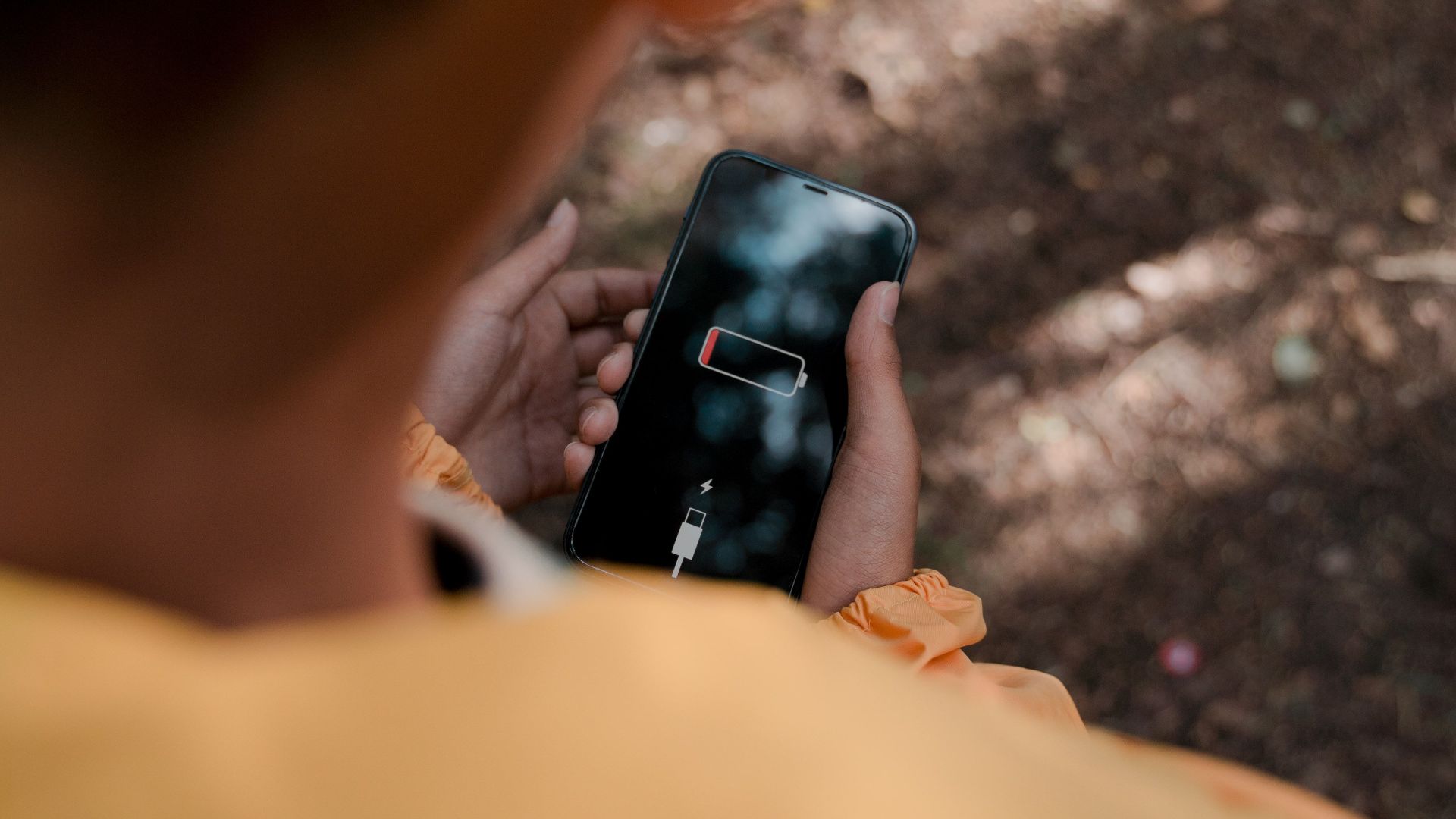
A Wired Connection Often Runs Cooler
A USB cable transfers electricity more efficiently than wireless charging. Less wasted energy means less heat under many conditions. Drivers who frequently take long trips may find wired charging more reliable.
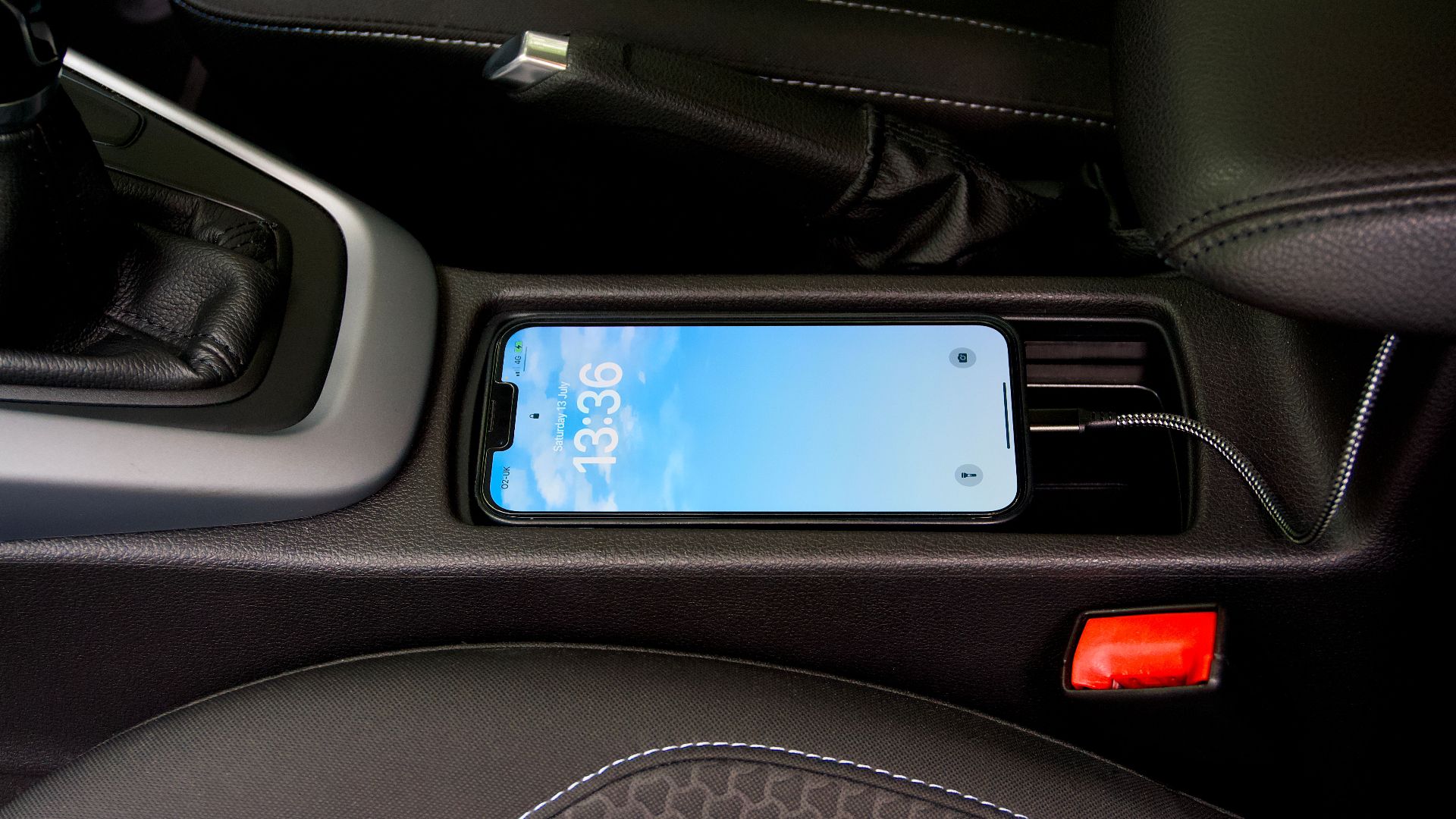
Cooling The Phone Can Help
Removing the case, keeping the cabin cool, and avoiding direct sunlight all reduce thermal stress. Allowing fresh air to circulate around the phone also improves cooling. Small changes often make a noticeable difference.
Closing Unnecessary Apps Reduces The Workload
Every active application uses processor time and battery power. Closing apps you are not using can reduce heat generation. That leaves more thermal capacity for navigation and charging.
Some Cars Include Better Cooling Designs
Certain newer vehicles place air vents near the charging pad or integrate cooling into the compartment. These designs help remove heat during extended charging sessions. Manufacturers continue refining these systems as phones become more powerful.

Phone Makers Continue Improving Thermal Controls
Apple and Google regularly update charging software and thermal management features. These systems dynamically adjust charging rates based on device temperature. Users often see temporary charging limits as a result of those protections.
Not Every Phone Behaves The Same Way
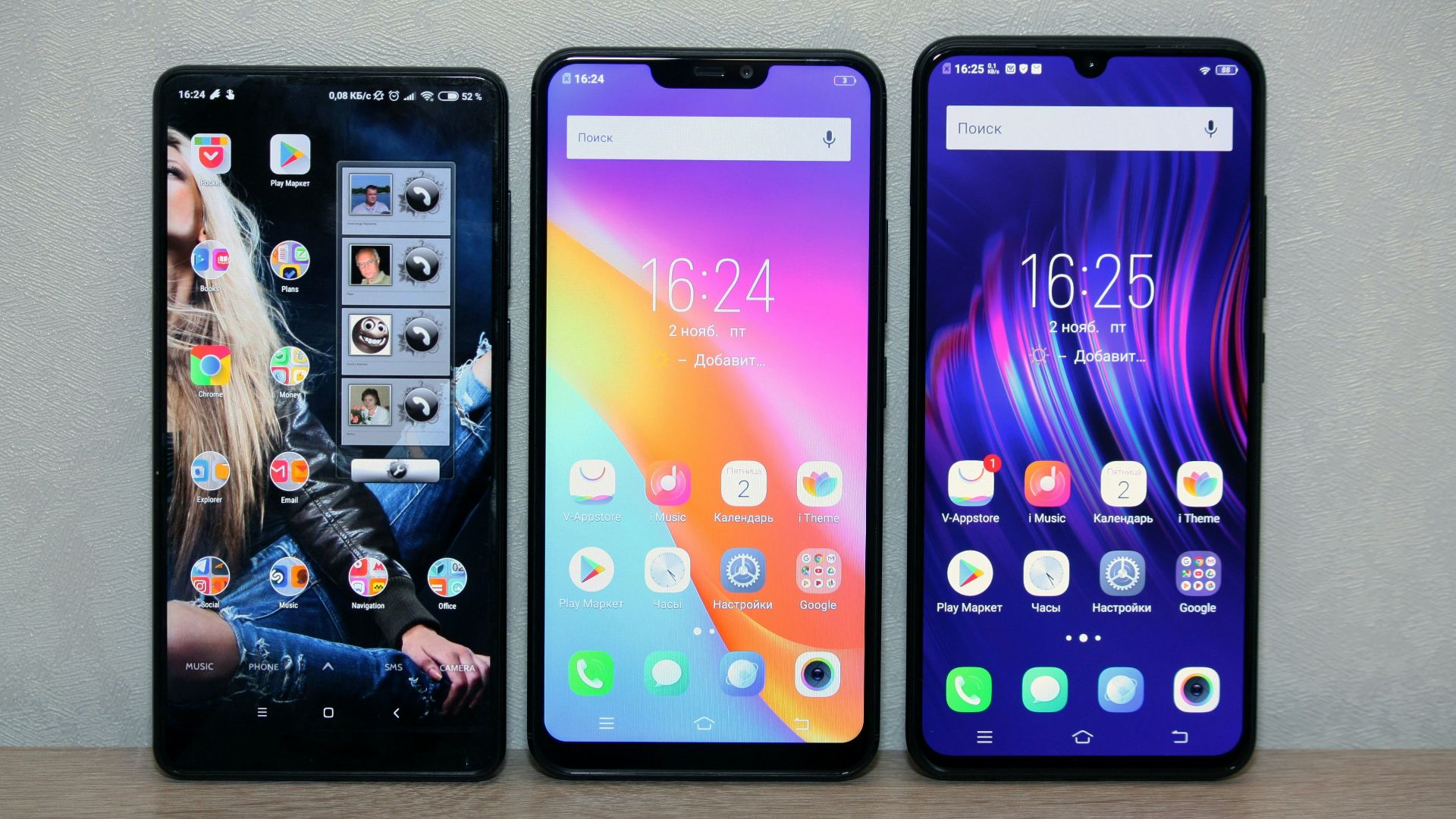
Different phones use different processors, batteries, and cooling systems. Some models handle sustained wireless charging better than others. Even two phones from the same manufacturer may perform differently.
Convenience Still Has A Place
Wireless charging remains a useful feature for everyday commuting. It eliminates cable clutter and keeps the cabin tidy. For shorter trips, many drivers never experience overheating at all.
 Matti Blume, Wikimedia Commons
Knowing The Limits Helps You Get The Best Results
Wireless charging is convenient, but it has practical limits during demanding conditions. Long drives with navigation, streaming, and wireless connectivity naturally create extra heat. Understanding how these systems work makes it easier to choose the right charging method for every trip.
You May Also Like:
The Most Overrated Cars Today, According To Car Enthusiasts
People With The Largest Car Collections In The World